Navigation & UI
Core interface and governance surfaces that help teams configure the product, manage access, and keep the CRM usable at scale.
2
Navigation & UI features
Featured workspace
Settings
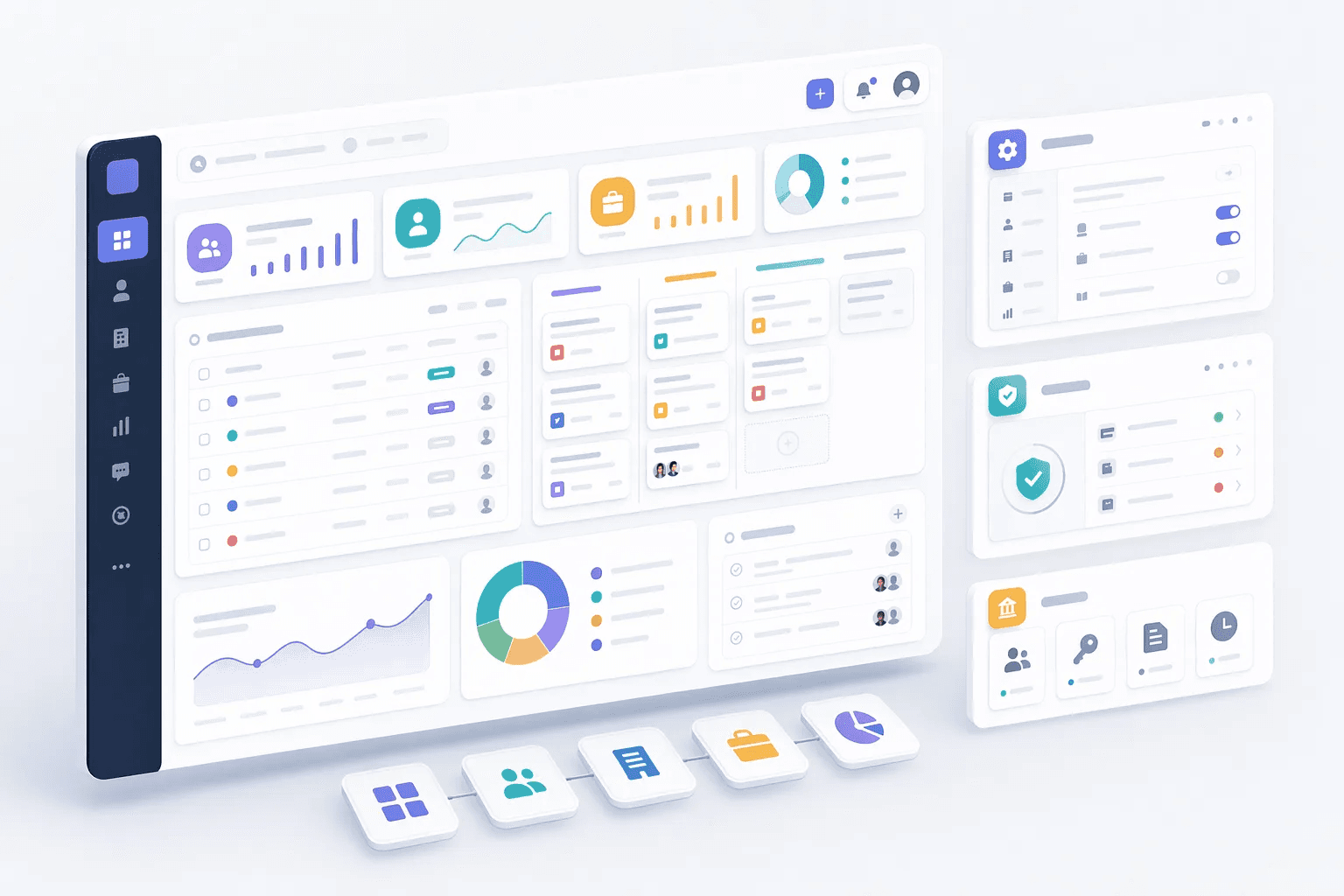
How teams use navigation & ui
Teams usually review navigation & ui when they want to improve a specific operating motion, not just add another isolated feature. In practice, that means turning related capabilities such as Settings, Security & Compliance into one clearer workflow that reps, managers, and operators can actually use every day.
For most buyers, the real question is how this category changes execution. Common evaluation paths include keep admin surfaces organized, support trusted access, reduce interface confusion, where the value comes from cleaner ownership, faster next steps, and better visibility into what should happen after each customer interaction.
A strong rollout usually starts with one high-value use case, then expands into reporting, automation, and team inspection once adoption is consistent. That is why this category page groups related modules together first and then links into deeper feature pages for more specific evaluation.
Explore modules
Navigation & UI features
Pick a module to see details, workflows, and how it fits into the CRM.


Common use cases
Where teams use navigation & ui
Practical workflows built from the features in this category, grouped around the outcomes teams usually care about first.
Use these examples to decide whether you need one focused capability or a broader category rollout. In most teams, adoption improves when the first workflow is concrete and tied to a measurable operational problem rather than a broad feature wish list.
Keep admin surfaces organized
Give teams one clear place to manage workspace behavior and configuration.
See workflowSupport trusted access
Keep security and compliance controls visible as the team and data footprint grows.
See workflowReduce interface confusion
Help users find the right workspace and control without hunting through disconnected menus.
See workflowPrepare for scale
Use cleaner admin foundations before adding more teams, roles, and workflows.
See workflowSuggested workflow
Turn features into a working motion
Start with a focused setup, connect the next action, and expand once the team has a repeatable rhythm.
Step 1
Start with the core workflow
Use Settings as the first workspace so the team has one clear place to begin.
Step 2
Connect the next action
Layer in Security & Compliance to turn the workflow into repeatable daily execution.
Step 3
Scale what works
Use Security & Compliance to refine adoption, coaching, and team visibility as usage grows.