HelloGrowthCRM software
Built for real small-business sales teams
HelloGrowthCRM helps reps qualify faster, follow up on time, and close more deals—with practical automation in one place.
- AI lead scoring and pipeline visibility
- Built-in dialer, WhatsApp, and email automation
- Sales forecasting and RevOps-ready reporting
The best CRM with email integration in Singapore is one that centralises your sales communication, automates follow-ups, and fits your team’s workflow without complexity. This article guides you through choosing the right CRM by outlining key steps, common pitfalls, and practical examples. It also explains how HelloGrowthCRM’s email and messaging features support your sales process.
Why this comes up / what goes wrong
Small and mid-sized businesses in Singapore often juggle leads and customer conversations across multiple channels like WhatsApp, email, and spreadsheets. This scattered approach causes delays in following up, missed messages, and lost sales opportunities. Business owners searching for the best CRM with email integration want a solution that unifies email with their sales pipeline, making communication visible and manageable for the whole team. Without this, inside-sales teams struggle to track who responded to what, and sales leaders find it hard to forecast or report accurately.
Step-by-step
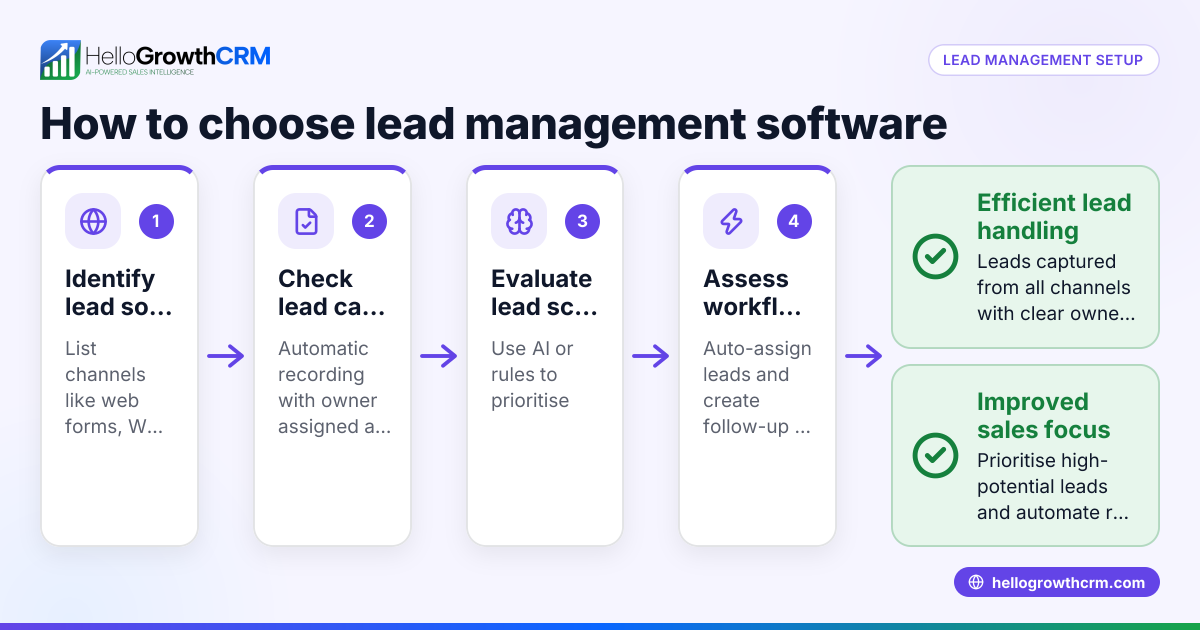
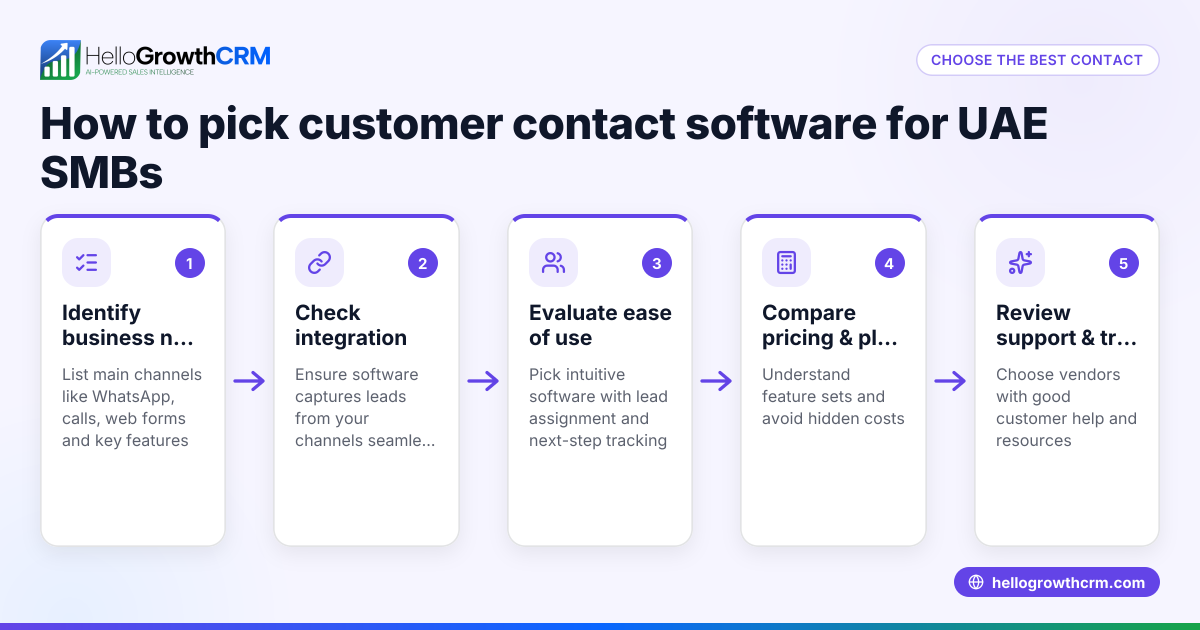
- Identify your team’s communication channels: Check which channels (email, WhatsApp, SMS) your sales team uses most. A CRM that integrates these channels reduces switching apps and missed messages.
- Check email integration features: Look for shared inboxes where replies to quotations or inquiries are visible to the entire team on the deal record. This prevents duplicated replies and improves collaboration.
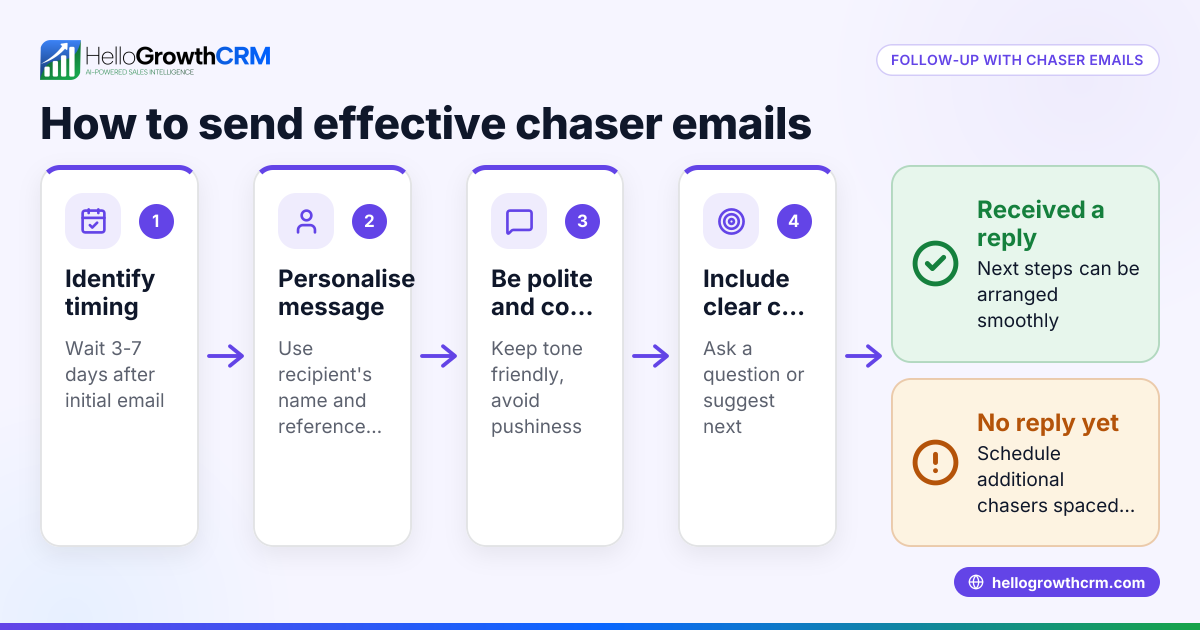
- Evaluate automation capabilities: Confirm if the CRM supports email sequences or automated follow-ups to nurture leads without manual effort. See email automation and sequences.
- Assess integration options: Ensure the CRM can capture leads automatically from your existing enquiry sources or websites through APIs or integrations. For example, integrations with platforms like IndiaMART and JustDial can feed leads directly into the CRM. Learn more at integrations.
- Consider messaging channels beyond email: If your team uses WhatsApp or SMS for sales, check that the CRM logs these conversations on the lead record and allows follow-ups from the same platform. This keeps all communication in one place.
- Review user experience and adoption: The best CRM is one your team will actually use daily. Trial the interface and confirm it fits your sales process without adding complexity.
- Compare pricing and plans: Look at the CRM pricing for Singapore businesses to ensure it fits your budget while offering the necessary features. See CRM pricing in Singapore.
- Ask about reporting and forecasting: Confirm the CRM provides sales pipeline visibility and forecasting tools to help you manage and grow your business.
Example (fictional figures)
A property agency in Novena wants to improve lead follow-up. They receive about 100 enquiries monthly via email and WhatsApp.
- Monthly revenue target: S$120,000
- Average deal size: S$12,000
- Conversion rate before CRM: 10%
- Expected conversion rate after CRM: 15%
Calculations:
Leads per month = 100
Deals before CRM = 100 × 10% = 10
Revenue before CRM = 10 × S$12,000 = S$120,000
Deals after CRM = 100 × 15% = 15
Revenue after CRM = 15 × S$12,000 = S$180,000
Revenue increase = S$180,000 - S$120,000 = S$60,000
By choosing a CRM with email integration and WhatsApp logging, the agency improves lead tracking and follow-ups, increasing conversion and revenue by S$60,000 monthly.
Common mistakes
- Choosing a CRM without shared email inboxes: Teams miss replies or send conflicting messages. Prevent this by selecting a CRM with a shared inbox feature.
- Ignoring integration capabilities: Manually entering leads wastes time and causes errors. Use a CRM that integrates with your lead sources like IndiaMART or JustDial.
- Overlooking messaging channels beyond email: If your team uses WhatsApp or SMS, a CRM without these integrations will fragment communication. Pick a CRM that logs WhatsApp and SMS conversations.
- Selecting complex CRMs: Overly complicated systems discourage daily use. Trial the CRM to ensure it matches your team's workflow.
- Neglecting automation features: Without email sequences or follow-up reminders, leads go cold. Confirm the CRM supports email automation and task reminders.
- Not checking local pricing and support: International CRMs may have pricing or support gaps for Singapore businesses. Verify local pricing and customer service availability.
Doing this in HelloGrowthCRM
HelloGrowthCRM offers a HelloMail shared inbox so your entire sales team can see replies to quotation emails on the deal record, preventing missed communication. Its API and integrations bring leads from IndiaMART and JustDial directly into the CRM, saving manual entry. Plus, WhatsApp and SMS conversations with leads are logged and can be followed up within the CRM, keeping all communication in one place. Learn more about HelloGrowthCRM for Singapore at HelloGrowthCRM for Singapore.
Frequently asked questions
What is the best CRM with email integration pricing in Singapore? Pricing varies by features and user count. Many CRMs offer tiered plans starting with basic email integration and scaling to automation and multiple channels. Check Singapore-specific pricing pages like CRM pricing in Singapore to compare options.
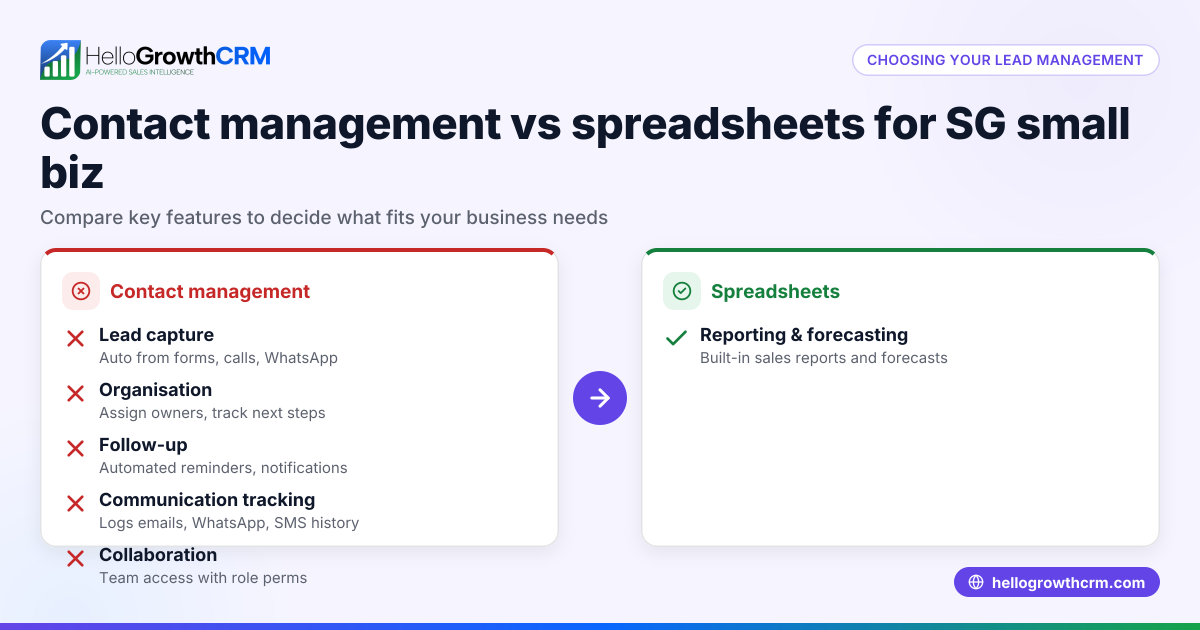
Are there alternatives to CRMs with email integration? Alternatives include using email clients with manual tracking or combining spreadsheets with messaging apps. However, these often lead to lost leads and inefficiency. CRMs with integrated email and messaging streamline sales workflows.
How important is email automation in a CRM? Email automation helps maintain consistent follow-up without manual effort, improving lead conversion. Look for CRMs that support email sequences and task reminders, such as HelloGrowthCRM’s email automation and sequences.
Can a CRM integrate with WhatsApp for sales follow-up? Yes, some CRMs integrate WhatsApp messaging directly, logging conversations and enabling follow-ups from the CRM. This keeps sales communication unified and accessible to the team.
How do I ensure my team adopts a new CRM? Choose a CRM that matches your sales process, offers a simple interface, and supports the communication channels your team uses. Trial the CRM with your team before committing.
Key takeaways
- The best CRM with email integration centralises communication and supports team collaboration.
- Check for shared inboxes, automated email sequences, and multi-channel messaging support.
- Integrations with local lead sources like IndiaMART and JustDial improve lead capture.
- Avoid complex or incomplete CRMs that your team won’t use daily.
- Review pricing and local support options for Singapore businesses.
- HelloGrowthCRM offers shared inbox, API integrations, and WhatsApp/SMS messaging to streamline sales.
Choosing the right CRM with email integration can transform your sales process and increase revenue. For detailed pricing and plans suited to Singapore businesses, see Singapore pricing.
Ready to put this into practice?
Set up your pipeline, WhatsApp follow-ups, and AI lead scoring in minutes — free, no credit card.
Try HelloGrowthCRM freeGet CRM tips in your inbox
Join thousands of sales professionals who get weekly insights on CRM strategy, AI automation, and pipeline optimization.

The HelloGrowthCRM team publishes guides on CRM strategy, AI sales tools, and revenue operations for small business sales teams.