HelloGrowthCRM software
Built for real small-business sales teams
HelloGrowthCRM helps reps qualify faster, follow up on time, and close more deals—with practical automation in one place.
- AI lead scoring and pipeline visibility
- Built-in dialer, WhatsApp, and email automation
- Sales forecasting and RevOps-ready reporting
Choosing the best sales automation software in Canada is a crucial step for small and mid-sized businesses facing lost leads and slow follow-up. The right software automates repetitive tasks like messaging, lead assignment, and pipeline updates, enabling your sales team to focus on closing deals. This article will help you understand why sales automation is essential, provide a step-by-step evaluation guide, an example with Canadian figures, common mistakes to avoid, and explain how HelloGrowthCRM supports automation.
Why this comes up / what goes wrong
Small-business owners in Canada often juggle sales activities across email, text messages, spreadsheets, and manual tracking. This scattered approach leads to slow lead follow-up, missed opportunities, and inconsistent customer experiences. As sales teams grow from a few reps to dozens, manual processes become unmanageable, causing leads to fall through the cracks. Business owners search for sales automation software to streamline workflows, improve response times, and gain visibility over their pipelines.
Sales automation software can help by automating lead capture, follow-up sequences, lead routing, and task management. However, with many options available, choosing the best fit for your business needs careful evaluation.
Step-by-step
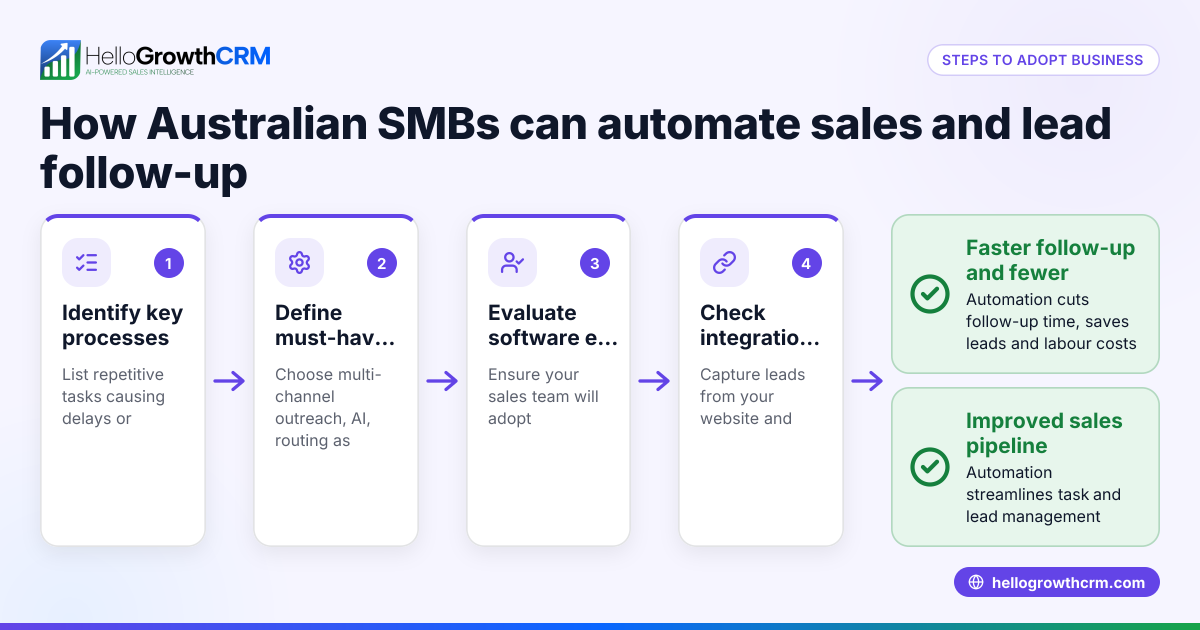
- Identify Your Sales Process Needs
- Map your current sales stages and tasks.
- Note repetitive manual tasks (e.g., follow-up emails, lead assignment).
- Check if you need multi-channel outreach (email, SMS, WhatsApp).
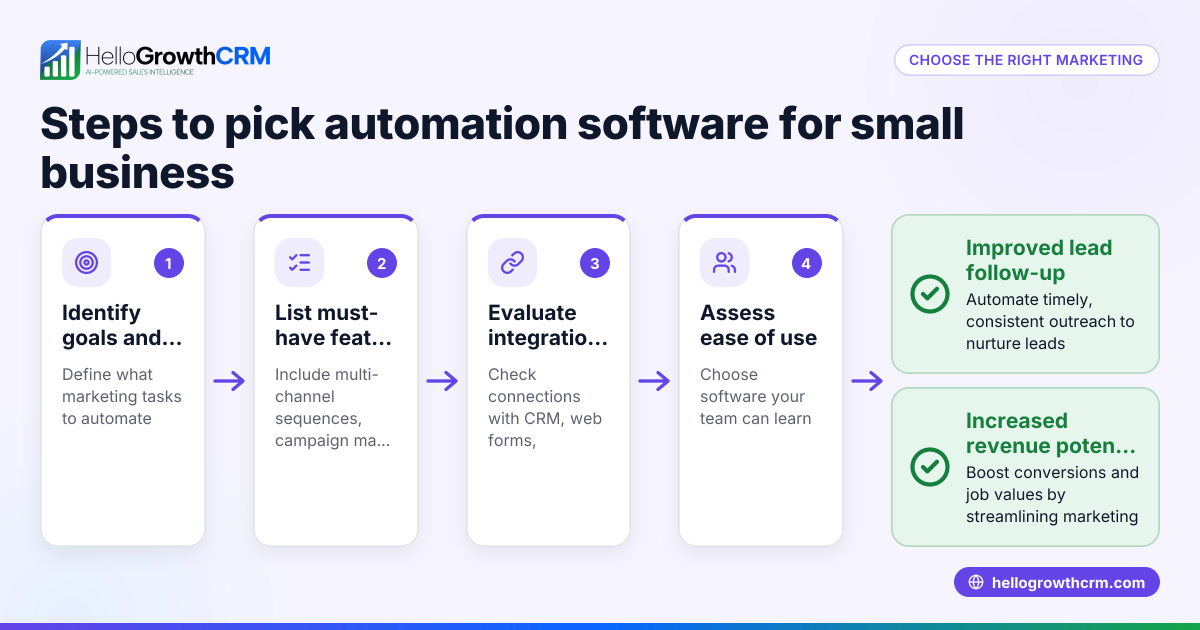
- List Must-Have Features
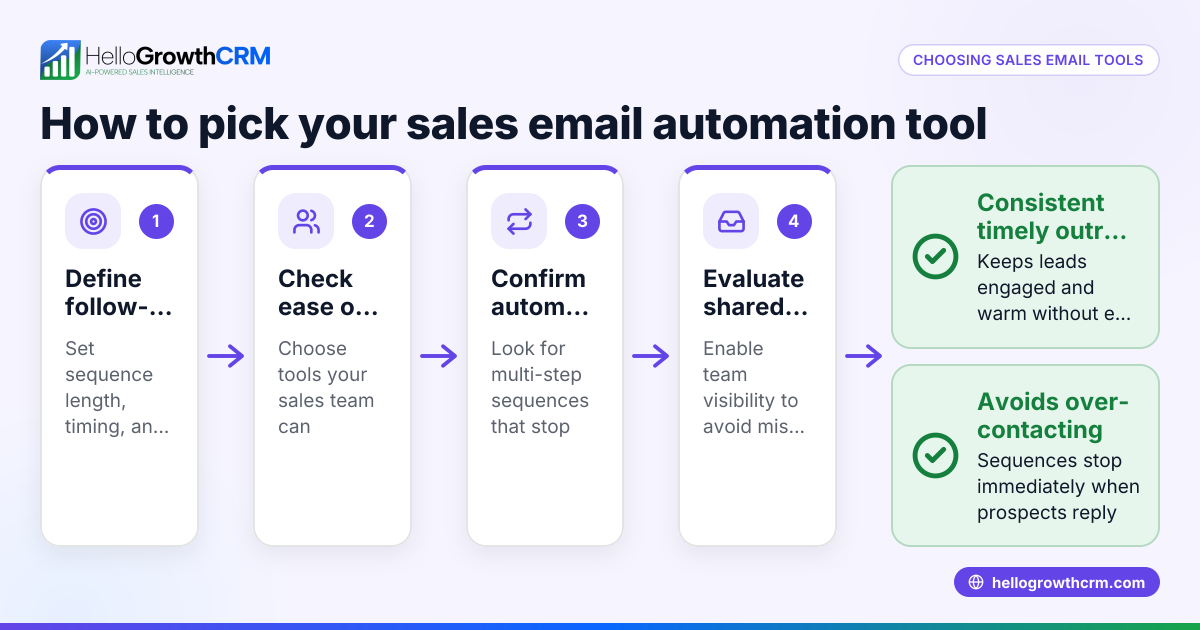
- Automated follow-up sequences that stop when prospects reply.
- Lead routing based on source, territory, or round-robin.
- AI assistance for drafting follow-ups or updating records (optional).
- Pipeline and task management boards.
- Integration with your existing tools (web forms, email).
- Compare Pricing Models
- Understand subscription plans and what features they include.
- Check if automation features are limited to higher tiers.
- Consider whether pricing fits your budget and expected ROI.
- Evaluate Usability and Adoption
- Choose software with an intuitive interface for your team.
- Look for mobile-friendly and WhatsApp-native options if you use messaging heavily.
- Request Demos and Trials
- Test how well automation sequences and lead routing work.
- Check if AI agents or workflows reduce manual work.
- Review Customer Support and Training
- Confirm availability of onboarding help and ongoing support.
- Check for Local Support and Compliance
- Ensure the provider understands Canadian market and regulations.
For a detailed feature comparison, see our compare CRMs page.
Example (fictional figures)
A staffing agency in Halifax, Nova Scotia, receives 200 leads monthly from web forms and phone inquiries. They want to automate follow-up to reduce lost leads and speed up first contact.
- Current monthly revenue: C$150,000
- Average deal size: C$3,000
- Conversion rate without automation: 10%
- Expected increase with automation: 3% (to 13%)
Calculations:
Leads converted without automation = 200 × 10% = 20 Revenue without automation = 20 × C$3,000 = C$60,000
Leads converted with automation = 200 × 13% = 26 Revenue with automation = 26 × C$3,000 = C$78,000
Increase in revenue = C$78,000 - C$60,000 = C$18,000
If the automation software costs C$500 per month, the net gain is:
Net gain = C$18,000 - (C$500 × 12) = C$18,000 - C$6,000 = C$12,000 annually
This example shows how investing in sales automation can increase revenue and justify software costs.
Common mistakes
- Choosing software without automation features: Prevent by verifying that sequences, workflows, and lead routing are included.
- Ignoring user adoption challenges: Prevent by involving sales reps in demos and choosing intuitive software.
- Overlooking multi-channel communication: Prevent by selecting tools supporting email, SMS, and WhatsApp if needed.
- Underestimating integration needs: Prevent by confirming compatibility with your web forms and messaging platforms.
- Neglecting pricing tiers and limits: Prevent by reading feature availability per plan and budgeting accordingly.
Learn more about pricing and plans on our CRM pricing in Canada page.
Doing this in HelloGrowthCRM
HelloGrowthCRM offers sequences and campaigns that automate a five-step follow-up over two weeks, stopping immediately when the prospect replies. Its AI agents (in beta) draft follow-up messages after calls for quick review and send. Workflows and lead routing assign new enquiries automatically and create first-call tasks, reducing manual assignment. These features suit small and mid-sized Canadian businesses wanting a WhatsApp-native AI CRM with built-in dialer and multi-channel outreach. See details at AI CRM.
Frequently asked questions
What is the typical pricing for sales automation software in Canada? Pricing varies widely depending on features and user count. Many providers offer tiered plans where automation features appear on mid or higher tiers. Always check which features are included and if there are limits on sequences or contacts. For specific pricing, see CRM pricing in Canada.
Are there good alternatives to sales automation software for small businesses? Alternatives include manual tracking with spreadsheets or using email marketing tools with limited automation. However, these often lack integrated lead routing and multi-channel follow-up, which can cause lost leads. Dedicated sales automation software improves efficiency and pipeline visibility.
How important is AI in sales automation software? AI can help by drafting follow-ups and automating routine updates, saving time for sales reps. While not essential, AI features enhance productivity and can improve response quality. HelloGrowthCRM offers AI agents in beta to assist with these tasks.
Can I integrate sales automation software with WhatsApp? Yes, especially if your sales team uses WhatsApp for outreach. Look for software that is WhatsApp-native or supports WhatsApp sequences to automate messaging on this channel.
How do I ensure my team will actually use the sales automation software? Choose software with an intuitive interface and provide training. Involve your sales team in selecting the tool to gain buy-in. Automation that reduces manual work and speeds responses encourages adoption.
Key takeaways
- The best sales automation software fits your sales process and automates repetitive tasks like follow-ups and lead routing.
- Evaluate features, pricing tiers, integrations, and usability before choosing.
- Multi-channel outreach including WhatsApp can improve lead engagement.
- AI agents can assist but are not mandatory for effective automation.
- Avoid common mistakes by involving your team and verifying feature availability.
- HelloGrowthCRM offers sequences, AI agents, and workflows tailored for Canadian small and mid-sized businesses.
Choosing the right sales automation software can significantly improve your sales efficiency and revenue. For detailed pricing and plans suitable for Canadian businesses, see Canadian pricing.
Ready to put this into practice?
Set up your pipeline, WhatsApp follow-ups, and AI lead scoring in minutes — free, no credit card.
Try HelloGrowthCRM freeGet CRM tips in your inbox
Join thousands of sales professionals who get weekly insights on CRM strategy, AI automation, and pipeline optimization.

The HelloGrowthCRM team publishes guides on CRM strategy, AI sales tools, and revenue operations for small business sales teams.