HelloGrowthCRM software
Built for real small-business sales teams
HelloGrowthCRM helps reps qualify faster, follow up on time, and close more deals—with practical automation in one place.
- AI lead scoring and pipeline visibility
- Built-in dialer, WhatsApp, and email automation
- Sales forecasting and RevOps-ready reporting
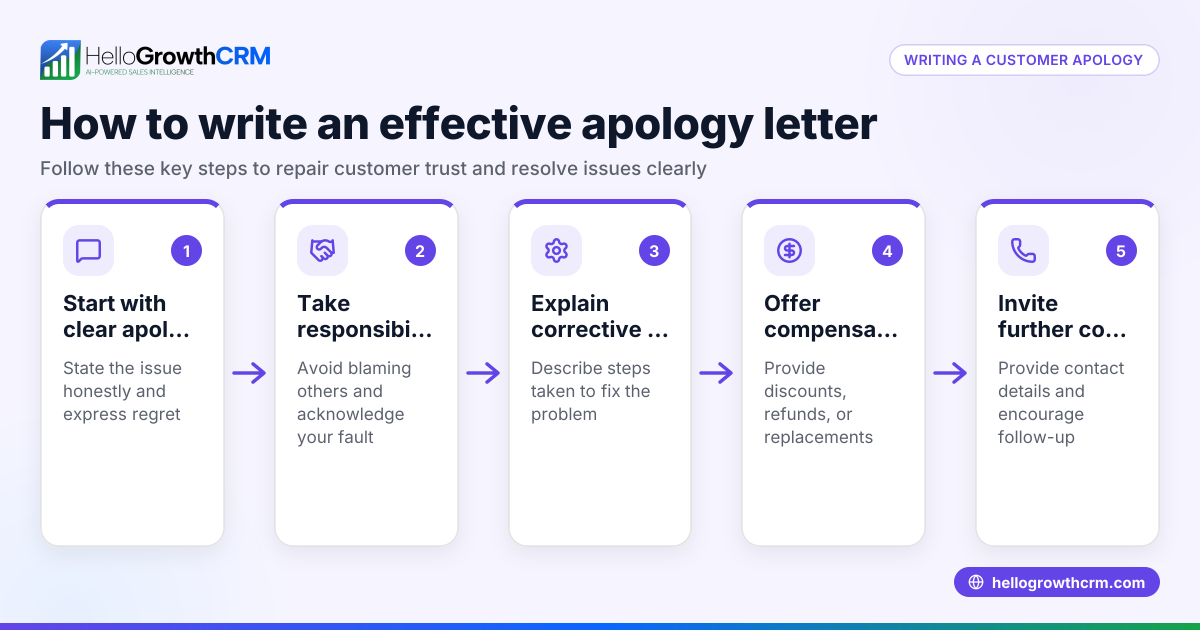
To apologize to a customer for bad service, you must first acknowledge the problem clearly and take responsibility. Then express genuine regret, explain what caused the problem without blaming others, and offer a way to make it right. This approach rebuilds trust and shows you value the customer's experience. This article explains why such apologies are necessary, provides step-by-step instructions, a sample apology for a US small business, common mistakes to avoid, and how to manage customer relationships after the sale.
Why this comes up / what goes wrong
Small-business owners often face bad service complaints when orders are delayed, products don’t meet expectations, or communication fails. For example, a landscaping contractor might miss a scheduled appointment or a delivery company might mishandle a package. Customers feel frustrated when their concerns are ignored or responses are slow. Without a clear apology, this dissatisfaction can lead to lost business and negative reviews. Owners need a straightforward way to apologize that repairs the relationship quickly and professionally.
Step-by-step
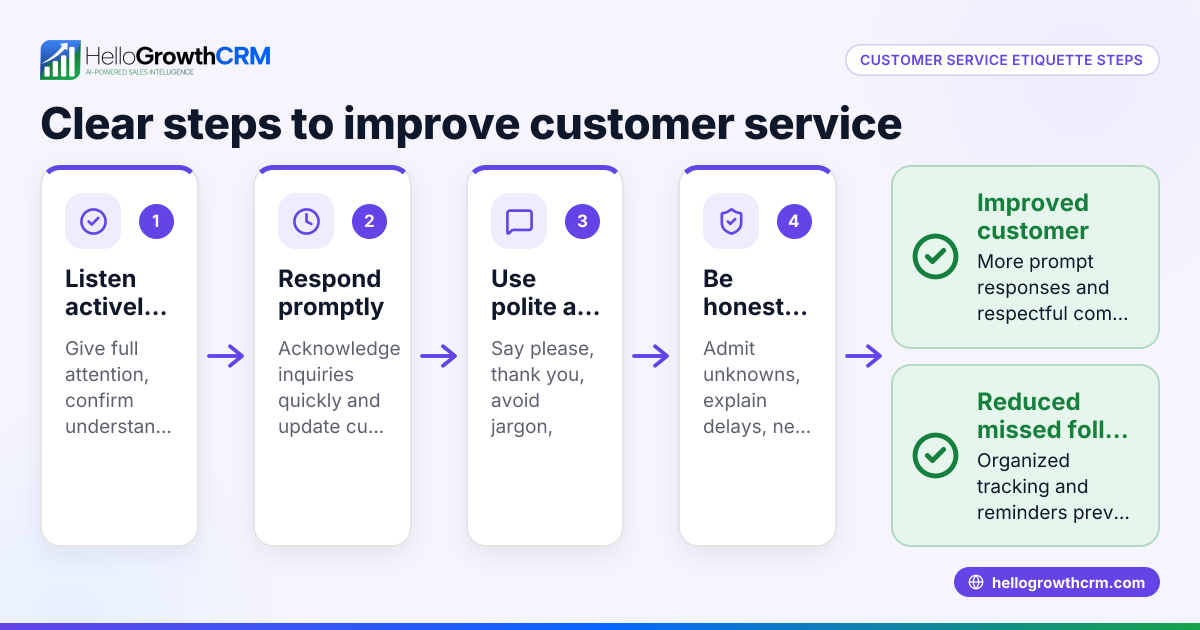
- Listen and Understand the Complaint
- Read or hear the customer's issue carefully.
- Confirm you understand the problem fully before responding.
- Acknowledge the Issue Clearly
- Start your apology by naming the specific problem.
- Avoid vague phrases; be direct (e.g., “We missed your appointment on 04/15/2026”).
- Express Sincere Regret
- Use empathetic language like “We’re very sorry for the inconvenience this caused you.”
- Avoid defensive or dismissive tones.
- Explain What Went Wrong (Briefly and Factually)
- Provide a short explanation without making excuses.
- For example, “Our scheduling system failed to update properly.”
- Offer a Solution or Compensation
- Propose how you will fix the issue or compensate the customer.
- Examples: reschedule promptly, provide a discount, or a free service.
- Invite Further Contact
- Encourage the customer to reach out with any more concerns.
- Provide a direct contact method or customer portal link.
- Follow Up
- After the apology, check back to ensure the customer is satisfied.
- Use CRM tools to track the issue and follow-up tasks.
For managing these steps efficiently, use a customer portal to keep service requests linked to deals and ensure no customer concern is missed. This keeps your team organized and responsive.
Example (fictional figures)
A landscaping contractor in Charlotte, North Carolina, missed a scheduled lawn care appointment on 04/15/2026, upsetting a customer who paid $450 upfront.
- Acknowledge: “We missed your appointment on 04/15/2026.”
- Regret: “We’re very sorry for the inconvenience this caused you.”
- Explanation: “Our scheduling system failed to update properly.”
- Solution: “We will send a team on 04/17/2026 at no extra charge and offer a 10% refund.”
Calculations: $450 × 10% = $45 Refund amount = $45
Total cost to business: $450 (original service) - $45 (refund) = $405 received
This apology shows accountability and offers a concrete remedy to regain trust.
Common mistakes
- Being vague or generic: Avoid saying only “Sorry for the inconvenience.” Specify what went wrong.
- Making excuses: Explain briefly but don’t shift blame.
- Delaying the apology: Respond quickly to show you care.
- Ignoring follow-up: Always check back to confirm the customer is satisfied.
- Not tracking complaints: Use tools like a customer portal and managed operations support to keep service issues visible and assigned.
- Failing to personalize: Use the customer’s name and details to show you value them.
Doing this in HelloGrowthCRM
HelloGrowthCRM helps you manage customer service after the sale by keeping service requests, tickets, and referrals on the same customer record as the deal via the customer portal. This ensures no complaint or follow-up gets lost. For founders without a sales manager, managed RevOps service assigns someone to work the follow-up queue weekly, so you never miss an apology or resolution. You can also automate communication with customers using WhatsApp and SMS CRM features to respond promptly.
Frequently asked questions
How soon should I apologize after a bad service incident? You should apologize as soon as you become aware of the issue, ideally as promptly as possible. Prompt apologies show customers you take their concerns seriously and help prevent frustration from growing.
What if the customer is angry and won’t accept my apology? Stay calm and respectful. Reiterate your regret and willingness to fix the problem. Sometimes customers need time to cool down, so follow up later to show ongoing commitment to their satisfaction.
Should I offer compensation every time I apologize? Not always. Compensation depends on the severity of the issue and your business policy. Sometimes a sincere apology and corrective action are enough. However, offering a small refund or discount can help rebuild goodwill.
Can I use a script for apologies? Scripts help ensure you cover key points but personalize each message to the customer’s situation. Avoid sounding robotic by including specific details and a genuine tone.
How do I keep track of customer complaints and apologies? Use a CRM system with a customer portal and ticketing to log issues and follow-up tasks. This keeps your team organized and ensures no customer is forgotten.
Key takeaways
- Clearly acknowledge the specific problem and express sincere regret.
- Briefly explain what went wrong without blaming others.
- Offer a concrete solution or compensation to make amends.
- Respond quickly and follow up to confirm customer satisfaction.
- Avoid vague apologies, excuses, and ignoring customer feedback.
- Use tools like a customer portal and managed operations support to track and manage service issues.
Apologizing well can turn a bad experience into a chance to build customer loyalty. Start managing your customer relationships better today with HelloGrowthCRM. Start on the Free Forever plan (200 leads, no credit card).
Ready to put this into practice?
Set up your pipeline, WhatsApp follow-ups, and AI lead scoring in minutes — free, no credit card.
Try HelloGrowthCRM freeGet CRM tips in your inbox
Join thousands of sales professionals who get weekly insights on CRM strategy, AI automation, and pipeline optimization.

The HelloGrowthCRM team publishes guides on CRM strategy, AI sales tools, and revenue operations for small business sales teams.