What pipeline cleanup & hygiene does
Pipeline Cleanup & Hygiene is ongoing, human-led maintenance of your CRM data, delivered under the Growth Engine and RevOps Partner retainers. Each week, a specialist works through stale deals, mis-staged opportunities, missing close dates and amounts, duplicate records, and orphaned ownership — fixing what can be fixed, flagging what needs a rep's answer, and keeping the pipeline a true picture of what is actually in play.
Without it, pipelines rot in slow motion. Dead deals sit open for months and inflate the forecast, stage definitions drift per rep, and dashboards stop being trusted — at which point managers go back to asking reps directly and the CRM becomes an expensive notebook. Cleanup is the unglamorous work almost no small team staffs internally, which is exactly why it is delivered as a managed service.
How it works in HelloGrowthCRM
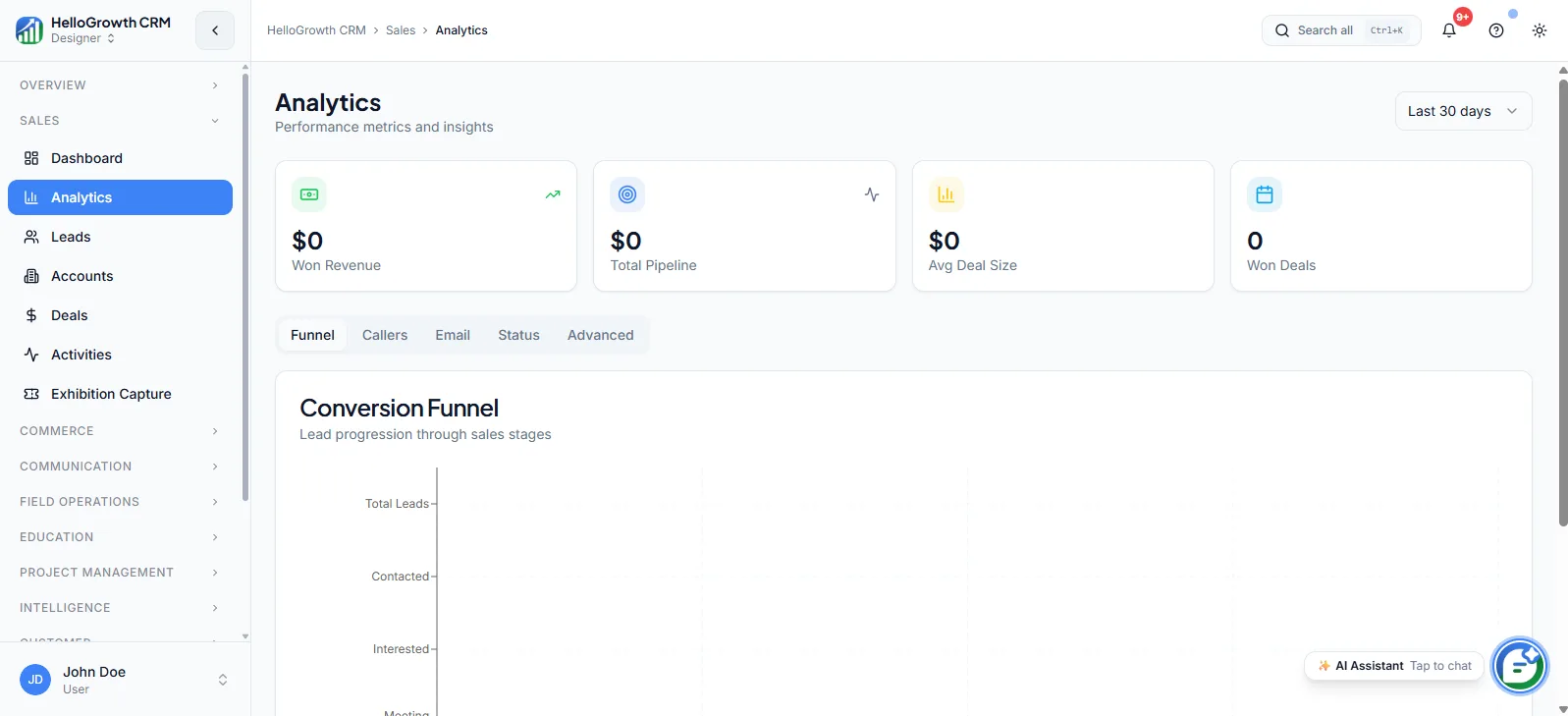
Your specialist runs a recurring hygiene pass inside HelloGrowthCRM: filtered views surface deals with no next activity, past-due close dates, missing required fields, or long stage-idle time. Obvious fixes — dead deals closed out, duplicates merged, ownership reassigned — are handled directly; judgment calls are compiled into a short list for reps to confirm, then applied.
Hygiene work feeds everything downstream: the Weekly KPI Report reads cleaner, Pipeline Forecast gets more reliable inputs, and Validation Rules are tightened over time so the same mess does not regenerate next month.
See it in action
How this capability is packaged by plan
| Plan | Availability |
|---|---|
| Free Forever | |
| Software Only | |
| Growth Engine | |
| RevOps Partner |
Setting it up — step by step
- 1
Run a baseline audit
Your specialist reviews the current pipeline with you, quantifying stale deals, missing fields, and stage drift as a starting benchmark.
- 2
Agree hygiene rules
Define together what counts as stale, when deals get closed lost, and which fields are mandatory per stage.
- 3
Set the cleanup cadence
Fix a weekly slot for the hygiene pass and agree how rep-confirmation lists are circulated and turned around.
- 4
Configure supporting rules
Add validation rules and required fields with your specialist so cleaned data stays clean going forward.
- 5
Review the first cycles
In early weeks, walk through what was changed and why, so reps trust the process instead of fighting it.
Who uses pipeline cleanup & hygiene
Sales manager
Runs pipeline reviews against data someone has already scrubbed, so meetings are about deal strategy rather than arguing whether a six-month-old opportunity is really still live.
RevOps lead
Delegates the recurring grunt work of merging duplicates and chasing missing fields, keeping their own time for process design while the managed team enforces the hygiene standard weekly.
Founder/owner
Trusts the number on the dashboard when a board member or lender asks about pipeline, because stale and inflated deals are cleared out on a schedule rather than before fundraises only.
Pipeline Cleanup & Hygiene in practice — industry examples
Manufacturing
A components manufacturer has quotes that stay open for months while buyers run tenders. Cleanup separates genuinely slow-cycle deals from dead ones — closing out lost tenders, updating close dates on live RFQs, and keeping the order forecast the production team plans against honest.
Recruitment agencies
A recruitment firm's pipeline fills with roles that clients quietly froze. The weekly hygiene pass flags placements with no activity in weeks, prompts consultants to confirm status, and closes out frozen mandates so the team's billings forecast reflects roles actually being worked.
IT services
An IT services company inherits a messy pipeline after two reps leave. The specialist reassigns orphaned deals, merges duplicate accounts created by both reps, and rebuilds stage accuracy, so the new hires start from a pipeline they can trust instead of archaeology.
Common mistakes to avoid
Doing one big cleanup and stopping, so the pipeline is pristine for a month and unrecognisable again by the next quarter.
Letting cleanup close deals without rep confirmation on judgment calls, breeding resentment and quiet re-opening of records behind the specialist's back.
Skipping the validation-rule step, so the same missing-field mess regenerates weekly and cleanup becomes a treadmill instead of a fix.
Treating hygiene metrics as rep punishment rather than process feedback, which teaches the team to hide messy deals outside the CRM.
What teams usually care about here
Useful for teams whose pipeline has become hard to inspect or forecast confidently
Improves the signal quality of dashboards, stage reviews, and leadership reporting
Often overlooked until poor data starts hurting decision-making
How this fits the buying decision
Buyers usually do not evaluate pipeline cleanup & hygiene in isolation. They want to know whether it improves execution, reporting, handoffs, and accountability inside the broader CRM workflow. That is why this capability matters most when it is connected to records, ownership, activity history, and manager review rather than living in a separate point tool.
The real decision is often less about whether a box is checked and more about how much depth the team needs. Lower tiers may be enough when the workflow is simple or the volume is small. Higher tiers become more valuable when teams need governance, faster response expectations, specialist execution, or a repeatable operating cadence around the process.
If this capability is important to your rollout, compare it in the context of the whole plan. That includes related workflows, support level, reporting expectations, and whether your team will manage the motion itself or rely on managed RevOps help to keep it consistent.
Frequently asked questions
Which plans include Pipeline Cleanup & Hygiene?
It is included in the Growth Engine and RevOps Partner managed-service plans. On Free Forever and Software Only you get the tools to keep your own pipeline clean — filters, validation rules on higher software tiers — but the recurring done-for-you cleanup is a managed-service capability.
Will the team close or delete my deals without asking?
No. During onboarding you agree hygiene rules together — what counts as stale, what can be auto-closed, what needs confirmation. Clear-cut fixes are handled directly; anything requiring judgment goes to the deal owner as a short confirmation list before changes are applied.
How does setup work with my team?
It starts with a baseline audit of your current pipeline, then a working session to agree stage definitions, staleness thresholds, and mandatory fields. After that the weekly cadence begins, with the first few cycles reviewed together so reps understand and trust the changes.
How is this different from just setting validation rules?
Validation rules stop some bad data at entry, but they cannot judge whether a quiet deal is dead or chase a rep for context. Cleanup pairs the rules with a human pass every week — the rules prevent, the specialist repairs and improves the rules over time.
Does cleanup improve my forecasts and reports?
That is the main payoff. Pipeline Forecast, the Weekly KPI Report, and your dashboards all read from the same records, so removing stale deals and fixing stages directly sharpens every number leadership looks at. Clean inputs are what make the reporting layer worth trusting.
Related Pricing Capabilities
API & Integrations
Connectivity tooling for syncing data, triggering workflows, and fitting the CRM into the rest of the operating stack.
Lead Routing
Automated lead assignment rules that distribute new inquiries to the right rep based on territory, source, score, or round-robin logic.
Validation Rules
Field-level data validation rules that enforce required inputs and data quality standards before records can be saved or moved.
Workflows
Automated workflow builder for triggering actions — task creation, field updates, notifications, stage moves — based on CRM events.
Territories
Territory definition and ownership tools that assign accounts, leads, and deals to reps based on geography, industry, or custom rules.
Commissions
Commission tracking inside the CRM that links deal outcomes to rep incentive calculations without exporting to spreadsheets.