

Skip to content
WhatsApp CRM Automation

Automate Your WhatsApp Sales Workflow — Templates, Sequences, and Triggers

Stop copy-pasting WhatsApp messages one by one. HelloGrowthCRM automates follow-ups, broadcasts, lead responses, and reminders — all inside your sales pipeline.

Free Forever • No Credit Card Required

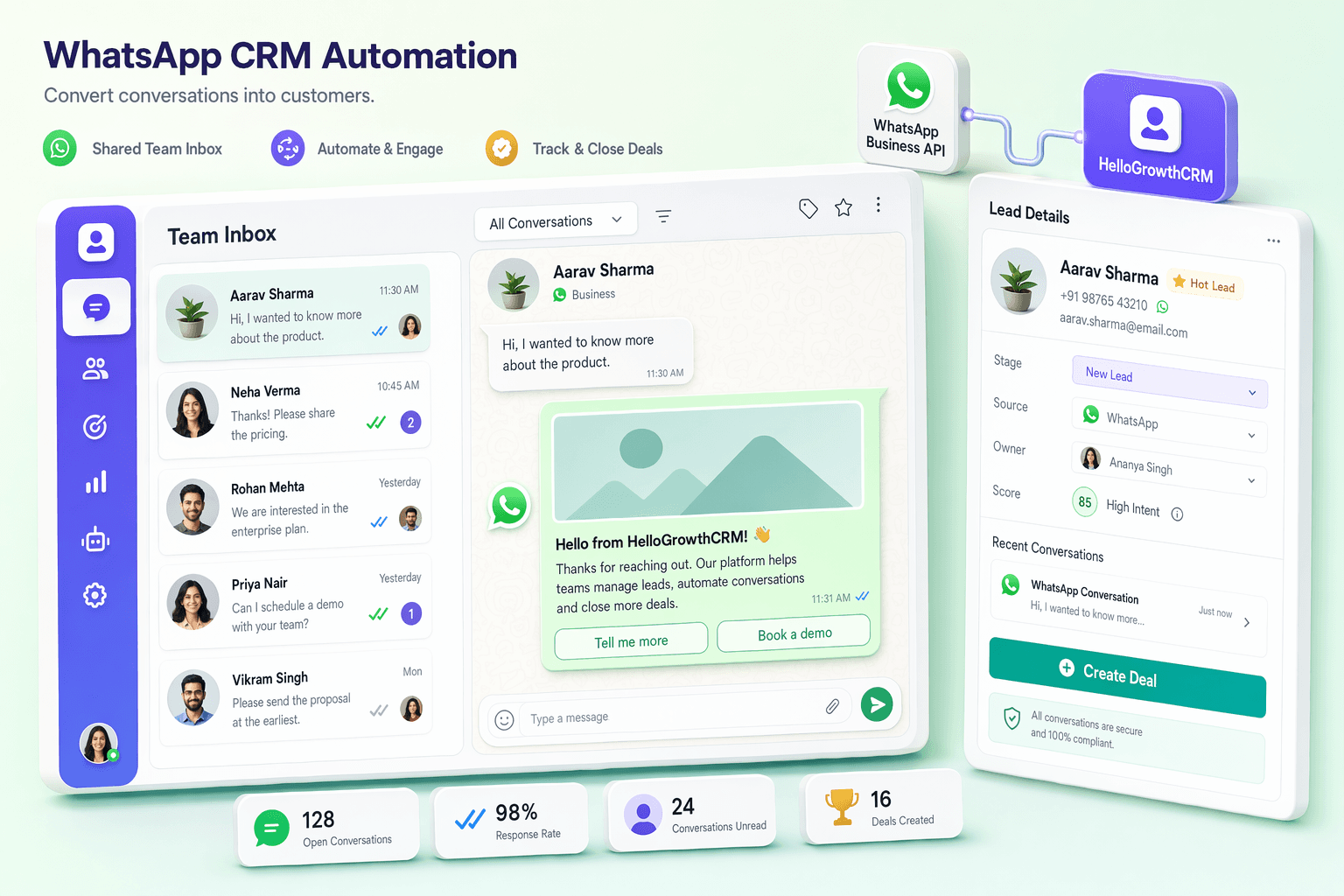
HelloGrowthCRM WhatsApp automation — sequence builder and template library dashboard

Quick answer

Is HelloGrowthCRM right for WhatsApp CRM Automation?

Yes. HelloGrowthCRM gives WhatsApp CRM Automation a single system to capture every lead, automate follow-up across phone, WhatsApp, and email, prioritise leads with AI scoring, and forecast revenue — with calling and messaging built in instead of sold as add-ons.
  • Day-1 welcome sequence: automatically send a WhatsApp welcome message the moment a new lead enters your pipeline — works 24 hours a day, 7 days a week, including public holidays
  • Multi-step WhatsApp drip sequences: set up a series of messages (day 1, day 3, day 7, day 14) with different templates for each stage of the buying journey
  • Pipeline trigger automation: when a deal moves to a new stage such as Demo Scheduled, automatically send the relevant WhatsApp message or template without any manual rep intervention

See pricingBook a demo

01

What WhatsApp automation in a CRM actually means

There are three levels of WhatsApp automation that sales teams use. The first is fully manual: a rep opens WhatsApp on their phone, types a message, and sends it one contact at a time. The second is basic automation: a single trigger sends one message — for example, a new lead form submission triggers one welcome WhatsApp. The third is full CRM-level sequence automation: multiple triggers, conditional logic, pipeline stage awareness, pause on reply, variable personalisation, and analytics to measure what works.

CRM-level automation is far more powerful than WhatsApp-only tools like Wati or AiSensy because the CRM knows the full context of each lead — where they are in the pipeline, their deal value, their source, previous interactions, and what they have replied. This means automation is personalised and context-aware rather than just bulk messaging. With WhatsApp-only tools, you automate messaging but still manage your pipeline separately, creating a disconnect between communication and sales context. HelloGrowthCRM unifies both in one platform — find out more on the WhatsApp CRM India overview page.

02

The four automation types every Indian sales team needs

The first automation type every team needs is instant inbound response. When a prospect messages your WhatsApp number at 2am, an automatic acknowledgement goes out within seconds, a CRM lead is created, and the rep sees the enquiry when they log in the next morning with full context. No lead slips through because someone was asleep. The second type is lead nurture drip — a sequence of value-adding messages over 7 to 14 days that keeps the lead warm while your team focuses on hot prospects.

The third type is pipeline stage triggers: when a deal moves to Proposal stage, the proposal PDF is automatically sent via WhatsApp. When a deal moves to Demo Scheduled, the meeting confirmation and calendar invite go out automatically. The fourth type is payment and appointment reminders — automated follow-ups that remove the awkward manual chase. Consider a real estate agent: a new 99acres enquiry triggers an instant WhatsApp brochure, followed by a site visit suggestion on day 2, a reminder the day before the visit, and a post-visit follow-up with a payment plan. See how this works in detail on our WhatsApp CRM for real estate page.

03

Meta-approved templates: how they work and how to get them approved fast

WhatsApp templates are pre-approved message formats that Meta requires for all outbound messages sent more than 24 hours after the last customer-initiated message. There are three template categories: marketing (for promotional messages), utility (for transactional messages like order confirmations and payment reminders), and authentication (for OTPs and verification codes). Each category has different approval criteria and different costs per conversation.

Template syntax uses numbered variables — for example, "Hi {{1}}, your appointment is confirmed for {{2}} at {{3}}." The CRM substitutes these variables with the lead's actual name, date, and time when sending. For fast approval, keep templates professional and clear, include an opt-out option in all marketing templates, and avoid words that Meta flags as spammy such as all-caps claims or excessive urgency language. Start with utility templates — they have a higher approval rate and faster turnaround than marketing templates. HelloGrowthCRM's template library manages all your approved templates with status visibility. See the full WhatsApp CRM features overview for template management capabilities.

04

Building your first WhatsApp sequence in HelloGrowthCRM

Setting up your first automation sequence takes about 20 minutes. Go to Automation, then WhatsApp Sequences, and choose your trigger — for example, New Lead Created. Add Step 1 as an immediate send using your Welcome template. Add Step 2 with a 2-day delay using your Product Brochure template. Add Step 3 with a 5-day delay using your Demo Booking Link template. Then add a condition to each step: if the lead replied in the last 24 hours, skip this step. Activate the sequence. From this point, every new lead receives the 3-step sequence automatically without any rep intervention.

A real example: an education institute set up a sequence for admission enquiries — an instant course brochure, a day-2 fee structure message, and a day-5 counselling booking prompt. The result was a 40 percent increase in counselling call bookings compared to the previous manual follow-up process, with counsellors spending significantly less time on repetitive outreach. Learn more about this specific use case on the WhatsApp CRM for education page.

05

WhatsApp automation compliance: staying DPDPA safe and avoiding Meta bans

Automation compliance has two dimensions: India's DPDPA 2023 and Meta's own messaging policy. Under DPDPA, you must have explicit consent before sending marketing messages, honour opt-out requests within 24 hours, and maintain auditable consent records. HelloGrowthCRM logs all opt-outs against the lead record automatically the moment a contact replies STOP or clicks an opt-out button — no manual list management required.

On the Meta side, only send outbound messages beyond 24 hours using approved templates, include opt-out options in every marketing template, and keep your quality rating above threshold — check this in Meta Business Manager regularly. The most common mistakes that get WhatsApp numbers flagged are sending non-template messages to inactive contacts, not processing opt-outs, and sending identical bulk messages in a way that triggers spam detection. HelloGrowthCRM's automation enforces template-only outbound sending by design. For a detailed compliance guide covering both DPDPA and Meta policy, see the WhatsApp CRM compliance page, and the WhatsApp CRM India overview for the full platform picture.

What you get

Why teams choose HelloGrowthCRM

AI-powered CRM with the features you need to close more deals.

  • Day-1 welcome sequence: automatically send a WhatsApp welcome message the moment a new lead enters your pipeline — works 24 hours a day, 7 days a week, including public holidays
  • Multi-step WhatsApp drip sequences: set up a series of messages (day 1, day 3, day 7, day 14) with different templates for each stage of the buying journey
  • Pipeline trigger automation: when a deal moves to a new stage such as Demo Scheduled, automatically send the relevant WhatsApp message or template without any manual rep intervention
  • Inbound lead auto-response: when a prospect messages your WhatsApp number for the first time, an instant acknowledgement message goes out and a CRM lead is created simultaneously
  • Broadcast scheduling: queue WhatsApp broadcasts for optimal delivery times — weekday mornings and post-lunch slots — so messages land when open rates are highest
  • Template library with approval tracking: manage all your Meta-approved WhatsApp templates in one place, with status (pending, approved, rejected) visible to your entire team
  • Sequence pause on reply: when a lead replies to a WhatsApp message, the automation sequence pauses automatically — preventing awkward follow-ups after a prospect says they are interested
  • CRM-field variable injection: personalise every automated WhatsApp message with lead name, company, deal amount, or any custom field pulled directly from the CRM record
  • WhatsApp reminder automation: automatically send deal reminders, payment follow-ups, and appointment confirmations via WhatsApp — reducing no-shows and overdue payments
  • Automation analytics: see open rates, reply rates, and sequence completion rates for every WhatsApp automation — so you can A/B test sequences and improve conversion over time

HelloGrowthCRM by the numbers

$12
per user/month list price — $10/user/mo on annual billing, ₹899/user/mo in India
$0
free forever starter plan — no credit card required
14-day
trial included on paid plans
259+
live integrations, from WhatsApp to Tally and QuickBooks
500+
teams worldwide run their pipeline on HelloGrowthCRM

Frequently Asked Questions

Common questions about using HelloGrowthCRM in your industry.

More CRM guides to explore

Browse related HelloGrowthCRM guides and see how different teams run their pipelines.

Ready to grow?

Join small businesses that close more deals with HelloGrowthCRM.

Free Forever • No Credit Card Required

Take the next step

Free Forever • No Credit Card Required

Prefer email? Write to sales@hellogrowthcrm.com

  • WhatsApp automation CRM tool
  • WhatsApp CRM with chatbot automation
  • WhatsApp CRM with AI automation
  • WhatsApp CRM pipeline automation
  • WhatsApp CRM follow-up automation
  • which CRM has WhatsApp automation and AI
  • best CRM with automation and WhatsApp support