HelloGrowthCRM software
Built for real small-business sales teams
HelloGrowthCRM helps reps qualify faster, follow up on time, and close more deals—with practical automation in one place.
- AI lead scoring and pipeline visibility
- Built-in dialer, WhatsApp, and email automation
- Sales forecasting and RevOps-ready reporting
An AI chat avatar is a virtual assistant represented by a digital character that communicates with customers using artificial intelligence. It can answer questions, guide users, and provide personalized responses in chat windows on websites, messaging apps, or social media. For small businesses, this technology helps automate customer interactions without needing a live agent available at all times.
Why this comes up / what goes wrong
Small-business owners often search for "AI chat avatar" when they want to improve customer engagement but lack the staff to handle all inquiries promptly. Many currently rely on manual texting, emails, or spreadsheets, which slows response times and causes lost leads. An AI chat avatar offers a way to automate conversations, provide quick answers, and capture leads efficiently. However, without clear goals or the right tools, businesses struggle to implement these avatars effectively or integrate them into their sales process.
Step-by-step
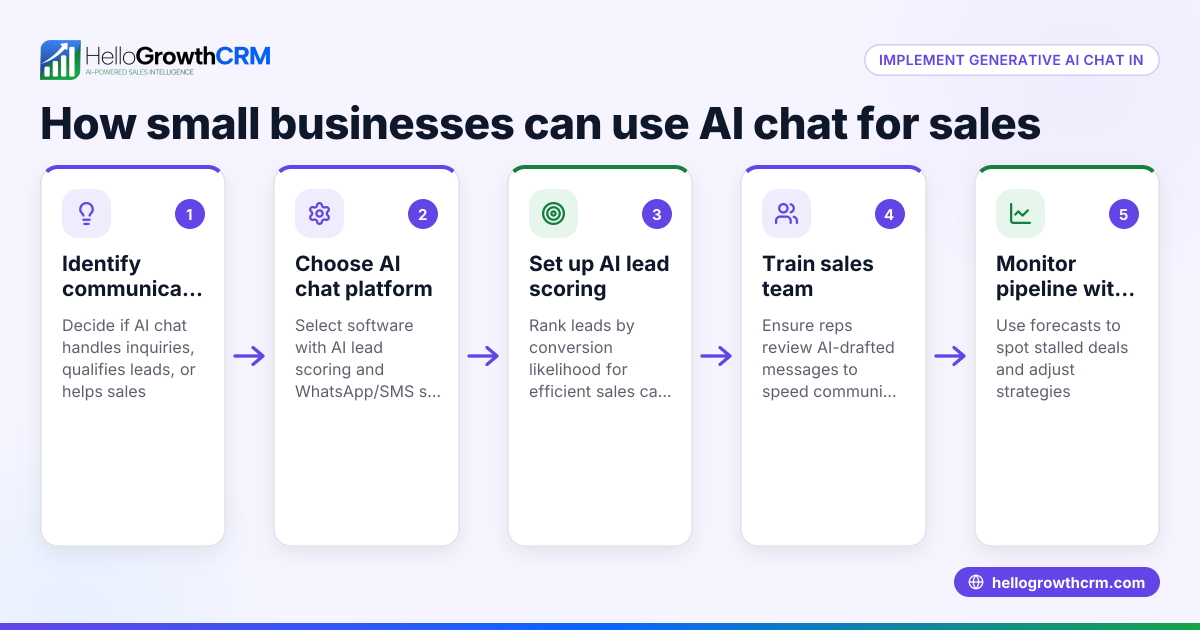
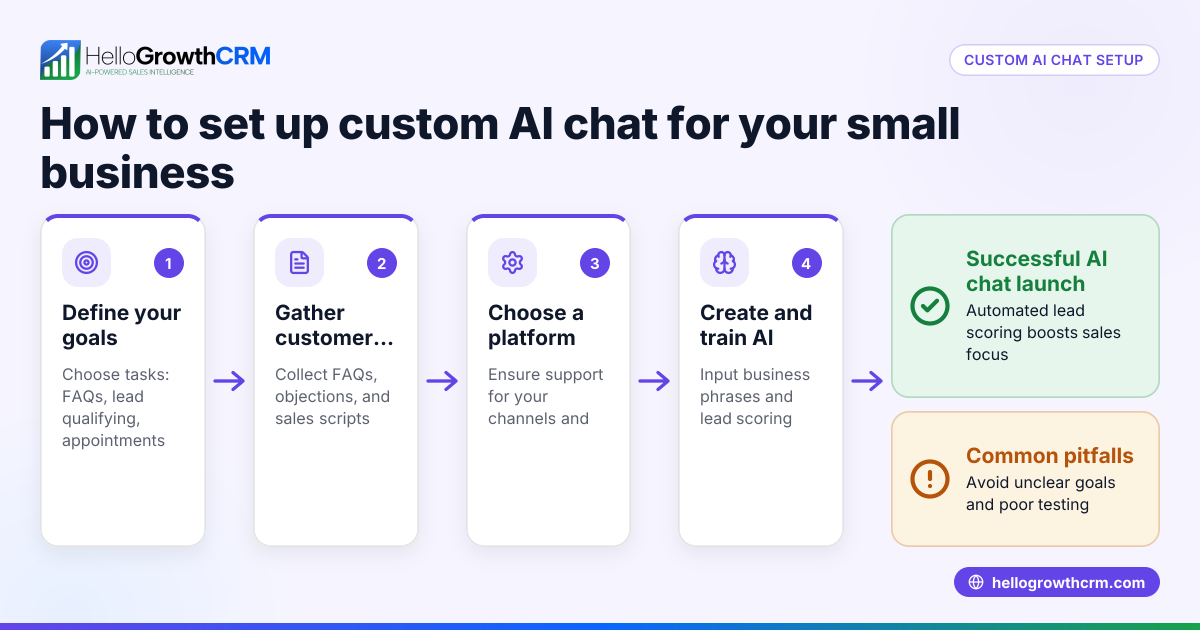
- Define Your Goals: Decide exactly what you want your AI chat avatar to do—answer FAQs, qualify leads, schedule appointments, or provide product info. Clear goals guide setup and training.
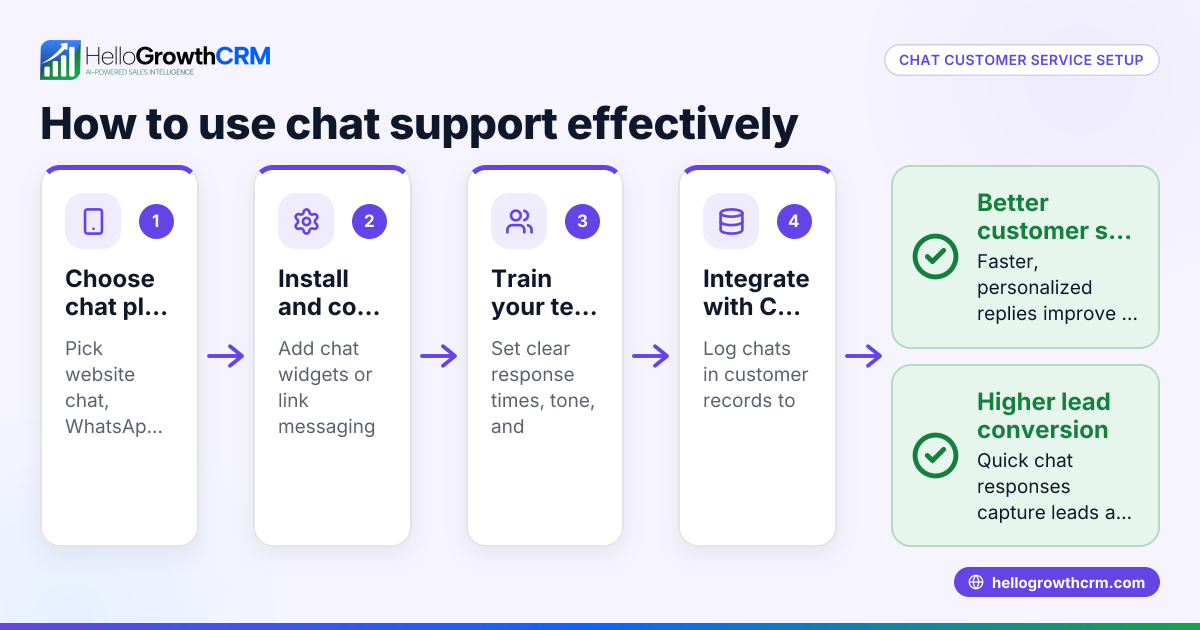
- Choose the Right Platform: Select a chat avatar platform that supports AI-driven conversations and integrates with your existing systems like your CRM or messaging channels such as WhatsApp and SMS. This ensures smooth lead capture and follow-up.
- Design the Avatar Persona: Create a friendly, professional character that reflects your brand. Decide on tone, language style, and appearance if the avatar is visual.
- Build Conversation Flows: Map out typical customer questions and the avatar’s responses. Include fallback options for complex queries to escalate to a human agent.
- Integrate with Sales Tools: Connect the avatar to your CRM to capture leads automatically and update records based on chat interactions. This reduces manual data entry and speeds up follow-up.
- Test Thoroughly: Run multiple test conversations to ensure the avatar understands queries correctly and escalates when needed.
- Train Your Team: Teach your sales or support staff how the avatar works and how to take over conversations when required.
- Monitor and Improve: Use analytics to track chat performance, customer satisfaction, and lead conversion. Refine conversation flows regularly.
Example (fictional figures)
GreenFlow Plumbing in Austin, Texas, wants to use an AI chat avatar to handle incoming website inquiries and schedule service calls.
- Monthly website visitors: 5,000
- Current conversion rate from website chats: 3% (150 leads)
- Average revenue per lead: $400
They implement an AI chat avatar that increases chat engagement and lead capture by 30%.
New leads = 150 × 1.30 = 195 leads
Additional revenue = 45 leads × $400 = $18,000
By automating initial chats, GreenFlow saves 20 hours monthly previously spent answering basic questions.
Common mistakes
- Setting unclear goals: Prevent by defining specific tasks for the avatar before development.
- Overloading the avatar with complex queries: Prevent by creating clear escalation paths to human agents.
- Ignoring integration with sales tools: Prevent by ensuring the avatar connects with your CRM to capture leads automatically.
- Neglecting regular updates: Prevent by scheduling periodic reviews to improve conversation flows.
- Failing to train staff: Prevent by providing team training on managing avatar handoffs.
- Choosing platforms without WhatsApp or SMS support: Prevent by selecting platforms that integrate with key messaging channels to avoid losing leads.
Doing this in HelloGrowthCRM
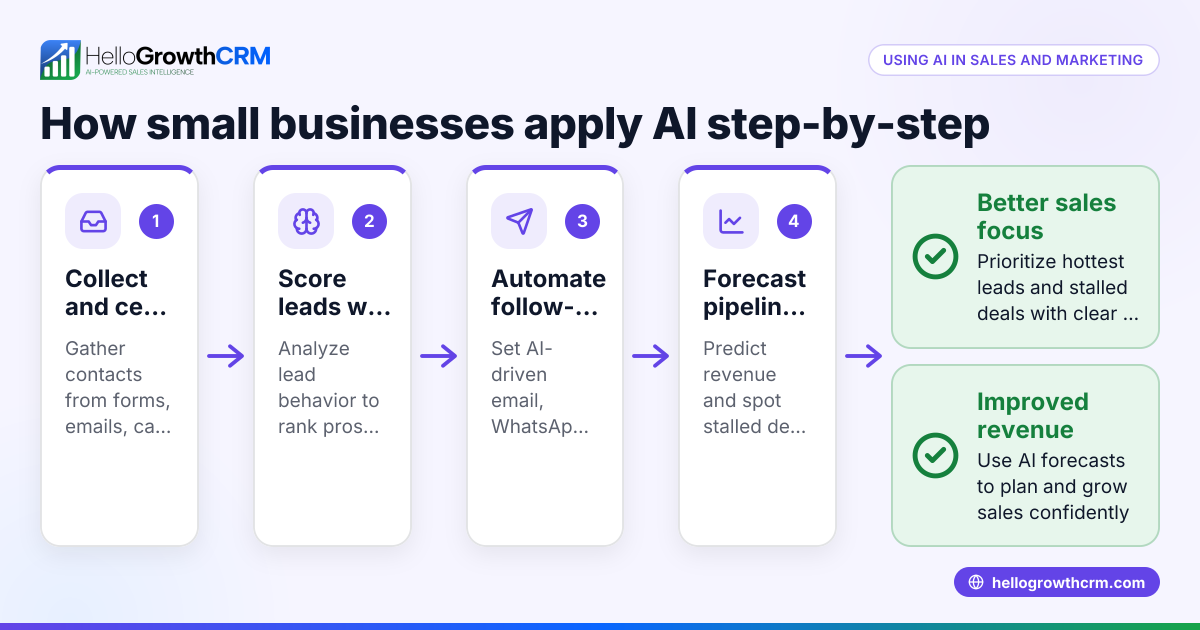
HelloGrowthCRM supports small businesses with AI lead scoring, helping reps prioritize calling leads most likely to convert first. Its pipeline forecast and AI insights let owners see which deals stall without building spreadsheets, improving follow-up efficiency. Additionally, AI agents can draft follow-up messages after calls, so reps only review and send, speeding communication. Learn more about these AI CRM features at HelloGrowthCRM AI CRM.
Frequently asked questions
What is the difference between an AI chat avatar and a chatbot? An AI chat avatar is often a chatbot with a visual character or persona that interacts conversationally. While chatbots focus mainly on text responses, avatars add a human-like presence, improving engagement and customer experience.
Can small businesses implement AI chat avatars without technical expertise? Yes, many platforms offer user-friendly setups with templates. However, some technical help may be needed for integration with CRM or messaging apps like WhatsApp and SMS.
How does an AI chat avatar improve sales? By automating initial contact, qualifying leads, and capturing contact details instantly, the avatar speeds up response times and reduces lost leads. Integration with AI lead scoring and pipeline tools enhances follow-up efficiency.
Are AI chat avatars expensive to maintain? Costs vary by platform and features. Consider ROI from saved staff time and increased conversions. Starting with a simple avatar and scaling up is common.
How do I measure the success of an AI chat avatar? Track metrics like chat engagement rate, lead capture volume, conversion rate, and customer satisfaction scores to evaluate effectiveness.
What messaging channels should my AI chat avatar support? Focus on channels your customers use most, such as website chat, WhatsApp, and SMS. Integration with your CRM ensures leads are captured and followed up efficiently. See how HelloGrowthCRM supports these channels at WhatsApp and SMS CRM.
Key takeaways
- AI chat avatars simulate human conversation to automate customer interactions.
- Small businesses use them to speed response and capture more leads.
- Clear goals and integration with sales tools like CRM and messaging channels are essential.
- Regular testing, updates, and staff training improve avatar performance.
- HelloGrowthCRM’s AI features support prioritizing leads, forecasting sales, and drafting follow-ups.
- Choosing platforms that support WhatsApp and SMS helps manage all customer chats in one place.
Start using AI chat avatars to improve your customer engagement and sales process. To get started, Start on the Free Forever plan (200 leads, no credit card).
Ready to put this into practice?
Set up your pipeline, WhatsApp follow-ups, and AI lead scoring in minutes — free, no credit card.
Try HelloGrowthCRM freeGet CRM tips in your inbox
Join thousands of sales professionals who get weekly insights on CRM strategy, AI automation, and pipeline optimization.

The HelloGrowthCRM team publishes guides on CRM strategy, AI sales tools, and revenue operations for small business sales teams.