HelloGrowthCRM software
Built for real small-business sales teams
HelloGrowthCRM helps reps qualify faster, follow up on time, and close more deals—with practical automation in one place.
- AI lead scoring and pipeline visibility
- Built-in dialer, WhatsApp, and email automation
- Sales forecasting and RevOps-ready reporting
The best CRM with built-in calling in Canada must let your sales team call leads directly from the CRM interface while logging outcomes automatically. This saves time, reduces lost leads, and keeps your sales pipeline accurate. It should also support follow-up messages via WhatsApp and SMS, channels where many Canadian customers prefer to engage.
Why this comes up / what goes wrong
Small and mid-sized business owners in Canada often struggle with slow lead follow-up and disjointed communication. Many run sales on email, text messages, and spreadsheets, which leads to missed calls, lost context, and inefficient workflows. Without a CRM that includes built-in calling, reps must switch between phone apps and spreadsheets, increasing errors and lost leads. The search for the best CRM with built-in calling comes from the need to unify calling, messaging, and lead management in one tool that teams actually use.
Step-by-step
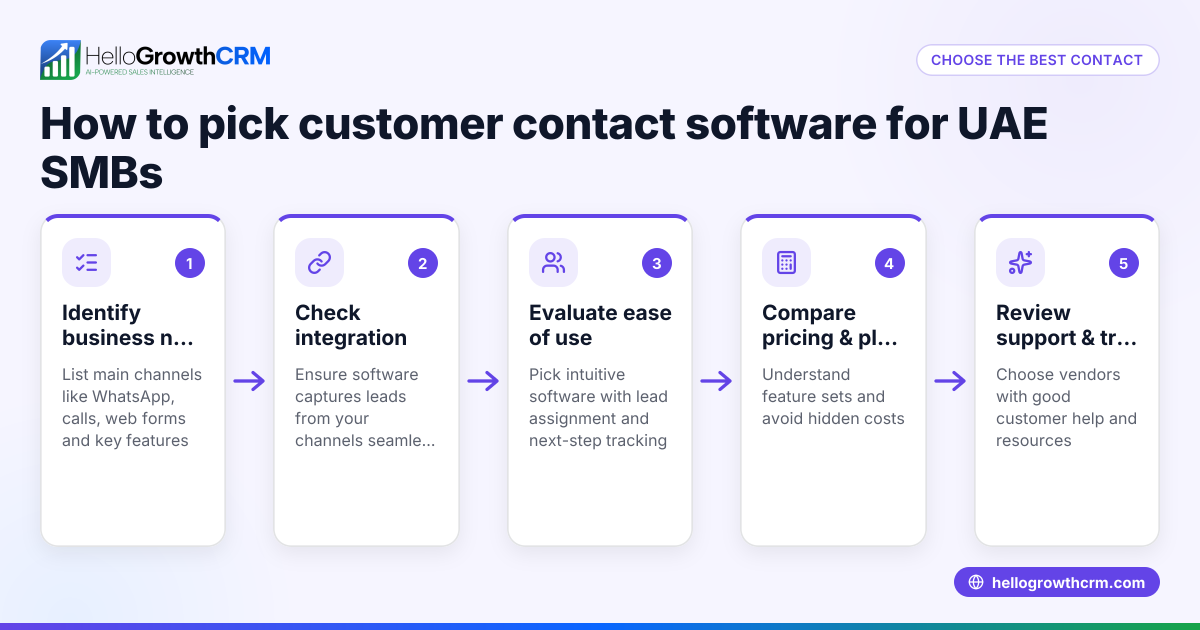
- Identify your calling needs: Determine if your team needs a local dialer for manual calling or a power dialer that automates calling lists. Check if call outcomes and histories must be logged automatically in the CRM.
- Check messaging support: Look for CRM features that support WhatsApp and SMS follow-ups, as these channels improve lead engagement in Canada.
- Evaluate AI assistance: Some CRMs offer AI agents that draft follow-up messages after calls, reducing rep workload. Consider if this feature fits your sales process.
- Review integration and usability: Ensure the CRM integrates with your existing web forms and tools, and that your team finds it intuitive to use daily.
- Compare pricing and plans: Look at Canadian pricing options and what features come with each plan to balance cost and functionality.
- Test with a trial or demo: Use a trial version or demo to see how built-in calling works in practice and if it improves your sales workflow.
For more details on built-in calling features, see the built-in CRM dialer page. To compare options, visit the compare CRMs page.
Example (fictional figures)
A mortgage brokerage in Mississauga, Ontario, with 15 sales reps wants a CRM that includes built-in calling and WhatsApp follow-up. Their sales team makes about 100 calls daily, aiming to convert 15 leads monthly.
- Monthly CRM cost per rep (Growth plan with power dialer and AI agents): C$60
- Total monthly CRM cost = 15 reps × C$60 = C$900
- Average deal size = C$350,000
- Expected monthly closed deals = 15 deals
- Monthly revenue from deals = 15 × C$350,000 = C$5,250,000
By using the built-in dialer, reps save 10 minutes per call on average switching apps:
- Time saved per call = 10 minutes
- Total time saved daily = 100 calls × 10 minutes = 1,000 minutes = 16.7 hours
This saved time can be used to call more leads or improve follow-ups, increasing sales efficiency.
Common mistakes
- Choosing a CRM without integrated calling: Leads to manual call logging and lost data. Prevent by verifying built-in dialer availability.
- Ignoring messaging channels like WhatsApp: Missed opportunity to engage leads where they respond. Prevent by choosing a CRM with WhatsApp and SMS support.
- Overlooking AI features: Missing out on drafting follow-ups that save time. Prevent by evaluating AI agent capabilities.
- Not testing usability with your team: Results in low adoption and wasted investment. Prevent by running demos and trials.
- Focusing only on price: Cheaper CRMs may lack essential calling features. Prevent by balancing cost with required functionalities.
- Not considering Canadian pricing and support: International CRMs may have hidden costs or poor local support. Prevent by reviewing Canadian pricing and support options.
For pricing details tailored to Canada, see CRM pricing in Canada.
Doing this in HelloGrowthCRM
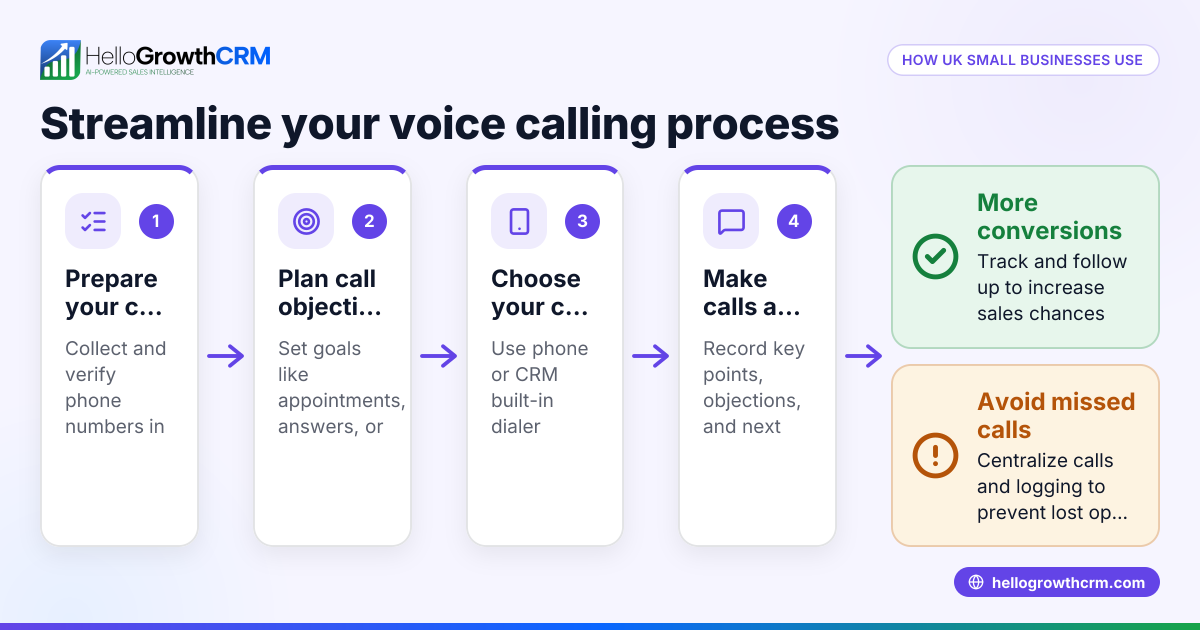
HelloGrowthCRM offers a built-in dialer where telecallers work a list inside the CRM and every call outcome is logged on the lead automatically. WhatsApp conversations are also logged on lead records, with follow-ups sent as messages. Additionally, AI agents in beta draft follow-up messages after calls for reps to review and send, reducing manual work. These features help Canadian small and mid-sized businesses keep all communication in one place and speed up sales follow-up. Learn more about the dialer at built-in CRM dialer.
Frequently asked questions
What is the pricing for CRM with built-in calling in Canada? Pricing varies by vendor and plan. Many CRMs offer tiered plans where built-in dialers and AI features are included in mid to higher tiers. Check vendor websites for Canadian pricing or visit CRM pricing in Canada for details.
Are there alternatives to CRMs with built-in calling? Yes, some businesses use separate phone systems integrated with CRMs or third-party calling apps. However, these often require manual logging and switching apps, which can reduce efficiency. For a full comparison, see compare CRMs.
Can I use WhatsApp for sales follow-up inside a CRM? Yes, some CRMs including HelloGrowthCRM support WhatsApp messaging workflows where conversations are logged and follow-ups sent directly from the CRM.
Do AI agents improve sales follow-up? AI agents can draft follow-up messages after calls, saving reps time and ensuring consistent communication. This feature is currently in beta in some CRMs and can be a helpful productivity tool.
How do I know if a CRM is easy for my team to use? Request demos and trials to let your sales reps test the CRM. Check if calling, messaging, and lead management are intuitive and if the CRM fits your sales process.
Key takeaways
- The best CRM with built-in calling in Canada integrates phone dialling, call logging, and messaging in one platform.
- Evaluate your team’s calling needs, messaging channels, AI features, usability, and pricing before choosing.
- Avoid common mistakes like ignoring messaging support or not testing usability with your team.
- HelloGrowthCRM offers a built-in dialer, WhatsApp and SMS messaging, plus AI agents to help Canadian businesses improve sales follow-up.
Choosing the right CRM with built-in calling can reduce lost leads and improve sales efficiency. For detailed Canadian pricing, see Canadian pricing.
Ready to put this into practice?
Set up your pipeline, WhatsApp follow-ups, and AI lead scoring in minutes — free, no credit card.
Try HelloGrowthCRM freeGet CRM tips in your inbox
Join thousands of sales professionals who get weekly insights on CRM strategy, AI automation, and pipeline optimization.

The HelloGrowthCRM team publishes guides on CRM strategy, AI sales tools, and revenue operations for small business sales teams.