HelloGrowthCRM software
Built for real small-business sales teams
HelloGrowthCRM helps reps qualify faster, follow up on time, and close more deals—with practical automation in one place.
- AI lead scoring and pipeline visibility
- Built-in dialer, WhatsApp, and email automation
- Sales forecasting and RevOps-ready reporting
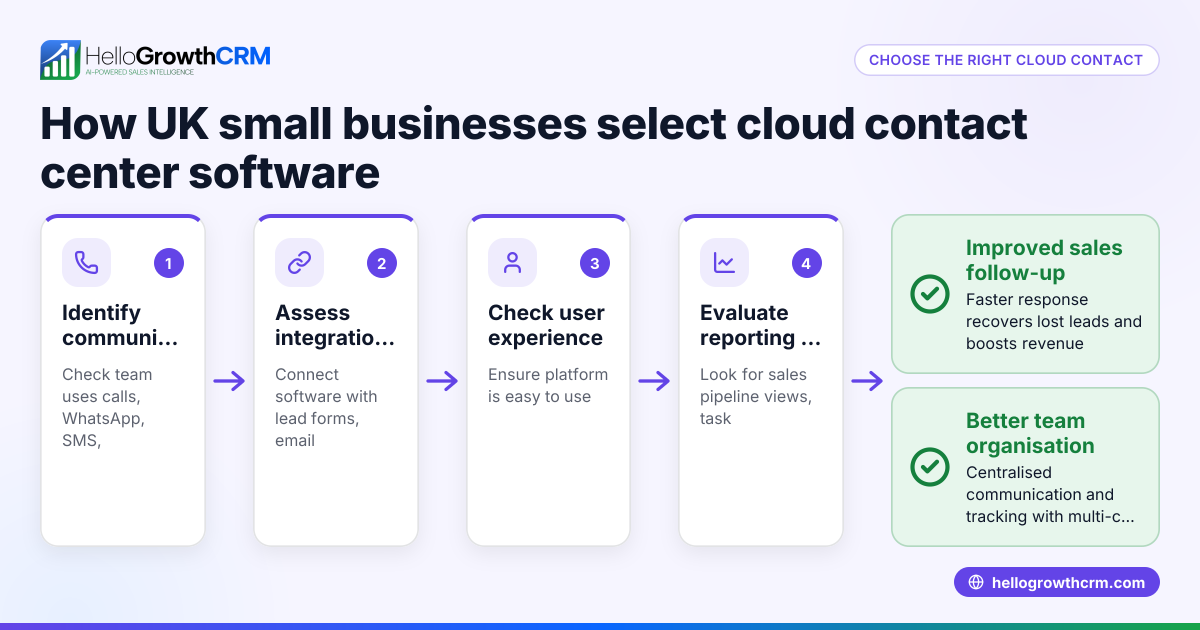
The best customer contact management software in the United Kingdom should fit your business needs, centralise communication, and keep customer interactions organised. This article explains why UK small businesses seek such software, the step-by-step process to choose it, a practical example with figures, common mistakes to avoid, and how HelloGrowthCRM supports these needs.
Why this comes up / what goes wrong
Small and mid-sized UK businesses often lose leads because they manage customer contacts across multiple channels like WhatsApp, email, and spreadsheets. This scattered approach causes slow follow-up, missed opportunities, and frustrated sales teams. Business owners searching for the best customer contact management software want a tool that centralises communication, captures leads automatically, and helps the team track next steps without manual effort.
Step-by-step
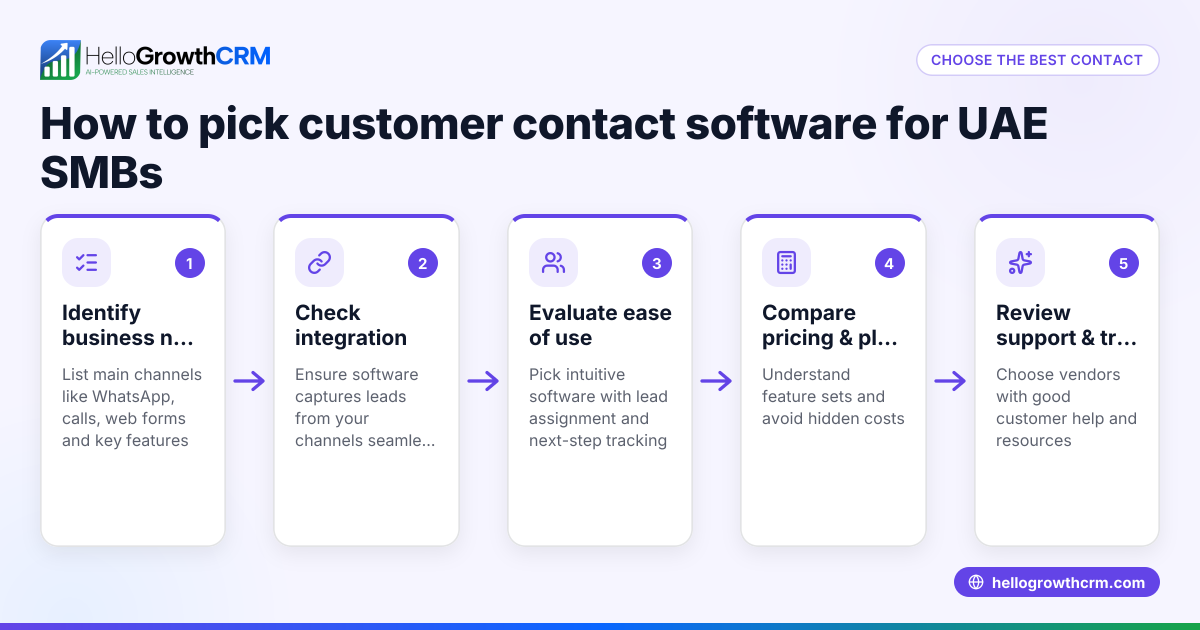
- Identify your business needs: Determine how many team members will use the software, which communication channels (WhatsApp, email, phone) you rely on, and what features you require such as lead scoring or customer portals.
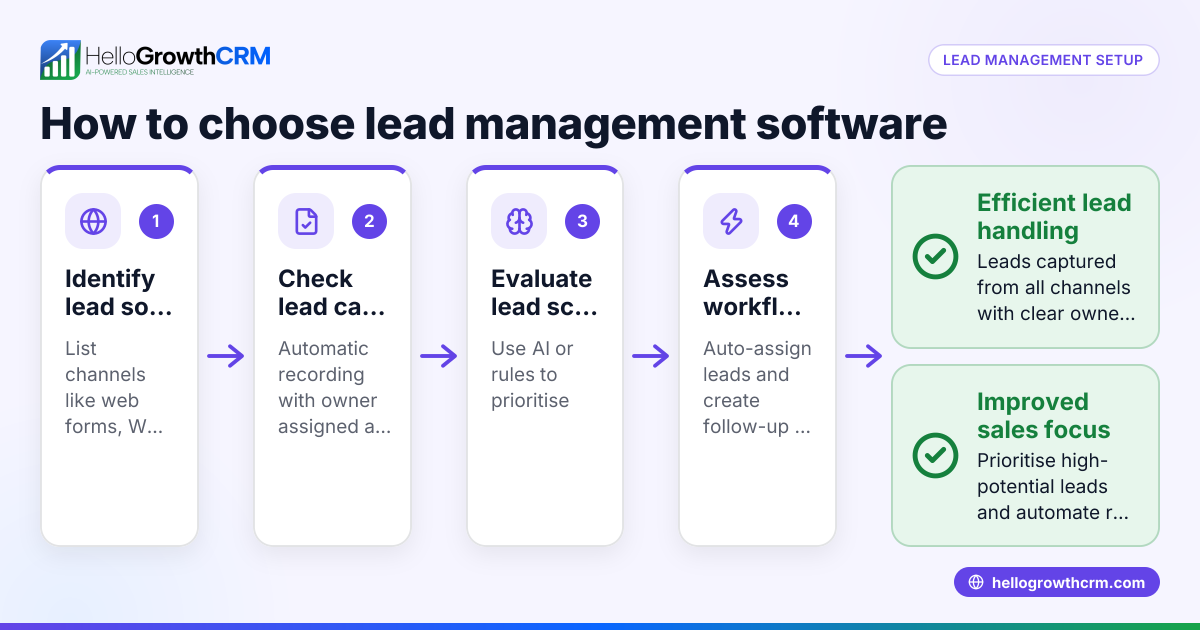
- Check integration options: Confirm the software can capture leads automatically from web forms, calls, and WhatsApp messages.
- Evaluate ease of use: Choose software that your sales and telesales teams will actually use daily, avoiding complex systems that lead back to notebooks or spreadsheets.
- Review lead management features: Look for automatic lead capture with assigned owners and clear next steps to prevent leads from being lost.
- Consider post-sale support tools: Features like customer portals, support tickets, and knowledge bases help keep service requests linked to the same customer record.
- Compare pricing and plans: Understand pricing tiers and included features to ensure the software fits your budget and growth plans.
- Request demos and trial periods: Test the software hands-on to make sure it fits your workflow and team preferences.
- Ask about reporting and forecasting: Sales forecasting and reporting tools help track performance and plan growth.
- Check data security and compliance: Verify the software protects customer data and complies with UK regulations.
- Read reviews and compare alternatives: Use comparison pages and customer feedback to shortlist the best options.
For detailed feature comparisons, see our compare CRMs page.
Example (fictional figures)
A letting agency in Manchester with 12 employees receives about 150 enquiries monthly via web forms, calls, and WhatsApp. They currently lose an estimated 20 leads monthly due to slow follow-up.
- Average deal value: £3,500.
- Monthly revenue lost: 20 leads × £3,500 = £70,000.
With better lead management software, they aim to reduce lead loss to 5 leads per month.
- Leads saved: 20 - 5 = 15 leads saved.
- Revenue saved: 15 leads × £3,500 = £52,500 per month.
This calculation helps the agency justify investing in software that captures every lead with an owner and next step, improving follow-up speed and customer satisfaction.
Common mistakes
- Ignoring user adoption: Choose software your team finds easy to use to ensure consistent data entry and follow-up.
- Overlooking integration needs: Failing to check if the software connects with your communication channels leads to manual work.
- Neglecting post-sale support: Without customer portals or ticketing, service requests get lost, harming retention.
- Choosing based on price alone: The cheapest option may lack critical features, causing more costs later.
- Skipping trial periods: Not testing the software can result in surprises about usability or missing features.
- Not planning for growth: Pick a solution that scales with your business and adds features as you grow.
See more on avoiding these pitfalls on our customer health score page.
Doing this in HelloGrowthCRM
HelloGrowthCRM captures every enquiry from forms, calls, or WhatsApp as a lead with an assigned owner and next step, preventing leads from getting lost in notebooks. After the sale, service requests stay linked to the same customer record through its customer portal, referral tracking, tickets, and knowledge base. This keeps your sales and support teams aligned on each customer’s journey. Learn more about HelloGrowthCRM for the United Kingdom here.
Frequently asked questions
What is the typical pricing for customer contact management software in the UK? Pricing varies depending on features and user numbers. Many providers offer tiered plans from free or basic versions to advanced packages with AI lead scoring and customer portals. Always check the full feature list and compare costs per user. For detailed pricing, see CRM pricing in the United Kingdom.
Are there good alternatives to popular CRM software for small UK businesses? Yes, alternatives range from simple contact managers to AI-powered CRM platforms with built-in communication tools. Evaluate alternatives based on your team's workflows, integration needs, and budget. Our compare CRMs page helps you weigh options.
Which CRM features benefit customer-facing teams the most? Features like automatic lead capture, real-time communication via WhatsApp or email, task boards, and customer portals improve efficiency. These help teams respond quickly, track progress, and provide consistent service.
Can I manage customer support tickets within the same software? Many CRM solutions, including HelloGrowthCRM, integrate support tickets and knowledge bases within the customer record. This centralises communication and improves service quality.
How do I ensure my team uses the CRM consistently? Choose software that is easy to use and fits your existing communication channels. Provide training and set clear processes for entering leads and updating customer records. Tools that automate lead capture help reduce manual effort.
Key takeaways
- Choose software that fits your team size, communication channels, and sales process.
- Prioritise automatic lead capture with assigned owners and next steps.
- Include post-sale support features like customer portals and tickets.
- Test software with demos or trials before deciding.
- Avoid choosing solely on price; consider usability and scalability.
- Use comparison tools and pricing pages to shortlist options.
See detailed UK pricing and plans at See UK pricing.
Ready to put this into practice?
Set up your pipeline, WhatsApp follow-ups, and AI lead scoring in minutes — free, no credit card.
Try HelloGrowthCRM freeGet CRM tips in your inbox
Join thousands of sales professionals who get weekly insights on CRM strategy, AI automation, and pipeline optimization.

The HelloGrowthCRM team publishes guides on CRM strategy, AI sales tools, and revenue operations for small business sales teams.