HelloGrowthCRM software
Built for real small-business sales teams
HelloGrowthCRM helps reps qualify faster, follow up on time, and close more deals—with practical automation in one place.
- AI lead scoring and pipeline visibility
- Built-in dialer, WhatsApp, and email automation
- Sales forecasting and RevOps-ready reporting
The best customer contact management software in the United States depends on your business size, team needs, and integration preferences. Look for software that organizes leads, tracks customer interactions, and streamlines follow-up without complexity. This article covers why you need contact management software, how to evaluate options step-by-step, a practical example, common mistakes to avoid, and how HelloGrowthCRM supports these tasks.
Why this comes up / what goes wrong
Small and mid-sized business owners often start managing customer contacts with spreadsheets, text messages, or email threads. This approach fails as leads grow because information gets lost, follow-up is delayed, and sales opportunities slip away. Sales teams working across multiple channels struggle to keep track of conversations and next steps. Without a central system, customer service requests after sales scatter across platforms, reducing customer satisfaction and repeat business.
When evaluating the best customer contact management software, business owners want tools that fit their team size (5-200 employees), handle lead capture automatically from web forms and calls, and support multi-channel communication including WhatsApp and SMS. They also want to avoid systems too complex to use daily or too basic to provide sales insights.
Step-by-step
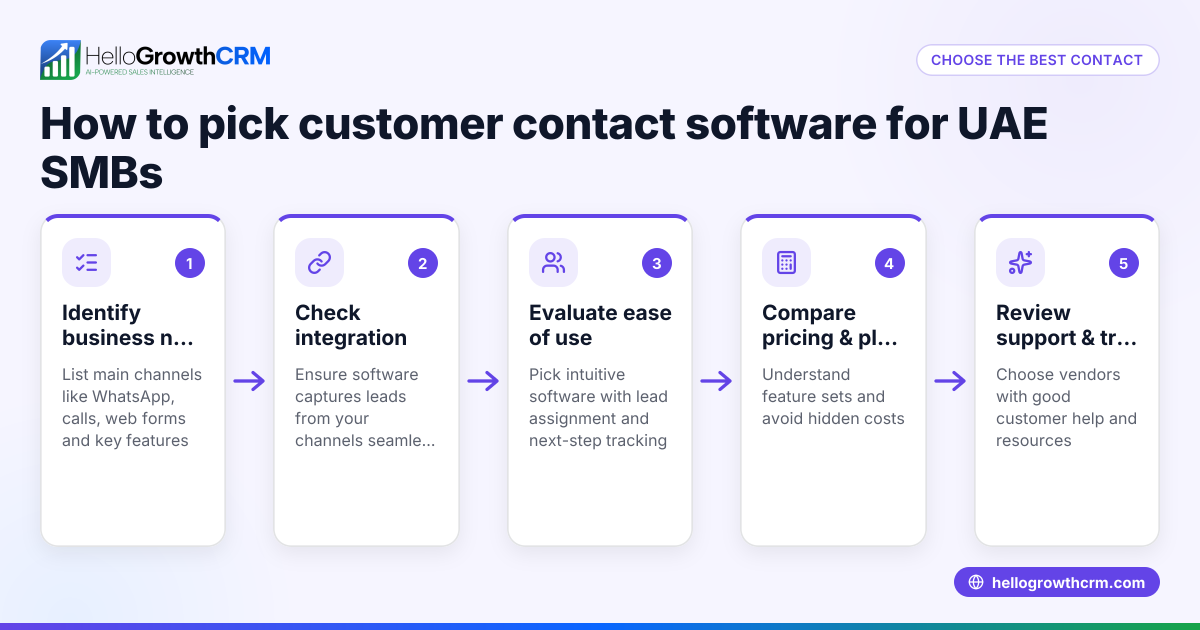
- Identify your business needs and team size
- Check how many users will access the system.
- Determine if you need integrated calling, texting, or WhatsApp messaging.
- Consider if you want built-in lead scoring or sales forecasting.
- List must-have features
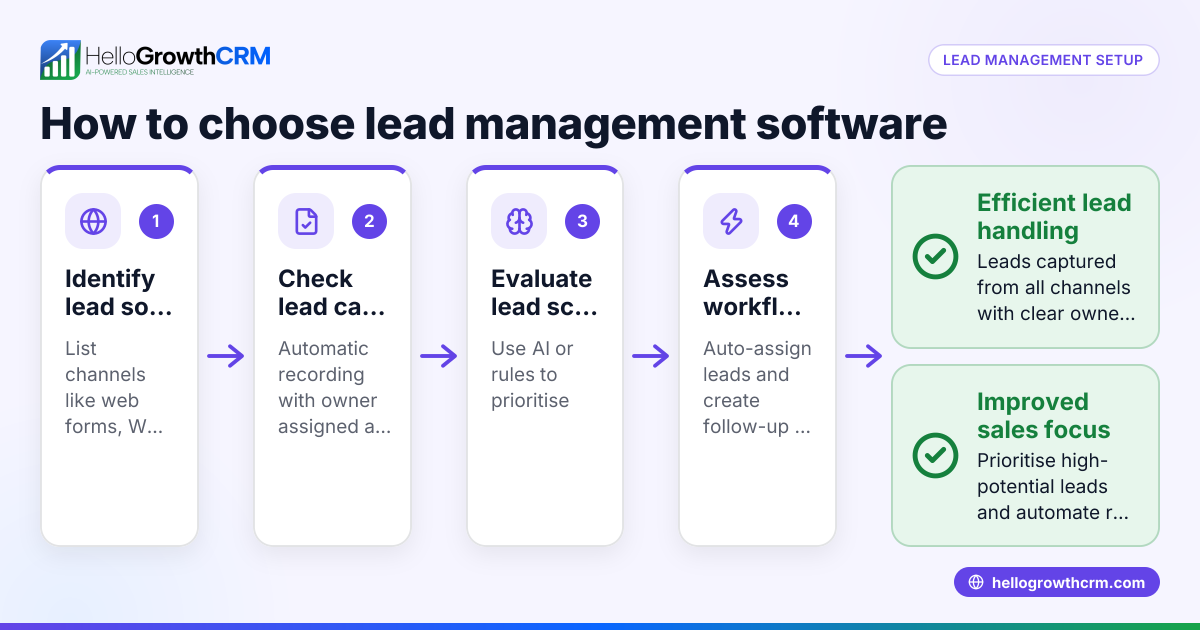
- Lead capture from web forms, calls, or WhatsApp.
- Contact and pipeline management with task boards.
- Multi-channel communication sequences (email, SMS, WhatsApp).
- Customer service tools like tickets and a knowledge base.
- Evaluate ease of use and adoption
- Choose software with a simple interface your team will actually use daily.
- Look for clear ownership of leads and automated next steps.
- Check integration capabilities
- Ensure the software connects with your existing tools (email, calendar, website forms).
- Verify if API access is available for custom workflows.
- Compare pricing and scalability
- Review pricing plans carefully; some charge per user or by feature tiers.
- Confirm the software can grow with your business needs.
- Test customer support and training options
- Look for responsive support and available onboarding resources.
- Request demos or trials
- Use trial periods to test lead capture, communication flows, and reporting.
- Analyze reporting and forecasting capabilities
- Confirm the software provides sales forecasting and performance reports.
For a detailed feature comparison, see our compare CRMs page.
Example (fictional figures)
A plumbing company in Austin, Texas, with 12 employees wants to improve lead follow-up and customer service. They receive about 200 new inquiries monthly via website forms and phone calls.
- Current revenue: $1,200,000 annually.
- Average deal size: $1,500.
- Conversion rate without CRM: 15%.
They implement contact management software that captures every inquiry as a lead with an assigned owner and next step.
Assuming the software helps increase conversion to 20%:
New monthly leads = 200
New monthly conversions = 200 × 20% = 40
Old monthly conversions = 200 × 15% = 30
Additional monthly deals = 40 - 30 = 10
Additional annual revenue = 10 × $1,500 × 12 = $180,000
This example shows how better lead management can boost sales by $180,000 annually.
Common mistakes
- Ignoring team input: Involve sales and support teams early to ensure the software fits their workflow.
- Choosing overly complex solutions: Avoid software with features your team won’t use; complexity reduces adoption.
- Neglecting multi-channel communication: Pick software supporting all channels your customers use, including WhatsApp and SMS.
- Failing to automate lead capture: Manual entry causes lost leads; automate capture from forms and calls.
- Skipping trial periods: Always test software in real scenarios before committing.
- Overlooking customer service integration: Use software that keeps service tickets linked to customer records to improve support quality.
Learn more about managing customer health with integrated tools on our customer health score page.
Doing this in HelloGrowthCRM
HelloGrowthCRM captures every enquiry from forms, calls, or WhatsApp as a lead with an assigned owner and a next step, preventing leads from getting lost in notebooks. After the sale, customer service requests stay on the same customer record as the deal through the built-in customer portal, referrals, tickets, and knowledge base features. This keeps all customer interactions centralized and easy to manage.
Frequently asked questions
What is the typical pricing for customer contact management software in the United States? Pricing varies widely based on features and user count. Many providers offer tiered plans starting with free or low-cost options for small teams, scaling up to more comprehensive packages. Always check detailed pricing on the vendor’s official site. For HelloGrowthCRM, see CRM pricing in the United States.
Are there alternatives to traditional CRM software for customer contact management? Yes, some businesses use specialized tools for messaging, spreadsheets, or email automation. However, these often lack integrated lead capture, task management, and multi-channel communication, which can reduce efficiency. A dedicated CRM centralizes all these functions.
Which CRM features best support customer-facing teams? Features like automatic lead capture, multi-channel communication (email, SMS, WhatsApp), task and pipeline boards, and integrated customer service tickets help customer-facing teams stay organized and responsive. Reporting and forecasting also help track performance.
How do I ensure my sales team actually uses the CRM? Choose software with a simple user interface, automated next steps, and clear lead ownership. Provide training and involve the team in the selection process. Avoid overly complex systems that frustrate users.
Can I integrate customer contact management software with other business tools? Most modern CRMs offer integrations via APIs or native connectors to email, calendars, web forms, and marketing tools. Verify integration options before purchase.
Key takeaways
- Choose software that automates lead capture from multiple channels including WhatsApp and calls.
- Prioritize ease of use and daily adoption by your sales and support teams.
- Ensure the software supports multi-channel communication and tracks customer service tickets on the same record.
- Test software with real leads and workflows before committing.
- Compare features and pricing carefully to find scalable solutions.
- Involve your team early to avoid choosing overly complex or unsuitable software.
To explore pricing and plans designed for US businesses, See US pricing.
Ready to put this into practice?
Set up your pipeline, WhatsApp follow-ups, and AI lead scoring in minutes — free, no credit card.
Try HelloGrowthCRM freeGet CRM tips in your inbox
Join thousands of sales professionals who get weekly insights on CRM strategy, AI automation, and pipeline optimization.

The HelloGrowthCRM team publishes guides on CRM strategy, AI sales tools, and revenue operations for small business sales teams.