HelloGrowthCRM software
Built for real small-business sales teams
HelloGrowthCRM helps reps qualify faster, follow up on time, and close more deals—with practical automation in one place.
- AI lead scoring and pipeline visibility
- Built-in dialer, WhatsApp, and email automation
- Sales forecasting and RevOps-ready reporting
A call metric is a measurable data point that tracks the performance and effectiveness of sales or customer calls. It helps business owners understand how well their calling efforts convert leads and identify areas for improvement. This article explains why call metrics matter, how to measure them step-by-step, common mistakes to avoid, and how HelloGrowthCRM’s built-in dialer supports call tracking.
Why this comes up / what goes wrong
Small business owners often rely on phone calls to reach potential customers, follow up on leads, and close deals. However, without tracking call metrics, they can’t tell which calls are productive or where the sales process stalls. For example, a service business owner might notice many calls but few appointments booked, or a sales manager may not know if reps are following up quickly enough. This lack of insight leads to lost leads and missed revenue opportunities. Tracking call metrics helps pinpoint what’s working and what needs change.
Step-by-step
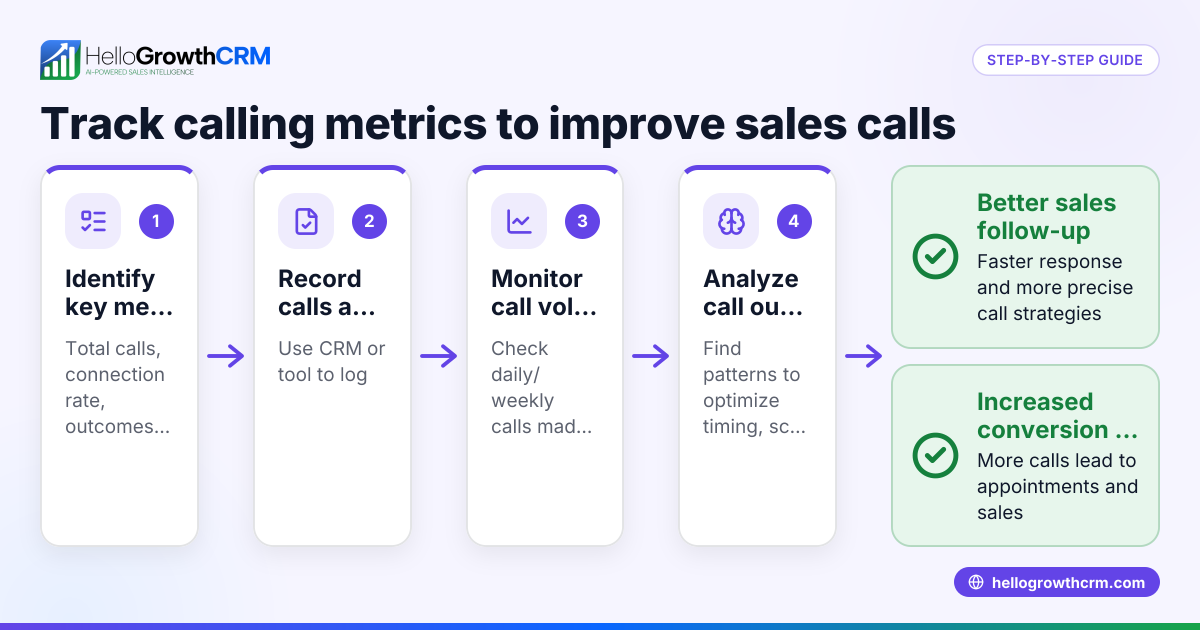
- Define your key call metrics: Decide which call metrics matter most for your business. Common ones include number of calls made, call duration, calls connected, call outcomes (e.g., appointment set, no answer), and conversion rate from call to sale.
- Set up a call logging system: Use a tool or method to record each call’s details such as date, time, duration, contact, and outcome. This can be a spreadsheet, CRM, or call tracking software.
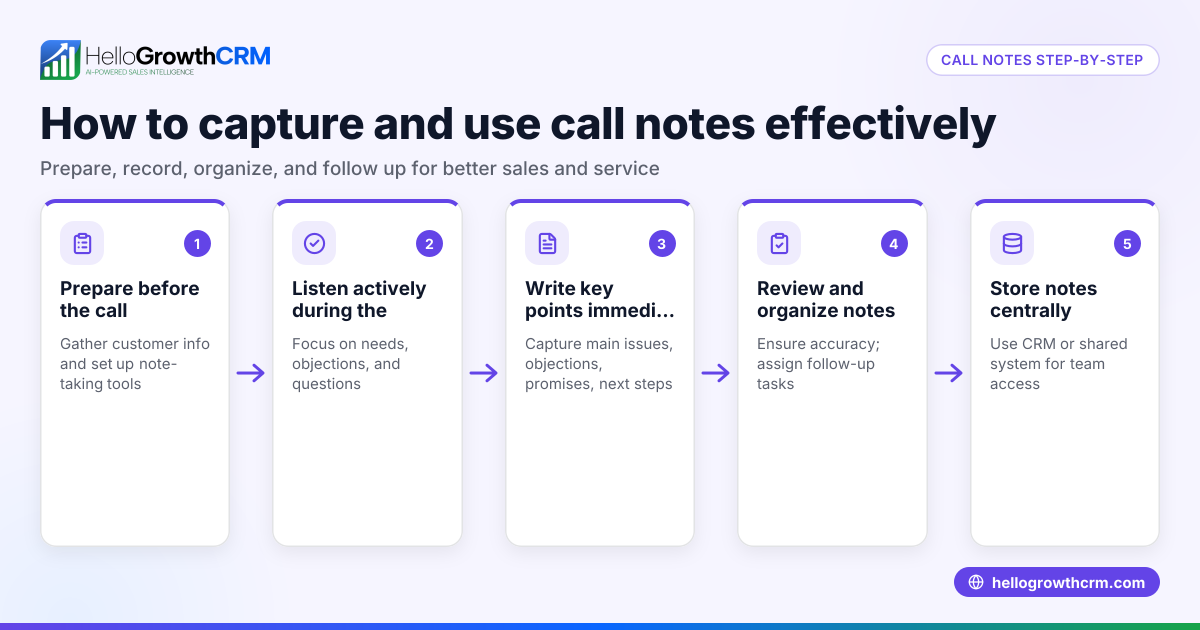
- Collect data consistently: Ensure your sales or calling team logs every call immediately after it happens. Consistency is crucial for accurate metrics.
- Analyze the data regularly: Review your call metrics weekly or monthly to identify patterns. Look for trends like which reps have the highest connection rates or which call times yield the most appointments.
- Adjust your calling strategy: Use insights from the metrics to improve. For example, if calls after 3 PM have better results, schedule more calls then. If many calls end with no answer, consider leaving SMS follow-ups.
- Track improvements over time: Continue measuring call metrics to see if changes improve results. Adjust as needed.
Example (fictional figures)
A two-location dental practice in Columbus, Ohio tracks its call metrics for January 2026 to improve new patient bookings.
- Total calls made: 1,200 calls
- Calls connected: 720 calls
- Appointments booked: 180 appointments
Calculate the call connection rate and appointment booking rate:
Call connection rate = (Calls connected ÷ Total calls made) = 720 ÷ 1,200 = 0.6
Appointment booking rate (from connected calls) = (Appointments booked ÷ Calls connected) = 180 ÷ 720 = 0.25
This means 0.6 of calls reach a person and 0.25 of those connected calls result in booked appointments. The practice can focus on increasing connection rate by calling at different times or leaving SMS reminders.
Common mistakes
- Not defining which call metrics matter: Prevent this by deciding upfront what success looks like for your calls.
- Inconsistent call logging: Avoid this by setting clear processes and training your team to log every call immediately.
- Ignoring call outcomes: Always record what happened on the call, not just that it happened.
- Relying on raw call volume only: High call numbers don’t equal success; track connection and conversion rates too.
- Not reviewing data regularly: Schedule regular metric reviews to spot issues early.
- Failing to act on insights: Use your call metric data to refine scripts, calling times, and follow-up methods.
Doing this in HelloGrowthCRM
HelloGrowthCRM offers a built-in dialer that lets your sales reps call directly from the CRM. Each call’s outcome is logged automatically on the lead’s record, keeping a full call history tied to contacts and deals. This helps you track call volume, connection rates, and follow-up actions without switching tools. A rep can work a list inside the CRM, making call logging consistent and easy. Learn more about the built-in CRM dialer and how it fits with HelloGrowthCRM for the United States and its WhatsApp and SMS CRM capabilities.
Frequently asked questions
What is a good call metric to track first? Start with call volume and call connection rate. These show how many calls your team makes and how often they reach a live person. Then add call outcome metrics like appointments or sales.
How often should I review call metrics? Weekly reviews help catch issues quickly, but monthly reviews allow you to see trends and measure changes after adjustments.
Can call metrics improve sales performance? Yes. Tracking call metrics highlights what works and what doesn’t. This lets you optimize calling times, scripts, and follow-up methods to increase conversions.
What tools help track call metrics easily? CRMs with built-in dialers, like HelloGrowthCRM, log calls and outcomes automatically, reducing manual work and errors.
How do I ensure my team logs calls accurately? Set clear expectations, train reps on logging procedures, and use software that makes logging automatic or simple.
Key takeaways
- Call metrics measure how well your sales or customer calls perform.
- Define which metrics matter, such as call volume, connection rate, and conversion from call to sale.
- Consistently log every call and its outcome to gather accurate data.
- Review call metrics regularly and adjust your calling strategy based on insights.
- Avoid common mistakes like inconsistent logging and ignoring call outcomes.
- HelloGrowthCRM’s built-in dialer helps track calls and outcomes directly inside the CRM.
Tracking call metrics gives your business clear data to improve sales calls and convert more leads. To start tracking calls efficiently, try HelloGrowthCRM’s built-in dialer and see how it can streamline your calling process.
Get started today on the Free Forever plan (200 leads, no credit card).
Ready to put this into practice?
Set up your pipeline, WhatsApp follow-ups, and AI lead scoring in minutes — free, no credit card.
Try HelloGrowthCRM freeGet CRM tips in your inbox
Join thousands of sales professionals who get weekly insights on CRM strategy, AI automation, and pipeline optimization.

The HelloGrowthCRM team publishes guides on CRM strategy, AI sales tools, and revenue operations for small business sales teams.