HelloGrowthCRM software
Built for real small-business sales teams
HelloGrowthCRM helps reps qualify faster, follow up on time, and close more deals—with practical automation in one place.
- AI lead scoring and pipeline visibility
- Built-in dialer, WhatsApp, and email automation
- Sales forecasting and RevOps-ready reporting
A CRM case study demonstrates how a business uses customer relationship management software to improve sales, lead follow-up, and team coordination. It helps you see real benefits, challenges, and questions to consider before choosing a CRM. This article explains why small businesses seek CRM case studies, provides a step-by-step evaluation guide, a practical Canadian example, common mistakes, and how HelloGrowthCRM supports sales teams.
Why this comes up / what goes wrong
Small-business owners search for CRM case studies when they want to solve issues like lost leads, slow follow-up, or disorganised sales processes. Many use email, text messages, and spreadsheets to manage sales, which often leads to missed opportunities and poor team collaboration. They look for real examples showing how a CRM improved lead tracking, sales efficiency, and automated follow-ups. These case studies help clarify which features matter most, what trade-offs exist, and the right questions to ask CRM vendors.
Step-by-step
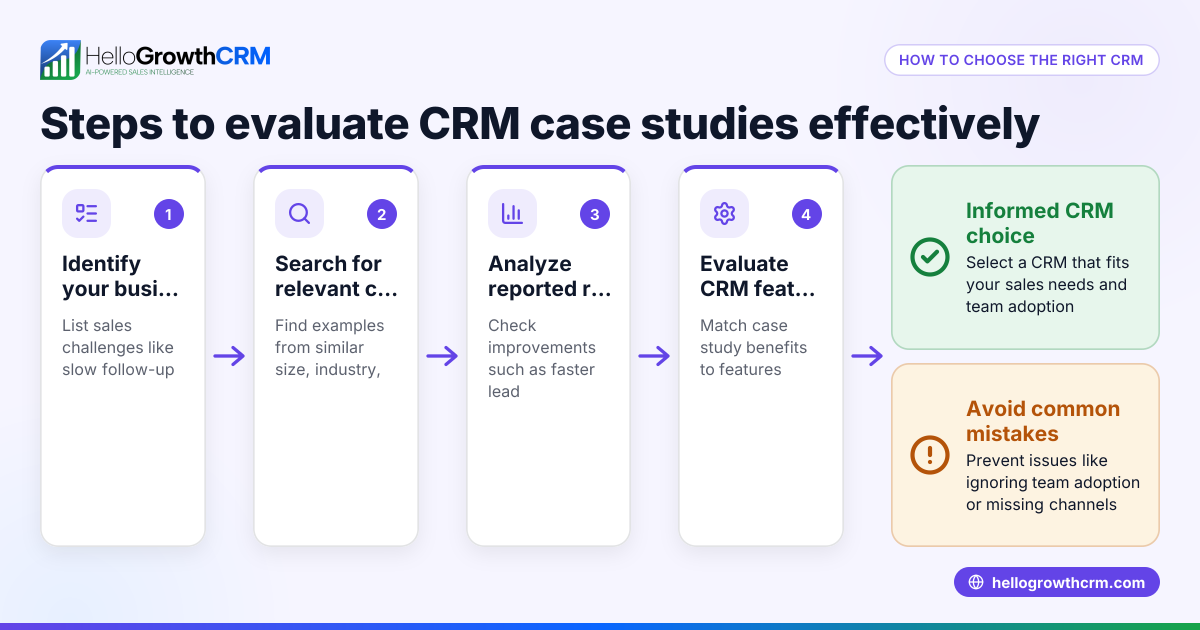
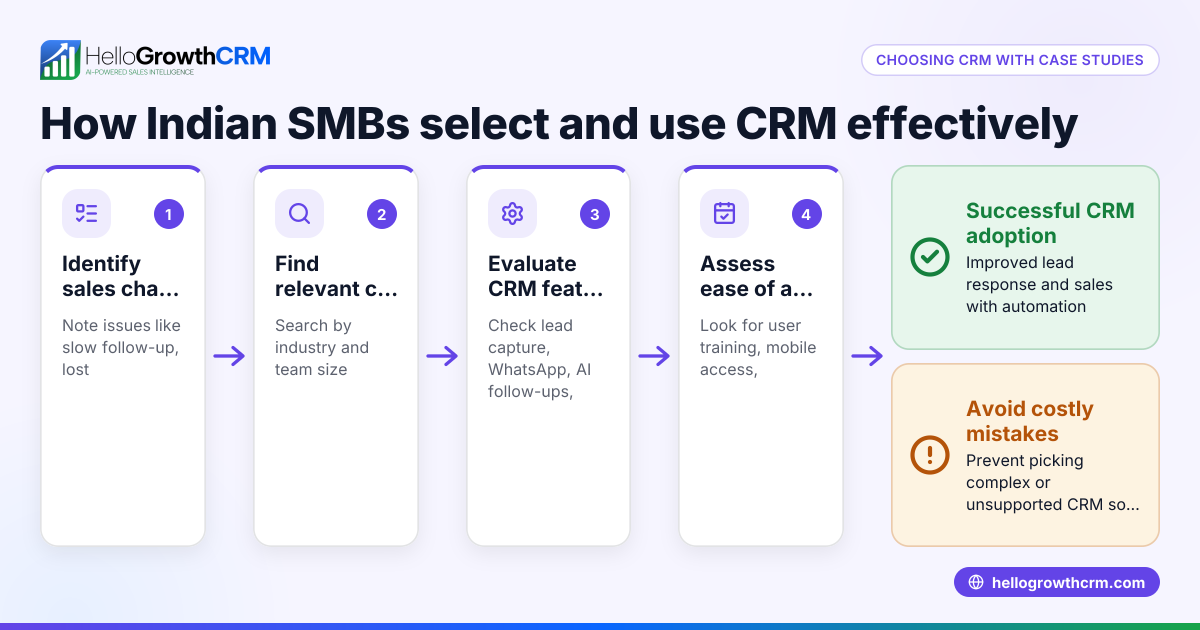
- Identify your business needs: Write down your main sales challenges such as slow lead response, lack of sales visibility, or difficulty coordinating a team.
- Search for relevant CRM case studies: Find examples from businesses similar in size, industry, or sales process to yours.
- Note the CRM features used: Identify which features solved problems — lead capture, messaging, automation, reporting, or pipeline management.
- Review the implementation process: Check how long setup took, what training was needed, and how the team adapted.
- Assess the results: Look for improvements in lead response times, conversion rates, revenue growth, or team productivity.
- Ask about trade-offs: Understand any downsides such as cost, complexity, or learning curve.
- Compare with your budget and team size: Make sure the CRM fits your resources and future growth plans.
- Test the CRM yourself: Use free plans or demos to check usability and integration with your existing workflows.
Example (fictional figures)
A home-renovation contractor in Calgary, Alberta, with 10 employees, struggled with slow lead follow-up before adopting a CRM in 2023-07. They wanted to track leads from their website and manage follow-ups more effectively.
- Monthly leads before CRM: 100
- Lead conversion rate before CRM: 10%
- Average project value: C$15,000
- Monthly revenue before CRM: 100 × 10% × C$15,000 = C$150,000
After CRM implementation:
- Lead follow-up time dropped from 3 days to 1 hour
- Lead conversion rate improved to 15%
- Monthly leads remained 100
- Monthly revenue after CRM: 100 × 15% × C$15,000 = C$225,000
Revenue increase = C$225,000 - C$150,000 = C$75,000 per month
This example shows how tracking leads and automating follow-ups can significantly boost sales and revenue.
Common mistakes
- Choosing a CRM without defining needs: Prevent by clearly listing your sales challenges before evaluating.
- Ignoring team input: Prevent by involving sales reps early to ensure adoption and fit.
- Underestimating training and onboarding: Prevent by planning time and resources for user training.
- Overlooking integration with existing tools: Prevent by checking compatibility with tools like email or spreadsheets.
- Focusing only on features, not usability: Prevent by testing the CRM hands-on during trials.
- Not measuring results after implementation: Prevent by setting clear KPIs and reviewing them regularly.
Doing this in HelloGrowthCRM
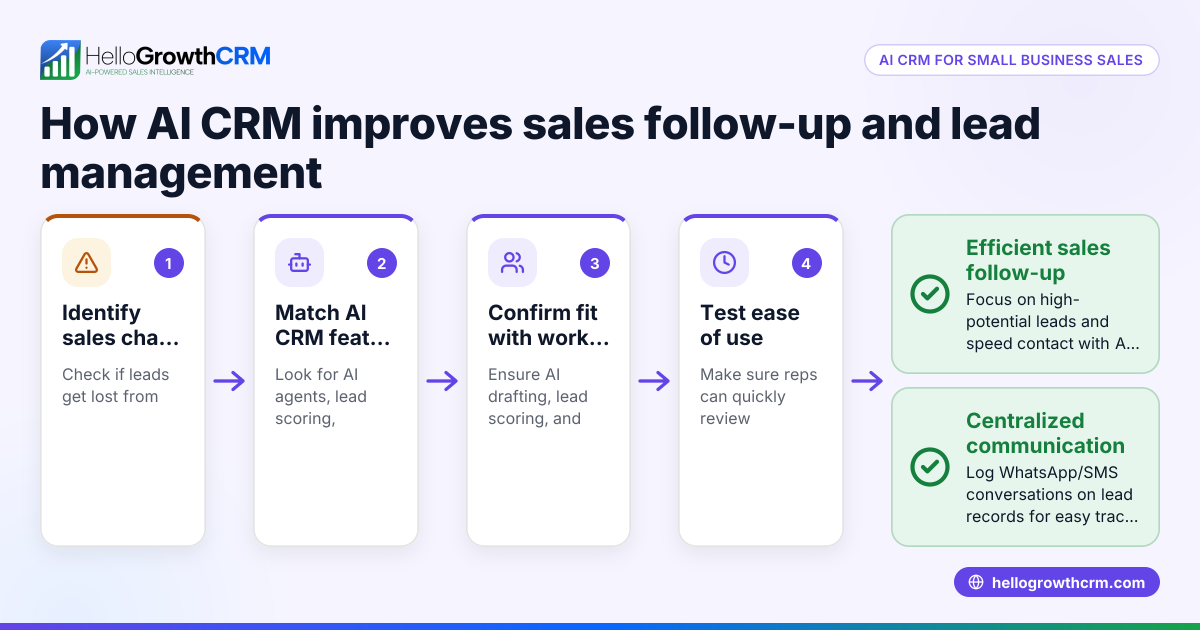
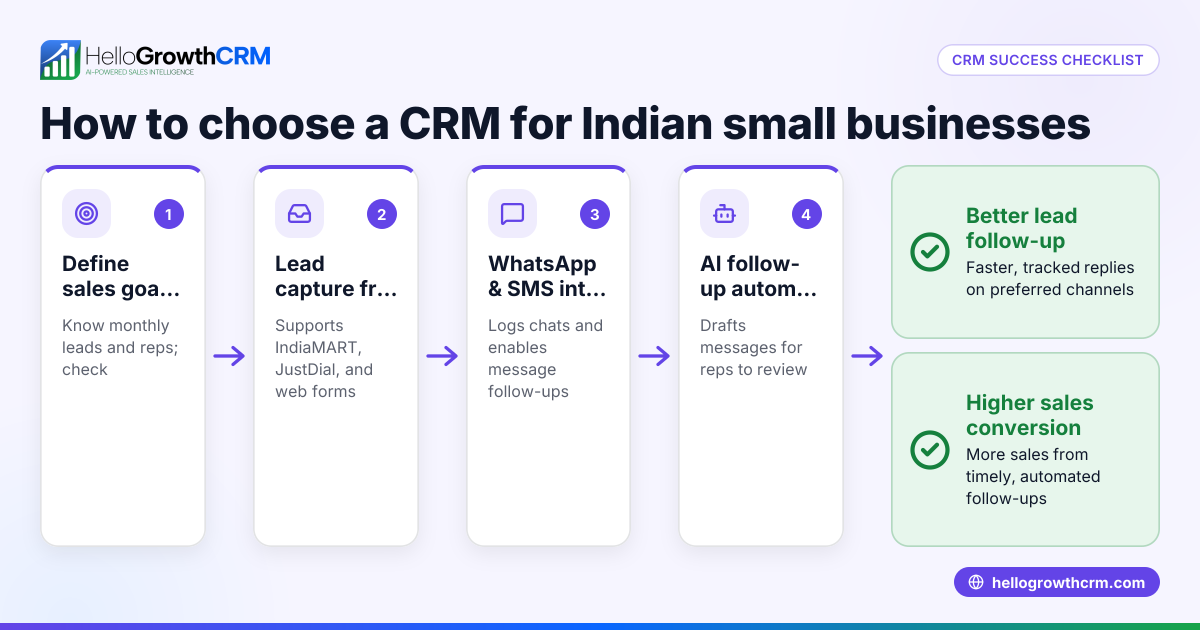
HelloGrowthCRM offers a WhatsApp-native CRM with WhatsApp and SMS messaging workflows. All WhatsApp conversations with leads are logged on their lead record, and follow-ups can be sent as WhatsApp or SMS messages, helping your team engage leads on familiar channels. Its AI agents (in Beta) draft follow-up messages after calls so sales reps only need to review and send, saving time. The Free Forever plan allows a two-person team to manage their sales pipeline at no cost until they need calling or WhatsApp automation. Learn more about WhatsApp and SMS CRM and the built-in CRM dialer. For Canadian businesses, see HelloGrowthCRM for Canada.
Frequently asked questions
What is a CRM case study? A CRM case study is a detailed example showing how a business implemented and benefited from a CRM system. It explains challenges faced, solutions used, results achieved, and lessons learned.
How do CRM case studies help small businesses? They provide real-world insights about CRM benefits and pitfalls, helping small businesses choose software that fits their needs and avoid common mistakes.
Can you give examples of CRM case studies for B2B companies? B2B CRM case studies often focus on lead tracking, pipeline management, and sales automation that shortens sales cycles. Look for case studies relevant to your industry or sales approach.
What questions should I ask vendors when evaluating CRM case studies? Ask about implementation time, user adoption rates, integration with your existing tools, support availability, and measurable improvements in sales metrics.
Are there CRM case studies for investment advisers? Yes, these typically highlight client management, compliance tracking, and personalised communication. Check if the CRM supports secure messaging channels like WhatsApp.
Key takeaways
- Start by clearly defining your sales challenges before choosing a CRM.
- Use CRM case studies to understand practical benefits, trade-offs, and implementation realities.
- Test CRM usability and integration with your existing workflows before committing.
- Avoid common mistakes by involving your team and planning training.
- HelloGrowthCRM supports lead messaging via WhatsApp and SMS with AI-assisted follow-ups.
- The Free Forever plan lets small teams manage pipelines without upfront costs.
Explore starting your CRM journey with the Free Forever plan (200 leads, no credit card) from HelloGrowthCRM to see how it fits your business.
Ready to put this into practice?
Set up your pipeline, WhatsApp follow-ups, and AI lead scoring in minutes — free, no credit card.
Try HelloGrowthCRM freeGet CRM tips in your inbox
Join thousands of sales professionals who get weekly insights on CRM strategy, AI automation, and pipeline optimization.

The HelloGrowthCRM team publishes guides on CRM strategy, AI sales tools, and revenue operations for small business sales teams.