HelloGrowthCRM software
Built for real small-business sales teams
HelloGrowthCRM helps reps qualify faster, follow up on time, and close more deals—with practical automation in one place.
- AI lead scoring and pipeline visibility
- Built-in dialer, WhatsApp, and email automation
- Sales forecasting and RevOps-ready reporting
CRM client relationship management software is designed to help businesses manage customer information, sales pipelines, and communication efficiently. For Indian small and mid-sized businesses, choosing the right CRM means faster lead follow-up and better team collaboration. This article covers why business owners seek CRM solutions, clear steps to evaluate software, a practical example with figures, common pitfalls to avoid, and how HelloGrowthCRM can assist with lead capture and messaging.
Why this comes up / what goes wrong
Many Indian small-business owners rely on WhatsApp chats, Excel sheets, or notebooks to track leads and customer conversations. This approach often causes leads to get lost or delayed in follow-up, reducing sales conversion. Teams working remotely or with multiple salespeople find it difficult to share customer information consistently. When businesses grow beyond a handful of leads, manual tracking becomes inefficient and error-prone. This drives the search for CRM client relationship management software that can centralize lead data, automate follow-ups, and provide visibility into sales progress.
Step-by-step
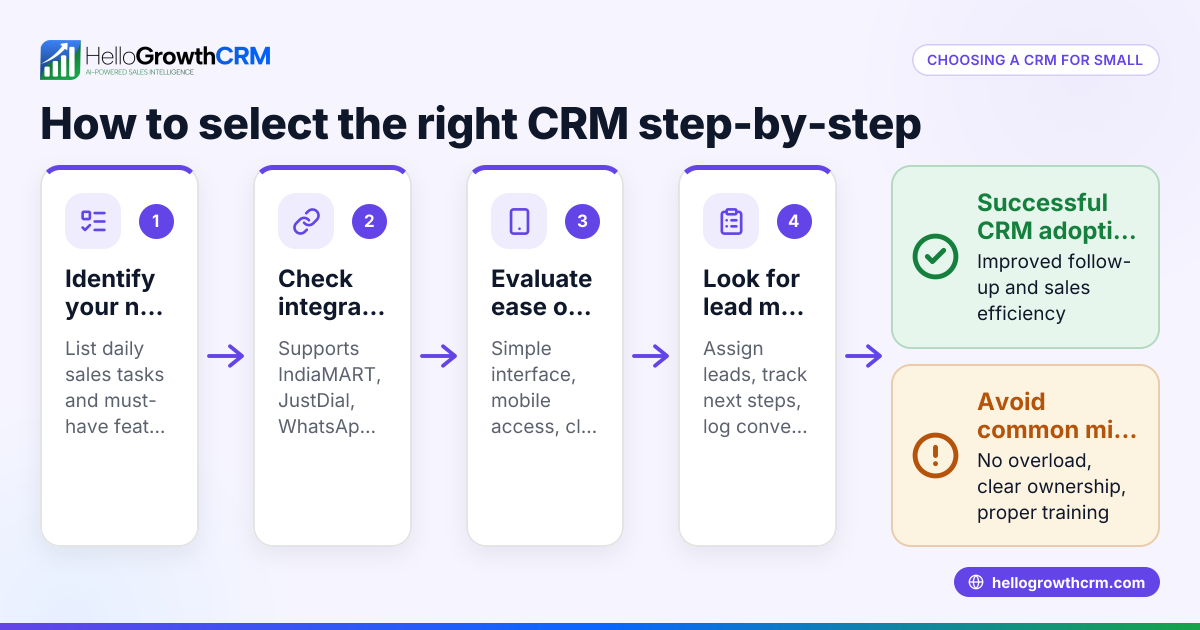
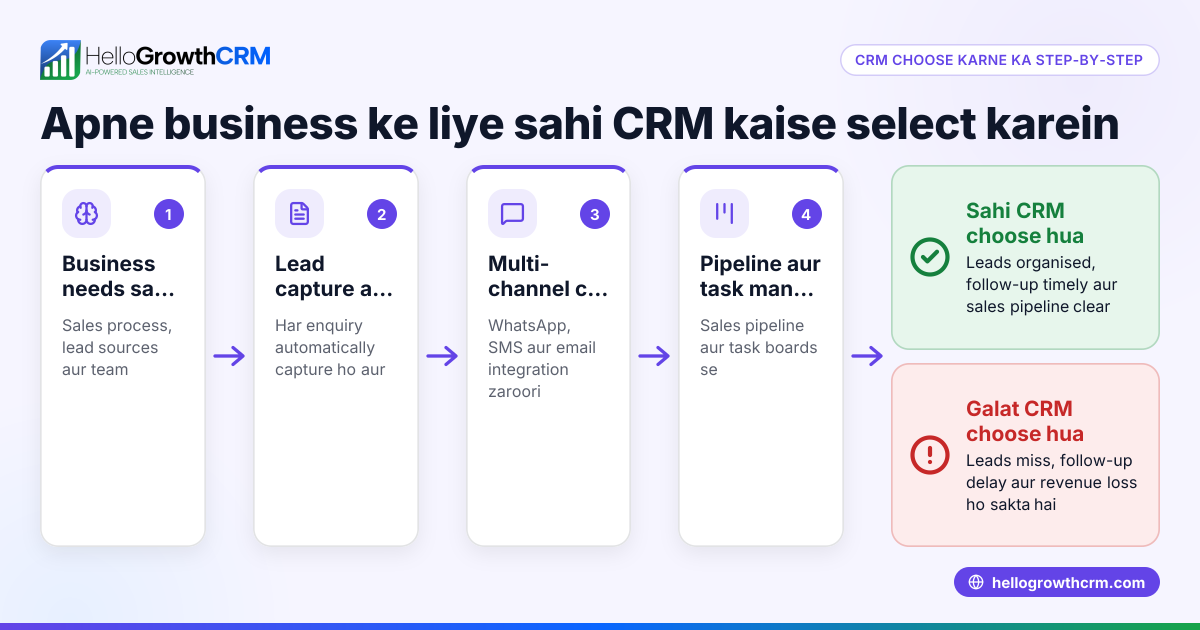
- List your business needs: Identify the number of users, types of leads (calls, WhatsApp, forms), and communication channels you use. Check if you need mobile access or integration with WhatsApp.
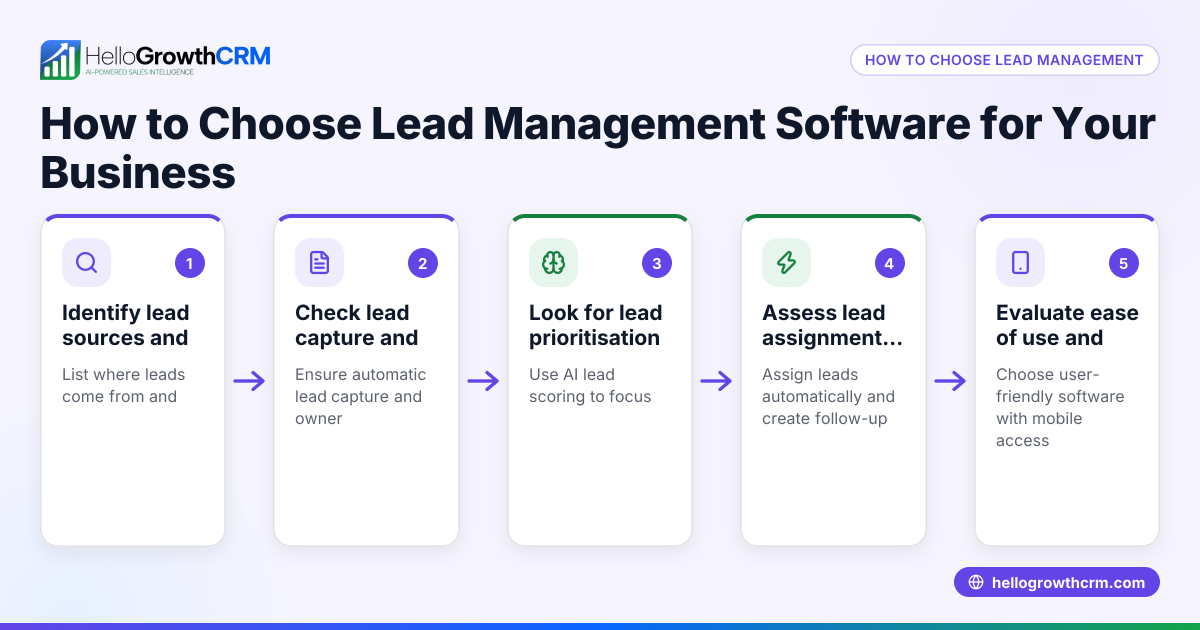
- Check lead capture capabilities: Ensure the CRM can automatically capture leads from your enquiry sources like IndiaMART, JustDial, or website forms to avoid manual entry.
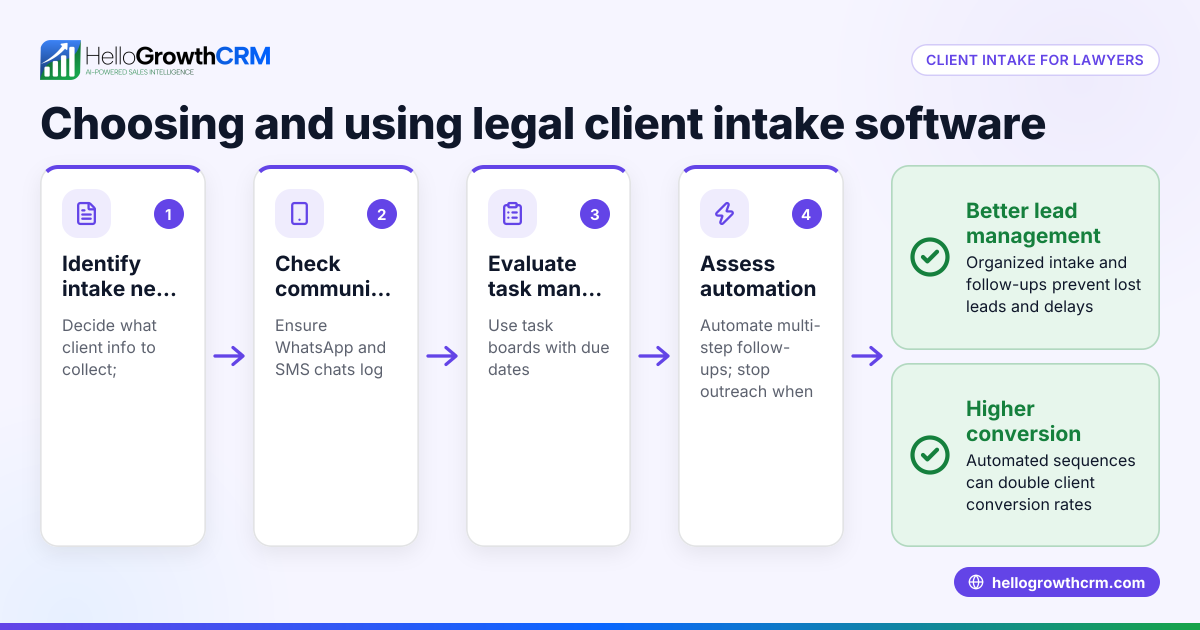
- Evaluate communication tools: Look for CRM software that logs WhatsApp and SMS conversations with leads and allows sending follow-ups directly from the system.
- Assess sales pipeline features: Confirm the CRM provides clear pipeline boards or task lists to track each lead’s stage and next steps.
- Consider AI or automation: Some CRMs offer AI to draft follow-up messages or update records, reducing manual effort.
- Review reporting and forecasting: Check that the CRM can generate sales reports and forecasts to help plan resources.
- Test usability: Choose software that your sales team will actually use, with an intuitive interface and mobile-friendly design.
- Compare pricing and plans: Understand what features come with each plan and if there are limits on leads or users.
- Request a demo or trial: Use free trials to see how the CRM fits your workflow before committing.
- Check support and onboarding: Make sure there is accessible customer support and training resources.
Example (fictional figures)
A Delhi-based electronics wholesaler receives 150 enquiries monthly from IndiaMART and WhatsApp. They want to follow up within 24 hours to improve conversion.
- Average order value: ₹15,000
- Current conversion rate: 10%
- Target conversion rate with CRM: 15%
Current monthly sales = 150 × 10% × ₹15,000 = ₹2,25,000
Target monthly sales = 150 × 15% × ₹15,000 = ₹3,37,500
Additional monthly revenue = ₹3,37,500 - ₹2,25,000 = ₹1,12,500
If the CRM subscription costs ₹5,000/month, the net gain is ₹1,12,500 - ₹5,000 = ₹1,07,500
This shows how faster, organized follow-ups can increase sales significantly.
Common mistakes
- Ignoring mobile access: Sales teams often work on the move. Without mobile-friendly CRM or WhatsApp integration, follow-ups get delayed. Use a CRM with WhatsApp and SMS CRM features for on-the-go updates (/product/whatsapp-sms-crm).
- Choosing complex software: Overly complicated CRMs discourage daily use. Pick user-friendly software with clear lead and pipeline views.
- Manual lead entry: Typing leads into a spreadsheet wastes time and causes errors. Opt for a CRM that automatically captures leads from forms, calls, and WhatsApp (/in).
- No follow-up reminders: Without task boards or next-step alerts, leads slip through. Use CRM with pipeline and task boards for visibility.
- Skipping trial runs: Buying without testing leads to misfit software. Always try a demo or free plan first.
- Neglecting team training: Without proper onboarding, teams resist new tools. Plan training sessions to ensure adoption.
Doing this in HelloGrowthCRM
HelloGrowthCRM captures every enquiry from forms, calls, or WhatsApp as a lead with an assigned owner and a clear next step, preventing leads from getting lost. WhatsApp conversations with leads are logged on their records, and follow-ups can be sent as WhatsApp or SMS messages directly from the CRM. Additionally, its AI agents can draft follow-up messages after calls for reps to review and send, reducing manual effort. Learn more about HelloGrowthCRM’s WhatsApp and SMS CRM features (/product/whatsapp-sms-crm) and the built-in CRM dialer (/product/crm-dialer).
Frequently asked questions
What is the difference between CRM and client relationship management software? CRM stands for Customer Relationship Management, and client relationship management software is a type of CRM focused on managing client interactions and sales pipelines. Both terms refer to software that helps organize and improve customer communication.
Can CRM software integrate with WhatsApp? Yes, some CRMs, including HelloGrowthCRM, integrate with WhatsApp to log conversations and send follow-ups, making it easier for sales teams to engage leads where they already communicate (/product/whatsapp-sms-crm).
How does AI help in CRM? AI in CRM can automate tasks like drafting follow-up messages, updating lead status, and scoring leads to prioritize efforts. This saves time and improves response speed. HelloGrowthCRM offers AI agents that draft follow-ups after calls for review (/product/ai-crm).
Is a free CRM plan useful for small businesses? Free CRM plans often provide basic lead capture and pipeline management suitable for small teams or startups. HelloGrowthCRM’s Free Forever plan supports 200 leads and can help you start organizing leads without upfront cost (/free-crm).
What should I ask before buying CRM software? Ask about lead capture methods, communication channels supported, ease of use, mobile access, automation features, reporting, pricing plans, and customer support. Testing a demo or free plan helps ensure it fits your business.
Key takeaways
- Choose CRM software that captures leads automatically from your enquiry sources.
- Ensure it supports WhatsApp and SMS messaging for seamless follow-up.
- Use pipeline and task boards to track lead status and next steps.
- Avoid complex CRMs; usability drives adoption.
- Test free plans or demos before buying.
- Consider AI features to reduce manual follow-up work.
Start organising your leads and improving sales follow-up by trying HelloGrowthCRM’s free plan with 200 leads and no credit card required at Start on the Free Forever plan (200 leads, no credit card).
Ready to put this into practice?
Set up your pipeline, WhatsApp follow-ups, and AI lead scoring in minutes — free, no credit card.
Try HelloGrowthCRM freeGet CRM tips in your inbox
Join thousands of sales professionals who get weekly insights on CRM strategy, AI automation, and pipeline optimization.

The HelloGrowthCRM team publishes guides on CRM strategy, AI sales tools, and revenue operations for small business sales teams.