HelloGrowthCRM software
Built for real small-business sales teams
HelloGrowthCRM helps reps qualify faster, follow up on time, and close more deals—with practical automation in one place.
- AI lead scoring and pipeline visibility
- Built-in dialer, WhatsApp, and email automation
- Sales forecasting and RevOps-ready reporting
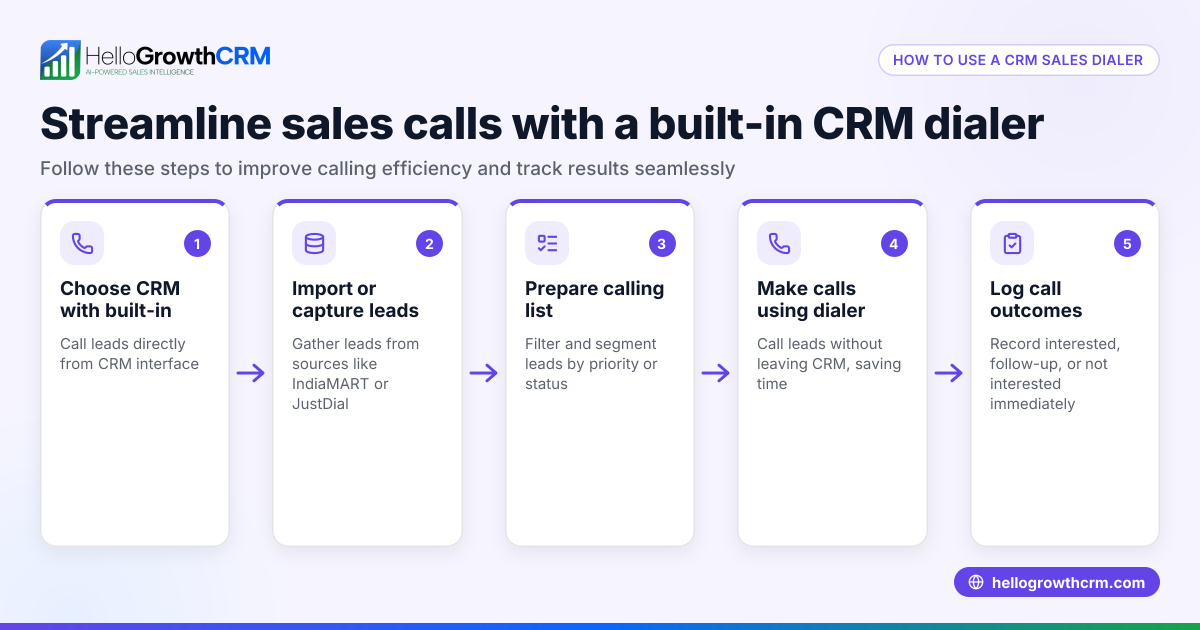
A CRM dialer is a tool within your CRM software that enables your sales reps to call leads directly from the CRM interface. Each call’s outcome is automatically logged on the lead’s record, eliminating the need to manually track calls and outcomes in separate systems. This centralises communication history and helps your team follow up faster and more accurately.
Why this comes up / what goes wrong
Small and mid-sized businesses in Singapore often manage sales calls using multiple tools such as WhatsApp, email, and spreadsheets. This scattered approach causes slow follow-ups, lost leads, and inaccurate records. When the sales team grows beyond a few people, manually dialing numbers and logging calls wastes time and leads to errors. Searching for a "crm dialer" is usually driven by the need to speed up outbound calling, improve call tracking, and keep all customer data in one place.
Step-by-step
- Assess your sales team's calling volume and size: Determine how many calls your team makes daily and how many users will need dialer access. This helps decide if you need a basic dialer or a power dialer with features like auto-dialling.
- Check for built-in dialer integration: Choose a CRM with a dialer built into the system so calls and outcomes are logged automatically, reducing manual work.
- Verify call outcome logging capabilities: Ensure the dialer lets reps record call results (e.g., connected, no answer, voicemail) directly on lead records to keep your pipeline accurate.
- Look for multi-channel follow-up options: Confirm the CRM supports follow-ups via WhatsApp and SMS, popular channels in Singapore.
- Consider AI assistance features: Some CRM dialers offer AI agents that draft follow-up messages after calls, saving reps time.
- Evaluate user interface and ease of use: The dialer should be intuitive for your team to adopt quickly without extensive training.
- Review pricing and plans: Understand what dialer features are included in each CRM plan and whether power dialers or AI features cost extra.
- Test with a trial or demo: Use a trial period to see how the dialer fits your sales workflow and gather team feedback.
Learn more about built-in dialers at built-in CRM dialer.
Example (fictional figures)
Lee runs an F&B supplier business in Woodlands with a 5-person sales team. They make about 100 outbound calls weekly. Currently, each call takes about 5 minutes including dialing and logging.
- Current manual calling time: 5 minutes per call × 100 calls = 500 minutes
- Using a CRM dialer reduces dialing and logging time to 1 minute per call: 1 minute per call × 100 calls = 100 minutes
- Time saved per week: 500 minutes - 100 minutes = 400 minutes
- Converted to hours: 400 minutes ÷ 60 = 6 hours 40 minutes
By saving 6 hours 40 minutes weekly, Lee’s team can spend more time on calls or follow-ups, improving sales efficiency.
Common mistakes
- Choosing dialers without CRM integration: This causes double work logging calls in separate systems. Prevent this by selecting a dialer built into or tightly integrated with your CRM.
- Ignoring follow-up channels: Not using WhatsApp or SMS follow-ups misses leads who prefer messaging. Choose a CRM with multi-channel messaging support.
- Overlooking ease of use: Complex dialers discourage adoption. Test usability with your team before committing.
- Not verifying call outcome tracking: Without logging call results, your pipeline data becomes inaccurate. Confirm the dialer records call outcomes on lead records.
- Underestimating AI assistance: Not using AI agents to draft follow-ups means reps spend extra time writing messages. Explore CRM options with AI features.
- Skipping pricing details: Some dialers charge extra for power dialers or AI. Compare plans carefully.
See how HelloGrowthCRM addresses these with a built-in CRM dialer and WhatsApp/SMS follow-ups in HelloGrowthCRM for Singapore.
Doing this in HelloGrowthCRM
HelloGrowthCRM includes a built-in dialer where telecallers work from inside the CRM and each call’s outcome is logged automatically on the lead. WhatsApp conversations with leads are also logged on lead records, and follow-ups can be sent as WhatsApp or SMS messages. For teams on Growth or higher plans, AI agents draft follow-up messages after calls, requiring only review and sending by reps. This keeps your sales process organised and efficient without switching apps. Learn more at built-in CRM dialer.
Frequently asked questions
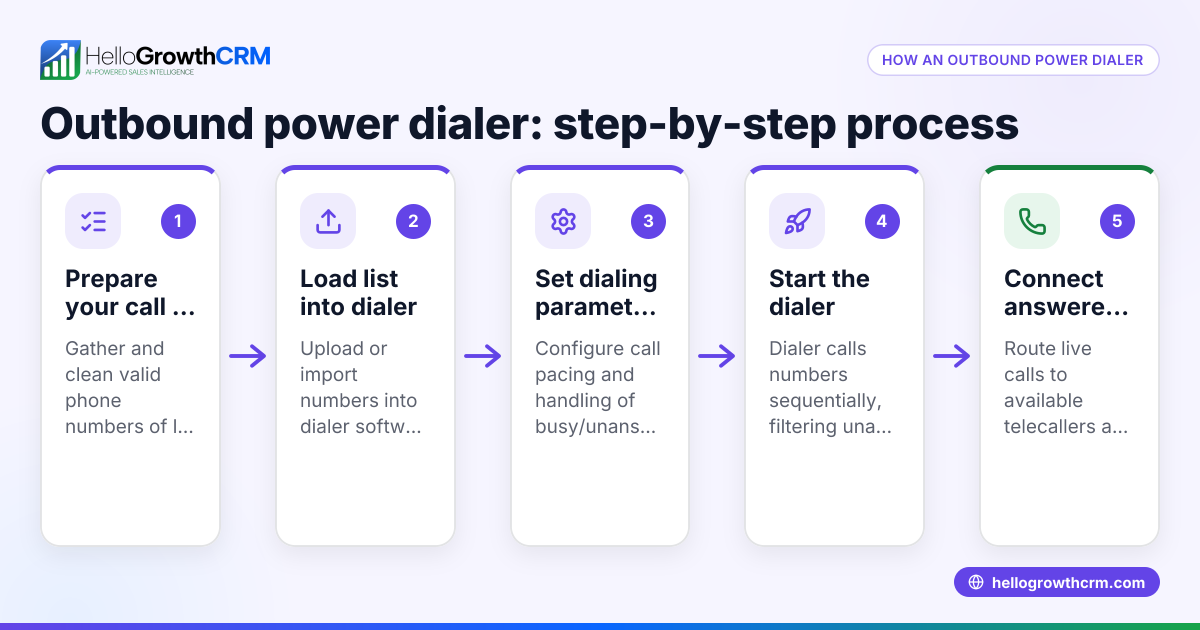
What is a CRM with auto dialer? A CRM with auto dialer automatically calls leads from a list without the rep manually dialing each number. This speeds up calling sessions and reduces downtime between calls.
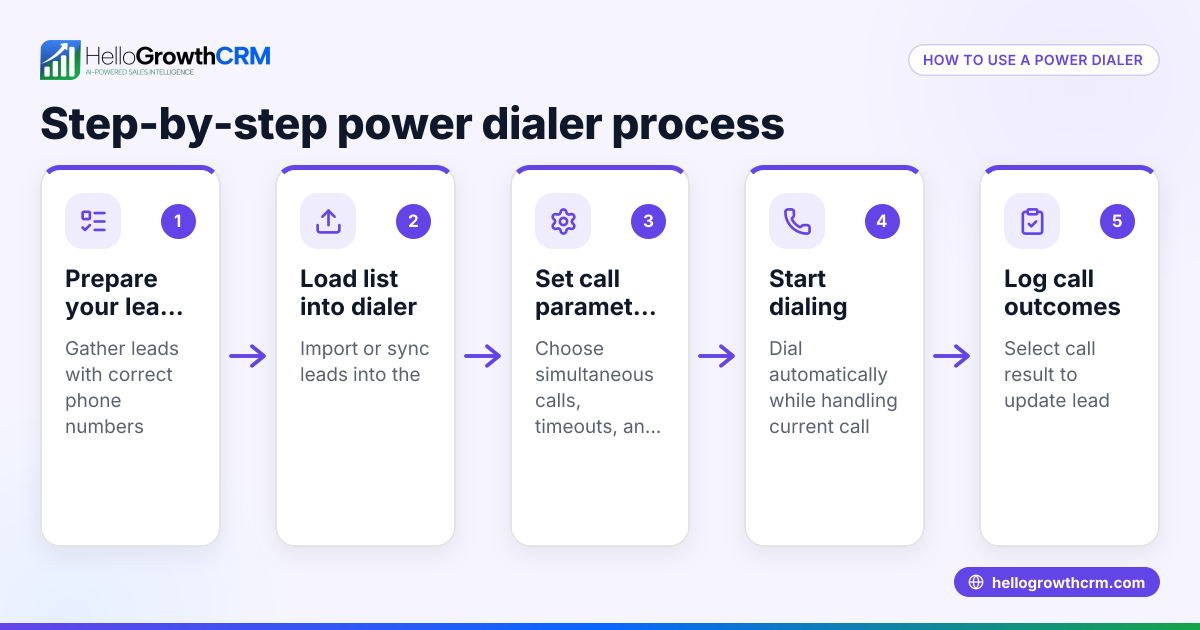
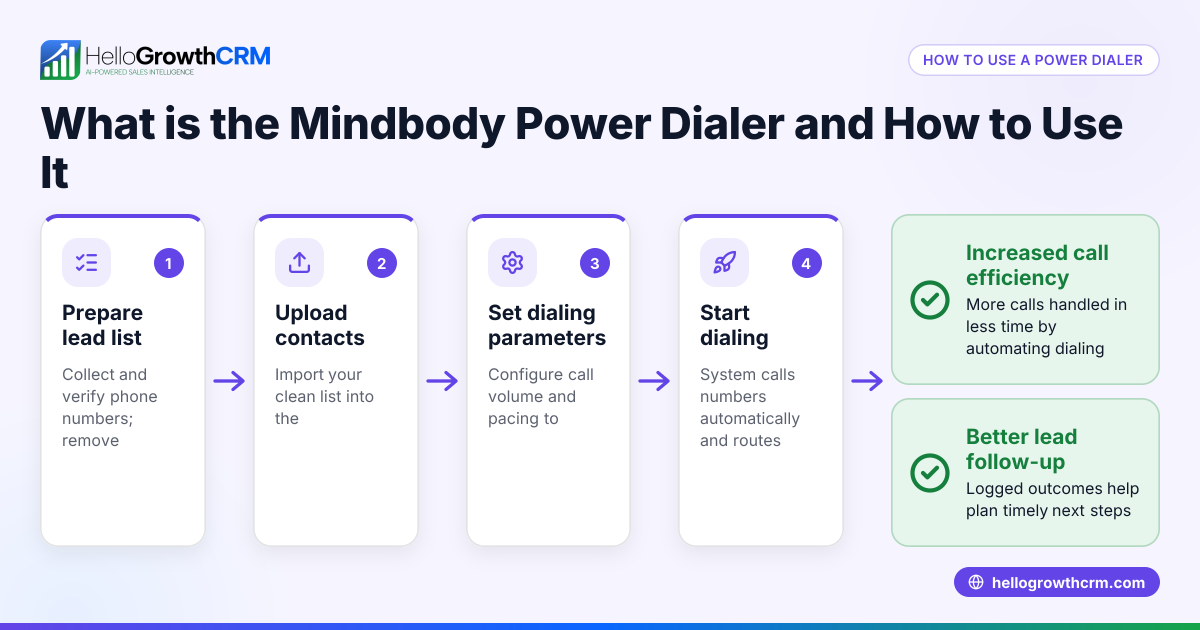
How does a power dialer differ from a basic dialer? A power dialer automates dialing through a list and can skip unanswered calls or voicemails, connecting reps only to live contacts. Basic dialers require manual dialing but still log calls in the CRM.
Can I use WhatsApp in a CRM dialer? Yes, some CRMs like HelloGrowthCRM integrate WhatsApp messaging directly with the dialer, logging conversations and enabling follow-up messages on the same platform.
Is AI used in CRM dialers? Some CRM dialers include AI agents that draft follow-up messages or update records automatically, saving reps time and improving consistency.
What should I ask when comparing CRM dialer software? Ask about integration with your CRM, call outcome logging, support for WhatsApp/SMS follow-ups, AI features, ease of use, and pricing details.
Where can I see CRM dialer pricing for Singapore? Check CRM pricing pages like CRM pricing in Singapore to compare plans and features.
Key takeaways
- A CRM dialer lets sales reps call leads directly from the CRM and logs call outcomes automatically.
- Built-in dialers reduce manual work, speed up calling, and keep communication history organised.
- Look for dialers with multi-channel follow-ups including WhatsApp and SMS.
- AI agents can draft follow-up messages, saving time and improving response rates.
- Test usability and confirm pricing before choosing a CRM dialer.
- HelloGrowthCRM offers a built-in dialer, WhatsApp/SMS follow-ups, and AI agents to support your sales team.
To explore options and pricing, see See Singapore pricing.
Ready to put this into practice?
Set up your pipeline, WhatsApp follow-ups, and AI lead scoring in minutes — free, no credit card.
Try HelloGrowthCRM freeGet CRM tips in your inbox
Join thousands of sales professionals who get weekly insights on CRM strategy, AI automation, and pipeline optimization.

The HelloGrowthCRM team publishes guides on CRM strategy, AI sales tools, and revenue operations for small business sales teams.