HelloGrowthCRM software
Built for real small-business sales teams
HelloGrowthCRM helps reps qualify faster, follow up on time, and close more deals—with practical automation in one place.
- AI lead scoring and pipeline visibility
- Built-in dialer, WhatsApp, and email automation
- Sales forecasting and RevOps-ready reporting
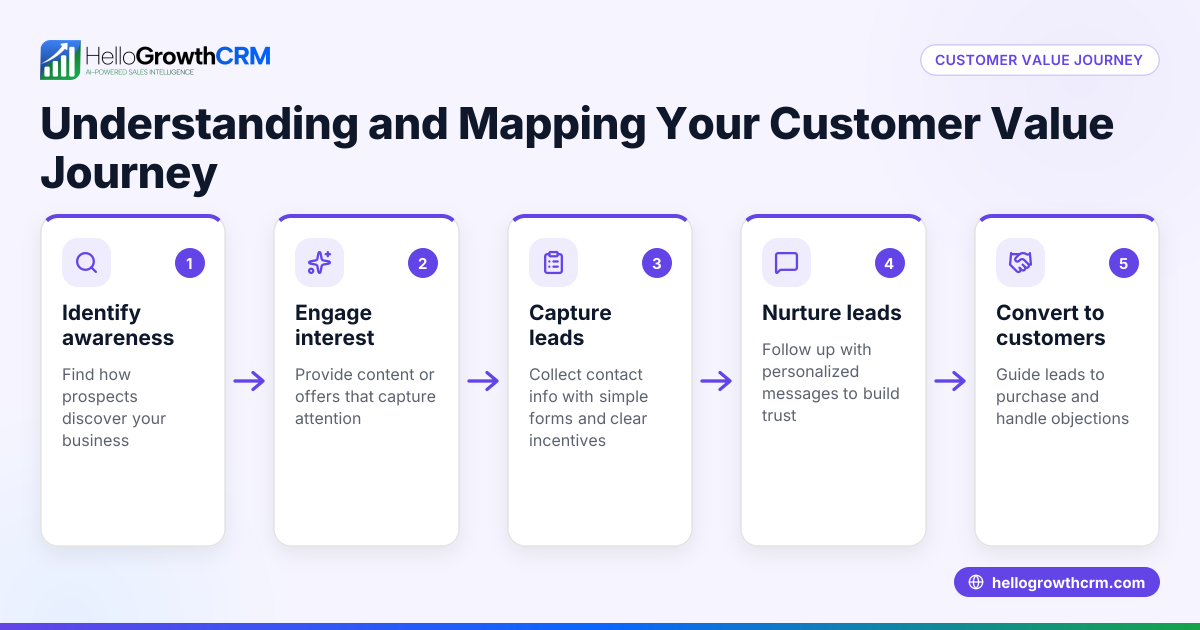
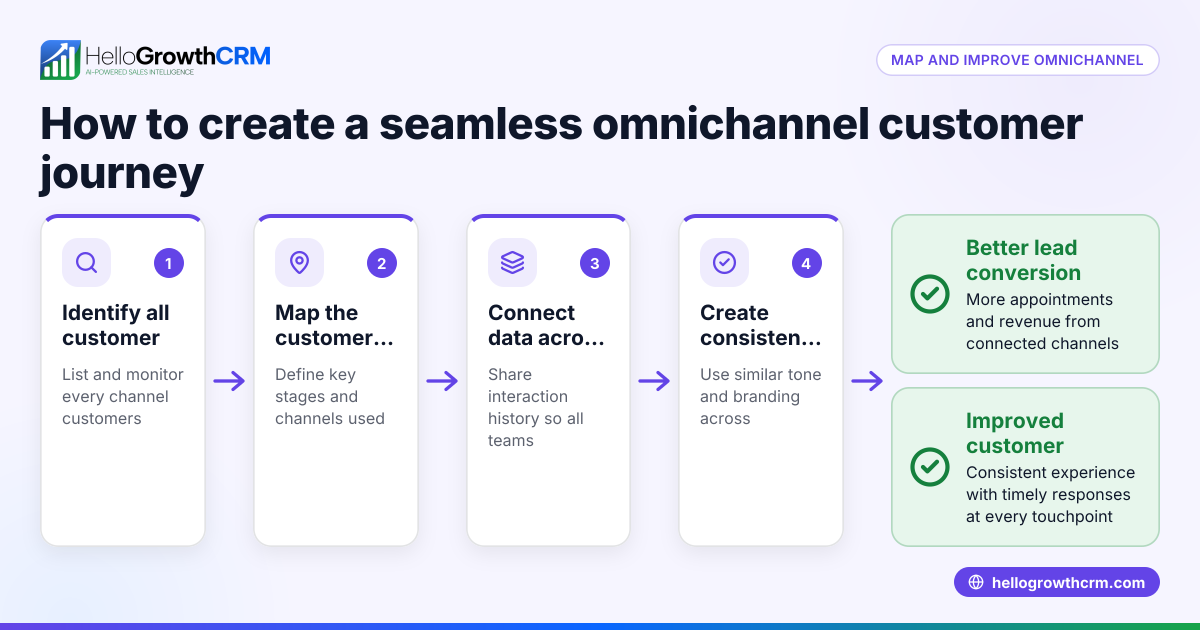
A customer journey map is a detailed outline of every interaction a customer has with your business, including marketing, sales, and service stages. It shows what customers do, think, and feel at each step, helping you identify where you can improve your communication and processes.
Why this comes up / what goes wrong
Small-business owners often find that leads or customers drop off at some point during their buying process. They may rely on scattered tools like text messages, emails, or spreadsheets to track interactions, which makes it hard to see the full picture. Without a clear view of the customer journey, it’s difficult to know where customers get stuck, lose interest, or need more help. This leads to lost sales and unhappy customers.
Step-by-step
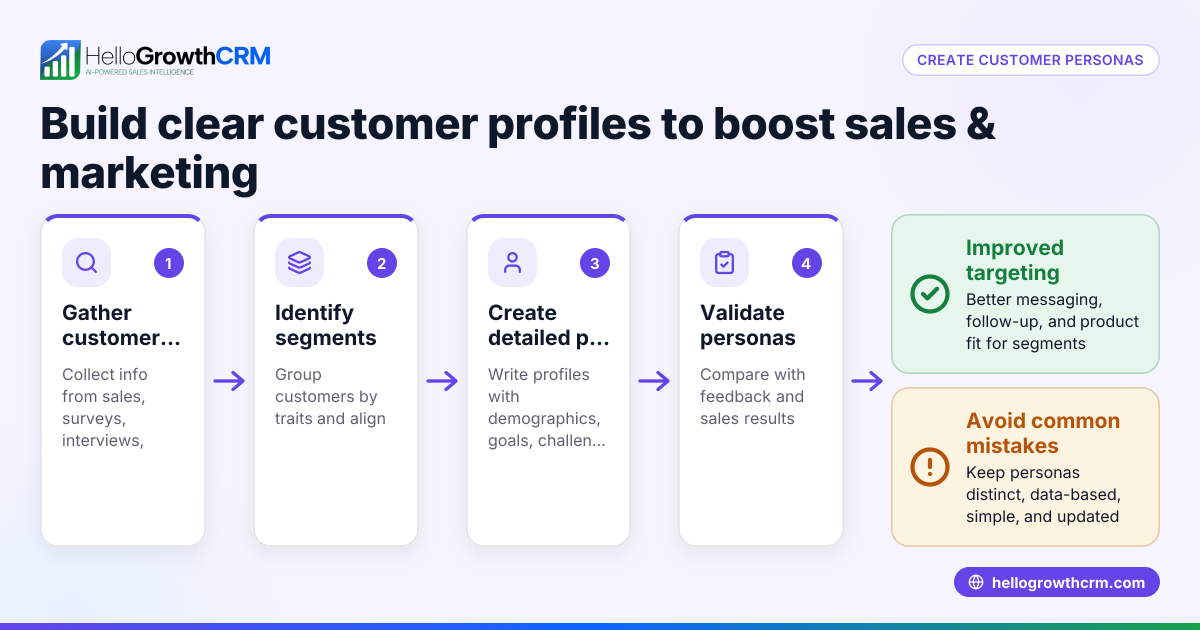
- Define your customer personas: Identify who your typical customers are. Check that you have clear profiles including their needs, preferences, and challenges.
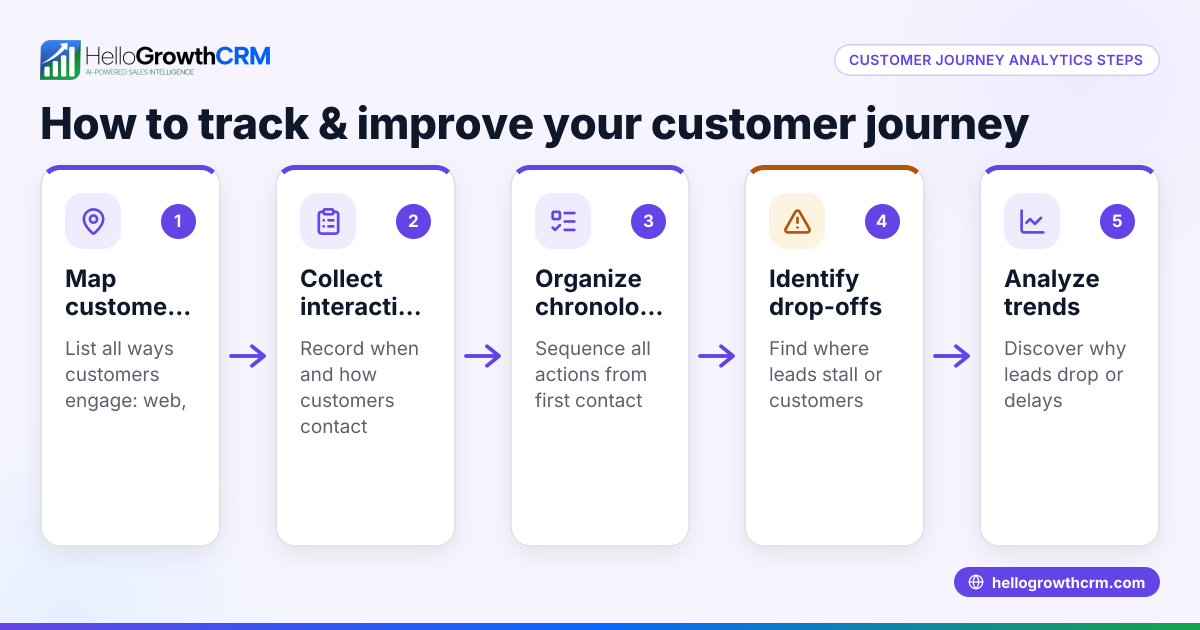
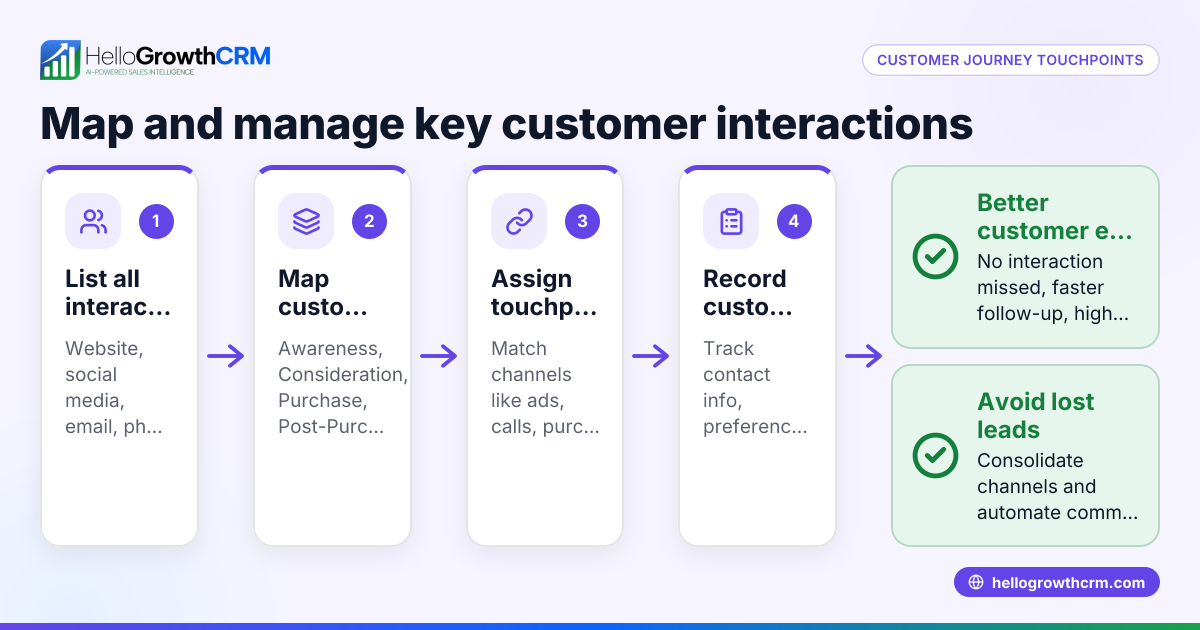
- List all customer touchpoints: Write down every way a customer interacts with your business, such as your website, social media, phone calls, emails, and in-person visits. Verify you include pre-sale, sale, and post-sale contacts.
- Map the customer’s actions and emotions at each touchpoint: For each interaction, note what the customer does, thinks, and feels. Check for moments of frustration or confusion.
- Identify pain points and gaps: Look for steps where customers drop off or express dissatisfaction. Confirm these are real issues by gathering feedback or data.
- Set goals for improvement: Decide what you want to achieve, like faster responses, clearer information, or better follow-up. Ensure goals are specific and measurable.
- Develop solutions and assign responsibilities: Plan how to fix pain points, such as automating follow-ups or improving your website. Check who on your team will handle each task.
- Use tools to track and update your map: Keep your customer journey map current by regularly reviewing it and adjusting based on new data or customer feedback.
Example (fictional figures)
Phoenix Home Realty, a residential real-estate team in Phoenix, Arizona, wants to create a customer journey map to improve lead follow-up and sales.
- They define their customer persona: first-time homebuyers aged 30-45.
- Touchpoints include website visit, inquiry form, phone call, property tour, offer submission, contract signing, and post-sale support.
- They note customers often feel anxious and confused after the property tour.
- They identify a pain point: slow email responses after tours.
- Goal: reduce response time to under 4 hours.
- Solution: assign a sales agent to respond immediately and set reminders.
If Phoenix Home Realty receives 100 leads monthly and expects a 5% increase in closed deals by improving follow-up, with an average commission of $10,000 per sale:
100 leads × 5% increase = 5 additional sales 5 sales × $10,000 commission = $50,000 additional revenue
This example shows how mapping the journey helps target improvements that directly increase revenue.
Common mistakes
- Ignoring post-sale experience: Many focus only on the sale and miss chances to improve customer retention. Prevent this by mapping the entire journey, including service requests and referrals.
- Using incomplete data: Relying on assumptions instead of customer feedback leads to wrong conclusions. Collect real data through surveys or direct conversations.
- Overcomplicating the map: A map with too many details becomes hard to use. Keep it focused on key steps and pain points.
- Not assigning responsibility: Without clear owners for improvements, nothing changes. Assign team members to each action.
- Failing to update the map: Customer behavior changes over time. Schedule regular reviews to keep the map relevant.
Doing this in HelloGrowthCRM
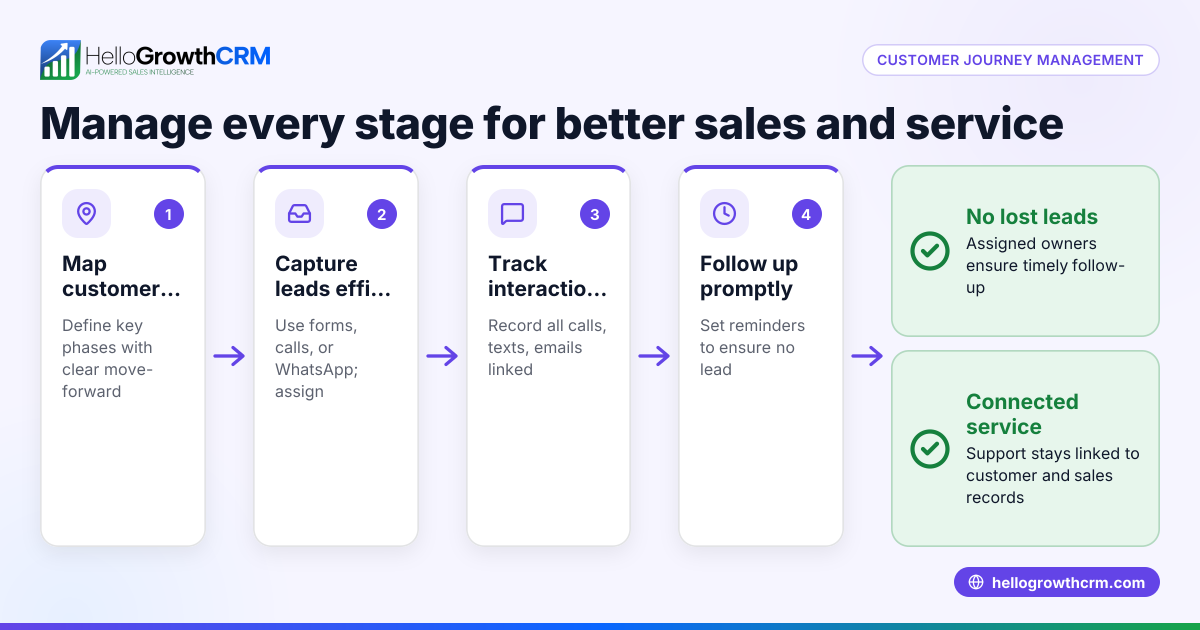
HelloGrowthCRM helps you manage the customer journey beyond the sale with features like a branded customer portal, referral tracking, support tickets, and a knowledge base. Service requests stay linked to the same customer record as the deal, making it easier to track and respond to customer needs in one place. This integration supports smoother post-sale communication and improves customer satisfaction. Learn more about the customer health score and how HelloGrowthCRM adapts for the United States.
Frequently asked questions
What is the difference between a customer journey map and a sales funnel? A sales funnel focuses on the stages leading to a purchase, often emphasizing conversion rates. A customer journey map covers all customer interactions, including emotions and post-sale experiences, providing a broader view.
How often should I update my customer journey map? Update your map whenever you notice changes in customer behavior, introduce new products or services, or at least once a year to keep it accurate.
Can I create a customer journey map without special software? Yes, you can use simple tools like whiteboards, spreadsheets, or drawing apps. The key is to clearly document each step and gather real customer feedback.
How does tracking customer referrals fit into the journey? Referrals often happen after a positive experience. Tracking referrals helps you understand satisfaction and can be part of your post-sale journey analysis. HelloGrowthCRM supports referral program tracking to streamline this process.
What role does communication via WhatsApp and SMS play in the journey? These channels offer fast, direct contact with customers. Using a CRM that integrates WhatsApp and SMS sequences helps ensure timely follow-up and improves engagement. See more on WhatsApp and SMS CRM.
Key takeaways
- A customer journey map shows all customer interactions and their feelings at each step.
- Mapping helps identify where customers face problems or drop off.
- Use a clear, step-by-step process including defining personas, listing touchpoints, and setting goals.
- Avoid common mistakes like ignoring post-sale or not updating the map.
- HelloGrowthCRM supports managing the journey after the sale with customer portals, referrals, and tickets.
Start mapping your customer journey to improve sales and service. Start on the Free Forever plan (200 leads, no credit card) to organize your customer data and follow-up efficiently.
Ready to put this into practice?
Set up your pipeline, WhatsApp follow-ups, and AI lead scoring in minutes — free, no credit card.
Try HelloGrowthCRM freeGet CRM tips in your inbox
Join thousands of sales professionals who get weekly insights on CRM strategy, AI automation, and pipeline optimization.

The HelloGrowthCRM team publishes guides on CRM strategy, AI sales tools, and revenue operations for small business sales teams.