HelloGrowthCRM software
Built for real small-business sales teams
HelloGrowthCRM helps reps qualify faster, follow up on time, and close more deals—with practical automation in one place.
- AI lead scoring and pipeline visibility
- Built-in dialer, WhatsApp, and email automation
- Sales forecasting and RevOps-ready reporting
Free lead management software lets your small business capture new inquiries from forms, calls, or messages and track them toward sales without upfront costs. Many free options exist but vary in features, limits, and ease of use. This guide helps you understand why you need such software, how to evaluate it step-by-step, common mistakes to avoid, and how HelloGrowthCRM offers a Free Forever plan for two-person teams.
Why this comes up / what goes wrong
Small businesses often start tracking leads with spreadsheets, notes, or text messages. This can cause leads to slip through cracks, slow follow-up, or confusion about who owns a lead. Paying for full-featured CRM software early can feel risky or expensive. That’s why many owners look for free lead management software to organize leads without upfront costs.
Free tools can help you:
- Capture leads automatically from web forms or calls.
- Assign leads to team members with clear ownership.
- Track next steps and sales pipeline stages.
- Prioritize leads to focus on those likelier to convert.
However, free plans often limit users, features, or automation. Knowing what you need and what trade-offs you accept is key.
Step-by-step
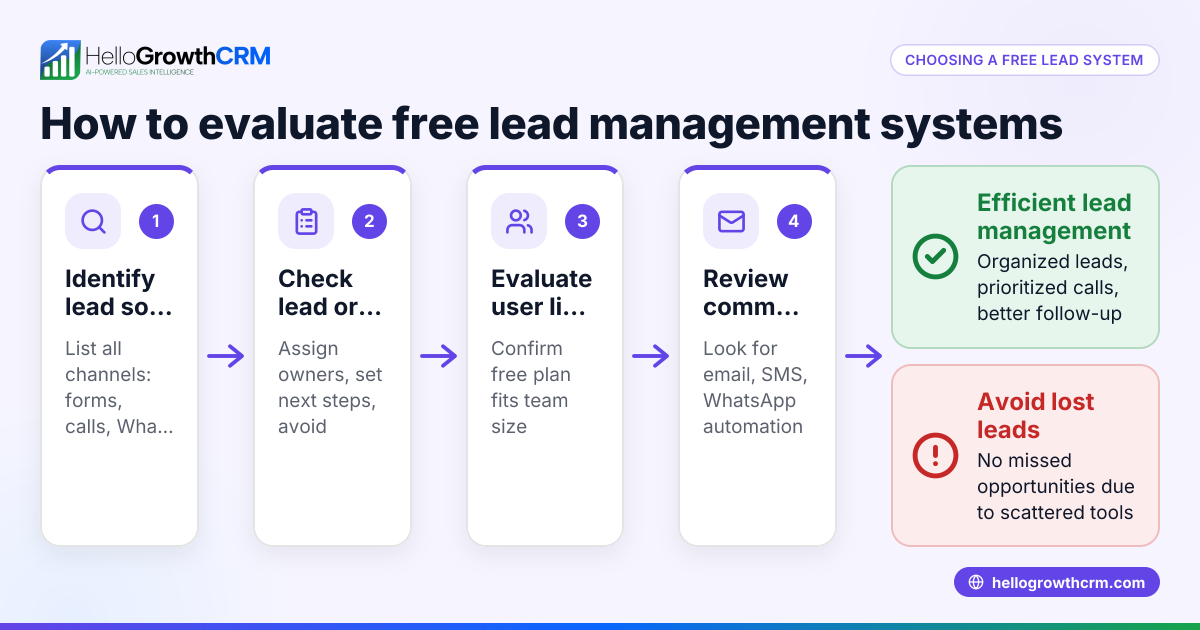
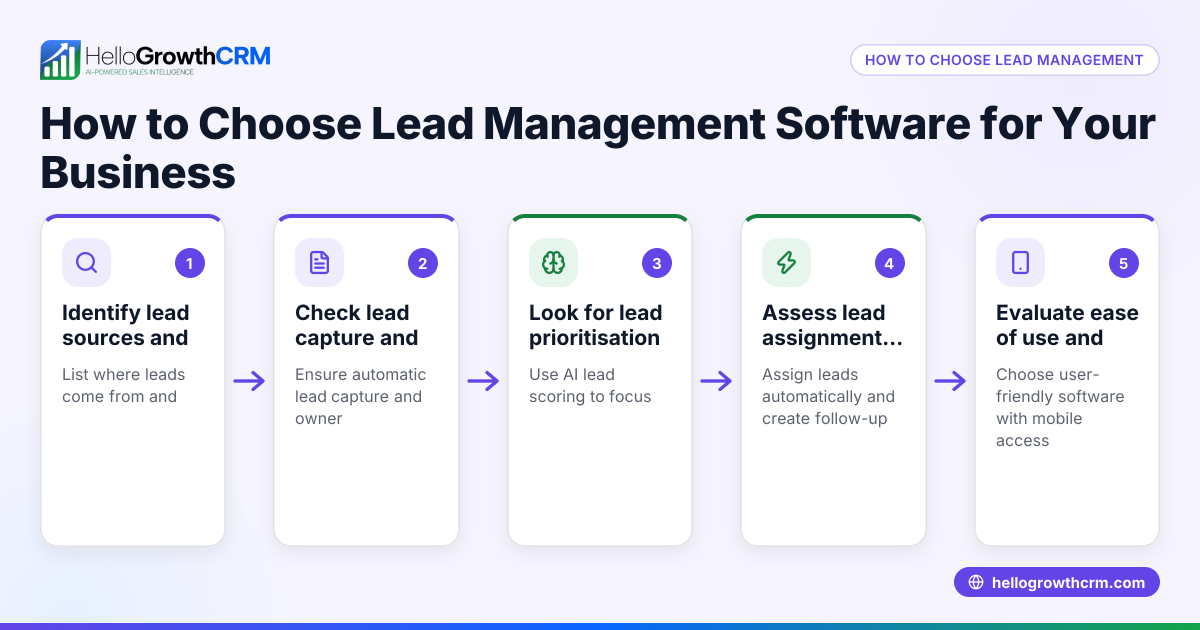
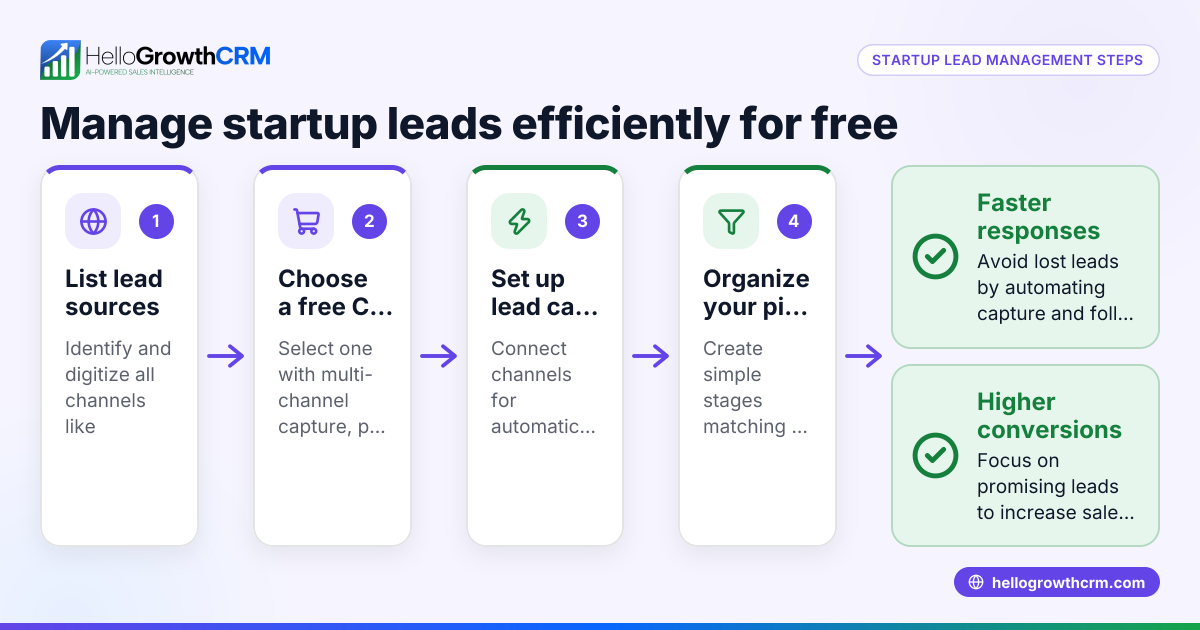
- Identify your lead sources: List where your leads come from (website forms, calls, WhatsApp, email). Check if the software can capture leads from these sources automatically.
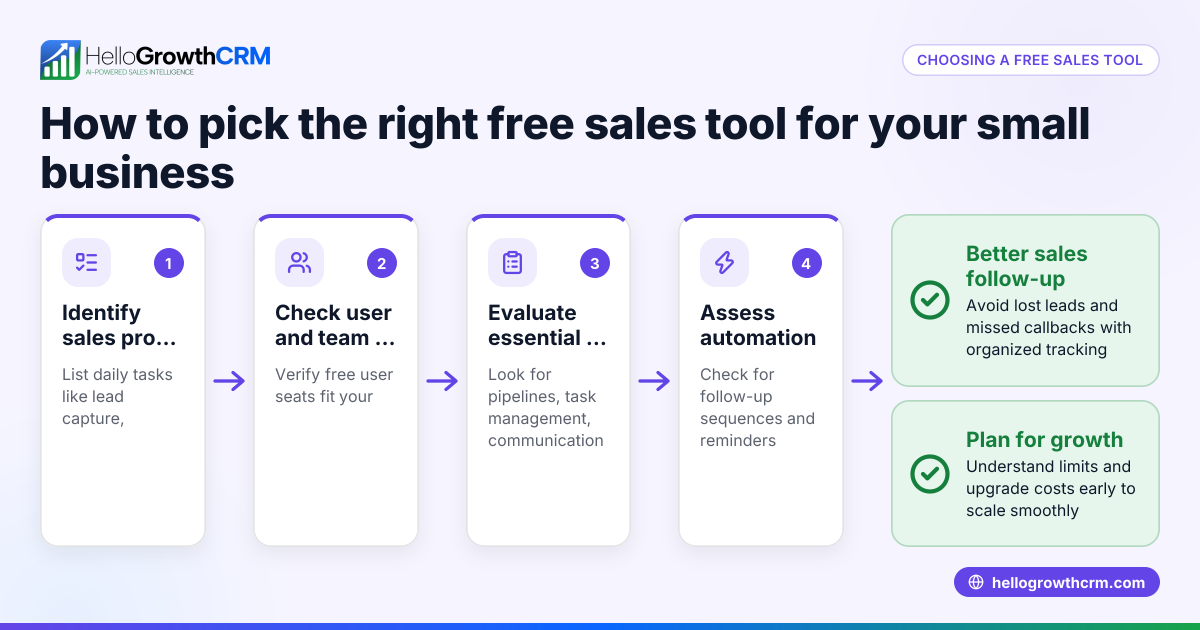
- Check user limits: Free plans usually limit the number of users or team members. Confirm that the allowed users match your current team size.
- Review lead capacity limits: Some free software caps the number of leads you can track. Make sure this fits your monthly or total lead volume.
- Look for pipeline and task management: Ensure the software supports organizing leads by sales stages and lets you assign next steps or tasks.
- Assess communication features: Does the software support email, SMS, or WhatsApp follow-ups? Free plans may restrict these.
- Consider lead prioritization tools: AI lead scoring or similar features help focus on leads most likely to convert. Check if this is available or only on paid tiers.
- Evaluate ease of use and adoption: The tool should be simple enough that your team will actually use it, avoiding spreadsheets or notebooks.
- Check upgrade options and pricing: Understand what features unlock with paid plans and the costs if you outgrow the free tier.
- Test integrations: If you use other tools (email marketing, accounting), verify if the CRM integrates easily.
- Try the software: Sign up for free trials or demos to see if it fits your workflow.
Example (fictional figures)
Imagine a B2B software reseller in Denver, Colorado, named "MileHigh Tech Sales." They get about 150 new leads monthly from their website and WhatsApp inquiries. They have a two-person sales team.
- The free lead management software allows 200 leads total.
- Monthly leads: 150
- Lead capacity: 200 leads
Since 150 leads per month × 2 months = 300 leads over two months, they will exceed the 200 lead limit if they don’t clear old leads.
Calculation:
150 leads/month × 2 months = 300 leads
Lead limit = 200 leads
300 leads > 200 leads (limit exceeded)
They must either upgrade or regularly archive old leads to stay within the free plan.
They also check if the software supports WhatsApp lead capture and AI lead scoring to prioritize calling the best leads first.
Common mistakes
- Ignoring lead capacity limits: Many free plans limit total or active leads. Prevent this by tracking your lead volume and archiving or upgrading before hitting the cap.
- Overlooking user limits: Adding more team members than allowed can lock out users. Prevent by confirming team size fits free user limits.
- Choosing software without pipeline management: Without pipeline stages or task boards, leads get lost. Prevent by selecting software with clear pipeline and next-step tracking.
- Not checking communication features: Some free plans don’t include SMS or WhatsApp automation. Prevent by verifying supported channels match your needs.
- Skipping trial or demo: Not testing usability can lead to poor adoption. Prevent by using free trials to ensure your team can use the software easily.
- Ignoring upgrade paths: Free software may become costly or limited as you grow. Prevent by reviewing paid plan features and prices early.
Doing this in HelloGrowthCRM
HelloGrowthCRM offers a Free Forever plan ideal for small teams. Every enquiry from a form, call, or WhatsApp lands as a lead with an owner and a next step, avoiding lost leads in notebooks. The Free plan supports a two-person team running a full Kanban pipeline with 200 leads at no cost until you need calling or WhatsApp automation. AI lead scoring helps telecallers prioritize leads most likely to convert. Learn more about AI lead scoring and start with the free CRM for small business plan. HelloGrowthCRM is tailored for HelloGrowthCRM for the United States.
Frequently asked questions
What features can I expect in free lead management software? Free lead management software typically includes lead capture from web forms, basic pipeline tracking, and limited user seats. Some offer email follow-ups but may restrict SMS or WhatsApp automation. Features like AI lead scoring or calling dialers often require paid plans.
Is free lead management software enough for growing small businesses? Free plans can work well for very small teams or low lead volumes. However, as your lead count or team grows, limits on leads, users, or automation may require upgrading to paid plans to maintain efficiency.
Can free lead management software integrate with other tools? Integration options vary widely. Some free tools offer basic integrations with email or calendar apps, but advanced integrations with accounting or marketing platforms usually come with paid tiers.
How do I avoid losing leads when using free software? Choose software that automatically captures leads from your main sources and assigns owners and next steps. Using a pipeline view helps track progress. Also, regularly clean up old leads to stay within limits.
Does HelloGrowthCRM offer a free plan for lead management? Yes, HelloGrowthCRM has a Free Forever plan for two-person teams with 200 leads, a full Kanban pipeline, and task management at no cost. It also includes AI lead scoring to prioritize calls. You can start without a credit card at free CRM for small business.
Key takeaways
- Free lead management software helps small businesses track leads without upfront costs but often limits users and leads.
- Identify your lead sources, team size, and volume before choosing software.
- Check for pipeline management, communication channels, and lead prioritization features.
- Avoid common mistakes like ignoring limits, poor usability, or missing upgrade paths.
- HelloGrowthCRM offers a Free Forever plan with lead capture, ownership, next steps, and AI lead scoring for small teams.
Start managing your leads better today with HelloGrowthCRM’s Free Forever plan, designed for small teams to organize and prioritize leads without cost or credit card.
Ready to put this into practice?
Set up your pipeline, WhatsApp follow-ups, and AI lead scoring in minutes — free, no credit card.
Try HelloGrowthCRM freeGet CRM tips in your inbox
Join thousands of sales professionals who get weekly insights on CRM strategy, AI automation, and pipeline optimization.

The HelloGrowthCRM team publishes guides on CRM strategy, AI sales tools, and revenue operations for small business sales teams.