HelloGrowthCRM software
Built for real small-business sales teams
HelloGrowthCRM helps reps qualify faster, follow up on time, and close more deals—with practical automation in one place.
- AI lead scoring and pipeline visibility
- Built-in dialer, WhatsApp, and email automation
- Sales forecasting and RevOps-ready reporting
A less annoying CRM power dialer is one that integrates smoothly with your sales workflow, minimizes disruptions, and helps your team call leads efficiently without frustration. This article explains why businesses seek less annoying dialers, outlines step-by-step how to evaluate them, provides a realistic example, highlights common mistakes, and shows how HelloGrowthCRM offers a practical built-in dialer solution.
Why this comes up / what goes wrong
Small and mid-sized business owners often turn to power dialers to speed up outbound calls and increase sales outreach. However, many dialers become "annoying" because they are complicated to set up, interrupt reps with excessive automation, cause call failures, or fail to sync properly with the CRM records. This leads to lost leads, frustrated sales teams, and wasted time. Business owners searching for a less annoying CRM power dialer want a tool that works reliably, fits into their existing sales process, and reduces manual work without adding complexity.
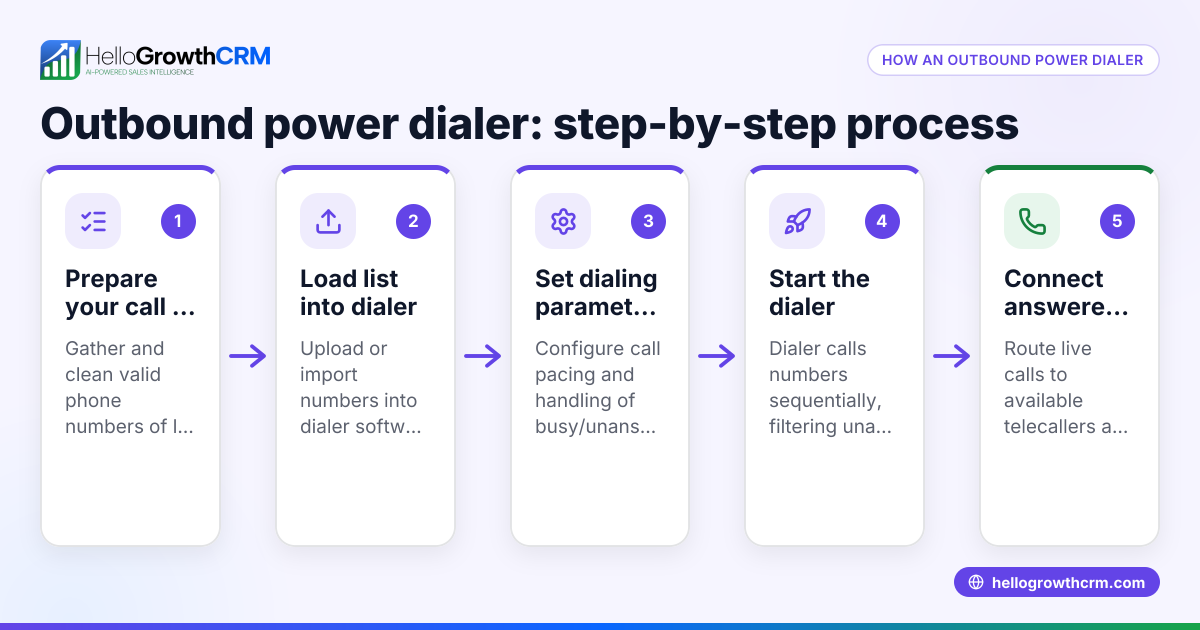
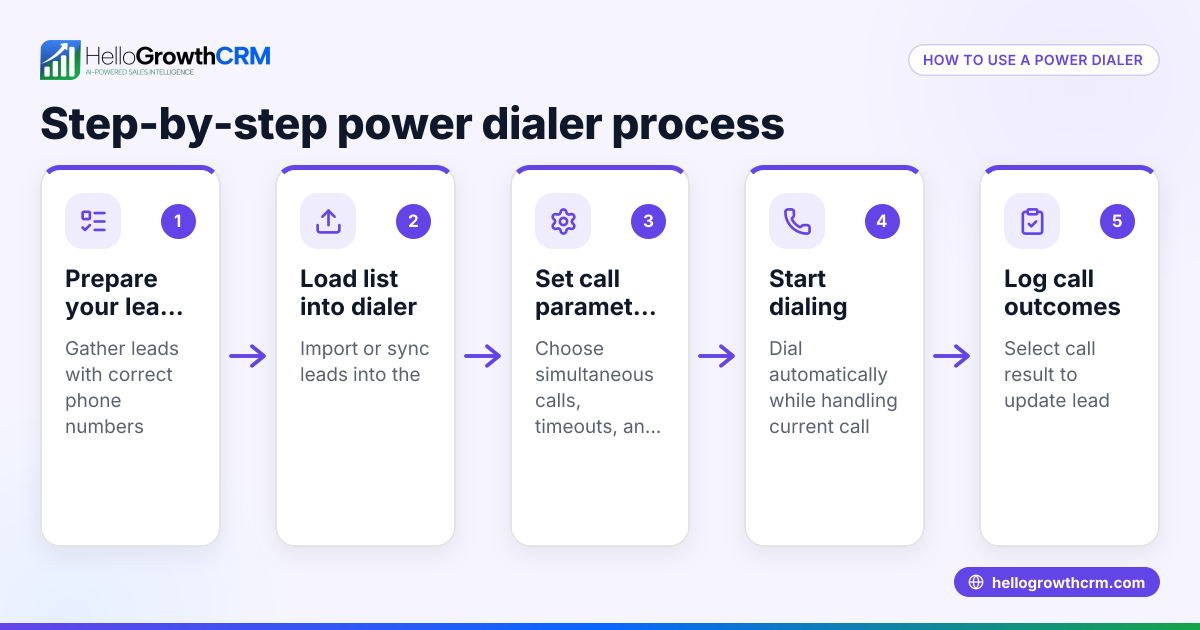
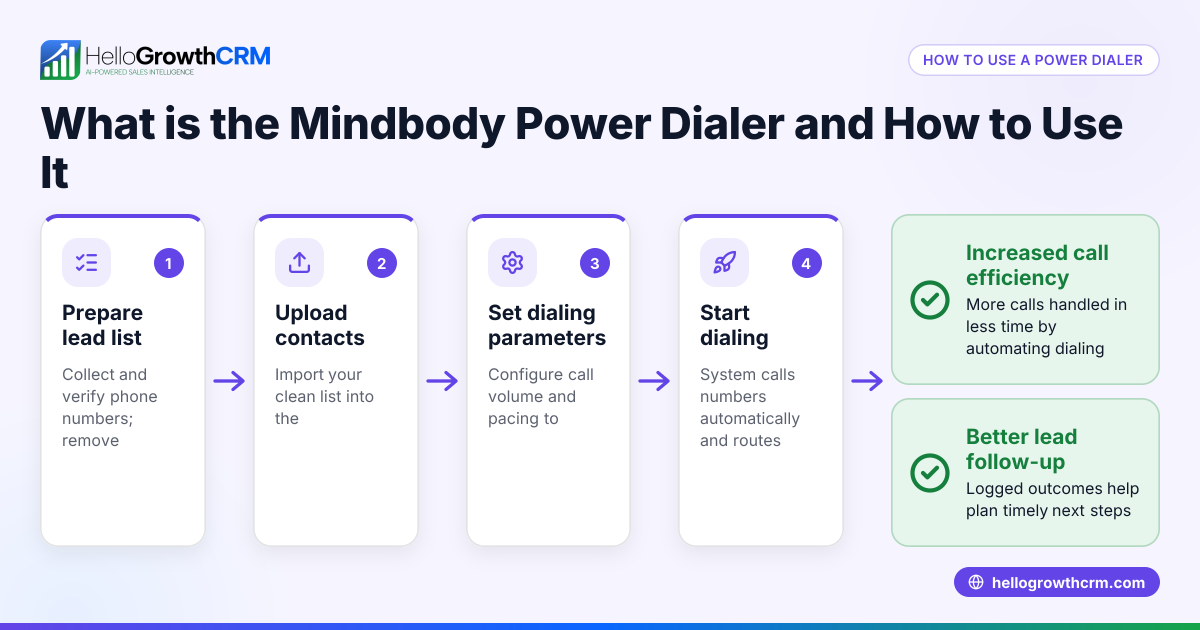
Step-by-step
- Identify your dialing needs and volume
- Determine how many calls your team needs to make daily.
- Check if you need a power dialer (automatically dials a list of numbers) or a predictive dialer (dials multiple numbers to connect reps only when someone answers).
- Check CRM integration
- Ensure the dialer integrates directly with your CRM to log call outcomes automatically.
- Avoid dialers that require manual data entry or separate software.
- Test usability and interface
- Choose a dialer with a simple, clear interface.
- Confirm that reps can easily start, pause, and stop calls without confusion.
- Evaluate call outcome tracking
- The dialer should log call results (e.g., connected, voicemail, no answer) directly to the lead record.
- This helps reps follow up efficiently and managers track performance.
- Check messaging integration
- Look for dialers that support follow-up via SMS or WhatsApp from within the CRM.
- This keeps all communication logged and accessible.
- Consider AI assistance
- Some dialers offer AI that drafts follow-up messages after calls, saving reps time.
- If available, test this feature to see if it fits your workflow.
- Review pricing and plan limitations
- Confirm the dialer features included in each pricing tier.
- Avoid surprises like missing power dialer features on entry-level plans.
- Trial before commitment
- Use free trials or demos to test the dialer with your team.
- Collect feedback on what feels annoying or helpful.
Example (fictional figures)
A two-location dental practice in Columbus, Ohio, wants to increase patient recall calls. They have 4 sales reps making about 100 calls daily.
- They choose a CRM with a built-in power dialer.
- Each rep calls 100 leads per day.
Calculation:
100 leads × 4 reps = 400 calls per day
Assuming each call takes 3 minutes (including dialing and talking):
400 calls × 3 minutes = 1,200 minutes = 20 hours of calling per day
With a power dialer, dialing time reduces by 30%:
20 hours × 30% = 6 hours saved
So, reps now spend 14 hours calling instead of 20, freeing 6 hours daily for other tasks.
The dialer logs each call outcome automatically, and follow-up messages go out via WhatsApp from the CRM, ensuring no patient is missed.
Common mistakes
- Choosing dialers without CRM integration: This causes manual logging and lost data. Prevent by verifying integration before purchase.
- Ignoring user experience: Complex interfaces frustrate reps. Prevent by demoing the dialer with your team.
- Overlooking follow-up communication channels: Without SMS or WhatsApp support, follow-ups lag. Prevent by selecting dialers with built-in messaging.
- Not testing AI features carefully: AI-generated messages may not fit your tone. Prevent by reviewing and customizing AI drafts.
- Assuming all plans include power dialer features: Some plans limit dialing capabilities. Prevent by reading plan details closely.
- Skipping trial periods: Without testing, you risk buying a dialer that annoys your team. Prevent by using free trials.
Doing this in HelloGrowthCRM
HelloGrowthCRM offers a built-in dialer where telecallers work from inside the CRM and log each call outcome on the lead record. Its WhatsApp and SMS integration lets you send follow-ups directly from the lead record, keeping all conversations in one place. Additionally, AI agents (in beta on Growth plans) draft follow-up messages after calls, so reps only need to review and send them. Learn more about the built-in CRM dialer and WhatsApp and SMS CRM features. For US-based businesses, see HelloGrowthCRM for the United States.
Frequently asked questions
What is the difference between a power dialer and a predictive dialer? A power dialer automatically calls a list of numbers one after another, connecting reps only when someone answers. A predictive dialer calls multiple numbers simultaneously, predicting when reps will be free to take the call. Predictive dialers can increase call volume but may be more complex and intrusive.
How can I reduce the annoyance factor of a CRM power dialer? Choose a dialer that integrates smoothly with your CRM, has an easy interface, logs calls automatically, and supports follow-ups via messaging. Testing with your team before buying helps identify annoyances.
Is AI helpful in CRM power dialers? AI can draft follow-up messages after calls, saving reps time. However, it’s important to review AI drafts to ensure they match your communication style.
Can I use SMS and WhatsApp follow-ups with a power dialer? Yes, some CRMs with built-in dialers also support SMS and WhatsApp follow-ups logged on the lead record, keeping all communication in one place.
Are power dialers suitable for small businesses? Yes, especially if your team makes many outbound calls daily. A well-integrated power dialer can save time and improve lead follow-up.
Key takeaways
- A less annoying CRM power dialer integrates directly with your CRM and logs call outcomes automatically.
- Usability and smooth workflow integration reduce frustration and improve rep efficiency.
- Support for WhatsApp and SMS follow-ups keeps all communication in one place.
- AI agents can assist by drafting follow-up messages, saving time.
- Testing dialers with your team before committing prevents costly mistakes.
Start on the Free Forever plan (200 leads, no credit card) to try HelloGrowthCRM’s built-in dialer and messaging features.
Ready to put this into practice?
Set up your pipeline, WhatsApp follow-ups, and AI lead scoring in minutes — free, no credit card.
Try HelloGrowthCRM freeGet CRM tips in your inbox
Join thousands of sales professionals who get weekly insights on CRM strategy, AI automation, and pipeline optimization.

The HelloGrowthCRM team publishes guides on CRM strategy, AI sales tools, and revenue operations for small business sales teams.