HelloGrowthCRM software
Built for real small-business sales teams
HelloGrowthCRM helps reps qualify faster, follow up on time, and close more deals—with practical automation in one place.
- AI lead scoring and pipeline visibility
- Built-in dialer, WhatsApp, and email automation
- Sales forecasting and RevOps-ready reporting
To organize sales leads effectively, you need a clear process that captures every inquiry, assigns responsibility, and tracks follow-up actions. This ensures no lead is lost or forgotten, improving conversion chances. Below, you’ll find why organizing leads is critical, a step-by-step guide, a practical example from a US business, common pitfalls to avoid, and how HelloGrowthCRM supports lead management.
Why this comes up / what goes wrong
Small businesses often struggle with scattered sales leads. Leads may come from phone calls, emails, web forms, or WhatsApp messages and end up in notebooks, spreadsheets, or text threads. This scattered approach causes slow follow-up, missed opportunities, and lost sales. Without a clear system, sales reps may duplicate efforts or forget to contact promising leads. Organizing sales leads helps prioritize and manage them efficiently, so your team focuses on the best prospects at the right time.
Step-by-step
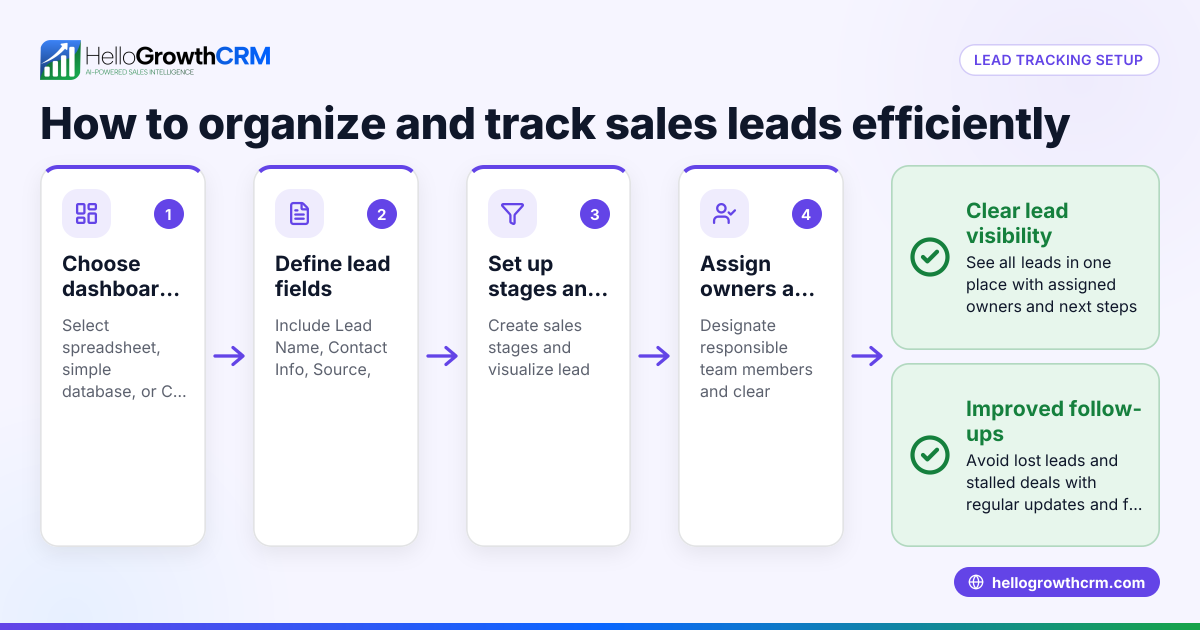
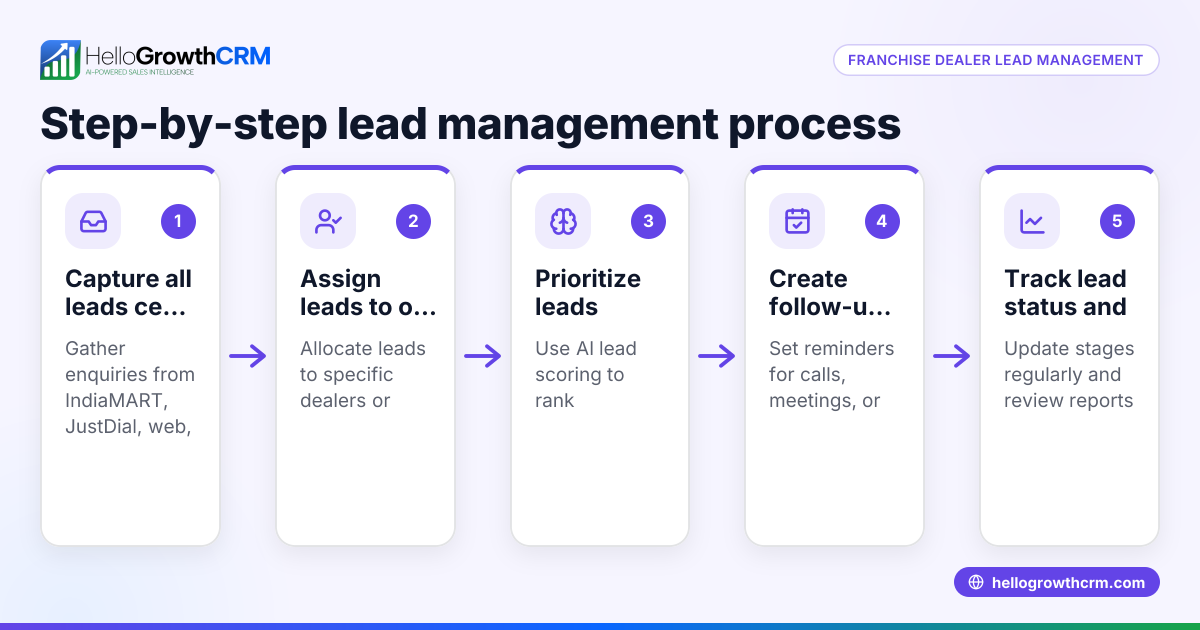
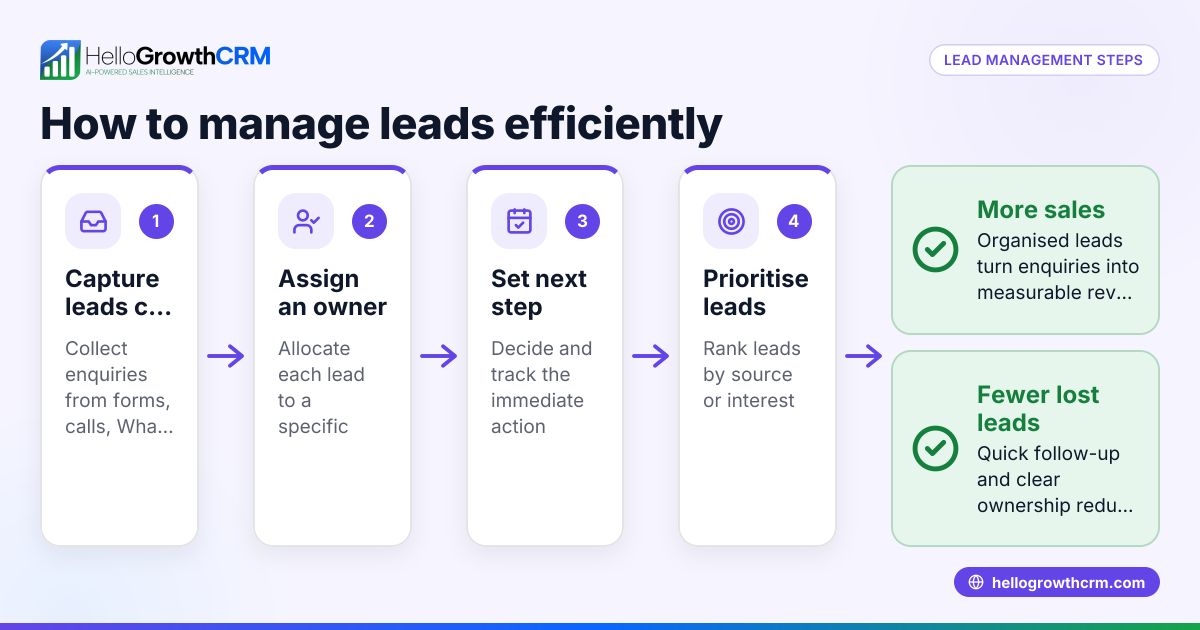
- Collect all leads in one place. Gather inquiries from all channels—phone, email, web forms, WhatsApp, and SMS—and enter them into a single system or document. Check that no lead is left out.
- Assign an owner to each lead. Designate a specific salesperson or team member responsible for following up. Confirm each lead has an assigned owner.
- Qualify and score leads. Evaluate each lead based on criteria like interest level, budget, or timeline. Prioritize leads using a scoring method to focus on the most promising ones first.
- Enter leads into a sales pipeline. Track leads through stages such as New, Contacted, Quote Sent, and Closed. Check that each lead moves forward or is marked inactive if lost.
- Set clear next steps and follow-up dates. For every lead, record the next action (call, email, meeting) and schedule reminders. Verify follow-ups happen on time.
- Review and update regularly. Hold weekly reviews to update lead statuses, reassign owners if needed, and adjust priorities.
- Use automation where possible. Automate lead capture from web forms and send follow-up sequences via email, WhatsApp, or SMS to save time and reduce errors.
Example (fictional figures)
GreenLeaf Landscaping in Charlotte, NC, receives leads from its website, phone calls, and WhatsApp messages. On 04/10/2026, they organize their sales leads as follows:
- Total new leads this week: 15
- Assign owners: 5 leads to Alice, 5 to Bob, 5 to Carol
- Score leads based on interest and budget:
- High priority: 6 leads
- Medium priority: 5 leads
- Low priority: 4 leads
- Enter leads into pipeline stages:
- New: 15
- Contacted: 10
- Quote Sent: 3
- Closed Won: 2
- Set next steps with follow-up dates:
- Alice’s lead #1: Call scheduled for 04/12/2026
- Bob’s lead #3: Send quote on 04/11/2026
- Carol’s lead #2: WhatsApp message follow-up on 04/13/2026
This system helps GreenLeaf avoid losing leads in notebooks or texts and ensures timely follow-up.
Common mistakes
- Not centralizing leads. Leads scattered across channels cause confusion. Prevent by using a single system to capture all leads.
- No lead ownership. Without assigned owners, leads fall through the cracks. Always assign a responsible person.
- Ignoring lead qualification. Treating all leads equally wastes time. Use criteria to score and prioritize leads, like with AI lead scoring (/product/ai-lead-scoring).
- Failing to track pipeline stages. Without a pipeline, it’s hard to know lead status. Use a deal pipeline to track progress (/product/whatsapp-sms-crm).
- Skipping scheduled follow-ups. Leads need timely contact. Set reminders and next steps to avoid delays.
- Manual data entry errors. Typing leads manually can cause mistakes. Automate lead capture from web forms and messages when possible.
Doing this in HelloGrowthCRM
HelloGrowthCRM organizes every inquiry from forms, calls, or WhatsApp as a lead with an assigned owner and next step, preventing leads from getting lost in notebooks. Its AI lead scoring helps telecallers focus on the leads most likely to convert first (/product/ai-lead-scoring). The deals pipeline tracks quotations and stages, showing follow-up dates so no opportunity is forgotten (/product/whatsapp-sms-crm). This keeps your sales process organized and efficient.
Frequently asked questions
How do I prioritize which sales leads to contact first? Prioritize leads by scoring them based on factors like budget, urgency, and interest. Using AI lead scoring can automate this process, helping your team focus on high-potential leads first (/product/ai-lead-scoring).
What is the best way to track sales leads through different stages? Use a sales pipeline system that tracks leads from initial contact through to closing the deal. Each lead moves through stages like New, Contacted, Quote Sent, and Closed. This visual tracking helps manage follow-ups and forecast sales (/product/whatsapp-sms-crm).
Can I organize sales leads from WhatsApp messages? Yes, organizing leads from WhatsApp is possible by capturing inquiries directly into a CRM that supports WhatsApp integration. This avoids losing leads in chat threads and enables assigning owners and next steps promptly (/product/whatsapp-sms-crm).
How often should I review and update my sales leads? Review your sales leads and pipeline at least weekly. This keeps statuses current, ensures follow-ups are timely, and helps reassign leads if necessary to maintain momentum.
What tools can help automate organizing sales leads? Tools like HelloGrowthCRM automate lead capture from web forms, calls, and WhatsApp. They also provide AI lead scoring and pipeline management to streamline organizing and following up on leads (/product/ai-lead-scoring).
Key takeaways
- Centralize all sales leads from every channel into one system.
- Assign a specific owner and next step for each lead.
- Use lead scoring to prioritize follow-up efforts.
- Track leads through defined pipeline stages to monitor progress.
- Schedule and complete timely follow-ups to avoid losing leads.
- Automate lead capture and follow-up sequences where possible.
Organizing sales leads efficiently can transform your sales process and increase conversions. Start by centralizing your leads and assigning owners, then track progress through a pipeline with clear next steps. For small and mid-sized US businesses, HelloGrowthCRM offers features like AI lead scoring and pipeline management that help keep your sales organized and moving forward.
Start on the Free Forever plan (200 leads, no credit card) at HelloGrowthCRM.
Ready to put this into practice?
Set up your pipeline, WhatsApp follow-ups, and AI lead scoring in minutes — free, no credit card.
Try HelloGrowthCRM freeGet CRM tips in your inbox
Join thousands of sales professionals who get weekly insights on CRM strategy, AI automation, and pipeline optimization.

The HelloGrowthCRM team publishes guides on CRM strategy, AI sales tools, and revenue operations for small business sales teams.