HelloGrowthCRM software
Built for real small-business sales teams
HelloGrowthCRM helps reps qualify faster, follow up on time, and close more deals—with practical automation in one place.
- AI lead scoring and pipeline visibility
- Built-in dialer, WhatsApp, and email automation
- Sales forecasting and RevOps-ready reporting
Outbound calling software is designed to help small and mid-sized businesses in Singapore manage their outbound sales calls more effectively. It allows telecallers or sales reps to dial prospects directly from their computer or CRM, record call outcomes, and keep call histories linked to each lead. This improves follow-up speed and lead management compared to manual calling via phones and spreadsheets.
Why this comes up / what goes wrong
Small-business owners in Singapore often start with simple calling methods—using mobile phones, WhatsApp, or spreadsheets to track leads. As the sales team grows or lead volume increases, this approach leads to lost or delayed follow-ups, missed sales opportunities, and inefficient use of time. They search for outbound calling software to streamline calling, centralise lead information, and improve conversion rates.
The challenge is choosing software that fits the business size, budget, and workflow without adding complexity or cost. Many solutions offer features that small teams do not need or cannot afford, causing low adoption or wasted resources.
Step-by-step
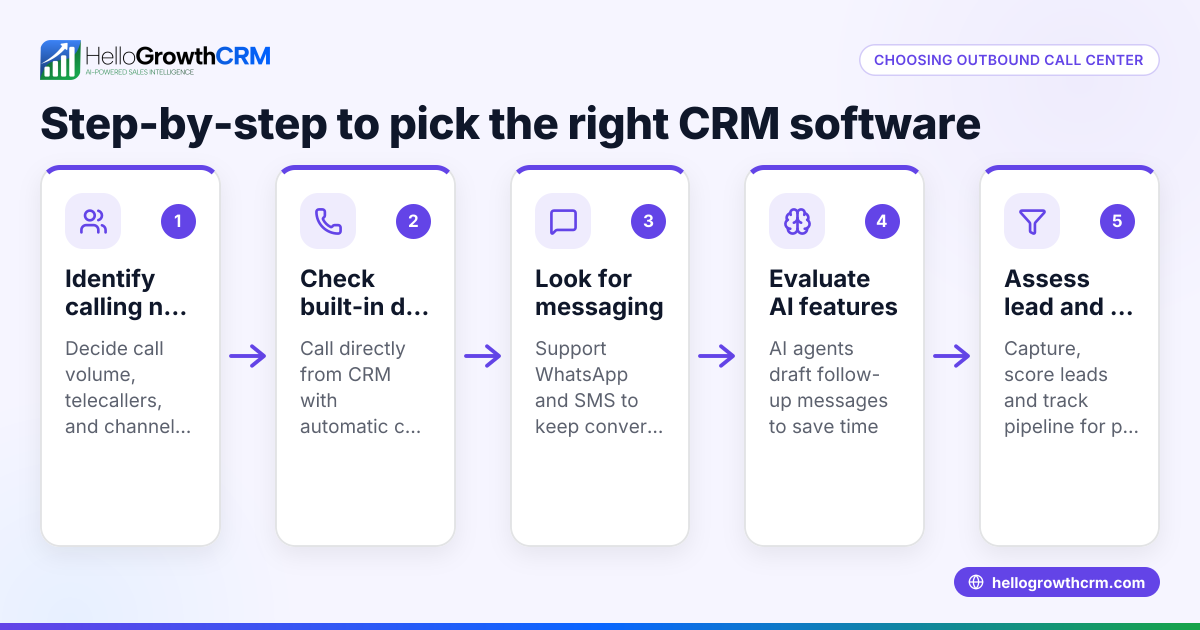
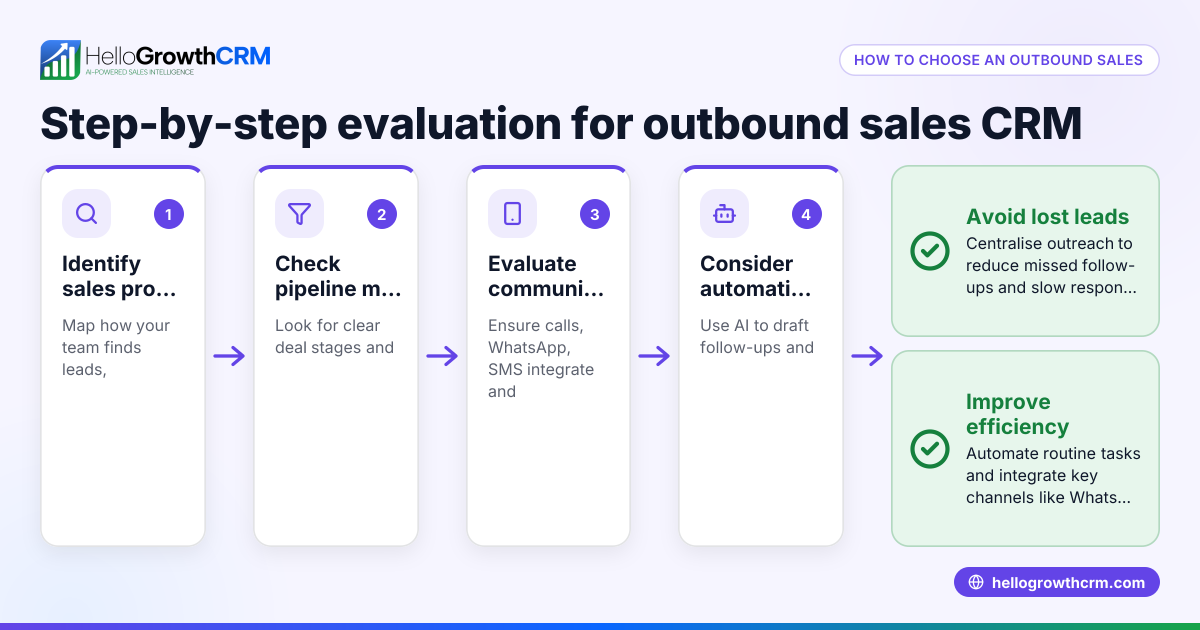
- Identify your calling needs: Determine how many calls your team makes daily, the size of your lead lists, and whether you need features like call scripting or automatic redial.
- Check software integration: Look for outbound calling software that integrates with your existing CRM or lead sources to avoid double data entry and keep customer records updated.
- Evaluate call management features: Ensure the software lets reps call directly from the system, log call outcomes, and maintain call histories linked to leads.
- Consider ease of use: The software should be intuitive to encourage team adoption, especially if your sales reps are not tech-savvy.
- Review pricing and plans: Compare costs, including setup fees and monthly charges, and check if the software offers a free or trial plan suitable for your team size.
- Assess customer support and training: Good onboarding and support help your team start quickly and resolve issues without downtime.
- Test with a pilot group: Before full rollout, try the software with a small team to ensure it fits your workflow and delivers the expected benefits.
For a solution with a built-in dialer that works inside the CRM, see the built-in CRM dialer.
Example (fictional figures)
An interior design studio in Tanjong Pagar has a sales team of 3 telecallers making outbound calls to potential corporate clients. They currently use mobile phones and Excel to track leads, leading to missed follow-ups.
The studio decides to adopt outbound calling software with a built-in dialer to improve efficiency.
- Each telecaller makes 40 calls daily.
- Average call duration is 5 minutes.
- Lost sales due to missed follow-ups are estimated at S$12,000 monthly.
By using outbound calling software, the telecallers save 10 minutes daily per person previously spent on manual logging and lead tracking.
Calculations:
Time saved per telecaller per day = 10 minutes = 10/60 hours = 0.1667 hours
Total time saved daily (3 telecallers) = 0.1667 × 3 = 0.5 hours
Assuming an average hourly sales value of S$200,
Value of time saved daily = 0.5 × S$200 = S$100
Monthly value (22 working days) = S$100 × 22 = S$2,200
By reducing missed follow-ups by 25%,
Monthly recovered sales = 25% × S$12,000 = S$3,000
Total monthly benefit = S$2,200 + S$3,000 = S$5,200
This example shows how outbound calling software can improve sales efficiency and revenue.
Common mistakes
- Choosing software without integration: Avoid software that does not connect with your CRM or lead sources, which leads to duplicate data entry and errors. Check integration capabilities early.
- Overpaying for unused features: Many products bundle features like call recording or AI analytics that small teams may not need. Focus on core features like a built-in dialer and call logging.
- Ignoring user experience: Complex interfaces reduce adoption. Test demos with your team to ensure ease of use.
- Skipping training and support checks: Lack of training causes slow adoption. Confirm the vendor provides onboarding and responsive support.
- Not piloting before full rollout: Implementing without a trial can cause disruption. Pilot with a small group first.
- Neglecting local business needs: Choose software that supports Singapore business practices and data privacy requirements. See HelloGrowthCRM for Singapore for a local solution.
Doing this in HelloGrowthCRM
HelloGrowthCRM offers a built-in dialer that lets telecallers work a call list directly inside the CRM. Each call's outcome is logged automatically on the lead record, keeping full call history organised and accessible. This helps teams follow up quickly and keeps sales data accurate without switching apps. Learn more about the built-in CRM dialer.
Frequently asked questions
What is outbound calling software? Outbound calling software enables your sales team to make calls directly from a computer or CRM, manage call lists, and log call results. It replaces manual calling methods to improve efficiency and lead tracking.
Are there free outbound calling software options? Some vendors offer free plans with limited features or call minutes. These can be suitable for very small teams or trials but often lack integration or advanced features. For example, HelloGrowthCRM offers a free CRM plan but the built-in dialer is on paid plans.
What are the benefits of outbound calling software? Key benefits include faster lead follow-up, centralised call records, better team coordination, and improved sales forecasting. It reduces manual errors and time spent on logging calls.
How do I choose the right software for my small business? Assess your calling volume, integration needs, ease of use, and budget. Test software with your team and prioritise solutions that fit your workflow without unnecessary complexity.
Can outbound calling software integrate with WhatsApp or SMS? Some CRMs offer multi-channel communication including WhatsApp and SMS sequences. Check the software's capabilities if you want to combine calling with messaging.
Key takeaways
- Outbound calling software centralises calling and lead management, improving sales follow-up.
- Integration with your CRM or lead sources is essential for efficiency.
- Choose software with a built-in dialer and call outcome logging to track progress.
- Test ease of use and support before committing.
- Avoid paying for unused features; focus on your team's needs.
- HelloGrowthCRM offers a built-in dialer for outbound calling inside the CRM.
Start improving your outbound calling today. Start on the Free Forever plan (200 leads, no credit card) to try HelloGrowthCRM’s CRM with calling features.
Ready to put this into practice?
Set up your pipeline, WhatsApp follow-ups, and AI lead scoring in minutes — free, no credit card.
Try HelloGrowthCRM freeGet CRM tips in your inbox
Join thousands of sales professionals who get weekly insights on CRM strategy, AI automation, and pipeline optimization.

The HelloGrowthCRM team publishes guides on CRM strategy, AI sales tools, and revenue operations for small business sales teams.