HelloGrowthCRM software
Built for real small-business sales teams
HelloGrowthCRM helps reps qualify faster, follow up on time, and close more deals—with practical automation in one place.
- AI lead scoring and pipeline visibility
- Built-in dialer, WhatsApp, and email automation
- Sales forecasting and RevOps-ready reporting
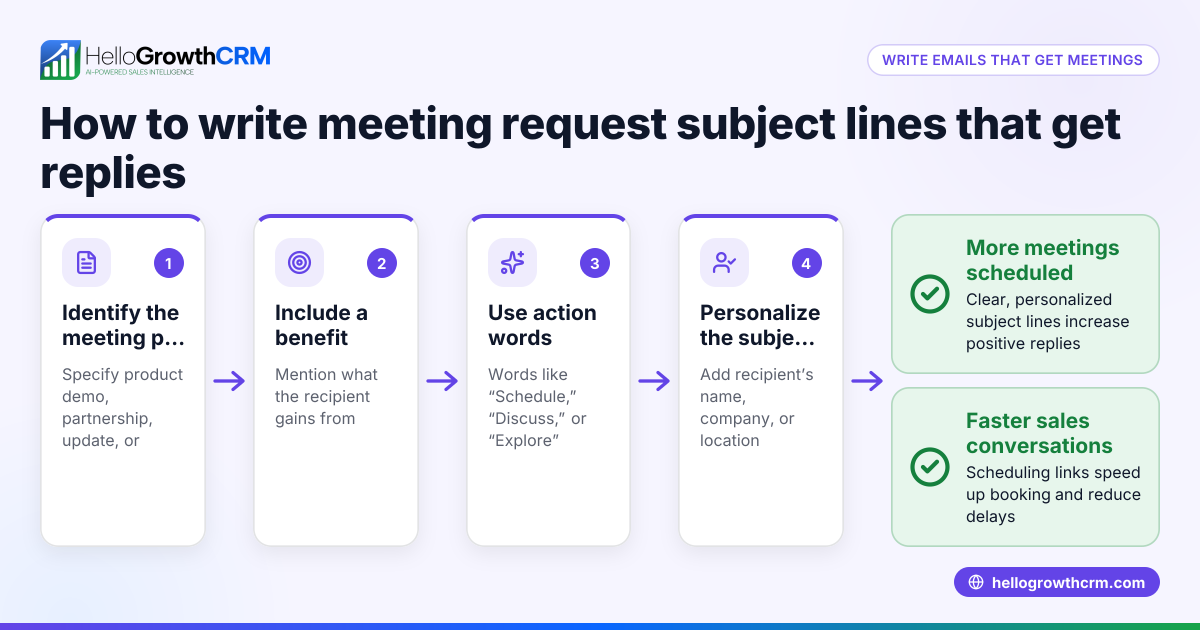
Professional email subject lines are your first chance to grab attention and communicate your email’s purpose clearly. Using straightforward, relevant phrases helps recipients quickly understand why they should open your message. Examples like "Meeting Request: Project Update," "Invoice #12345 Due 07/15/2026," or "Quick Question About Your Recent Order" are professional and direct.
Why this comes up / what goes wrong
Small business owners often struggle with writing email subject lines that get noticed and prompt responses. Without clear subject lines, emails can be ignored or lost in busy inboxes. This is especially true when sales teams or owners send quotes, follow-ups, or requests without a structured approach. Poor subject lines can cause slow replies, lost leads, and missed opportunities. For example, a vague subject like "Update" or "Hello" may not convey urgency or importance, causing recipients to postpone or skip reading the email.
Step-by-step
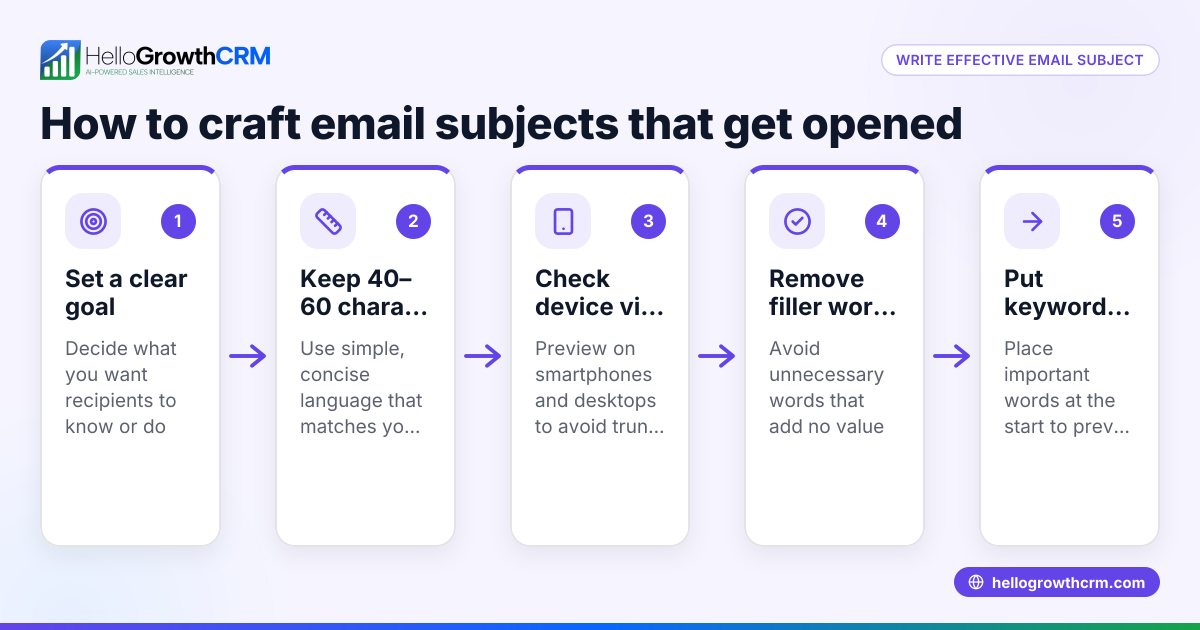
- Identify the email’s main purpose. Decide if the email is a request, a follow-up, a confirmation, or a notification. This helps focus the subject line.
- Keep it concise and specific. Use 5-8 words that clearly state the topic, such as "Proposal for Landscaping Services" or "Reminder: Payment Due 07/20/2026." (twilio.com)
- Include key details if relevant. Add dates, invoice numbers, or names to make the subject line more informative and easy to reference.
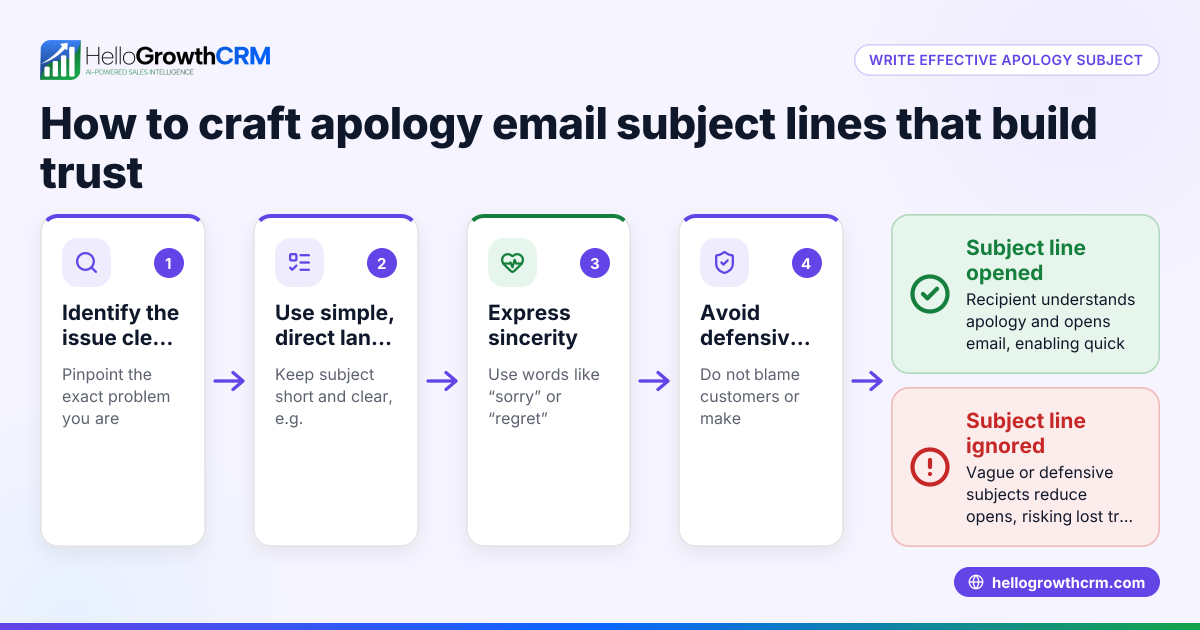
- Avoid vague words like "Hello" or "Important." These don’t tell the recipient what the email is about and reduce open rates.
- Use action words when appropriate. Words like "Request," "Confirm," "Update," or "Follow-up" set clear expectations.
- Check for spelling and grammar. Errors reduce professionalism and trust.
- Test variations if sending to multiple contacts. A/B testing subject lines in email campaigns can improve open rates. HelloGrowthCRM offers sequences and campaigns for this purpose, enabling automated multi-step outreach with response-triggered stops (/product/email-automation).
Example (fictional figures)
A landscaping contractor in Charlotte, North Carolina, sends an invoice email to a client.
- Invoice amount: $3,250
- Invoice number: 2026-078
- Due date: 08/10/2026
Subject line: "Invoice 2026-078 Due 08/10/2026 – GreenScape Landscaping"
This subject line clearly states:
- The invoice number: "Invoice 2026-078"
- The due date: "Due 08/10/2026"
- The sender’s business name: "GreenScape Landscaping"
The client sees the invoice amount $3,250 in the email body, and the clear subject helps the client prioritize payment.
Calculation for a late payment reminder email:
Assume a 5% late fee on $3,250 if unpaid after 08/10/2026.
$3,250 × 5% = $162.50 late fee
Total amount due after due date = $3,250 + $162.50 = $3,412.50
Subject line for reminder: "Reminder: Invoice 2026-078 Due 08/10/2026 – Late Fee Applies"
This provides clear, actionable information supporting timely payment.
Common mistakes
- Using vague subjects like "Hi" or "Update." Prevent by always including a clear topic that states the email’s purpose.
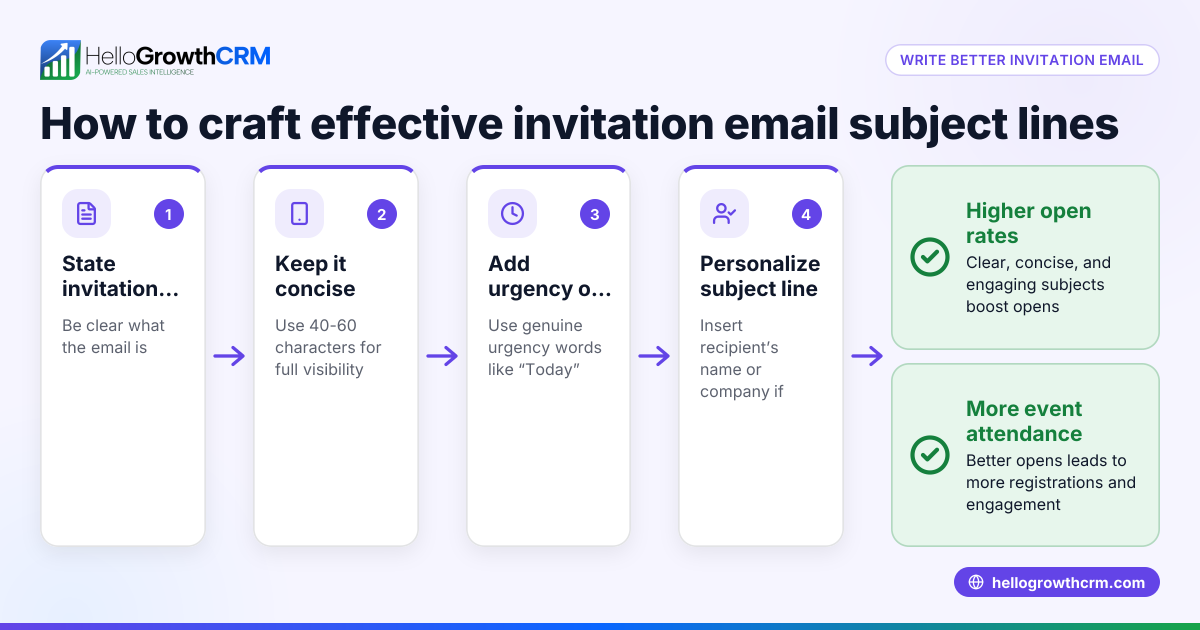
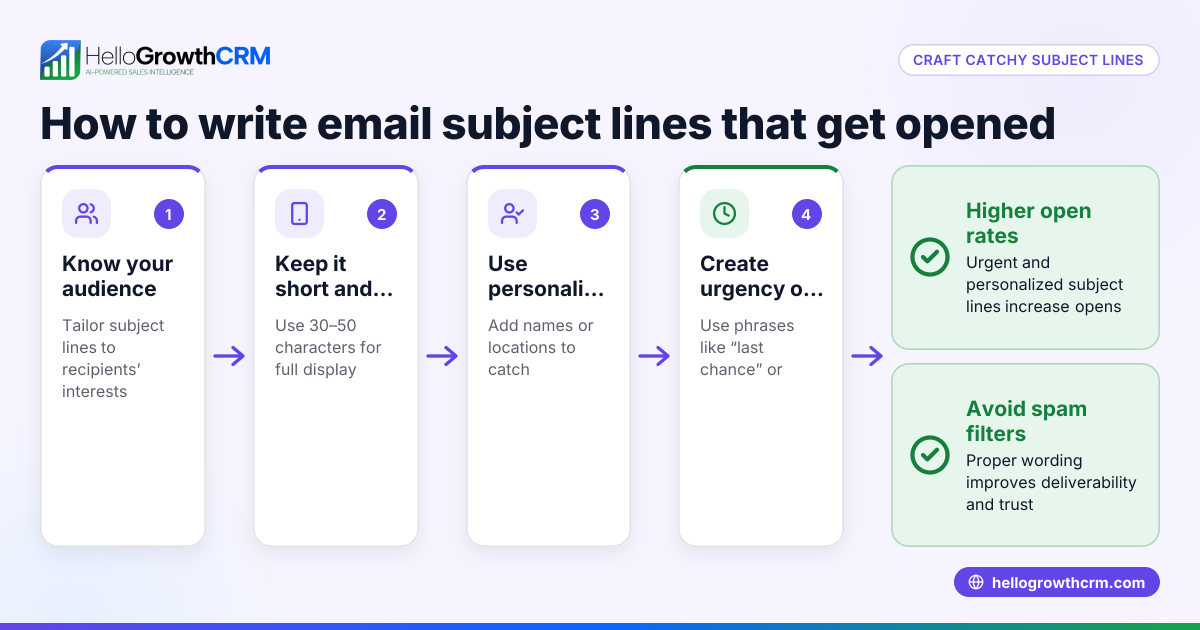
- Making subject lines too long. Keep under 50 characters so the subject fully displays on mobile devices. (twilio.com)
- Forgetting to include action or urgency when needed. Add words like "Reminder" or "Action Required" if a timely response is needed.
- Ignoring personalization. Including recipient names or company names increases open rates.
- Not following up effectively. Use automated sequences to send follow-ups that stop once the prospect replies, avoiding redundant messages (/product/email-automation).
- Overusing punctuation or all caps. This can appear unprofessional or spammy.
Doing this in HelloGrowthCRM
HelloGrowthCRM helps manage email communication with features like HelloMail shared inbox, where replies to quotation emails are visible to the whole sales team on the deal. This avoids missed responses and duplicate follow-ups. Additionally, you can set up sequences and campaigns to automate a five-step follow-up over two weeks that stops as soon as the prospect replies, saving time and improving lead engagement. These tools support professional, timely email communications without manual tracking (/product/email-automation).
Frequently asked questions
What makes a professional email subject line? A professional subject line is clear, concise, and relevant to the email content. It usually includes the purpose, important details like dates or invoice numbers, and avoids vague or overly promotional language.
How long should a subject line be? Aim for 5-8 words or under 50 characters so it displays fully on mobile devices and grabs attention quickly.
Should I personalize email subject lines? Yes, adding the recipient’s name or company can increase open rates by making the email feel more relevant and tailored.
Can I automate follow-up emails to improve response? Yes, using tools like HelloGrowthCRM’s sequences and campaigns you can automate multi-step follow-ups that pause when the recipient replies, ensuring timely and efficient communication (/product/email-automation).
Is it okay to use emojis in professional email subject lines? Generally, avoid emojis in formal business emails as they may seem unprofessional or be blocked by some email clients.
How can I manage email replies efficiently across my sales team? Using HelloMail shared inbox in HelloGrowthCRM, replies to quotation emails are visible to the whole team on the deal, preventing missed responses and duplicate follow-ups (/product/email-automation).
Key takeaways
- Use clear, concise subject lines that summarize the email’s purpose.
- Include relevant details like dates, invoice numbers, or names.
- Avoid vague or overly long subject lines.
- Personalize subject lines when possible to improve engagement.
- Automate follow-ups with sequences to save time and increase responses.
- Use shared inbox features to keep your sales team coordinated.
Start improving your email communication by using professional subject lines and managing follow-ups efficiently. You can try HelloGrowthCRM’s free plan with 200 leads and no credit card required at Start on the Free Forever plan (200 leads, no credit card).
Ready to put this into practice?
Set up your pipeline, WhatsApp follow-ups, and AI lead scoring in minutes — free, no credit card.
Try HelloGrowthCRM freeGet CRM tips in your inbox
Join thousands of sales professionals who get weekly insights on CRM strategy, AI automation, and pipeline optimization.

The HelloGrowthCRM team publishes guides on CRM strategy, AI sales tools, and revenue operations for small business sales teams.