HelloGrowthCRM software
Built for real small-business sales teams
HelloGrowthCRM helps reps qualify faster, follow up on time, and close more deals—with practical automation in one place.
- AI lead scoring and pipeline visibility
- Built-in dialer, WhatsApp, and email automation
- Sales forecasting and RevOps-ready reporting
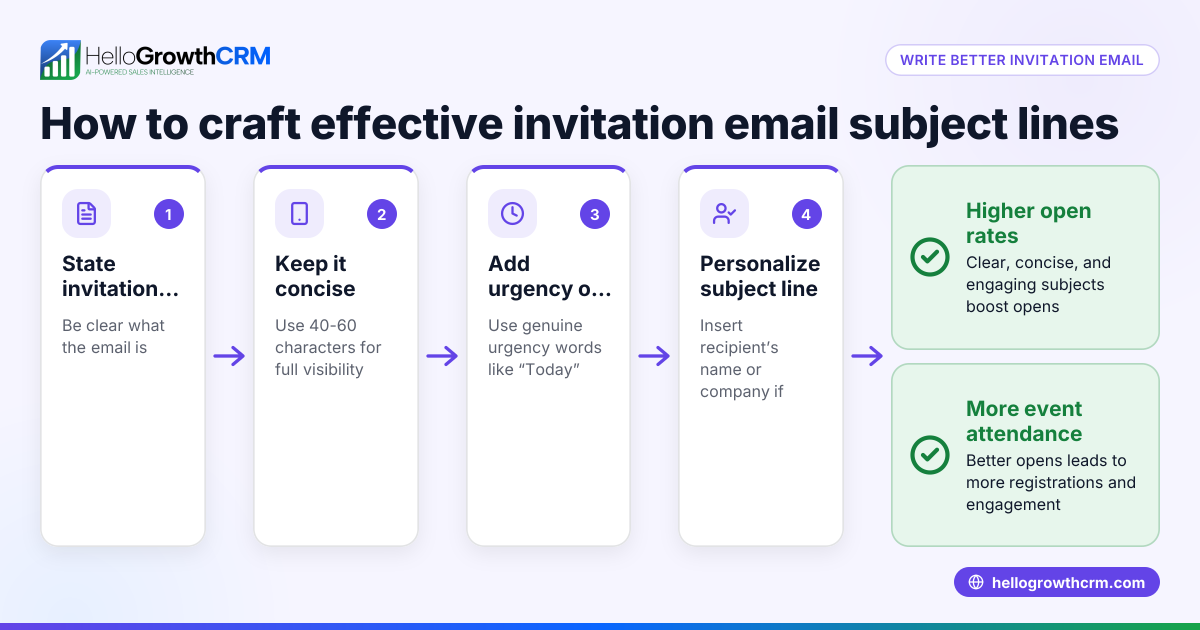
The maximum recommended length for an email subject line is typically between 40 and 60 characters. This range helps ensure your subject line is fully visible on desktops, mobile devices, and various email clients, which improves open rates. Shorter subject lines are easier to read quickly and less likely to be cut off.
Why this comes up / what goes wrong
Small-business owners often struggle with email subject lines because their messages don’t get opened or get overlooked. One common reason is that the subject line is too long, causing important words to be truncated, especially on mobile devices where screen space is limited. For example, a subject longer than 60 characters might show only the first 30-40 characters on a smartphone, hiding key details that entice recipients to open the email.
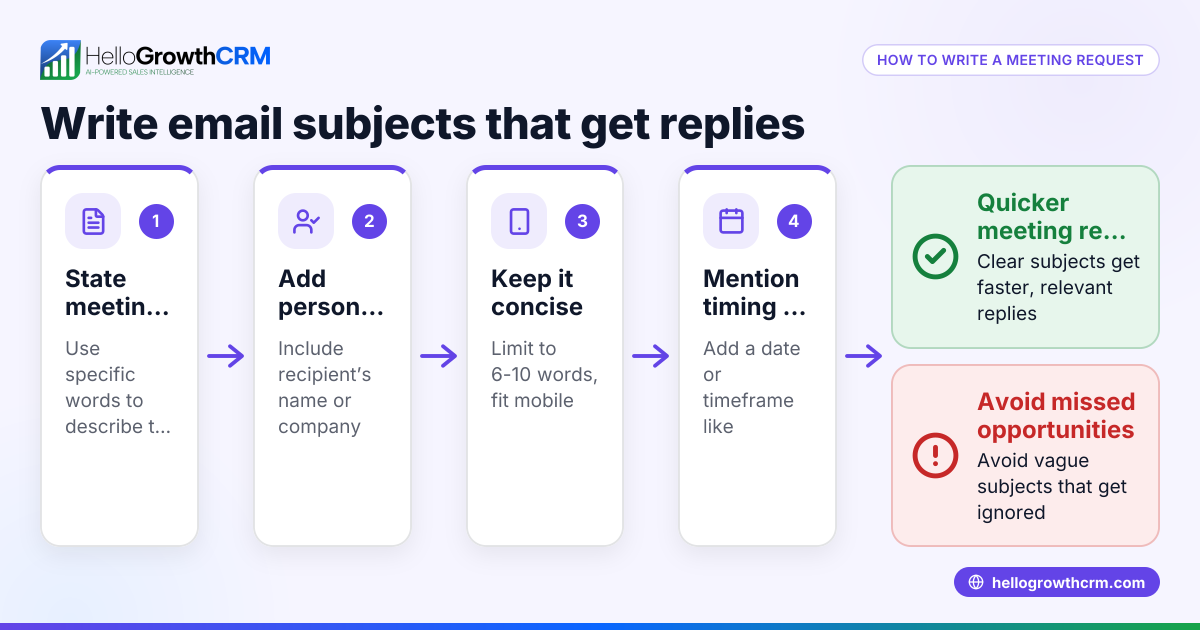
Additionally, long subject lines can look cluttered or spammy, reducing trust. Business owners running sales or customer outreach campaigns via email need concise, clear subject lines that grab attention quickly without losing meaning.
Step-by-step
- Write a clear goal for your email. Decide what you want the recipient to do or know from your email.
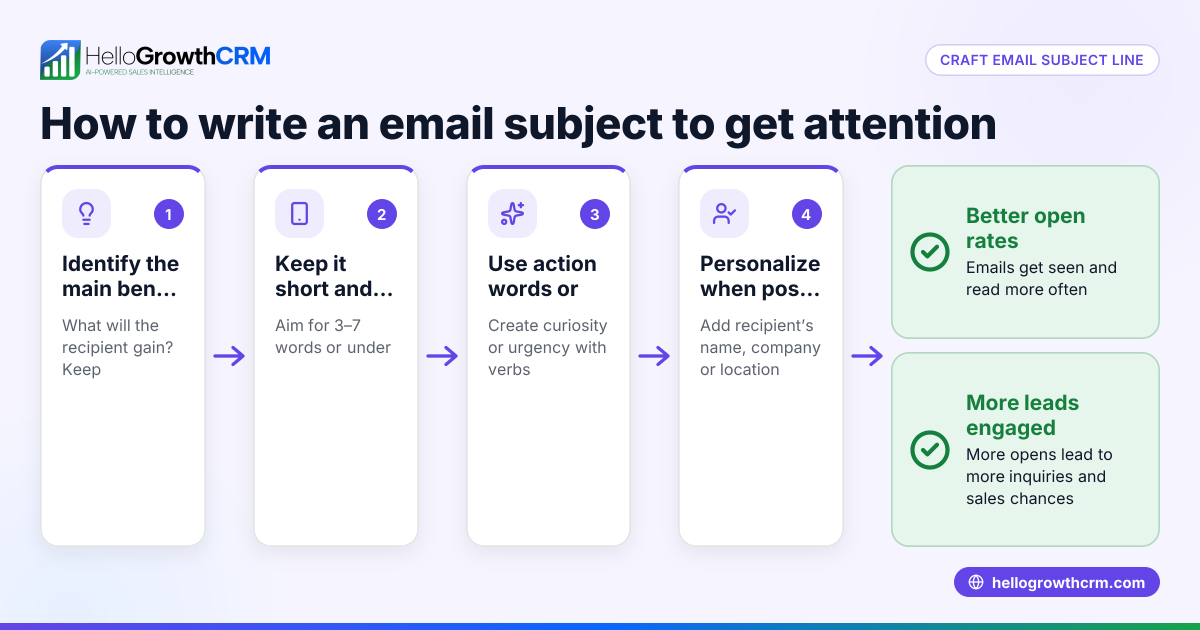
- Draft your subject line with 40-60 characters. Use simple language that directly reflects the email content.
- Check visibility on devices. Preview your subject line on a smartphone and desktop email client to ensure it isn’t cut off.
- Avoid unnecessary words or filler. Remove words like "just," "really," or "very" unless they add value.
- Include keywords early. Put the most important words at the start of the subject line in case it gets truncated.
- Test different subject lines. If you have a larger list, send A/B tests to see which subject gets better open rates. HelloGrowthCRM supports sequences and campaigns that can automate this process.
- Avoid spam triggers. Stay away from all caps, excessive punctuation, or words like "free" or "urgent" that may trigger spam filters.
- Use personalization if possible. Adding the recipient's name or company can increase open rates but keep it short.
Example (fictional figures)
A landscaping contractor in Charlotte, North Carolina, wants to email a quote to a potential client. The goal is to get the client to schedule a consultation.
Draft subject line: "Get Your Free Landscaping Quote Today – Schedule Now!"
Character count: 52 characters.
Check visibility:
- On desktop: fully visible.
- On mobile: shows "Get Your Free Landscaping Quote Today – Sched..."
Since "Schedule" is cut off, move the key action word earlier:
Revised subject line: "Schedule Your Free Landscaping Quote Today"
Character count: 43 characters.
This version shows fully on mobile and desktop, keeping the call to action clear.
Common mistakes
- Too long subject lines: Prevent by counting characters and previewing on devices.
- Vague or generic subjects: Prevent by specifying the email’s purpose clearly.
- Using clickbait or spammy words: Prevent by avoiding all caps, excessive punctuation, and spam trigger words.
- Not testing subject lines: Prevent by running A/B tests using tools like sequences and campaigns in HelloGrowthCRM.
- Ignoring mobile users: Prevent by always checking how your subject appears on smartphones.
Doing this in HelloGrowthCRM
HelloGrowthCRM’s email features help small businesses manage and automate outreach effectively. The HelloMail shared inbox lets your team see all replies to quotation emails in one place, so no lead is missed. Its sequences and campaigns feature runs automated five-step follow-ups over two weeks, stopping immediately when the prospect replies. This automation saves time and keeps communication consistent, ensuring your carefully crafted subject lines reach leads at the right time. Learn more about these features at email automation and sequences.
Frequently asked questions
What happens if my email subject is too long? If your subject line is too long, email clients may truncate it, hiding important words. This can reduce open rates because recipients don’t see the full message or call to action.
Is there a minimum length for email subjects? There’s no strict minimum, but very short subjects may be unclear or look like spam. Aim for a concise but descriptive subject between 40 and 60 characters.
How can I test if my subject line works? You can run A/B tests by sending two versions to small segments of your list and comparing open rates. HelloGrowthCRM supports automated sequences and campaigns that make this testing easier.
Do mobile devices affect subject line length? Yes, mobile devices typically display fewer characters than desktops in email subject lines. Always preview your subject on mobile to ensure key information appears early.
Can I use emojis in subject lines? Emojis can attract attention but use them sparingly and only if appropriate for your audience. Overuse can look unprofessional or trigger spam filters.
Key takeaways
- Keep email subject lines between 40 and 60 characters for best visibility.
- Put important words at the start to avoid truncation, especially on mobile.
- Avoid spammy words, all caps, and excessive punctuation.
- Test subject lines with A/B testing to find what works best.
- Use HelloGrowthCRM’s email automation features to manage follow-ups and improve response rates.
Start writing subject lines that get your emails opened and keep your sales moving. To try managing your leads and automated email sequences, start on the Free Forever plan (200 leads, no credit card).
Ready to put this into practice?
Set up your pipeline, WhatsApp follow-ups, and AI lead scoring in minutes — free, no credit card.
Try HelloGrowthCRM freeGet CRM tips in your inbox
Join thousands of sales professionals who get weekly insights on CRM strategy, AI automation, and pipeline optimization.

The HelloGrowthCRM team publishes guides on CRM strategy, AI sales tools, and revenue operations for small business sales teams.