HelloGrowthCRM software
Built for real small-business sales teams
HelloGrowthCRM helps reps qualify faster, follow up on time, and close more deals—with practical automation in one place.
- AI lead scoring and pipeline visibility
- Built-in dialer, WhatsApp, and email automation
- Sales forecasting and RevOps-ready reporting
A promotion email is a marketing message sent to potential or existing customers to advertise a product, service, or special offer. It aims to generate interest and encourage purchases or engagement. This article explains why small businesses use promotion emails, how to create one step-by-step, common mistakes to avoid, and how HelloGrowthCRM can help manage your email campaigns effectively.
Why this comes up / what goes wrong
Small business owners often want to boost sales or clear inventory, so they send promotion emails to their customers and leads. However, many struggle with slow follow-up, scattered contact information, or managing email replies across different team members. Without a clear process, promotion emails can be ineffective or overlooked, leading to lost sales opportunities. Businesses running sales on text messages, email, and spreadsheets find it hard to keep track of who received what promotion and when to follow up.
Step-by-step
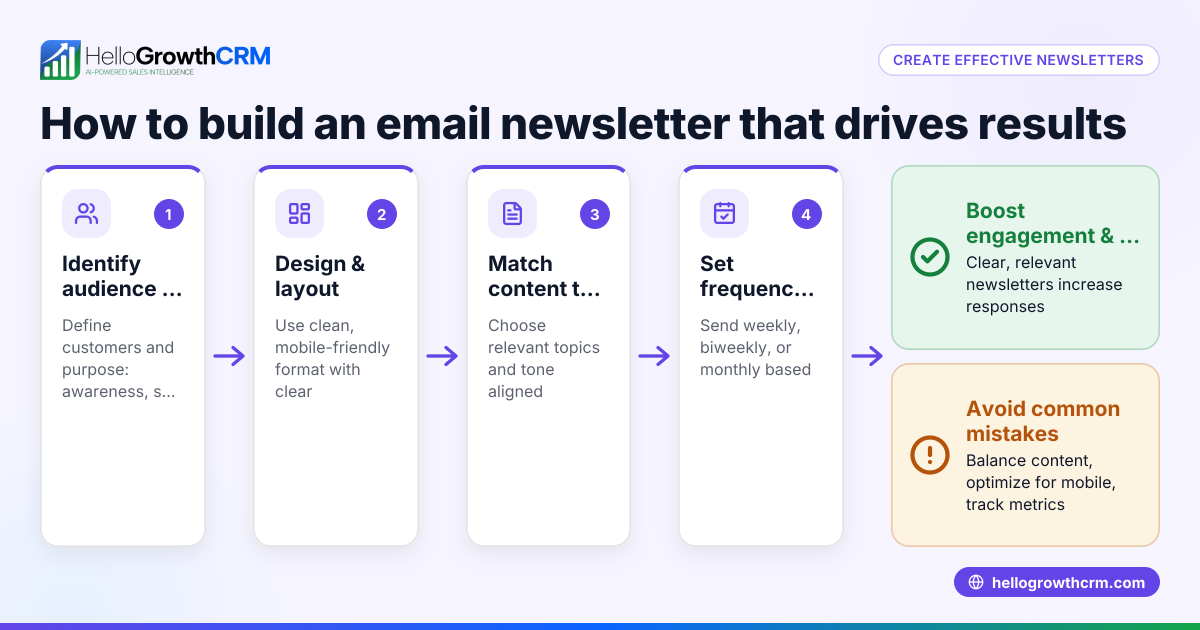
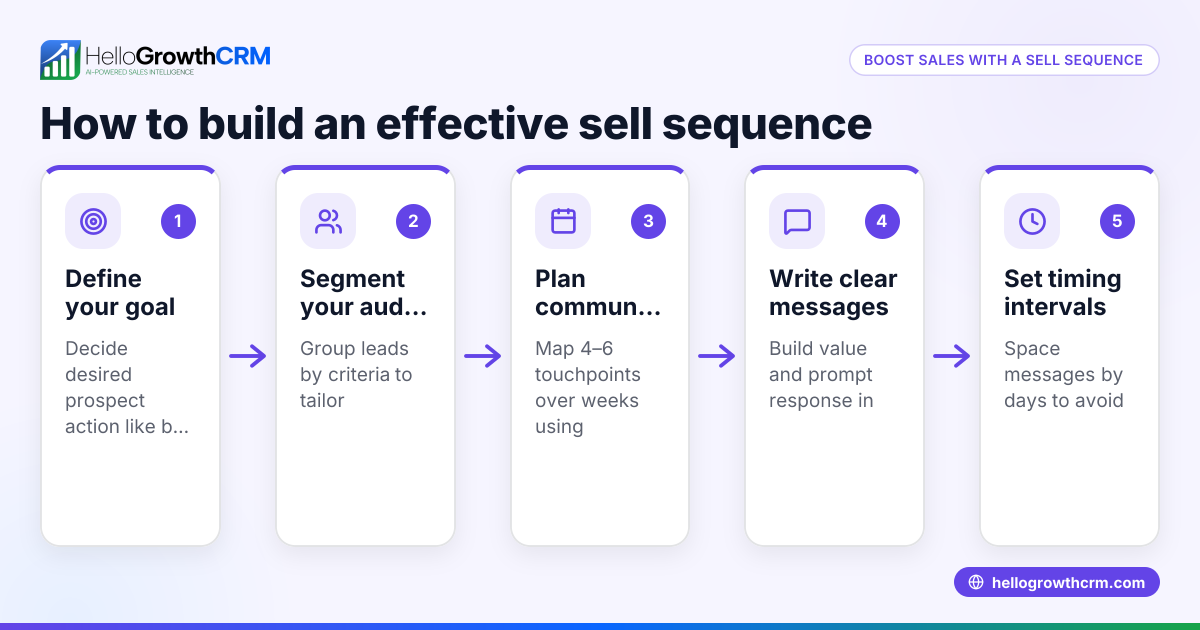
- Define your promotion goal. Decide what you want to achieve: increase sales, announce a new product, or offer a limited-time discount. Clear goals guide your message.
- Segment your audience. Group your contacts by interests, past purchases, or engagement level to send relevant promotions. Check your contact list for accuracy.
- Write a clear subject line. Make it concise and enticing to encourage opens. Test different versions if possible.
- Craft the email content. Include the offer details, benefits, a clear call to action, and contact information. Keep it brief and focused.
- Design for mobile and desktop. Ensure your email looks good on all devices. Preview before sending.
- Schedule your send time. Choose a time when your audience is most likely to check email, such as mid-morning on weekdays.
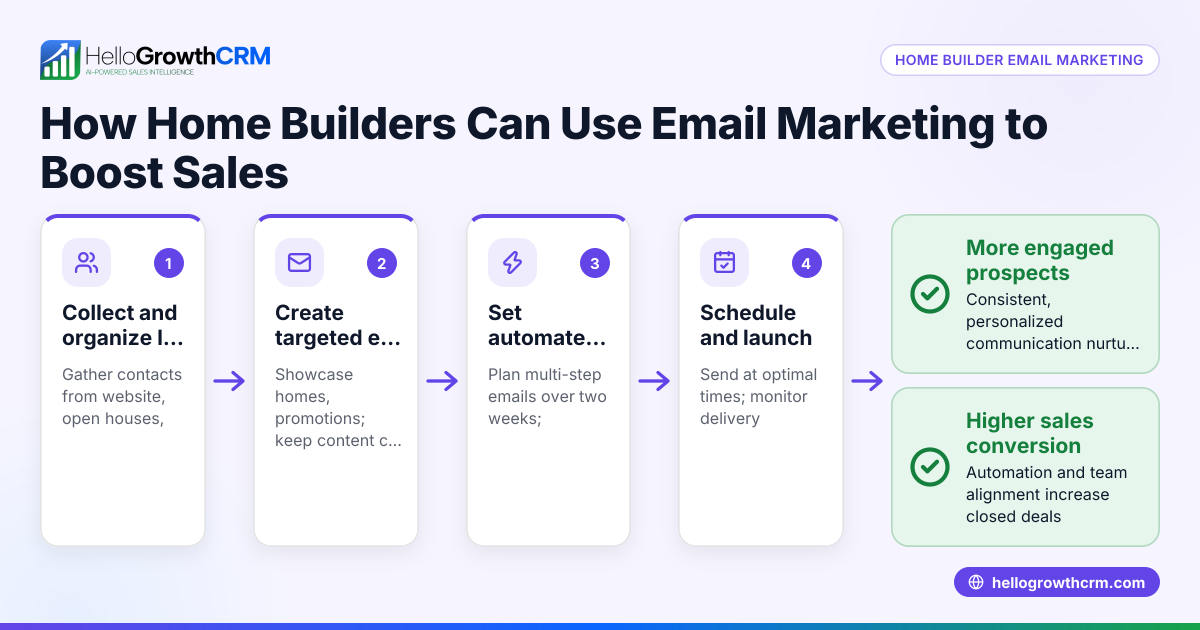
- Set up follow-up sequences. Plan automated reminders or additional messages to non-responders. Check that follow-ups stop when a recipient replies.
- Monitor responses and track results. Check open rates, click-throughs, and replies. Adjust future emails based on performance.
For managing follow-ups and sequences efficiently, consider email automation and sequences.
Example (fictional figures)
Austin Plumbing Co., a small plumbing business in Austin, Texas, wants to promote a 15% discount on drain cleaning services during March 2026.
- They have 1,000 contacts segmented as homeowners in Austin.
- The average drain cleaning service costs $150.
- They expect about 100 customers to respond based on past promotions.
Calculations:
Number of expected responses = 100 (estimated from past data)
Revenue from promotion before discount = 100 × $150 = $15,000
Discount amount = $15,000 × 15% = $2,250
Expected revenue after discount = $15,000 - $2,250 = $12,750
Austin Plumbing Co. schedules a five-step follow-up sequence over two weeks to remind prospects who don't reply, stopping the sequence immediately when a reply is received.
Common mistakes
- Sending to the wrong audience. Prevent by segmenting your list carefully and verifying contact details.
- No clear call to action. Always include a direct instruction like "Book now" or "Claim your discount".
- Ignoring mobile users. Preview emails on mobile devices to avoid formatting issues.
- Not following up. Use automated sequences to ensure timely follow-ups without manual effort.
- Overloading recipients with emails. Space out your messages and stop sequences when prospects respond to avoid annoyance.
- Not tracking results. Use tools to monitor opens and replies to improve future campaigns.
For tips on managing multi-step outreach, see email automation and sequences.
Doing this in HelloGrowthCRM
HelloGrowthCRM includes a HelloMail shared inbox where your team can manage inbound email replies to promotion emails together without switching tools. This keeps everyone updated on customer responses and avoids duplicated efforts. You can also set up sequences and campaigns to automate a five-step follow-up over two weeks that stops as soon as a prospect replies. These features help small and mid-sized businesses run promotion emails efficiently and track engagement.
Frequently asked questions
What is the best time to send a promotion email? Mid-morning on weekdays is generally effective because recipients are more likely to check their inbox. However, testing different times with your audience can help find the best schedule.
How often should I send promotion emails? Avoid overwhelming your contacts. A good practice is to space promotions by at least two weeks and use follow-up sequences that stop when someone replies to avoid spamming.
How do I measure the success of a promotion email? Track open rates, click-through rates, reply rates, and ultimately conversions or sales generated. Adjust your strategy based on these metrics.
Can I use promotion emails with WhatsApp or SMS? Yes, combining channels can increase engagement. HelloGrowthCRM supports WhatsApp and SMS sequences alongside email for multi-channel outreach. See WhatsApp and SMS CRM for details.
How do I handle replies to promotion emails? Use a shared inbox like HelloMail so your team can see and respond to replies quickly and coordinate follow-up without missing messages.
Key takeaways
- A promotion email advertises a product, service, or offer to encourage sales.
- Segment your audience and write clear, concise messages with a call to action.
- Use automated follow-up sequences to engage non-responders and stop when prospects reply.
- Avoid common mistakes like spamming, poor targeting, and ignoring mobile users.
- HelloGrowthCRM helps manage promotion emails with shared inboxes and automated sequences.
Start your promotion email campaigns today with HelloGrowthCRM and improve your sales follow-up. Start on the Free Forever plan (200 leads, no credit card).
Ready to put this into practice?
Set up your pipeline, WhatsApp follow-ups, and AI lead scoring in minutes — free, no credit card.
Try HelloGrowthCRM freeGet CRM tips in your inbox
Join thousands of sales professionals who get weekly insights on CRM strategy, AI automation, and pipeline optimization.

The HelloGrowthCRM team publishes guides on CRM strategy, AI sales tools, and revenue operations for small business sales teams.