HelloGrowthCRM software
Built for real small-business sales teams
HelloGrowthCRM helps reps qualify faster, follow up on time, and close more deals—with practical automation in one place.
- AI lead scoring and pipeline visibility
- Built-in dialer, WhatsApp, and email automation
- Sales forecasting and RevOps-ready reporting
A quote email template is a clear, professional message format used to send pricing and service details to prospective customers. It helps small businesses respond quickly and consistently to inquiries. This article explains why you need a good quote email template, how to write one step-by-step, a realistic example with US figures, common errors to avoid, and how HelloGrowthCRM supports your quoting and sales follow-up.
Why this comes up / what goes wrong
Small-business owners often need to send price quotes by email but struggle with slow follow-up, inconsistent messaging, or missing details that cause confusion or lost sales. Without a ready-to-use template, emails can be incomplete, unclear, or unprofessional. This leads to back-and-forth clarifications and delays. Many businesses also run sales on text, email, and spreadsheets, making it hard to track quote status and customer replies.
Step-by-step
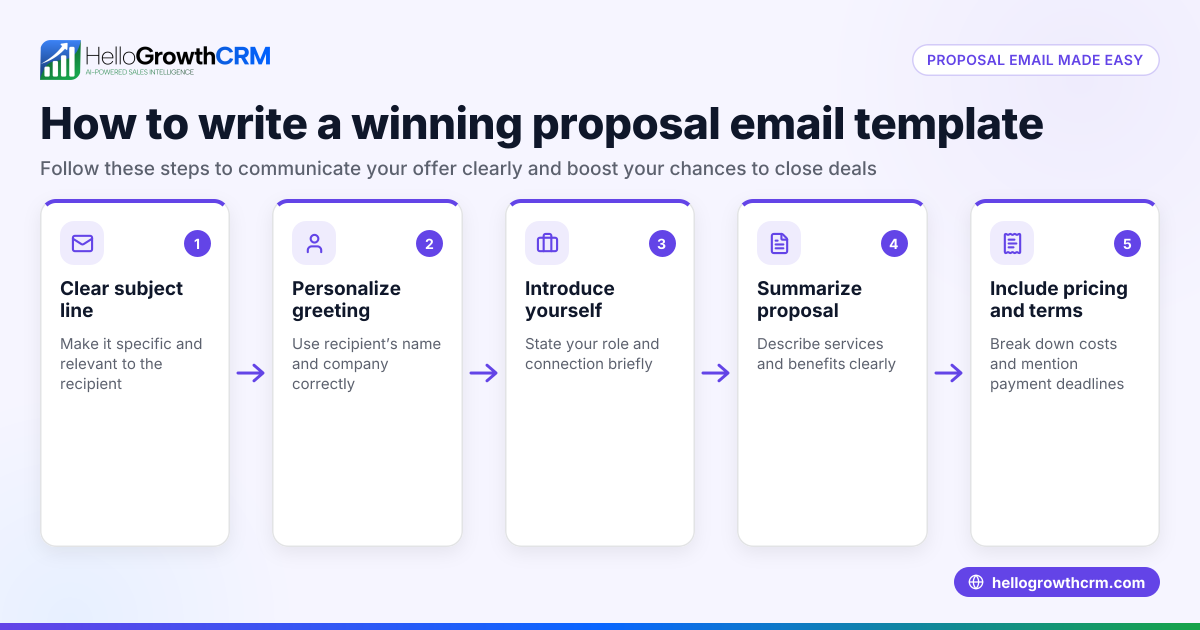
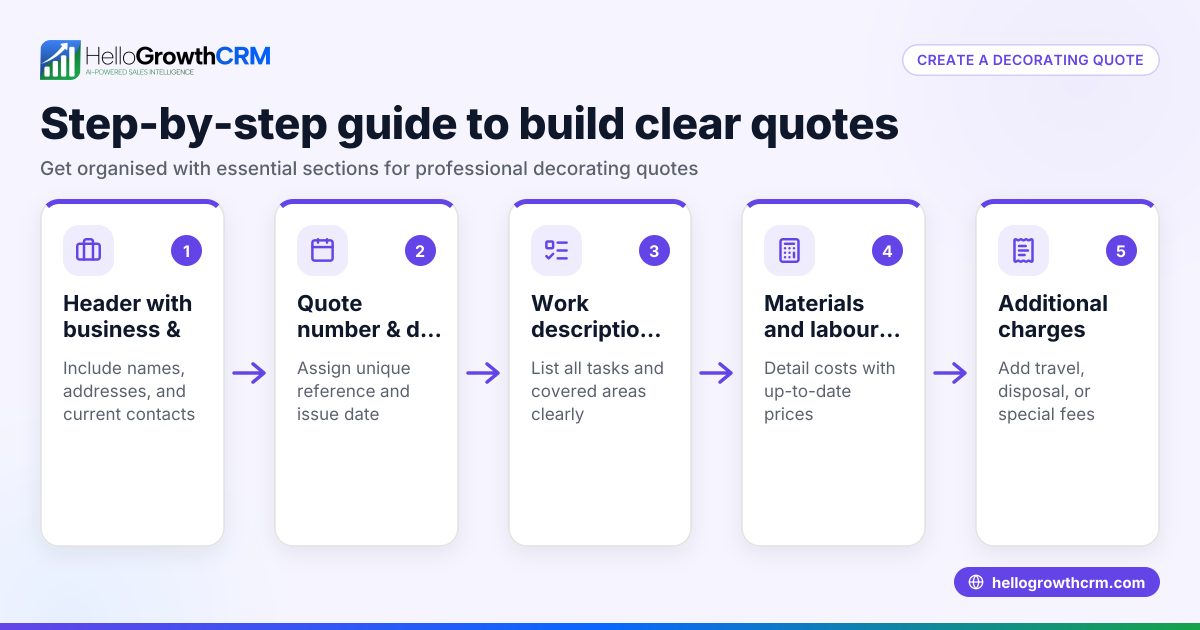
- Start with a clear subject line. Use something like "Your Quote for [Product/Service] from [Your Company]." This helps the recipient know what to expect.
- Greet the recipient by name. Personalization increases trust and engagement.
- Reference the inquiry or previous conversation. For example, "Thank you for your interest in our landscaping services."
- State the purpose of the email clearly. Example: "Please find below the detailed quote for your requested service."
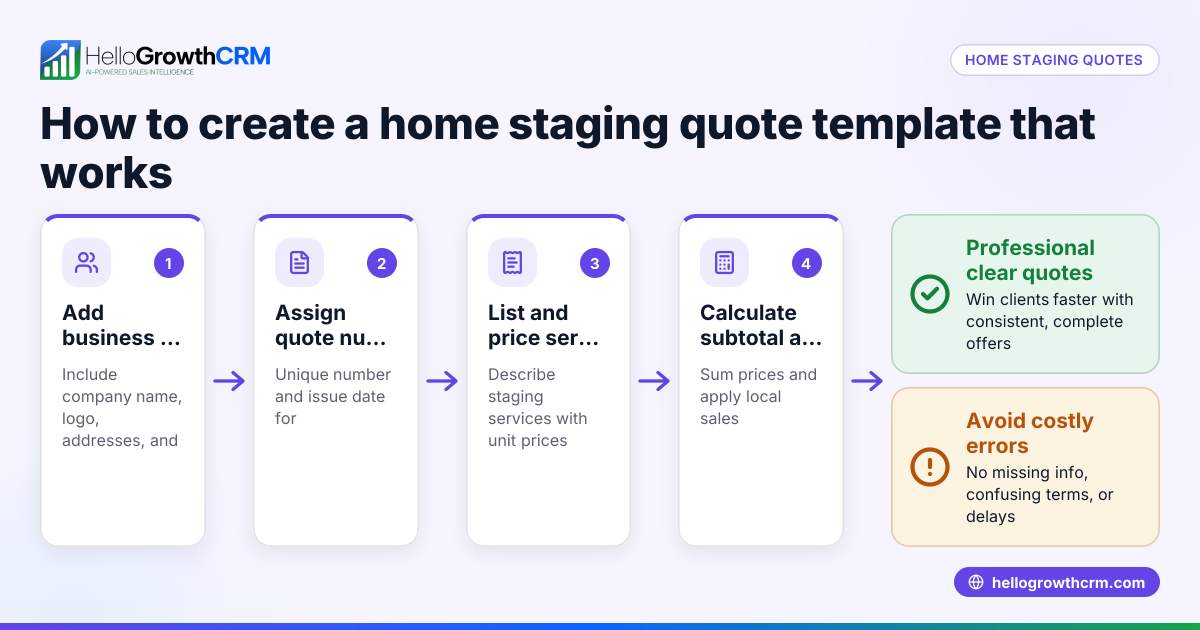
- List the products or services with prices. Include quantities, unit prices, and totals to avoid confusion.
- Mention any terms or conditions. This could be payment terms, delivery timelines, or validity period of the quote.
- Invite questions or clarifications. Encourage the recipient to reach out if they need more information.
- Include a clear call to action. For example, "Please reply to accept this quote or to discuss further."
- Close professionally. Use your name, position, and contact details.
- Proofread before sending. Check for typos, correct figures, and clarity.
To improve efficiency, consider using sales templates for consistent messaging and email automation and sequences to follow up automatically.
Example (fictional figures)
Here is a quote email example for a residential real-estate staging team in Phoenix, Arizona, sent on 04/15/2026:
Subject: Your Quote for Home Staging Services from Desert Dream Staging
Hi Sarah,
Thank you for reaching out about staging your home at 123 Maple St. Below is the detailed quote based on your requirements:
- Living Room Staging: $1,200
- Kitchen Staging: $800
- Master Bedroom Staging: $1,000
Subtotal: $1,200 + $800 + $1,000 = $3,000 Sales Tax (8.6%): $3,000 × 8.6% = $258 Total Quote: $3,000 + $258 = $3,258
This quote is valid for 30 days. Payment is due within 15 days of acceptance. We aim to complete staging within 5 business days after confirmation.
Please reply if you have any questions or would like to proceed.
Best regards,
Alex Morgan Desert Dream Staging alex@desertdream.com (555) 123-4567
Common mistakes
- Omitting the recipient’s name: Makes the email feel generic. Always personalize.
- Not including total price and tax: Leads to confusion or surprise charges. Always show subtotals, tax, and total.
- Failing to state terms clearly: Causes delays or disputes. Include payment terms and quote validity.
- Using vague language: Be specific about products, quantities, and timelines to avoid misunderstandings.
- Not proofreading: Typos or wrong figures undermine professionalism. Double-check before sending.
- Ignoring follow-up: Quotes often need reminders. Use free sales tools and calculators to plan follow-ups.
Doing this in HelloGrowthCRM
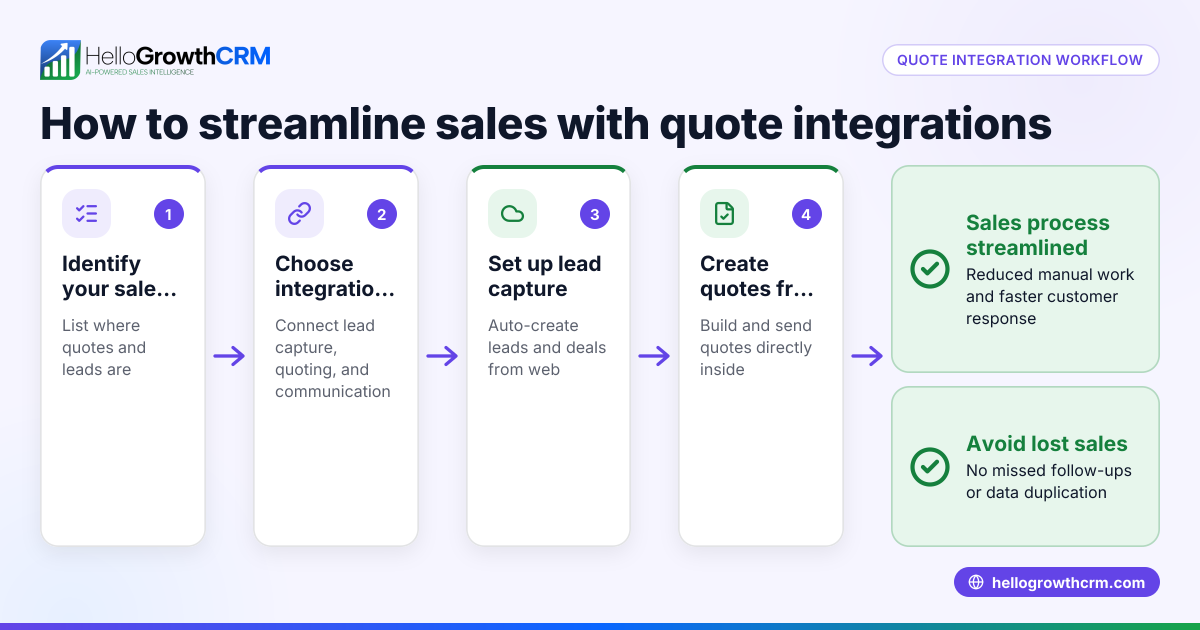
HelloGrowthCRM makes sending and managing quotes easier. Use the built-in quoting tool to create, send, and track quotes directly from the deal screen. You can see if a quote was sent, viewed, or accepted alongside your follow-up tasks. The HelloMail shared inbox lets your whole sales team view replies to quotation emails without switching apps. Plus, you can download free sales templates and tools to support your sales process.
Frequently asked questions
What should I include in a freight quote request email? A freight quote request email should specify the shipment details like origin, destination, weight, dimensions, and preferred delivery dates. Clear details help carriers provide accurate pricing. You can find sample templates online to guide your wording.
How do I follow up after sending a quote email? Send a polite follow-up 2-3 days after the quote to check if the recipient has questions or needs more info. A follow-up cadence helps keep the deal moving. You can automate this with email sequences in HelloGrowthCRM.
Can I use the same quote email template for different products? Yes, but customize the product or service details and pricing each time. Keep the structure consistent for professionalism and efficiency.
How long should a quote be valid? Typically, 30 days is standard, but it depends on your industry and pricing stability. State the validity clearly in your email to avoid confusion.
Is it better to send quotes by email or text? Email is preferred for detailed quotes as it allows formatting, attachments, and clear records. Texts can be used for quick follow-ups or confirmations.
Key takeaways
- Use a clear, personalized subject line and greeting.
- Include detailed pricing with subtotals, tax, and total.
- State terms like payment, delivery, and quote validity.
- Proofread carefully to avoid errors.
- Follow up promptly and consistently.
- Use HelloGrowthCRM features like quotes, HelloMail, and free templates to streamline the process.
Start with a clear quote email template to improve your sales follow-up and close deals faster. You can Start on the Free Forever plan (200 leads, no credit card) today to try HelloGrowthCRM’s quoting and email tools for your small business.
Ready to put this into practice?
Set up your pipeline, WhatsApp follow-ups, and AI lead scoring in minutes — free, no credit card.
Try HelloGrowthCRM freeGet CRM tips in your inbox
Join thousands of sales professionals who get weekly insights on CRM strategy, AI automation, and pipeline optimization.

The HelloGrowthCRM team publishes guides on CRM strategy, AI sales tools, and revenue operations for small business sales teams.