HelloGrowthCRM software
Built for real small-business sales teams
HelloGrowthCRM helps reps qualify faster, follow up on time, and close more deals—with practical automation in one place.
- AI lead scoring and pipeline visibility
- Built-in dialer, WhatsApp, and email automation
- Sales forecasting and RevOps-ready reporting
Retail email marketing is about using email to engage your shoppers, promote new items, announce discounts, and encourage repeat visits. Retail businesses often struggle with slow follow-up, unorganized contacts, and generic messages that don’t convert. This guide explains how to create effective retail email campaigns that fit your business and customer base.
Why this comes up / what goes wrong
Retail business owners and accountants often find email marketing confusing because they juggle many roles and lack time or marketing expertise. They may have customer emails collected at checkout or online but don’t know how to organize or segment them. Email campaigns without clear goals or follow-up sequences often fail to boost sales. Retailers also worry about spamming customers or not tracking responses properly. Without a system that integrates email with sales and customer data, it’s hard to measure what works.
Step-by-step
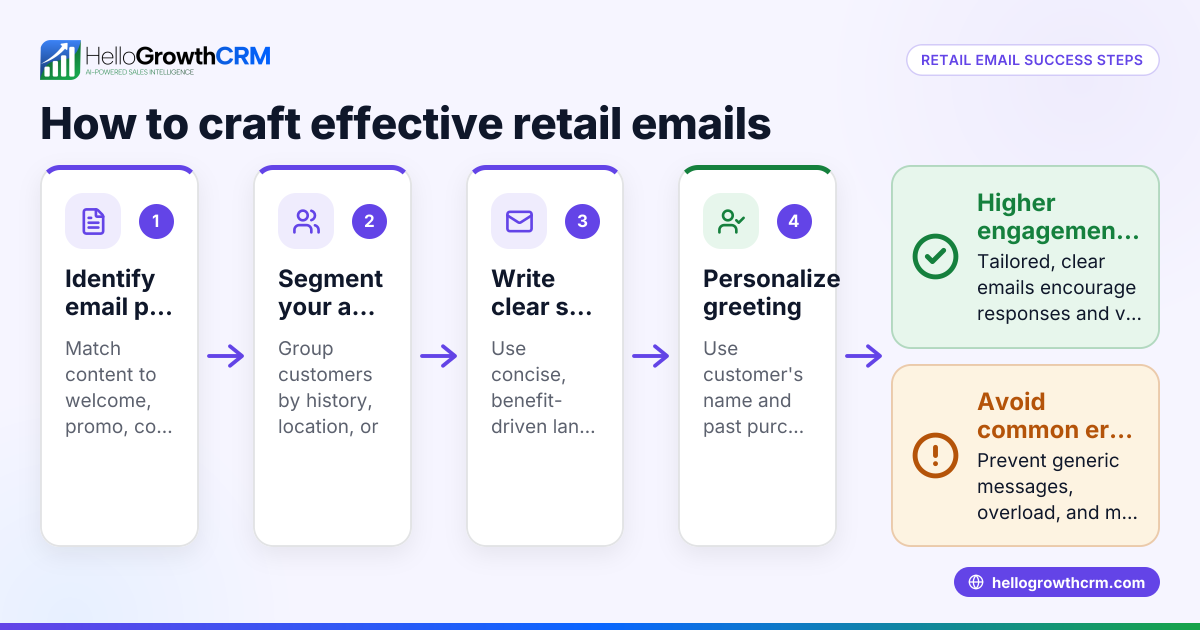
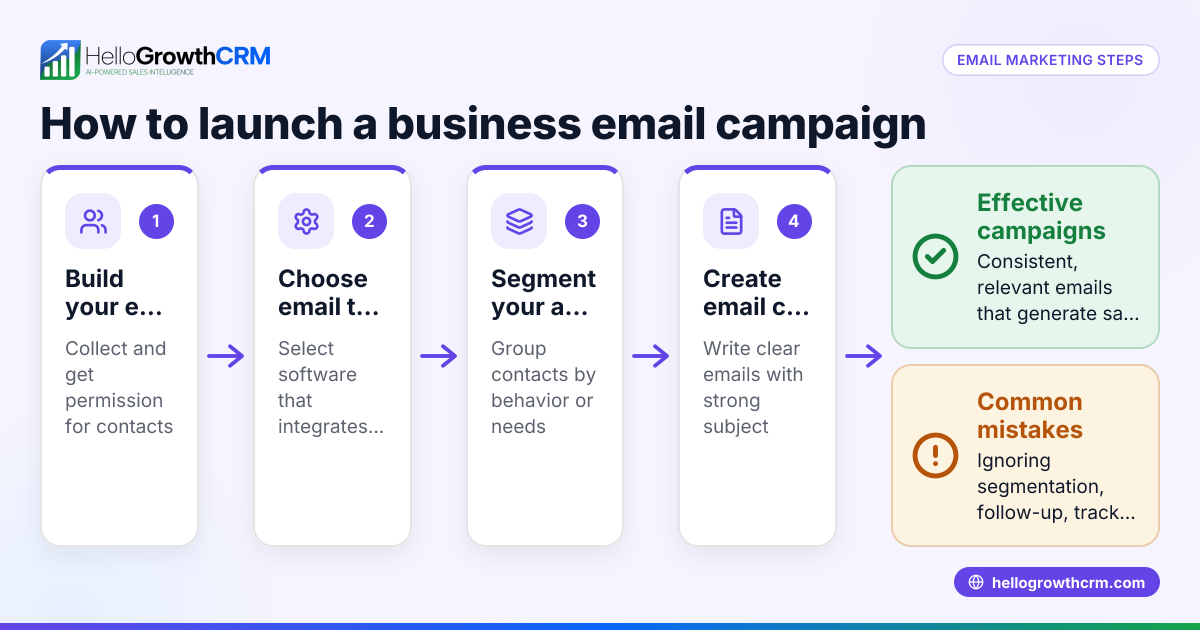
- Collect and organize your email list
- Gather emails from in-store sales, website sign-ups, and promotions.
- Check for duplicates and ensure consent to email customers.
- Segment your list by purchase history, location, or interests to personalize messages.
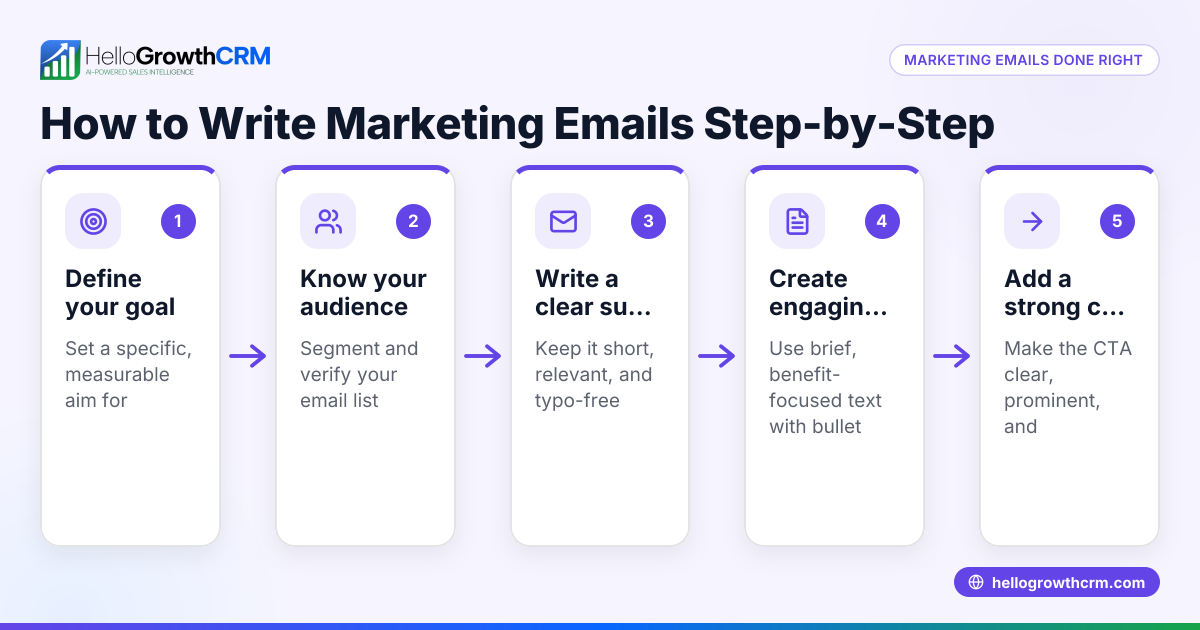
- Define your campaign goals
- Decide if you want to promote a new product, clear inventory, or increase repeat visits.
- Set measurable targets like open rates, click-throughs, or sales generated.
- Create compelling email content
- Write clear subject lines that catch attention.
- Use images and concise text focused on benefits or offers.
- Include a strong call to action, like "Shop Now" or "Visit Us Today."
- Set up automated follow-up sequences
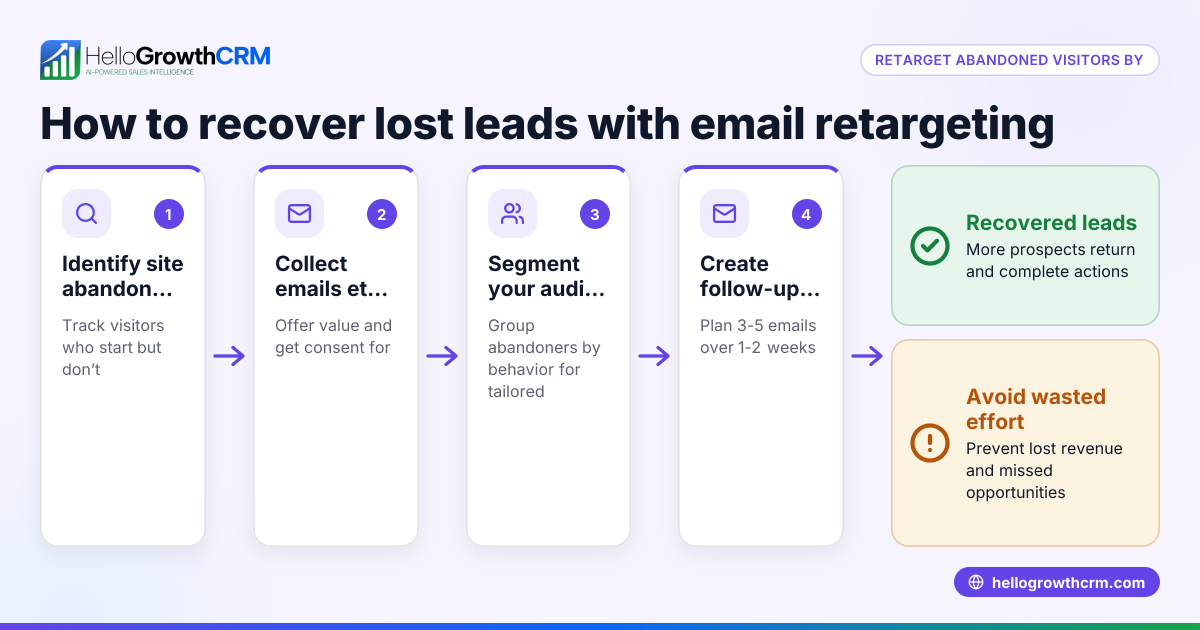
- Plan a series of 3-5 emails spaced over days or weeks to nurture interest.
- Include reminders, additional offers, or customer testimonials.
- Test and schedule your emails
- Send test emails to check formatting and links.
- Schedule emails for optimal times based on your customer habits.
- Track results and adjust
- Monitor open rates, clicks, and sales attributed to emails.
- Refine your segments and messaging based on what works.
- Ensure compliance with email laws
- Include unsubscribe links.
- Respect privacy and avoid sending unsolicited emails.
For more on automating email follow-ups and sequences, see email automation and sequences.
Example (fictional figures)
A retail shoe store in Denver, Colorado, called "Mile High Shoes," runs a summer sale campaign via email.
- They have 5,000 customers on their email list.
- They segment 2,000 customers who bought running shoes before.
- They send a 5-email sequence over two weeks promoting 20% off running shoes.
Assumed open rate: 30% Openers = 2,000 × 30% = 600
Click-through rate: 15% Clickers = 600 × 15% = 90
Conversion rate: 10% Buyers = 90 × 10% = 9
Average sale value: $120
Revenue from campaign = 9 × $120 = $1,080
Cost of email platform and design: $200
Net revenue = $1,080 - $200 = $880
This example shows how segmenting and following up can generate meaningful sales from email marketing.
Common mistakes
- Not segmenting your list: Sending the same email to all customers reduces relevance. Prevent by grouping customers by behavior or preferences.
- Ignoring follow-up: One-off emails miss chances to convert interested customers. Use sequences that stop when the customer replies. See email automation and sequences.
- Over-emailing: Bombarding customers leads to unsubscribes. Space emails reasonably and respect unsubscribe requests.
- Unclear calls to action: Vague messages confuse readers. Always tell customers exactly what to do next.
- Not tracking results: Without measuring opens, clicks, and sales, you can’t improve. Use tools that provide reporting.
- Using personal email for campaigns: It’s hard to manage replies and share info. Use a shared inbox so your team stays informed.
Doing this in HelloGrowthCRM
HelloGrowthCRM supports retail email marketing with features designed for team collaboration and automation. The HelloMail shared inbox lets your sales team see all replies to quotation or promotional emails on the deal, avoiding missed responses. You can set up sequences and campaigns that run a five-step follow-up over two weeks automatically, stopping as soon as the prospect replies, ensuring timely and relevant contact. These features help retail teams manage leads and customers efficiently without switching apps. Learn more about email automation and sequences and how HelloGrowthCRM fits Retail shops in the United States.
Frequently asked questions
What type of emails should retail businesses send? Retailers should send promotional offers, new product announcements, seasonal sales, loyalty rewards, and personalized recommendations. Mixing educational content like care tips with sales messages can keep customers engaged.
How often should I email my retail customers? Email frequency depends on your audience and content. It's generally best to find a balance that keeps customers engaged without overwhelming them. Monitor unsubscribe rates and adjust accordingly.
How do I avoid my emails going to spam? Use verified sender domains, avoid spammy words, include unsubscribe links, and send emails only to customers who opted in. Regularly clean your email list to remove inactive addresses.
Can I use the same email marketing strategy for online and in-store retail? You can use similar strategies but tailor messages to the channel. For in-store customers, highlight local events or exclusive store offers. For online shoppers, focus on easy ordering and shipping details.
What metrics should I track in retail email marketing? Track open rates, click-through rates, conversion rates (sales from emails), unsubscribe rates, and revenue generated. These help you understand engagement and ROI.
Key takeaways
- Segment your retail customer list to send relevant, targeted emails.
- Use automated follow-up sequences to nurture leads and increase sales.
- Track email campaign metrics to refine and improve results.
- Avoid common pitfalls like over-emailing and unclear calls to action.
- HelloGrowthCRM’s shared inbox and sequences features support team collaboration and automation.
- Compliance with email laws and respecting customer preferences is essential.
Start your retail email marketing with a clear plan and tools that help you stay organized and responsive.
Ready to start? Try HelloGrowthCRM’s Free Forever plan with 200 leads and no credit card required at Start on the Free Forever plan (200 leads, no credit card).
Ready to put this into practice?
Set up your pipeline, WhatsApp follow-ups, and AI lead scoring in minutes — free, no credit card.
Try HelloGrowthCRM freeGet CRM tips in your inbox
Join thousands of sales professionals who get weekly insights on CRM strategy, AI automation, and pipeline optimization.

The HelloGrowthCRM team publishes guides on CRM strategy, AI sales tools, and revenue operations for small business sales teams.