HelloGrowthCRM software
Built for real small-business sales teams
HelloGrowthCRM helps reps qualify faster, follow up on time, and close more deals—with practical automation in one place.
- AI lead scoring and pipeline visibility
- Built-in dialer, WhatsApp, and email automation
- Sales forecasting and RevOps-ready reporting
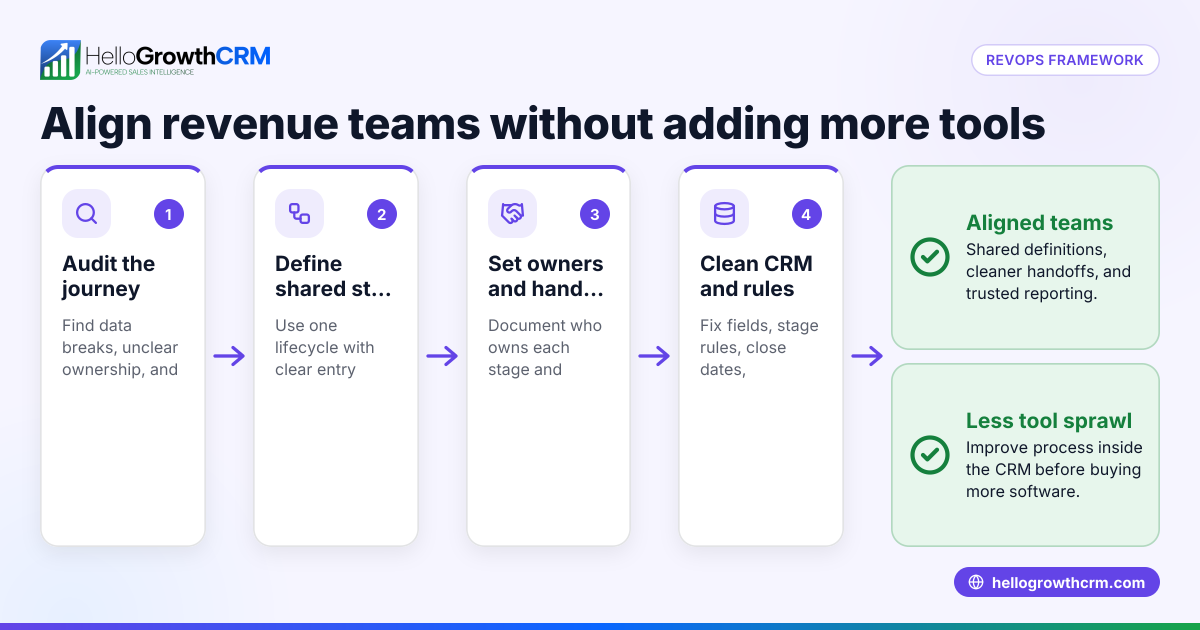
Revenue operations software centralises sales, marketing, and customer success data to streamline revenue growth processes. It helps small businesses track leads, manage territories, monitor field visits, and automate commissions. This article explains what revenue operations software is, guides you step-by-step on how to choose the right software, provides a worked example with Indian business figures, highlights common mistakes to avoid, and shows how HelloGrowthCRM supports these needs.
Why this comes up / what goes wrong
Small and mid-sized Indian businesses often struggle with scattered sales data spread across WhatsApp messages, Excel sheets, and multiple disconnected apps. This fragmentation causes slow follow-up with leads, lost sales opportunities, and inaccurate forecasting. Business owners and sales leaders want a single system that aligns marketing, sales, and customer success teams to maximise revenue. They also need tools to manage field sales territories, log visits, and track commissions accurately. Without proper software, manual tracking wastes time, causes errors, and limits growth potential.
Step-by-step
- Identify your revenue processes: Write down all stages from lead capture to closing deals and post-sales support. Check where delays or data gaps occur that affect revenue.
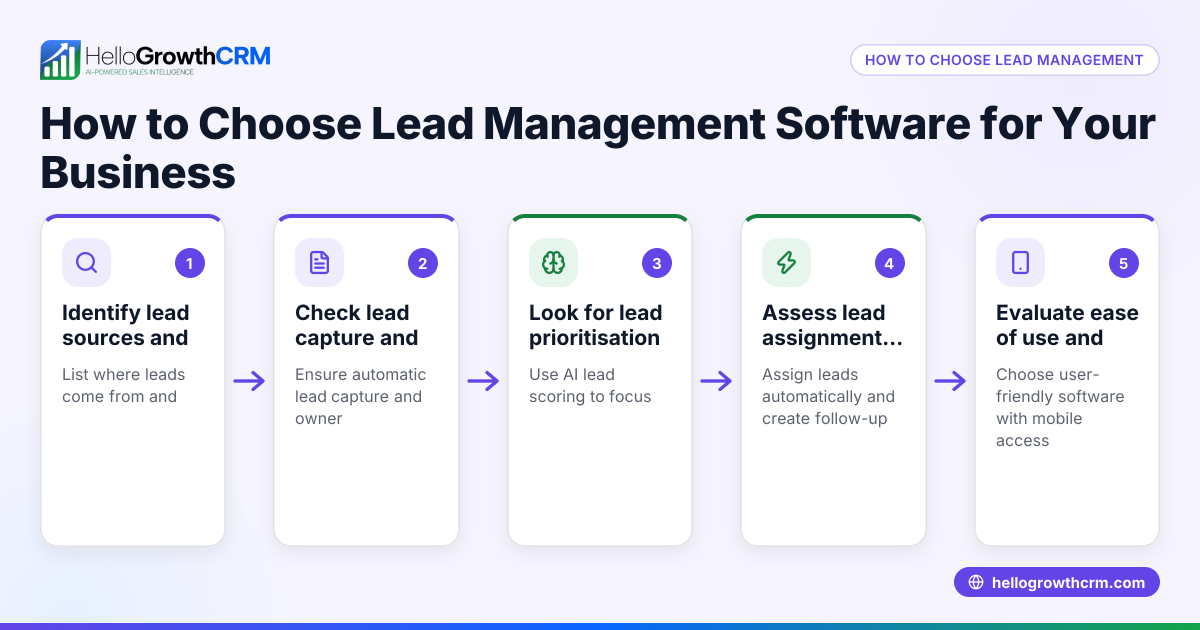
- Define must-have features: Look for software that offers lead capture automation, pipeline management, sales forecasting, territory management, field visit logging, and commission tracking.
- Evaluate integration needs: Confirm if the software integrates with your current tools like IndiaMART, JustDial, WhatsApp, and email platforms to reduce manual data entry.
- Assess mobile capabilities: For field teams, mobile check-ins and visit logs are essential. Verify the app supports on-site activity capture via smartphones.
- Check usability and adoption: The software should be easy for sales and telecalling teams to use daily without extensive training or complexity.
- Compare pricing and plans: Understand which features come with each plan, user limits, and lead capacity.
- Request demos and trials: Test the software with your actual sales scenarios to check fit and user acceptance.
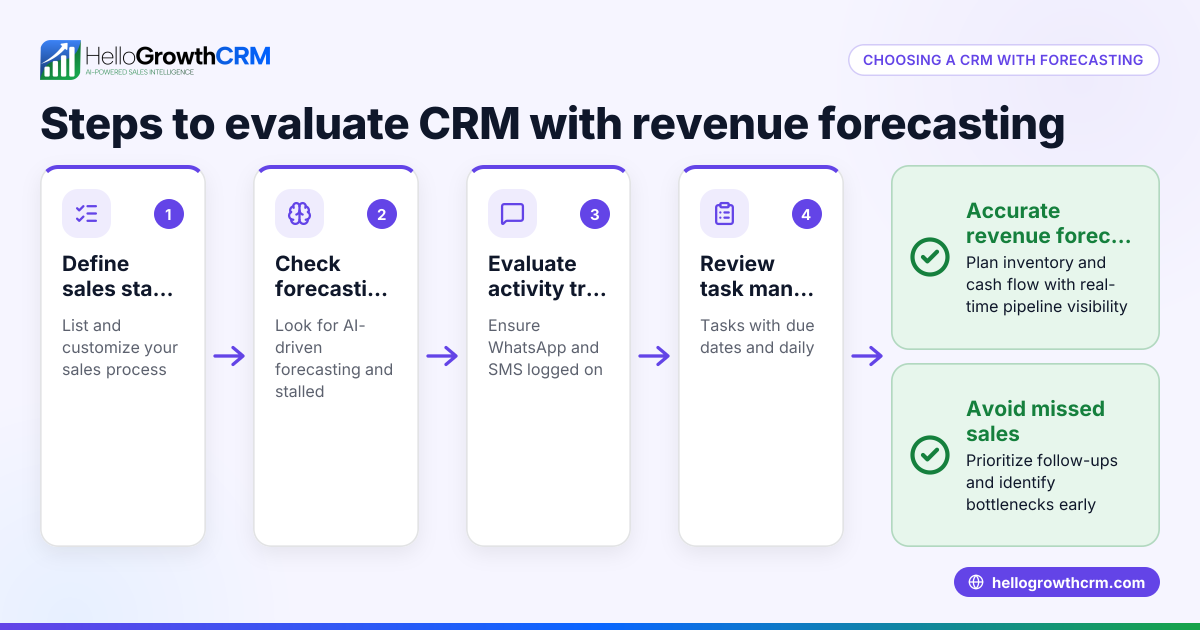
- Review reporting and analytics: Ensure the software provides clear sales forecasting and performance reports for better decision-making.
Example (fictional figures)
A distributor in Pune has 5 field sales reps covering 3 territories. They want to track visits, commissions, and sales outcomes for April 2024.
- Territory 1 sales: ₹5,00,000
- Territory 2 sales: ₹3,00,000
- Territory 3 sales: ₹2,00,000
- Commission rate: 5%
Calculate commissions per territory:
₹5,00,000 × 5% = ₹25,000 ₹3,00,000 × 5% = ₹15,000 ₹2,00,000 × 5% = ₹10,000
Total commissions = ₹25,000 + ₹15,000 + ₹10,000 = ₹50,000
The manager uses software to log each visit and sales outcome daily, enabling accurate commission calculation and performance tracking.
Common mistakes
- Ignoring mobile field tools: Without mobile visit logs, field reps’ activities remain untracked, causing poor accountability. Prevent this by choosing software with mobile check-ins and on-site activity capture.
- Overlooking integration: Not integrating lead sources like IndiaMART or JustDial causes manual data entry errors and delays. Prevent this by verifying integration options before buying.
- Choosing overly complex software: Complex tools reduce team adoption and slow down sales processes. Prevent this by selecting user-friendly software that your team can easily use daily.
- Neglecting commission tracking: Calculating commissions manually leads to mistakes and disputes. Prevent this by using software with commission tracking linked to deal outcomes.
- Skipping sales forecasting features: Without forecasting, planning revenue and resources becomes guesswork. Prevent this by choosing software with sales forecasting capabilities such as HelloGrowthCRM’s sales forecasting.
Doing this in HelloGrowthCRM
HelloGrowthCRM supports territory definition and ownership, including a map view for managers. Field sales reps can log visits and on-site activities directly from their phones, and managers can monitor the day’s beat in real time. Commission tracking is linked to deal outcomes, helping distributors manage field operations and commissions efficiently. Learn more about these features at HelloGrowthCRM for India and territory management.
Frequently asked questions
What is the best revenue operations software for small businesses? The best software balances features like lead capture, pipeline management, mobile field tools, and commission tracking with ease of use. HelloGrowthCRM offers these features tailored for Indian SMBs.
Are there free revenue operations software options? Some tools offer free plans with limited leads or users. HelloGrowthCRM has a Free Forever plan allowing 200 leads without a credit card, suitable for small teams starting out. See free CRM for small business.
What revenue operations tools automate sales forecasting? Automation tools analyse pipeline data to predict sales outcomes. HelloGrowthCRM includes AI-powered sales forecasting to help plan and track revenue targets.
How does revenue operations software help field sales teams? It provides mobile apps for logging visits and activities, territory management, and commission tracking, improving accountability and productivity.
Can revenue operations software integrate with WhatsApp and IndiaMART? Yes, integration with WhatsApp, IndiaMART, JustDial, and web forms helps capture leads automatically, reducing manual work.
Key takeaways
- Revenue operations software centralises sales, marketing, and customer success data to streamline revenue growth.
- Evaluate software based on features like territory management, mobile field tools, lead capture, and commission tracking.
- Avoid common mistakes by choosing user-friendly software that integrates well and supports sales forecasting.
- HelloGrowthCRM offers territory, field operations, and commission tracking tools designed for Indian SMBs.
- Testing software with real sales scenarios helps ensure team adoption and effectiveness.
Start your revenue operations journey with HelloGrowthCRM’s Free Forever plan offering 200 leads and no credit card required.
Ready to put this into practice?
Set up your pipeline, WhatsApp follow-ups, and AI lead scoring in minutes — free, no credit card.
Try HelloGrowthCRM freeGet CRM tips in your inbox
Join thousands of sales professionals who get weekly insights on CRM strategy, AI automation, and pipeline optimization.

The HelloGrowthCRM team publishes guides on CRM strategy, AI sales tools, and revenue operations for small business sales teams.