HelloGrowthCRM software
Built for real small-business sales teams
HelloGrowthCRM helps reps qualify faster, follow up on time, and close more deals—with practical automation in one place.
- AI lead scoring and pipeline visibility
- Built-in dialer, WhatsApp, and email automation
- Sales forecasting and RevOps-ready reporting
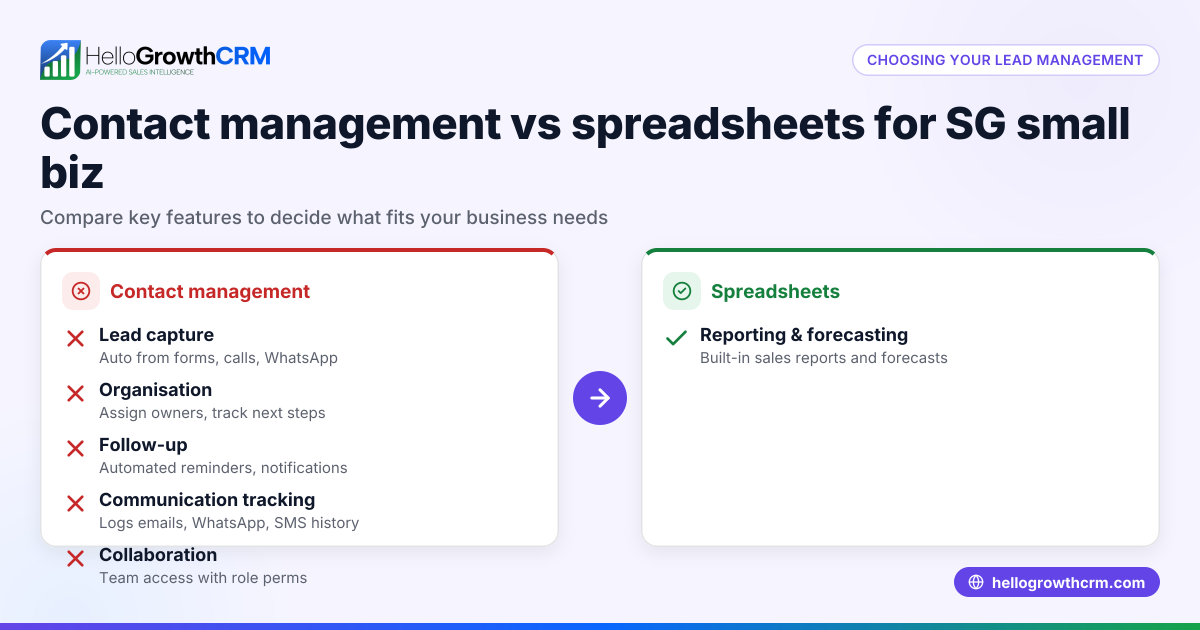
Sales automation and spreadsheets are two popular options US small businesses consider for managing their sales processes. Sales automation uses software to automate lead capture, follow-ups, lead routing, and task management. Spreadsheets rely on manual data entry, formulas, and tracking. Choosing the right tool depends on your business size, sales volume, and complexity of your sales activities.
Why this comes up / what goes wrong
Many small business owners start with spreadsheets because they are familiar, low-cost, and easy to set up. However, as the number of leads or sales reps grows, spreadsheets often cause problems such as duplicated leads, missed follow-ups, inconsistent data, and slow response times. These issues can lead to lost sales and frustrated sales teams. On the other hand, sales automation tools may appear complex or costly, making owners hesitant to switch from spreadsheets.
Step-by-step
Here is a comparison table of sales automation versus spreadsheets on key criteria relevant to US small businesses:
| Criteria | Sales Automation | Spreadsheets |
|---|---|---|
| Lead Capture | Automated capture from web forms and integrations | Manual entry or import |
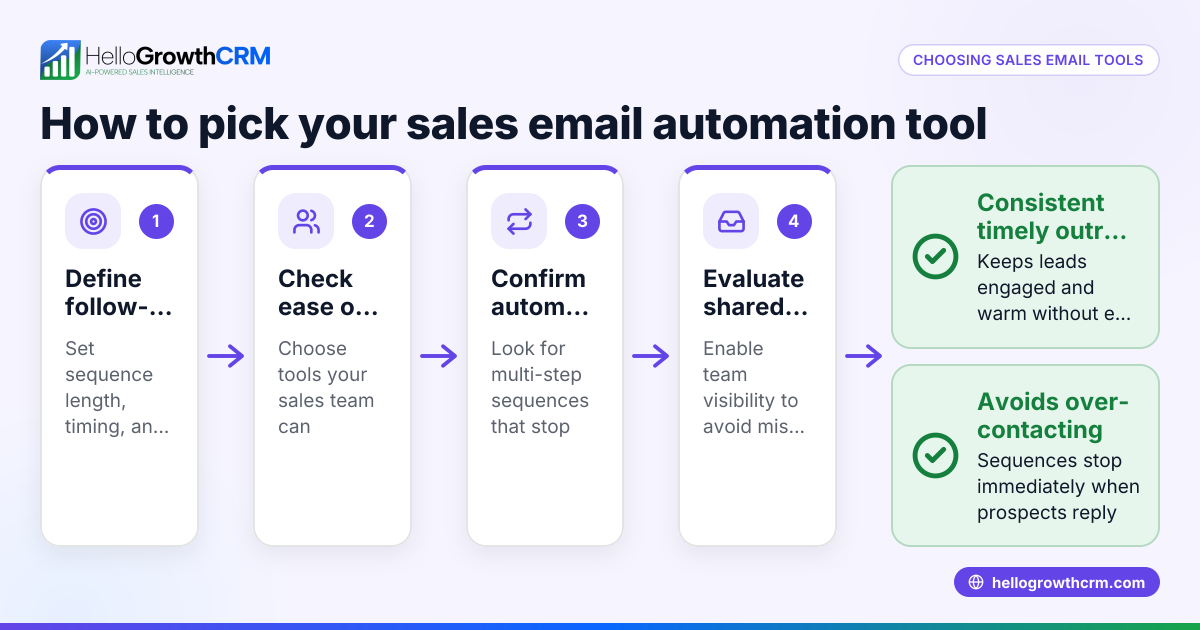
| Follow-up Management | Automated sequences that stop when prospect replies | Manual tracking prone to delay or oversight |
| Lead Routing | Rules-based assignment (round-robin, territory) | Manual assignment |
| Error Risk | Low due to automation and validation rules | High due to manual entry and formula errors |
| Scalability | Easily scales with growing leads and sales reps | Becomes unwieldy and slow as data grows |
| Reporting & Forecasting | Built-in sales forecasting and reporting | Requires manual compilation and analysis |
| Cost & Setup | Subscription cost and setup time required | Low initial cost but time-consuming later |
Who should pick which?
- Choose sales automation if your business has multiple sales reps, frequent leads, or you want to reduce manual work and errors.
- Choose spreadsheets if your sales volume is low, your process is straightforward, and you prefer no upfront cost.
For more on managing leads by area, see territory management.
Example (fictional figures)
A residential real-estate team in Phoenix, Arizona, receives 400 leads monthly. They currently track leads and follow-ups in spreadsheets but experience a significant number of missed follow-ups, leading to lost sales opportunities. Their average sale value is $350,000, and their conversion rate is 15%.
Assuming 10% of leads are missed due to follow-up delays:
Leads lost = 400 × 10% = 40 leads
Potential sales lost = 40 × 15% = 6 sales
Revenue lost = 6 × $350,000 = $2,100,000
By switching to sales automation, missed leads drop to 2%. New lost leads:
Leads lost = 400 × 2% = 8 leads
Potential sales lost = 8 × 15% = 1.2 sales
Revenue lost = 1.2 × $350,000 = $420,000
Revenue saved by switching:
$2,100,000 - $420,000 = $1,680,000
This example shows how automation can reduce lost revenue by improving follow-up efficiency.
Common mistakes
- Overcomplicating spreadsheets: Using complex formulas and multiple tabs can confuse users. Prevent this by standardizing simple templates.
- Ignoring follow-up timing: Manual tracking often misses timely follow-ups. Prevent this by setting reminders or using automation.
- Not validating data: Spreadsheets allow entry errors. Prevent this by using validation rules or automation workflows.
- Delaying transition to automation: Waiting too long causes lost sales. Prevent this by assessing sales volume and switching when growth demands it.
- Undertraining staff on new tools: Automation fails if reps don’t use it properly. Prevent this with thorough onboarding and ongoing support.
Learn how automated lead routing can reduce errors at AI CRM.
Doing this in HelloGrowthCRM
HelloGrowthCRM offers sequences and campaigns that automate multi-step follow-ups over two weeks and stop as soon as the prospect replies. Its AI agents draft follow-up messages after calls so reps only review and send, saving time. Automated workflows and lead routing assign new leads round-robin and create first-call tasks automatically, reducing manual work and missed opportunities. Explore more at HelloGrowthCRM for the United States.
Frequently asked questions
What are the main benefits of sales automation over spreadsheets? Sales automation reduces manual errors, automates follow-ups, and scales better with growing sales teams. It improves lead response times and consistency compared to spreadsheets.
Can small businesses with few leads benefit from sales automation? Yes, but if your lead volume is very low and sales simple, spreadsheets might suffice initially. Automation becomes more valuable as your business grows.
How does lead routing work in sales automation? Lead routing automatically assigns leads to sales reps based on rules like territory or round-robin, ensuring balanced workloads and faster responses.
Is switching from spreadsheets to sales automation difficult? It requires some setup and training, but modern CRMs like HelloGrowthCRM offer intuitive tools and AI assistance to ease the transition.
What is a sales sequence in automation? A sales sequence is a programmed series of follow-up messages sent over time until the prospect responds, improving engagement without manual effort.
Explore more about managing sales workflows at territory management.
Key takeaways
- Sales automation offers automated lead capture, follow-ups, and routing, reducing errors and lost leads.
- Spreadsheets are low-cost but become inefficient and error-prone as sales volume grows.
- Businesses with multiple reps or frequent leads benefit most from sales automation.
- Common mistakes include overcomplicated spreadsheets and delayed adoption of automation.
- HelloGrowthCRM supports sales automation with sequences, AI agents, and workflows to streamline sales tasks.
Start improving your sales process today. Start on the Free Forever plan (200 leads, no credit card).
Ready to put this into practice?
Set up your pipeline, WhatsApp follow-ups, and AI lead scoring in minutes — free, no credit card.
Try HelloGrowthCRM freeGet CRM tips in your inbox
Join thousands of sales professionals who get weekly insights on CRM strategy, AI automation, and pipeline optimization.

The HelloGrowthCRM team publishes guides on CRM strategy, AI sales tools, and revenue operations for small business sales teams.