HelloGrowthCRM software
Built for real small-business sales teams
HelloGrowthCRM helps reps qualify faster, follow up on time, and close more deals—with practical automation in one place.
- AI lead scoring and pipeline visibility
- Built-in dialer, WhatsApp, and email automation
- Sales forecasting and RevOps-ready reporting
Sales flowcharts are visual diagrams that map out each step in your sales process, from lead capture through to closing the deal and follow-up. They show the flow of activities, decision points, and responsibilities, helping sales teams understand, standardize, and improve how they work. This article explains why sales flowcharts come up for small business owners, provides a clear step-by-step guide to creating one, includes a practical example with realistic figures, highlights common mistakes, and shows how HelloGrowthCRM can help manage your sales pipeline effectively.
Why this comes up / what goes wrong
Small business owners often face challenges where sales leads slip through the cracks, follow-ups are delayed, or sales activities are inconsistent across the team. Without a clear, visual sales flowchart, it’s hard to see where prospects get stuck or lost. Many run sales informally through text messages, emails, and spreadsheets, which lack structure and accountability. This leads to lost deals and wasted time. A sales flowchart helps by clarifying each stage, assigning responsibilities, and ensuring every lead is followed up systematically.
Step-by-step
- Define your sales stages: List the key steps from first contact to closing a sale. Common stages include Lead Capture, Qualification, Needs Analysis, Proposal Sent, Negotiation, and Closed (Won or Lost). Check that these stages reflect your actual sales process.
- Map decision points: Identify where decisions happen, such as qualifying a lead or choosing to send a proposal. Mark these clearly in the flowchart to show alternative paths.
- Assign responsibilities: For each stage or task, specify who on your team is responsible. This ensures accountability and smooth handoffs.
- Add timelines and follow-up tasks: Include expected timeframes for each stage and schedule follow-ups to prevent leads from going cold.
- Use visual symbols: Use standard flowchart shapes—ovals for start/end, rectangles for tasks, diamonds for decisions—to make the chart easy to read.
- Review and test the flowchart: Walk through the flowchart with your sales team to confirm it matches reality and is easy to follow.
- Update regularly: Sales processes evolve, so revisit and adjust your flowchart periodically.
Check that your sales flowchart integrates with your lead management tools or CRM to keep it actionable. HelloGrowthCRM’s Deals pipeline can help track deals by stage with follow-up reminders.
Example (fictional figures)
A landscaping contractor in Charlotte, North Carolina, wants to map their sales process for residential clients in 2026.
- Stage 1: Lead Capture from website form
- Stage 2: Initial Phone Call
- Stage 3: Site Visit and Needs Assessment
- Stage 4: Quotation Sent
- Stage 5: Follow-up Call
- Stage 6: Deal Closed
They track the following for a lead received on 04/01/2026:
- Lead captured: 04/01/2026
- Initial call made: 04/02/2026
- Site visit completed: 04/05/2026
- Quotation sent: $12,000 on 04/06/2026
- Follow-up call on 04/10/2026
- Deal closed on 04/15/2026 for $11,500
Calculations for expected revenue:
$12,000 × 95% = $11,400 expected value
This flowchart helps the contractor see clearly when to act and track deal progress.
Common mistakes
- Too complex flowcharts: Avoid overly detailed charts that confuse rather than clarify. Keep it focused on key sales stages and decisions. Prevent this by reviewing with your team and trimming unnecessary steps.
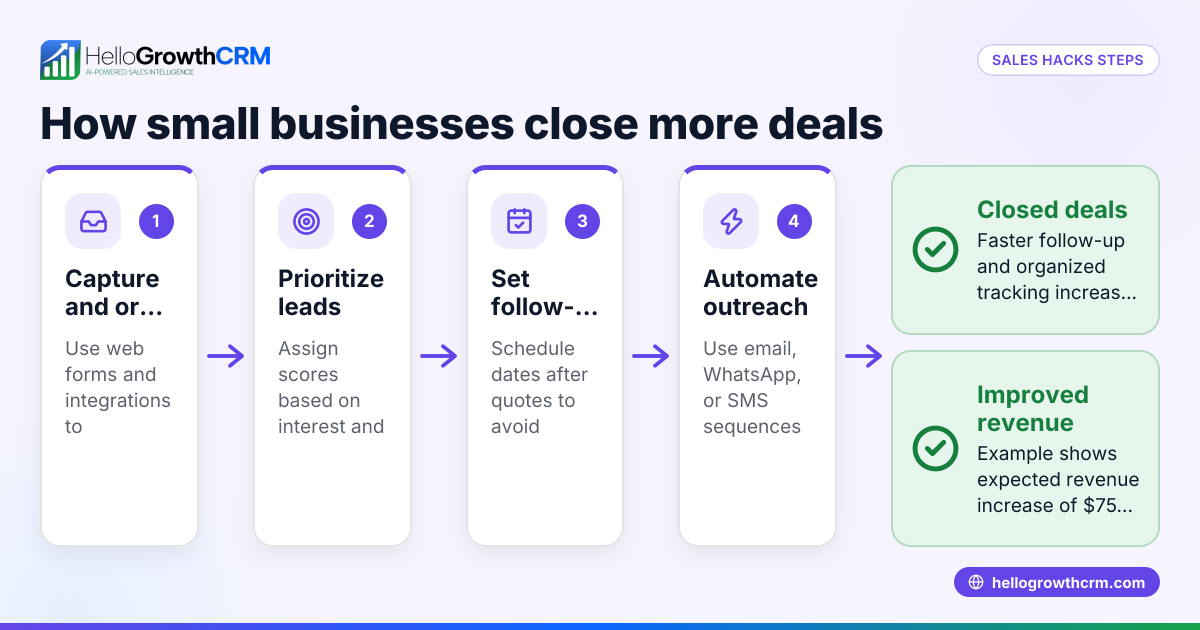
- Ignoring follow-up tasks: Missing follow-ups causes lost leads. Prevent this by adding follow-up dates and reminders at each stage.
- Not assigning responsibilities: Without clear ownership, tasks fall through the cracks. Prevent this by naming who handles each step.
- Failing to update the flowchart: Sales processes change; an outdated flowchart misleads. Prevent this by scheduling regular reviews.
- Not integrating with tools: A flowchart on paper or PDF is static. Prevent this by linking your flowchart to your CRM or sales tools so actions are tracked and automated. HelloGrowthCRM’s built-in CRM dialer supports timely follow-up calls.
- Skipping team training: If the team doesn’t understand the flowchart, it won’t be used. Prevent this by training and involving the team in creating the flowchart.
Doing this in HelloGrowthCRM
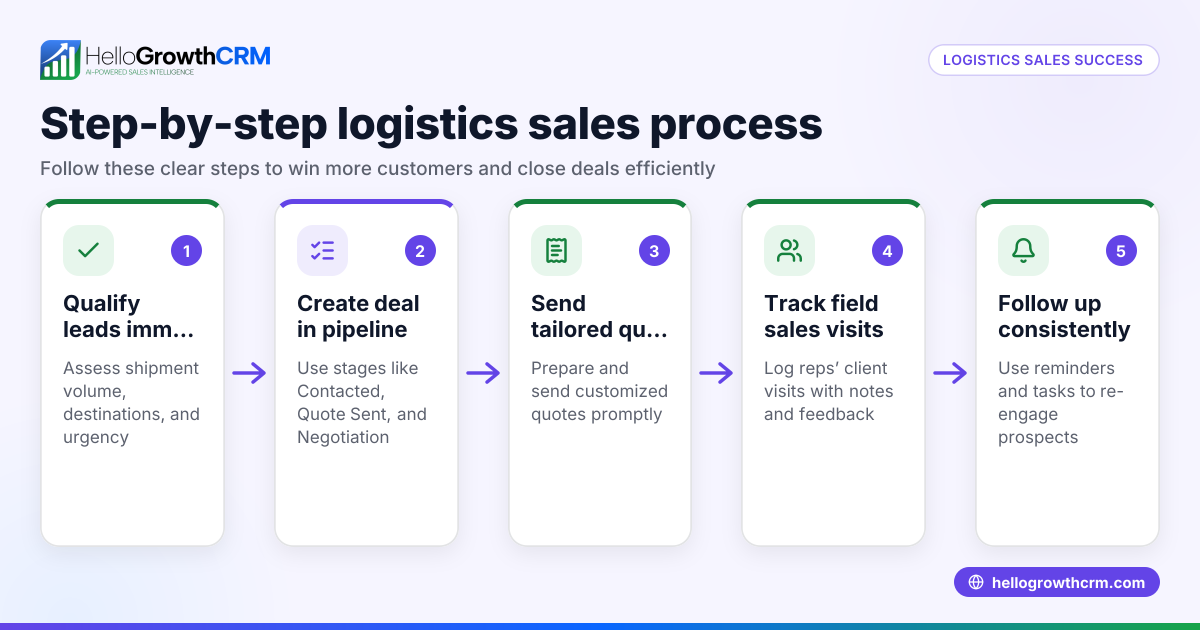
HelloGrowthCRM helps you manage your sales flow with features like Deals (pipeline) that track open opportunities from first contact through to close. For example, a quotation sent last week appears as a deal at the 'quote sent' stage with a follow-up date, so it is not forgotten. If your sales involve field reps, Territories, field operations and commissions tools allow reps to log visits from their phones while managers see the day's activity. For founders without a sales manager, Managed RevOps provides done-for-you revenue operations support, ensuring someone works the follow-up queue every week. Learn more about HelloGrowthCRM’s Deals pipeline and Territories and field operations.
Frequently asked questions
What is the main purpose of a sales flowchart? A sales flowchart visually outlines each step in your sales process, helping teams follow a consistent workflow, identify bottlenecks, and improve lead conversion. It brings clarity and accountability to sales activities.
How detailed should a sales flowchart be? It should be detailed enough to cover key stages and decision points but simple enough for the team to understand and use daily. Avoid unnecessary complexity that can confuse users.
Can sales flowcharts integrate with CRM software? Yes, integrating your sales flowchart with CRM software ensures that the process is actionable. For example, HelloGrowthCRM tracks deals by stage with follow-up reminders, aligning your flowchart steps with real sales activities.
How often should I update my sales flowchart? You should review and update your sales flowchart regularly, at least quarterly or whenever your sales process changes, to keep it relevant and effective.
What common mistakes should I avoid when creating sales flowcharts? Avoid making the chart too complex, neglecting follow-ups, not assigning responsibilities, failing to update the chart, and not training your team on its use.
Key takeaways
- Sales flowcharts map each step and decision in your sales process for clarity and consistency.
- Define stages, assign responsibilities, and schedule follow-ups to prevent lost leads.
- Keep flowcharts simple, actionable, and regularly updated.
- Integrate your flowchart with a CRM like HelloGrowthCRM to track deals and automate follow-ups.
- Avoid complexity and ensure your team understands and uses the flowchart.
Start improving your sales process today with HelloGrowthCRM. Start on the Free Forever plan (200 leads, no credit card).
Ready to put this into practice?
Set up your pipeline, WhatsApp follow-ups, and AI lead scoring in minutes — free, no credit card.
Try HelloGrowthCRM freeGet CRM tips in your inbox
Join thousands of sales professionals who get weekly insights on CRM strategy, AI automation, and pipeline optimization.

The HelloGrowthCRM team publishes guides on CRM strategy, AI sales tools, and revenue operations for small business sales teams.