HelloGrowthCRM software
Built for real small-business sales teams
HelloGrowthCRM helps reps qualify faster, follow up on time, and close more deals—with practical automation in one place.
- AI lead scoring and pipeline visibility
- Built-in dialer, WhatsApp, and email automation
- Sales forecasting and RevOps-ready reporting
The ability to quickly dial leads and log call results directly in your CRM is essential for outbound sales teams in Canadian small and mid-sized businesses. CRM-linked power dialers automate dialing multiple numbers, reduce manual effort, and ensure every call is tracked to a lead or deal, improving follow-up speed and sales productivity.
Why this comes up / what goes wrong
Small business owners in Canada often rely on manual calling methods such as phone lists, spreadsheets, or texting apps that do not integrate with their sales data. This leads to slow follow-up, lost leads, and inefficient sales efforts. Without a CRM-linked power dialer, telecallers must dial numbers one by one, manually record call outcomes, and risk missing timely follow-ups. These inefficiencies reduce outbound sales productivity and revenue growth.
Step-by-step
- Identify your sales process needs: Determine your average call volume, team size, and whether you need features like call outcome logging, call scripting, or integration with email and messaging.
- Check CRM integration: Confirm the power dialer integrates seamlessly with your CRM to automatically log calls against contacts and deals. This avoids double entry and keeps your sales pipeline up to date.
- Evaluate dialing modes: Look for power dialers that support automatic dialing with minimal agent wait time between calls to maximize talk time.
- Assess usability for your team: Ensure the dialer interface is simple for your sales reps to use, with easy access to call lists and outcomes.
- Review reporting and analytics: Choose a dialer that provides call metrics and integrates with your CRM’s sales forecasting and reporting.
- Consider compliance and local telecom regulations: Verify the dialer complies with Canadian telemarketing rules and privacy laws.
- Test with a pilot: Run a trial with your team to confirm the dialer improves call rates, logging accuracy, and pipeline management.
- Plan for ongoing support: Ensure you have access to technical support and training resources.
Example (fictional figures)
A bilingual insurance agency in Laval, Quebec, has 3 telecallers making outbound calls to leads. They currently dial manually and track calls in Excel, losing leads due to slow follow-up.
- Average calls per telecaller per day: 60
- Average call duration: 3 minutes
- Workday length: 7.5 hours = 450 minutes
Without power dialer:
- Dial time per call: 30 seconds
- Talk time per call: 3 minutes
- Total time per call = 3 minutes + 0.5 minutes = 3.5 minutes
- Calls per day per telecaller = 450 minutes ÷ 3.5 minutes = 128 calls (theoretical max)
In reality, manual dialing and logging reduce calls to about 60 per day.
With a CRM-linked power dialer:
- Dial time per call reduced to 10 seconds due to automatic dialing
- Talk time remains 3 minutes
- Total time per call = 3 minutes + 0.17 minutes = 3.17 minutes
- Calls per day per telecaller = 450 minutes ÷ 3.17 minutes = 142 calls (theoretical max)
Improvement: 142 calls - 60 calls = 82 more calls per telecaller per day
This increase, combined with automatic logging to the CRM pipeline, reduces lost leads and speeds up follow-up.
Common mistakes
- Choosing dialers without CRM integration: Leads to double data entry and lost information. Always check CRM linkage.
- Ignoring user experience for sales reps: Complex interfaces reduce adoption. Test usability before buying.
- Not verifying compliance with Canadian telemarketing laws: Risk of fines and penalties. Confirm compliance.
- Overlooking reporting needs: Without clear call metrics, it’s hard to measure productivity gains.
- Failing to plan for training and support: Leads to poor use and wasted investment.
- Neglecting pipeline management: Dialers without deal tracking can cause missed follow-ups.
Doing this in HelloGrowthCRM
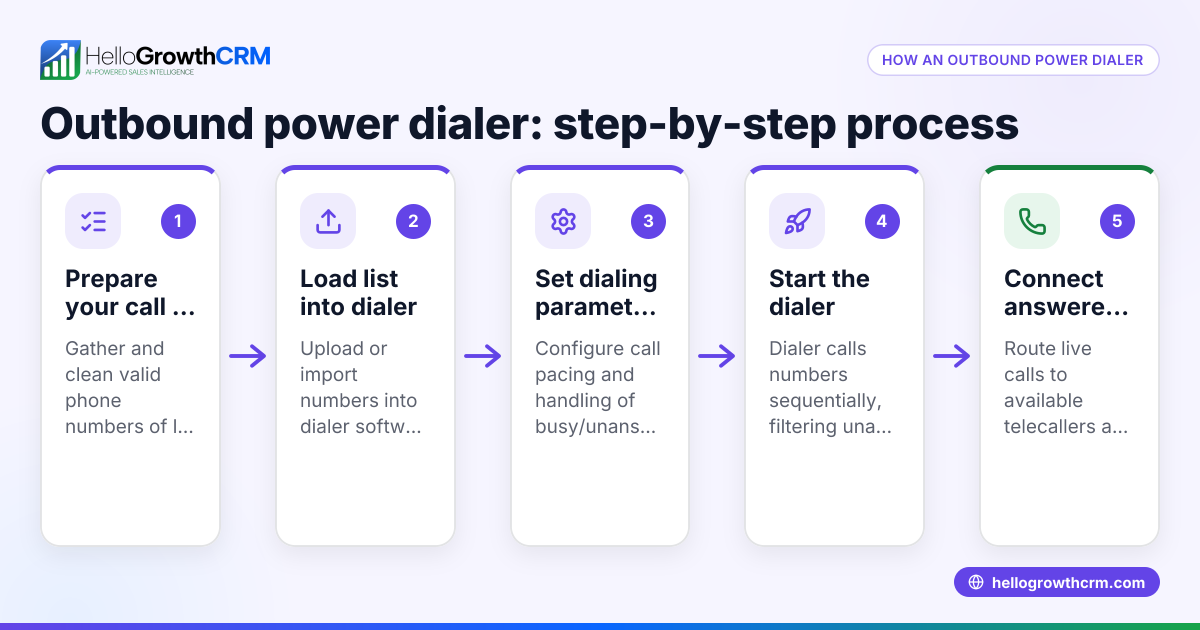
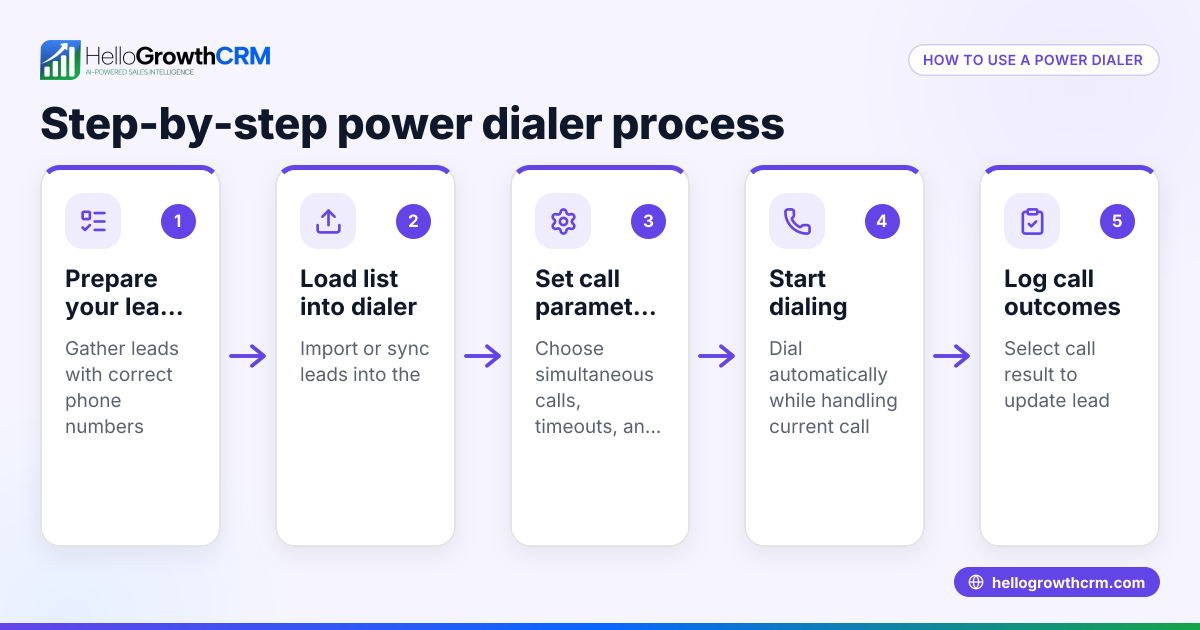
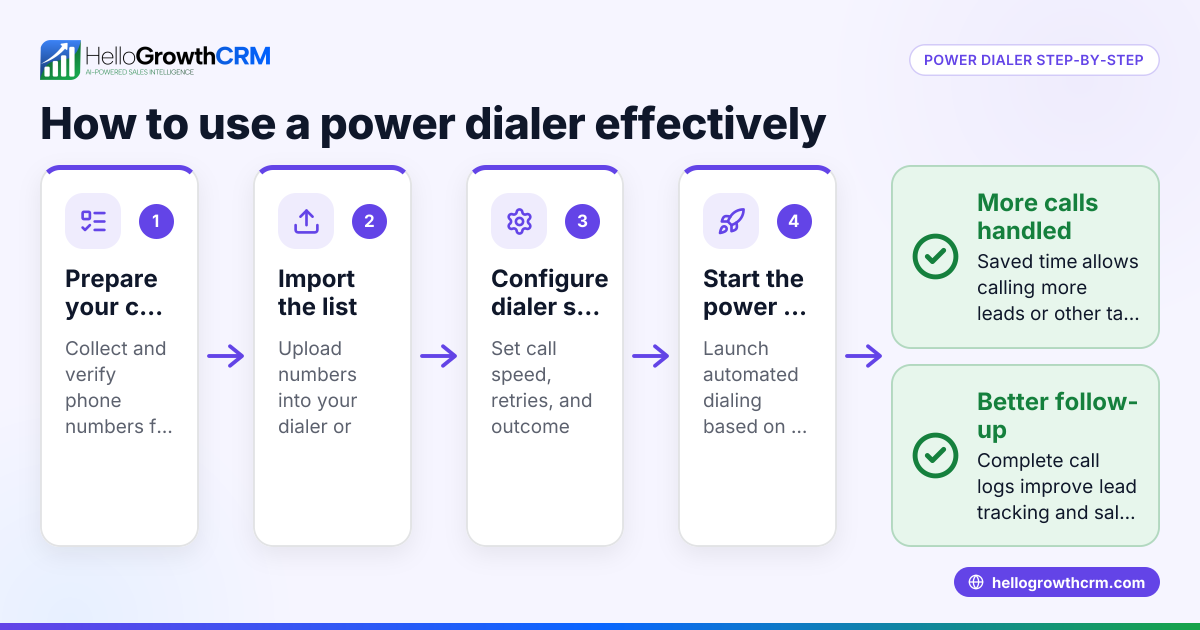
HelloGrowthCRM includes a built-in dialer that lets telecallers work call lists directly inside the CRM, logging each call outcome on the lead automatically. Its Deals (pipeline) feature tracks open opportunities with stages and follow-up dates, so quotations and calls never get forgotten. For founders without a sales manager, the Managed RevOps service provides weekly follow-up queue management to keep sales moving. Learn more about the built-in CRM dialer, WhatsApp and SMS CRM, and HelloGrowthCRM for Canada.
Frequently asked questions
What is a power dialer and how does it differ from a predictive dialer? A power dialer automatically dials numbers one after another with minimal wait time, maximizing agent talk time. Predictive dialers use algorithms to predict when agents will be free and dial multiple numbers ahead, but they are more complex and often used by large call centres. Power dialers suit small to mid-sized businesses better.
Can I use a power dialer without a CRM? Yes, but it is less efficient. Without CRM integration, call outcomes must be logged manually, increasing errors and lost leads. A CRM-linked power dialer keeps all call data tied to contacts and deals for better pipeline management.
How do power dialers improve sales productivity? They reduce manual dialing time, increase the number of calls made per hour, and automatically log call results. This speeds up lead follow-up and provides data to forecast sales and improve strategies.
Are there Canadian regulations affecting outbound power dialer use? Yes, telemarketing rules and privacy laws require consent and restrict calling times. Ensure your dialer complies with these to avoid penalties.
What features should I look for in a CRM-linked power dialer? Look for automatic dialing, call outcome logging, pipeline integration, reporting, ease of use, and compliance features.
Key takeaways
- CRM-linked power dialers automate dialing and logging to boost outbound sales productivity.
- Integration with CRM pipelines prevents lost leads and missed follow-ups.
- Evaluate dialers for usability, compliance, reporting, and CRM compatibility.
- Avoid manual dialing and logging to increase calls per day and improve sales outcomes.
- HelloGrowthCRM offers a built-in dialer, pipeline deals, and Managed RevOps support for Canadian SMBs.
Start improving your outbound sales productivity today. You can start on the Free Forever plan (200 leads, no credit card) to try HelloGrowthCRM’s built-in dialer and pipeline features.
Ready to put this into practice?
Set up your pipeline, WhatsApp follow-ups, and AI lead scoring in minutes — free, no credit card.
Try HelloGrowthCRM freeGet CRM tips in your inbox
Join thousands of sales professionals who get weekly insights on CRM strategy, AI automation, and pipeline optimization.

The HelloGrowthCRM team publishes guides on CRM strategy, AI sales tools, and revenue operations for small business sales teams.