Customization
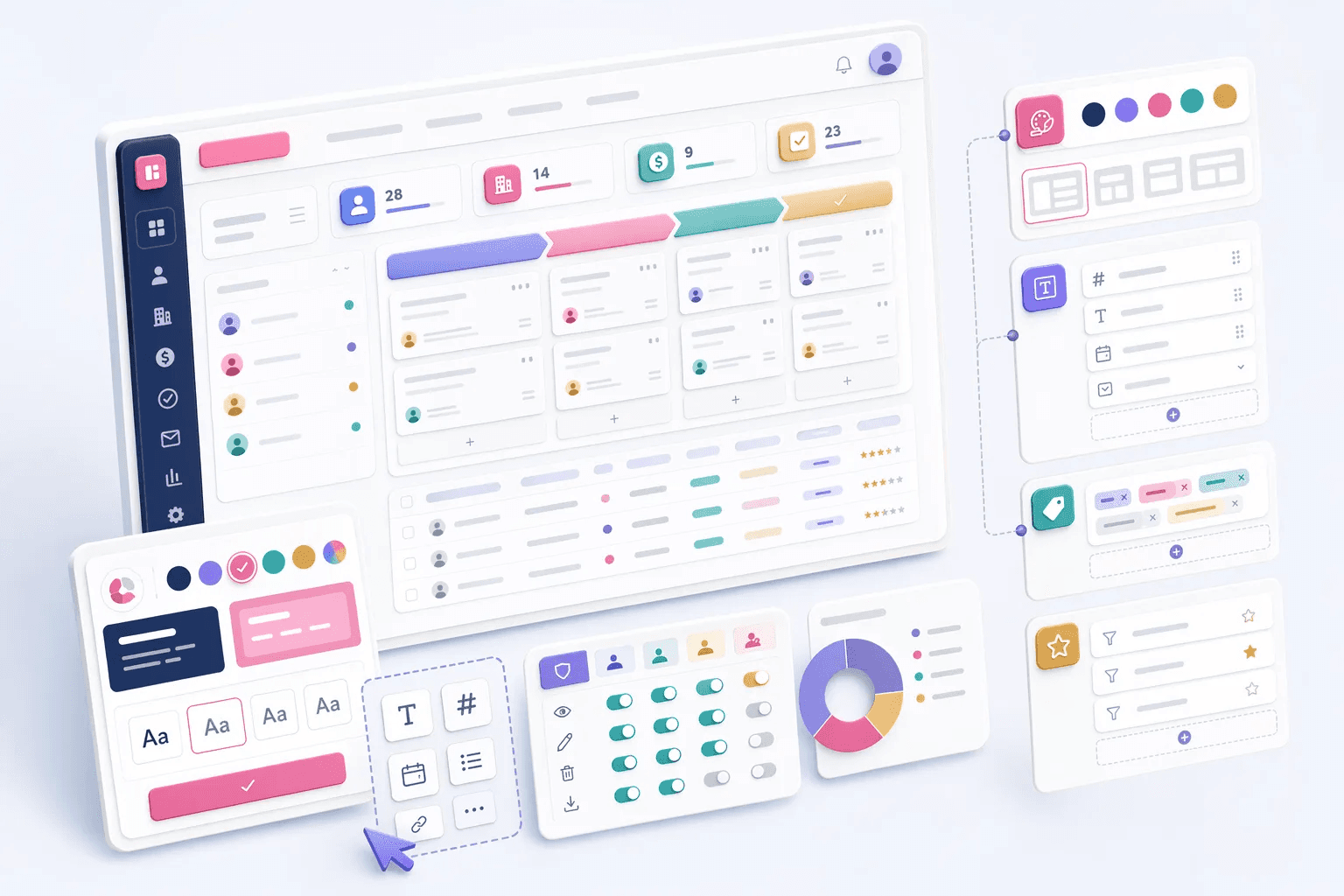
Branding, field configuration, and tagging controls that help each team shape the CRM around its own workflow and identity.
8
Customization features
Featured workspace
White Labeling
How teams use customization
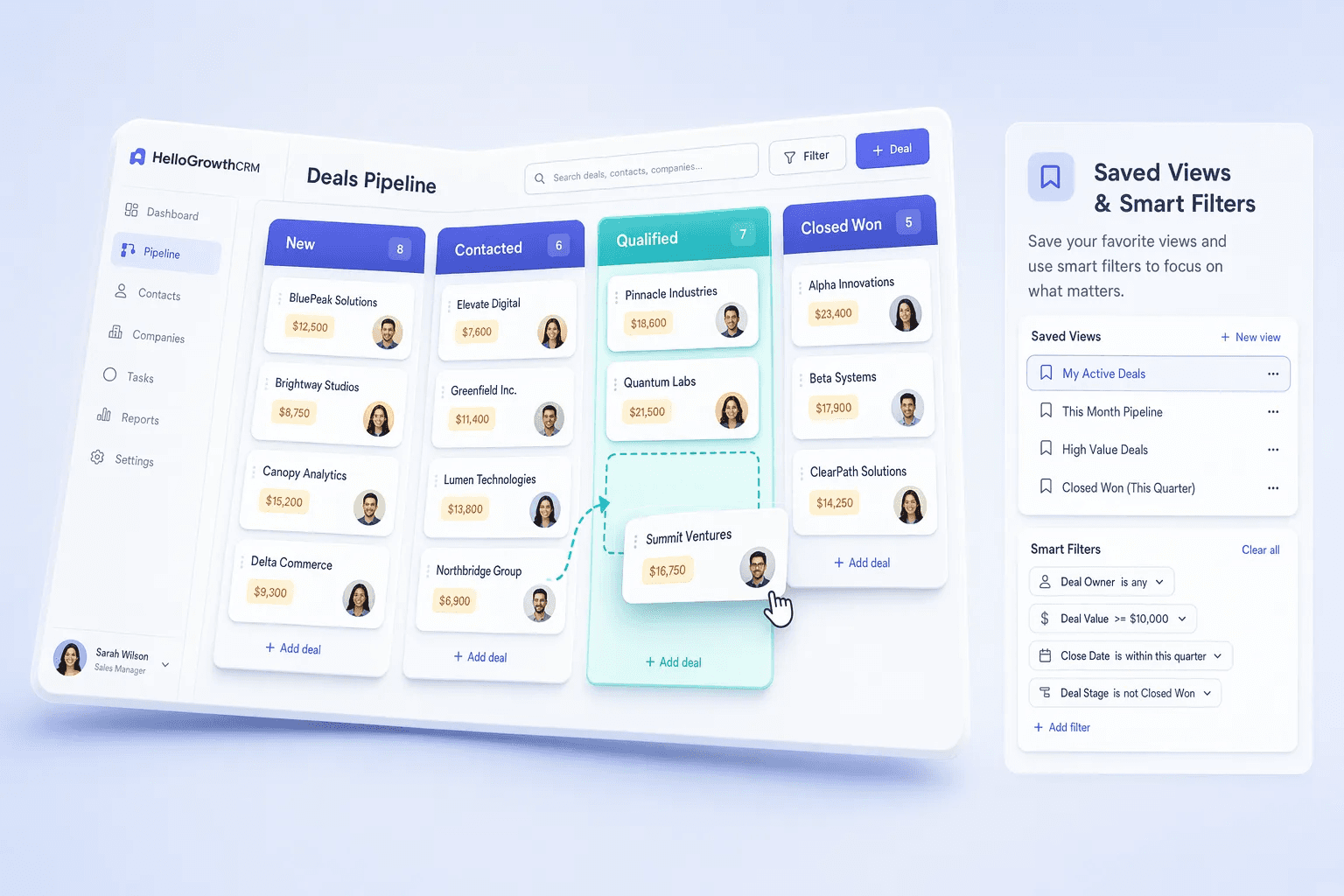
Teams usually review customization when they want to improve a specific operating motion, not just add another isolated feature. In practice, that means turning related capabilities such as White Labeling, Custom Fields, Tags Management, Saved Views & Smart Filters into one clearer workflow that reps, managers, and operators can actually use every day.
For most buyers, the real question is how this category changes execution. Common evaluation paths include match your real sales process, build role-specific workspaces, segment with better context, where the value comes from cleaner ownership, faster next steps, and better visibility into what should happen after each customer interaction.
A strong rollout usually starts with one high-value use case, then expands into reporting, automation, and team inspection once adoption is consistent. That is why this category page groups related modules together first and then links into deeper feature pages for more specific evaluation.
Explore modules
Customization features
Pick a module to see details, workflows, and how it fits into the CRM.




Common use cases
Where teams use customization
Practical workflows built from the features in this category, grouped around the outcomes teams usually care about first.
Use these examples to decide whether you need one focused capability or a broader category rollout. In most teams, adoption improves when the first workflow is concrete and tied to a measurable operational problem rather than a broad feature wish list.
Match your real sales process
Use fields, tags, and saved views to shape records around how your team actually sells.
See workflowBuild role-specific workspaces
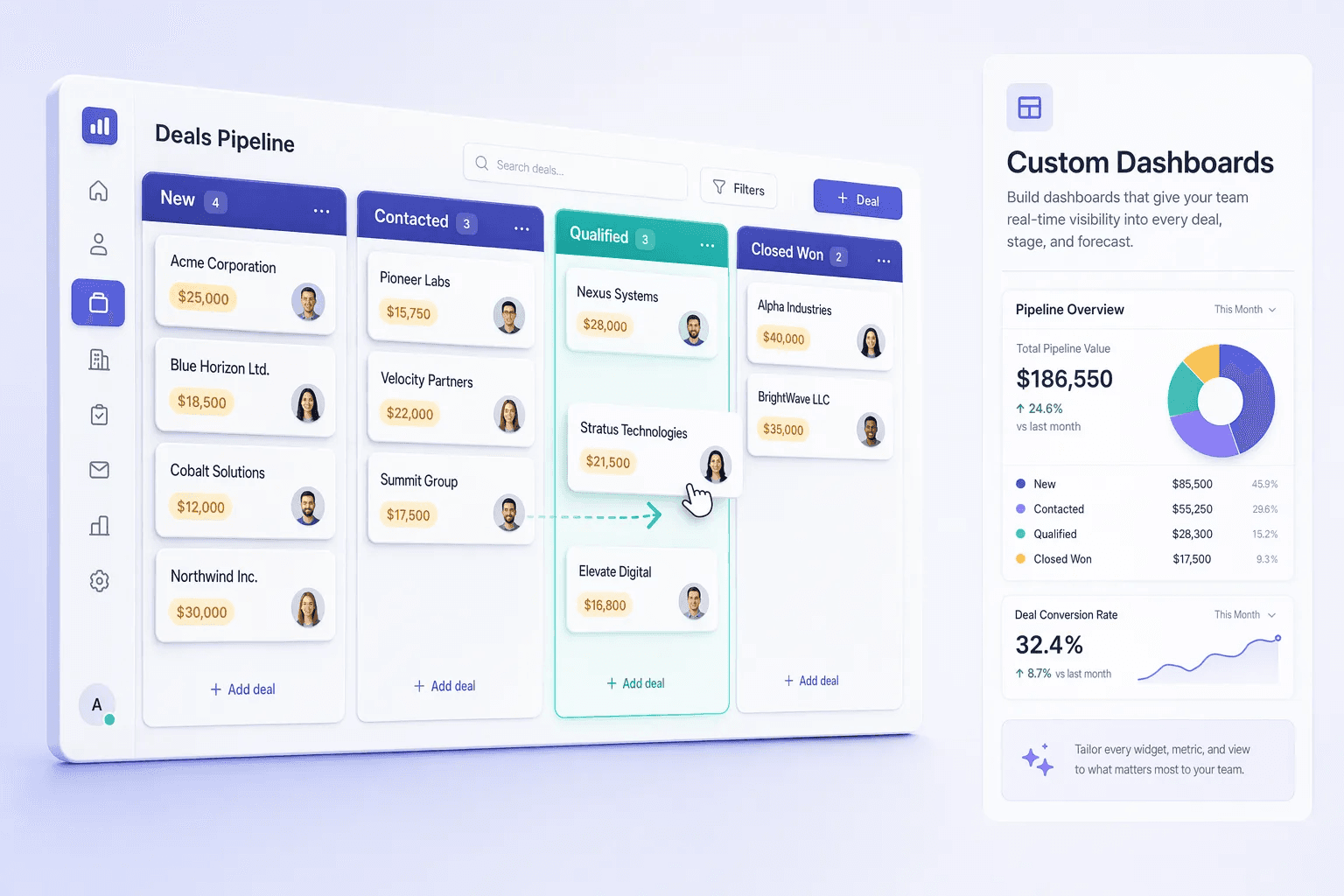
Create filtered views and dashboards for reps, managers, ops, and leadership.
See workflowSegment with better context
Use tags and custom fields to power routing, reporting, outreach, and prioritization.
See workflowDeliver a branded experience
Apply tenant-level branding for teams, partners, and multi-brand operations.
See workflowSuggested workflow
Turn features into a working motion
Start with a focused setup, connect the next action, and expand once the team has a repeatable rhythm.
Step 1
Start with the core workflow
Use White Labeling as the first workspace so the team has one clear place to begin.
Step 2
Connect the next action
Layer in Custom Fields to turn the workflow into repeatable daily execution.
Step 3
Scale what works
Use Tags Management to refine adoption, coaching, and team visibility as usage grows.