Custom Dashboards
Build drag-and-drop dashboards from available widgets to surface the KPIs and metrics each role cares about most.
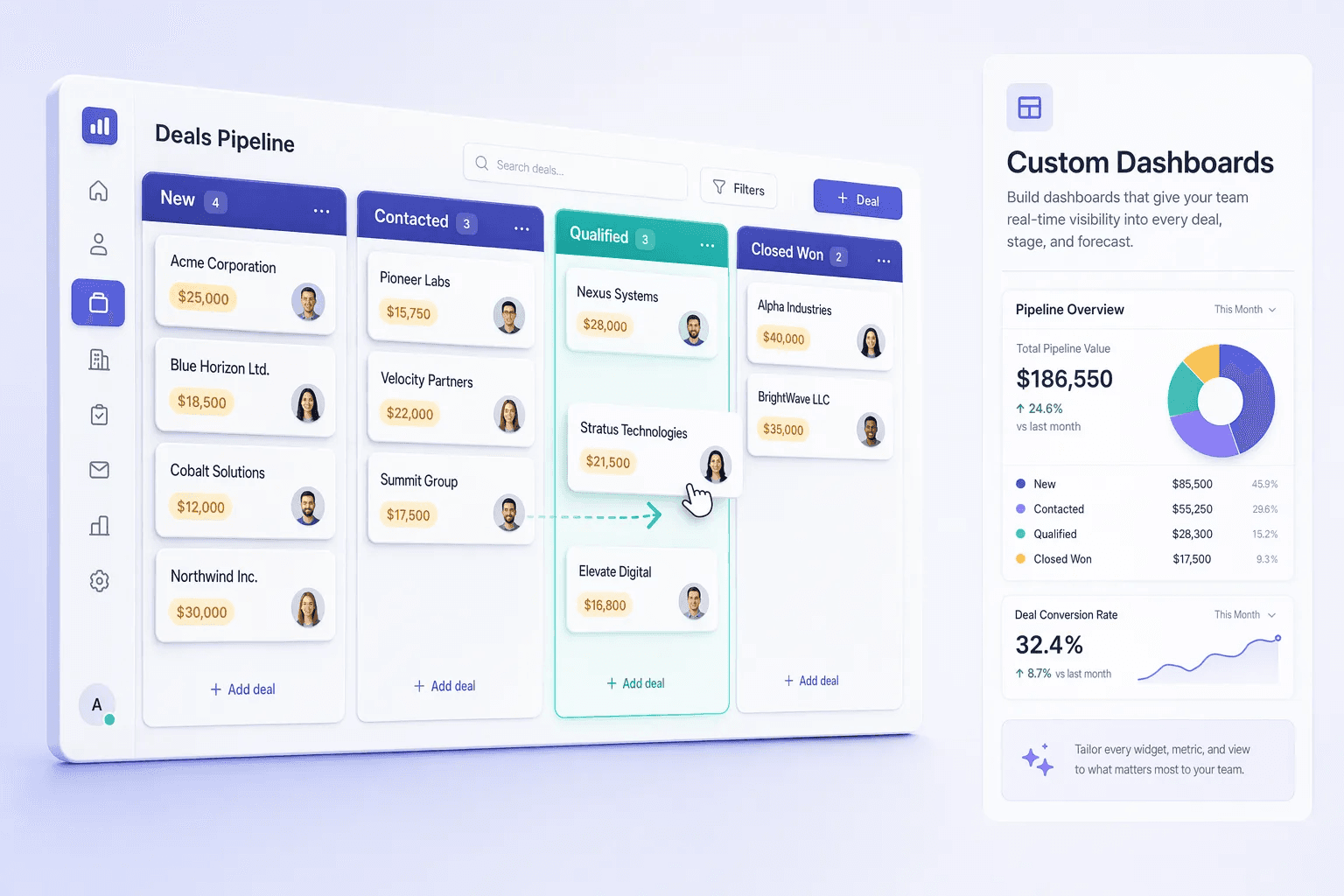
Feature preview
Customization8 related capabilities in this category.

Measure what moves revenue.
Logged every day
- Calls & messages
- Deal stage changes
- Wins & losses
CRM analytics
Live dashboards
- Filter by rep, source, period
- Stage-by-stage conversion
- Trends over time
KPIs
- Win rate & conversion rate
- Sales cycle length
- Activity per rep
- Pipeline coverage & forecast
Quick navigation
Problem this feature solves
Teams usually evaluate Custom Dashboards when workflow delays, inconsistent follow-up, or low visibility starts hurting conversion.
Custom Dashboards is usually evaluated when teams want to remove friction from a repeated part of the revenue workflow. Instead of handling that step through memory, spreadsheets, or disconnected tools, this capability gives the team a more structured way to complete the work inside the CRM.
Build drag-and-drop dashboards from available widgets to surface the KPIs and metrics each role cares about most. In most cases, the real value appears when this feature is used together with the rest of customization, because that is what keeps ownership, follow-up, and reporting connected to the same record.
Teams rarely adopt Custom Dashboards completely on its own. It usually works best alongside related capabilities such as White Labeling, Custom Fields, Tags Management, which provide the surrounding workflow, visibility, or automation needed to make the feature operationally useful.
- Choose and arrange widgets by role and reporting need
- Pin revenue, activity, and pipeline data in one view
- Separate dashboards per team, region, or workflow
- Reduce the need to run reports manually each week
Feature interaction and workflow impact
Build drag-and-drop dashboards from available widgets to surface the KPIs and metrics each role cares about most. This capability is part of the Customization category — branding, field configuration, and tagging controls that help each team shape the crm around its own workflow and identity.
Buyers should look at whether this feature reduces admin overhead for the frontline team while also improving inspection for managers. A feature is only truly useful when it helps the next action happen faster and leaves cleaner context behind for the person who reviews, approves, or follows up after it.
Category
Customization
8 capabilities
More in Customization
Explore the other 7 capabilities in this category.
This is useful when your team is deciding whether the current feature is enough on its own or whether the broader category is the real buying unit. In many CRM rollouts, the surrounding workflow matters as much as the individual capability.
White Labeling
Custom branding per tenant so the CRM matches your organization’s identity and customer experience.
Custom Fields
Create custom lead fields to match your sales process, data model, and reporting requirements.
Tags Management
Create and manage lead tags for segmentation, routing, prioritization, and reporting.
Saved Views & Smart Filters
Create and save custom filtered views of leads and pipelines so teams focus on the right records every day.
Custom Fields Builder
Add any field type — text, number, date, dropdown, multi-select, file — to contacts, companies, deals, or activities. No code.
Custom Roles & Field-Level RBAC
Define roles with field-level and record-level permissions so each team member only sees and edits what they need.
Audit Logging (Tamper-Proof Trails)
Immutable audit logs of every CRM action — field changes, record access, bulk operations, and AI agent actions — for compliance and governance.
Explore all feature categories
HelloGrowthCRM includes 121 capabilities across 14 categories.
Ready to use Custom Dashboards?
Get started free — no credit card required.