AI Calls Log the Transcript and Outcome to the Lead
When HelloGrowthCRM places an AI call, the transcript and the call outcome are logged against the lead, so the rep opens the record and sees what was said and what happened. Transcripts for AI calls come from the voice provider; HelloGrowthCRM does not run speech-to-text on stored recordings.
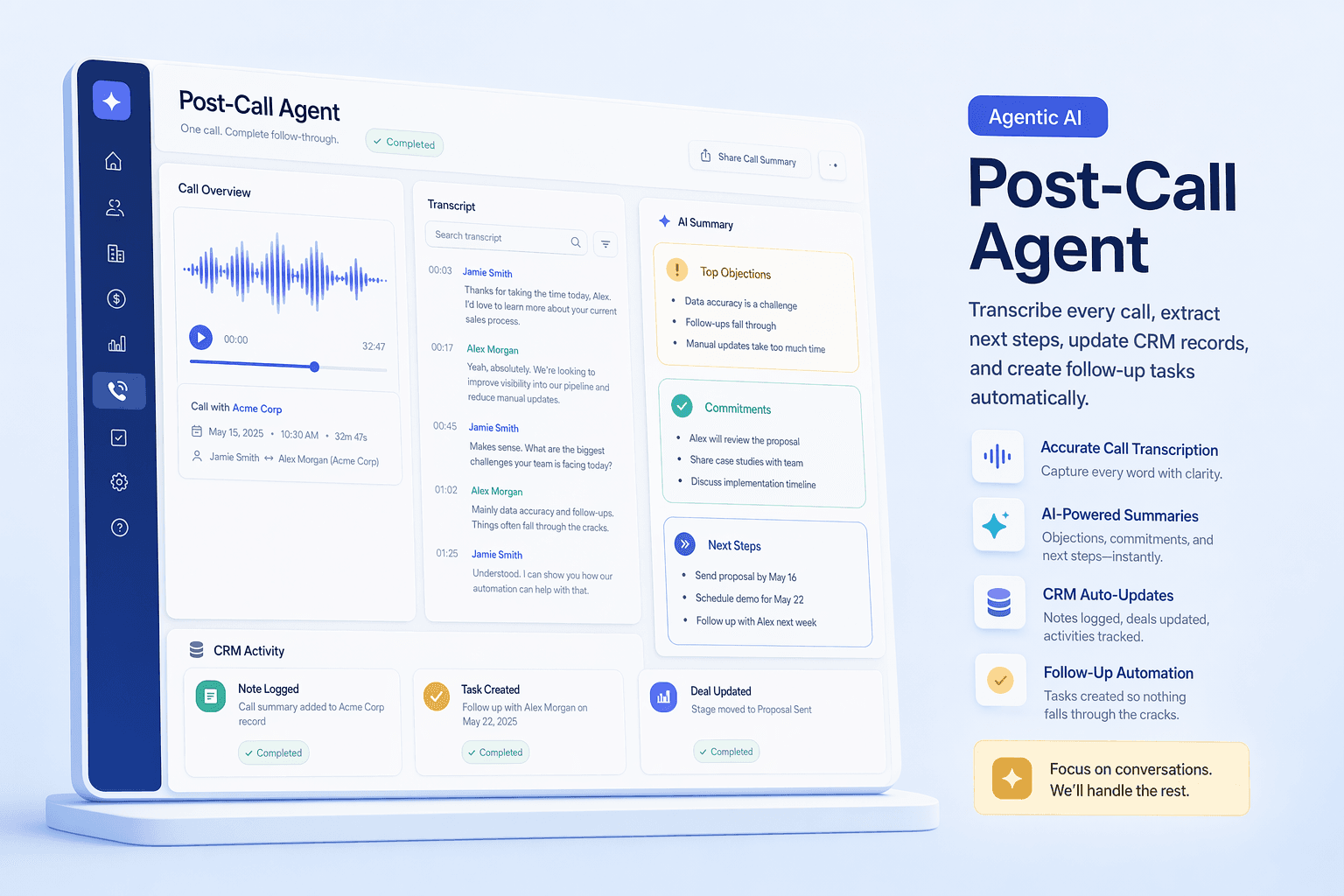
Transcript on the lead
For AI calls, the transcript is attached to the lead record.
Outcome logged
The result of each AI call is recorded on the lead, so the next step is visible.
Summary on demand
For other calls, a summary can be generated on demand where a transcript is available.
What Happens After an AI Call
AI call ends
The AI calling agent finishes the call and reports the result back to HelloGrowthCRM.
Transcript and outcome supplied
The voice provider supplies the transcript and the call outcome for AI calls. HelloGrowthCRM does not transcribe stored recordings itself.
Logged to the lead
The transcript and outcome are saved to the lead's history, next to the recording, notes and earlier conversations.
Written summary
For AI calls, a written summary appears with the transcript so a rep can read the gist before opening the full text.
Follow-up rule runs
A lead automation that triggers on call outcome can create a task, send a WhatsApp message, SMS or email, assign the lead, tag it or change its status.
Features
Frequently Asked Questions
What gets logged after an AI call?
The transcript and the outcome of the call are logged against the lead, and a written summary appears with the transcript. The transcript and outcome are supplied by the voice provider that places the AI call, so the lead record shows what the provider reported.
Does every call get a transcript?
No. AI calls get a transcript and outcome from the voice provider. For manual or telephony calls, a transcript exists only where the telephony provider supplies one, and a summary is then generated on demand with a click. HelloGrowthCRM does not run speech-to-text on stored recordings. Recordings are archived against the lead so you can listen back.
Can the outcome of a call trigger a follow-up?
Yes. Lead automation can trigger on call outcome. The actions available are an automatic call, a WhatsApp message, an SMS, an email, assigning the lead, tagging it, creating a task and changing the lead status. WhatsApp sequences need approved Meta templates.
Does it update deal stages or custom fields from the conversation?
No. Automation can change a lead's status, tag or assign it and create tasks, but it does not fill custom fields from what was said on a call and it does not move deals between stages. A rep reads the summary and updates the record.
Where are call transcripts stored?
On the lead's record in your HelloGrowthCRM account, alongside the call recording and notes, visible to teammates who have access to that lead.
See every AI call on the lead record
Start free, then add AI calling when you are ready. Transcripts and outcomes land on the lead.