HelloGrowthCRM software
Built for real small-business sales teams
HelloGrowthCRM helps reps qualify faster, follow up on time, and close more deals—with practical automation in one place.
- AI lead scoring and pipeline visibility
- Built-in dialer, WhatsApp, and email automation
- Sales forecasting and RevOps-ready reporting
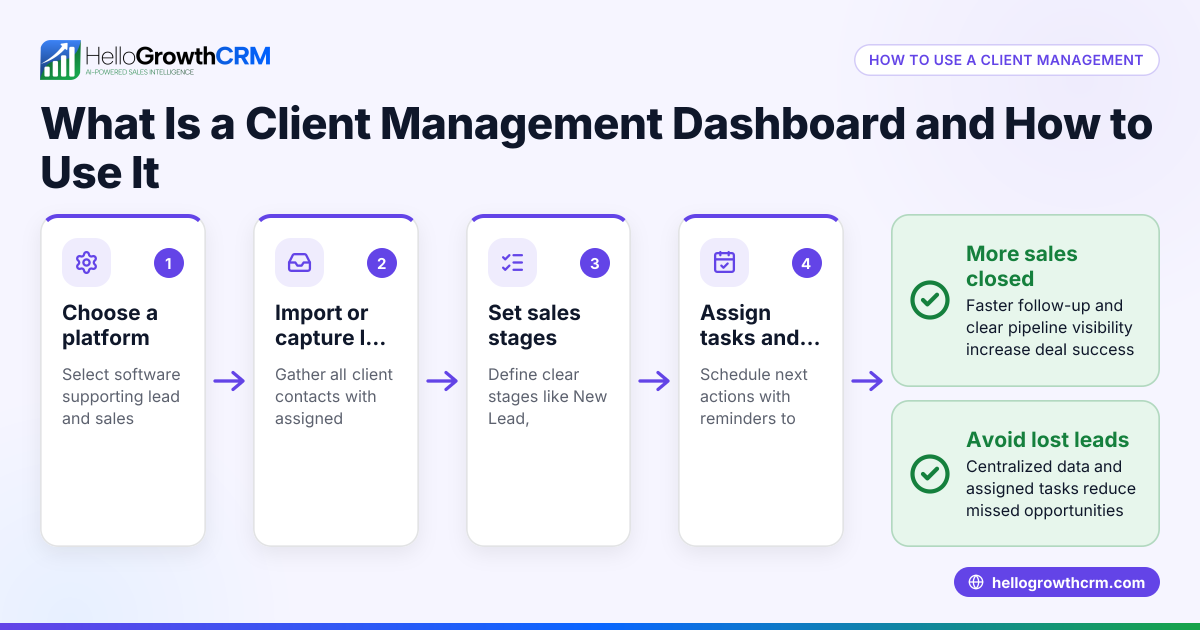
An account management dashboard is a centralized tool that helps business owners and sales teams track customer accounts, sales opportunities, and pipeline progress in one place. It provides a clear overview of leads, deal stages, and performance metrics to improve follow-up and revenue forecasting. This article explains why small businesses need an account management dashboard, how to build one step-by-step, common pitfalls, and how HelloGrowthCRM supports this process.
Why this comes up / what goes wrong
Small-business owners often struggle to keep track of leads and customer accounts when using disjointed methods like spreadsheets, text messages, and email threads. This scattered approach leads to slow follow-up, lost leads, and missed sales opportunities. Without a clear view of where each deal stands in the sales pipeline, it’s hard to prioritize efforts or forecast revenue accurately. An account management dashboard solves this by consolidating all key sales data in one place, making it easier to manage accounts and close deals faster.
Step-by-step
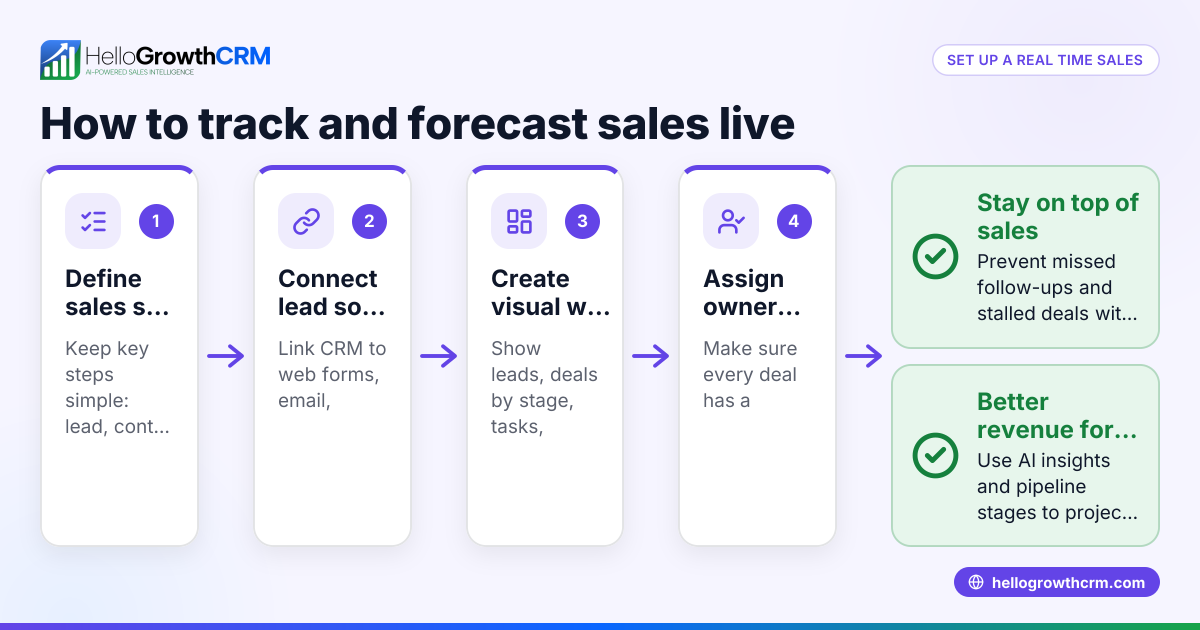
- Gather your sales data: Collect all lead and account information from your current sources such as web forms, emails, calls, and WhatsApp messages. Check that each lead has contact details, lead owner, and next steps documented.
- Choose key metrics to track: Decide which metrics matter most, such as number of leads, deal stages, expected close dates, and forecasted revenue. Ensure you can update these regularly.
- Create a visual dashboard layout: Use a tool or software to build a dashboard that displays your pipeline stages, lead counts, and revenue forecasts clearly. Include task boards to track follow-up actions.
- Assign owners and next steps: For each lead or account, assign a responsible team member and define the next action to move the deal forward. Check that no lead is left without an owner.
- Review pipeline health regularly: Monitor where deals are stalling or progressing. Check if any stages have too many leads that are not advancing.
- Update forecasts based on pipeline stages: Use historical conversion data to estimate expected revenue from each stage. Adjust your sales goals accordingly.
- Integrate communication channels: Link your email, WhatsApp, and SMS follow-ups directly to the dashboard to keep all communications logged and accessible. Learn about WhatsApp and SMS CRM to integrate messaging.
Example (fictional figures)
A B2B software reseller in Denver, Colorado, tracks its pipeline using an account management dashboard on 05/15/2026.
- Total leads in pipeline: 120
- Deals in "Contacted" stage: 50
- Deals in "Proposal Sent" stage: 30
- Deals in "Negotiation" stage: 20
- Deals in "Closed Won" stage: 20
Assuming an average deal size of $15,000 and historical close rates:
- Contacted stage close rate: 10%
- Proposal Sent stage close rate: 40%
- Negotiation stage close rate: 70%
Calculate expected revenue:
Contacted stage expected revenue: 50 deals × $15,000 = $750,000 $750,000 × 10% = $75,000
Proposal Sent stage expected revenue: 30 deals × $15,000 = $450,000 $450,000 × 40% = $180,000
Negotiation stage expected revenue: 20 deals × $15,000 = $300,000 $300,000 × 70% = $210,000
Total forecasted revenue = $75,000 + $180,000 + $210,000 = $465,000
This dashboard view helps the owner prioritize deals in negotiation and proposal stages to maximize revenue.
Common mistakes
- Not assigning clear owners to leads: Leads without assigned owners get neglected. Prevent this by always assigning a responsible person and next step.
- Ignoring pipeline stages: Treating all leads the same causes inefficiency. Use stages to prioritize and focus effort where deals are closest to closing.
- Using disconnected tools: Managing accounts across spreadsheets, email, and text messages leads to lost information. Use a unified dashboard that integrates communication channels like WhatsApp and SMS to keep everything in one place. See WhatsApp and SMS CRM.
- Failing to update data regularly: Outdated information causes wrong forecasts. Schedule regular updates and reviews.
- Overlooking stalled deals: Deals stuck in one stage waste resources. Monitor pipeline health to identify and address stalls. Tools with pipeline forecasting and AI insights help here, such as HelloGrowthCRM’s features described below.
Doing this in HelloGrowthCRM
HelloGrowthCRM helps small businesses manage their account dashboard with features like pipeline forecast and AI insights. This AI-assisted forecasting shows which pipeline stages deals are stalling in without needing spreadsheets. Every inquiry from web forms, calls, or WhatsApp lands as a lead with an owner and a next step, preventing leads from getting lost in notebooks. These tools keep your sales pipeline organized and actionable. Learn more about WhatsApp and SMS CRM and the built-in CRM dialer to streamline communication.
Frequently asked questions
What is the main benefit of an account management dashboard? An account management dashboard centralizes all sales and customer data, giving you a clear overview of leads, deal stages, and revenue forecasts. This helps improve follow-up speed and sales prioritization.
How often should I update my account management dashboard? Regular updates are essential. Ideally, update lead statuses and pipeline data daily or weekly to keep forecasts accurate and spot stalled deals early.
Can I integrate communication like WhatsApp and SMS into the dashboard? Yes, you can use tools that integrate WhatsApp and SMS communications directly with your dashboard to keep all conversations logged and accessible. HelloGrowthCRM supports lead capture from WhatsApp and SMS, helping keep communication organized.
How does AI help in an account management dashboard? AI can analyze your pipeline to forecast expected revenue based on deal stages and past conversion patterns. It also identifies where deals are stalling so you can focus efforts effectively.
Is an account management dashboard suitable for small teams? Absolutely. Small businesses benefit greatly by organizing leads and pipeline stages in one place, avoiding lost opportunities and improving sales efficiency.
Key takeaways
- An account management dashboard consolidates leads, deal stages, and forecasts in one place.
- Assign clear owners and next steps for every lead to avoid neglect.
- Use pipeline stages to prioritize sales efforts and identify stalled deals.
- Regularly update data to keep forecasts accurate.
- Integrate communication channels like WhatsApp and SMS for complete lead tracking.
- HelloGrowthCRM offers AI forecasting and lead management features to simplify dashboard management.
Start managing your sales pipeline more effectively by trying HelloGrowthCRM. Start on the Free Forever plan (200 leads, no credit card) today.
Ready to put this into practice?
Set up your pipeline, WhatsApp follow-ups, and AI lead scoring in minutes — free, no credit card.
Try HelloGrowthCRM freeGet CRM tips in your inbox
Join thousands of sales professionals who get weekly insights on CRM strategy, AI automation, and pipeline optimization.

The HelloGrowthCRM team publishes guides on CRM strategy, AI sales tools, and revenue operations for small business sales teams.