HelloGrowthCRM software
Built for real small-business sales teams
HelloGrowthCRM helps reps qualify faster, follow up on time, and close more deals—with practical automation in one place.
- AI lead scoring and pipeline visibility
- Built-in dialer, WhatsApp, and email automation
- Sales forecasting and RevOps-ready reporting
Bank reconciliation automation is the process of using software to automatically match transactions from your bank statements with those in your accounting records. This reduces the need for manual checks, speeds up financial reviews, and lowers the chance of errors. Automation helps you quickly identify discrepancies and focus on resolving only unmatched transactions, keeping your books accurate and up to date.
Why this comes up / what goes wrong
Small business owners often struggle with bank reconciliation because it involves matching every transaction from their bank statements to their accounting records. When done manually, this task is time-consuming and prone to mistakes. You might miss transactions, misclassify expenses, or overlook bank fees and interest charges. These errors can lead to inaccurate cash flow reports and complicate tax preparation.
For many small businesses, sales and expenses are tracked in different places like spreadsheets, emails, or text messages. This scattered data makes it harder to reconcile accounts accurately. Without automation, reconciliation can be overwhelming and slow, delaying the detection of bank errors or potential fraud.
Automating this process connects your bank data directly to your accounting system. It uses rules and algorithms to match transactions automatically, reducing manual data entry and letting you focus on investigating transactions that don’t match.
Step-by-step
- Choose bank reconciliation software. Select a tool that securely connects to your bank accounts and accounting system.
- Link your bank accounts. Use your bank’s online login or a secure API to import bank statement transactions automatically.
- Import your accounting data. Upload your ledger or connect your accounting software so the system can access your recorded transactions.
- Set matching rules. Define criteria for matching transactions, such as date, amount, description, or reference number. Most software offers default rules you can adjust.
- Run the reconciliation process. The software automatically pairs bank statement transactions with your accounting entries.
- Review unmatched transactions. Investigate discrepancies like missing entries, duplicates, or timing differences.
- Adjust your records. Correct errors, add missing transactions, or flag suspicious items.
- Finalize reconciliation. Confirm matched transactions and update your accounting system.
Using a CRM like HelloGrowthCRM for the United States can help automate related sales and customer workflows, further reducing manual tasks.
Example (fictional figures)
A plumbing company in Austin, Texas, reconciles its bank account for March 2026.
- Bank statement shows deposits totaling $45,000 and withdrawals totaling $30,000.
- Accounting records show deposits totaling $44,500 and withdrawals totaling $30,000.
Step 1: Software imports bank transactions.
Step 2: Software imports accounting transactions.
Step 3: Matching rules pair transactions by date and amount.
Step 4: Compare deposits:
$44,500 + $500 = $45,000
Step 5: Owner discovers a $500 deposit missing in accounting records and adds it.
Step 6: Withdrawals match exactly:
$30,000 = $30,000
Step 7: Reconciliation complete with no unmatched items.
This example shows how automation quickly highlights discrepancies so the owner can fix them before finalizing.
Common mistakes
- Not linking accounts securely: Always use trusted software with encryption to protect your data.
- Ignoring unmatched transactions: Investigate all unmatched items to prevent errors from accumulating.
- Relying solely on automation: Automation helps but manual review is still necessary to catch unusual issues.
- Failing to update matching rules: Regularly update rules to reflect changes in transaction descriptions or formats.
- Delaying reconciliation: Perform reconciliation frequently to catch problems early.
- Overlooking bank fees and interest: Include these in your accounting records to avoid balance mismatches.
Tools like HelloGrowthCRM for the United States can help automate related sales and customer workflows, reducing manual tasks further.
Doing this in HelloGrowthCRM
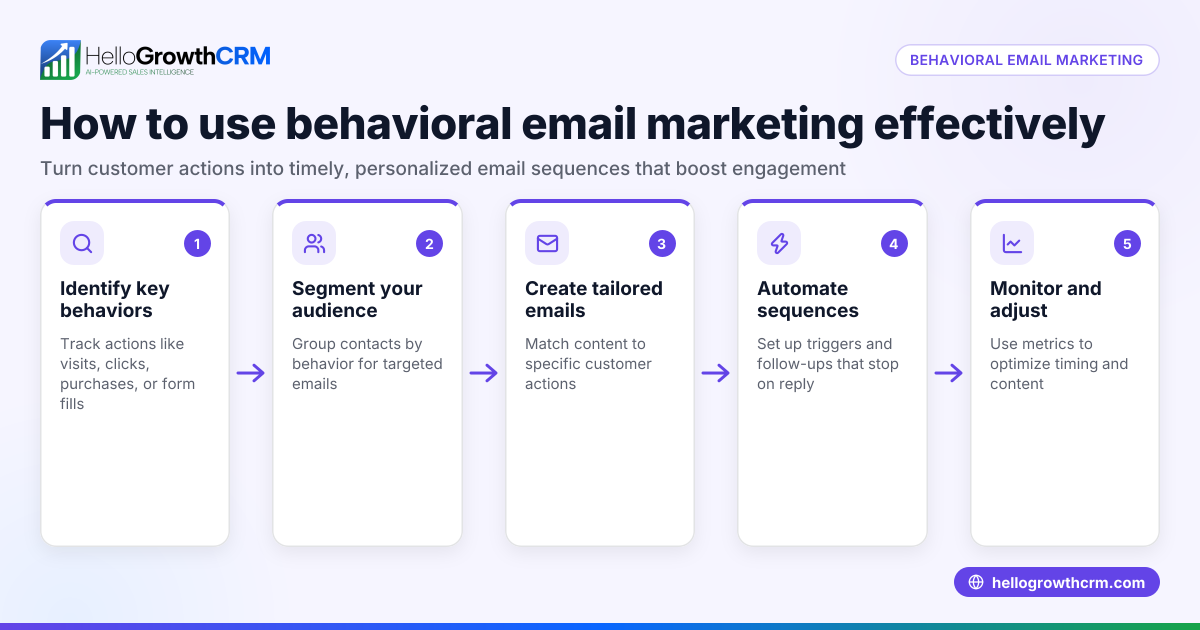
HelloGrowthCRM supports automation beyond bank reconciliation with features like Sequences and campaigns, where a five-step follow-up over two weeks runs automatically and stops when the prospect replies. Its AI agents draft follow-up messages after calls for quick review and sending. Workflows, lead routing, and validation rules automate task creation and lead assignments. These features streamline your sales and customer engagement processes, complementing financial automation. Learn more about these capabilities at AI CRM and WhatsApp and SMS CRM.
Frequently asked questions
What is bank reconciliation automation? Bank reconciliation automation uses software to automatically match your bank statement transactions with your accounting records, reducing manual effort and errors.
How often should I do bank reconciliation? It’s best to reconcile your bank accounts at least monthly, but weekly or daily reconciliation helps catch issues faster.
Can bank reconciliation automation catch fraud? While automation helps identify discrepancies quickly, it cannot replace manual review and judgment needed to detect fraud.
What if my bank and accounting records don’t match? Review unmatched transactions carefully to find missing entries, timing differences, or errors. Adjust your records accordingly.
Do I need special software for bank reconciliation automation? Yes, you need software that can securely connect to your bank accounts and accounting system to import and match transactions automatically.
Key takeaways
- Bank reconciliation automation saves time by matching transactions automatically.
- It reduces errors and helps maintain accurate financial records.
- Regular reconciliation prevents cash flow problems and fraud.
- Manual review remains important to resolve unmatched transactions.
- Using automation tools like HelloGrowthCRM can streamline related workflows.
Start simplifying your sales and customer follow-up workflows today. Start on the Free Forever plan (200 leads, no credit card).
Ready to put this into practice?
Set up your pipeline, WhatsApp follow-ups, and AI lead scoring in minutes — free, no credit card.
Try HelloGrowthCRM freeGet CRM tips in your inbox
Join thousands of sales professionals who get weekly insights on CRM strategy, AI automation, and pipeline optimization.

The HelloGrowthCRM team publishes guides on CRM strategy, AI sales tools, and revenue operations for small business sales teams.