HelloGrowthCRM software
Built for real small-business sales teams
HelloGrowthCRM helps reps qualify faster, follow up on time, and close more deals—with practical automation in one place.
- AI lead scoring and pipeline visibility
- Built-in dialer, WhatsApp, and email automation
- Sales forecasting and RevOps-ready reporting
The best CRM with built-in calling in the United Kingdom is one that integrates a phone dialer directly within the CRM platform, enabling your sales team to call leads, log call outcomes, and maintain full call histories tied to contacts and deals. This article covers how to evaluate such CRMs, what steps to take, common pitfalls, a worked example, and how HelloGrowthCRM supports built-in calling.
Why this comes up / what goes wrong
Small and mid-sized UK businesses often lose leads or delay follow-up because their sales teams rely on separate tools like WhatsApp, email, and spreadsheets to manage contacts and calls. This scattered approach makes it hard to track interactions, measure sales performance, and ensure timely follow-up. A CRM with built-in calling solves these challenges by centralising communication and sales management in one platform, reducing manual work and improving team adoption.
Step-by-step
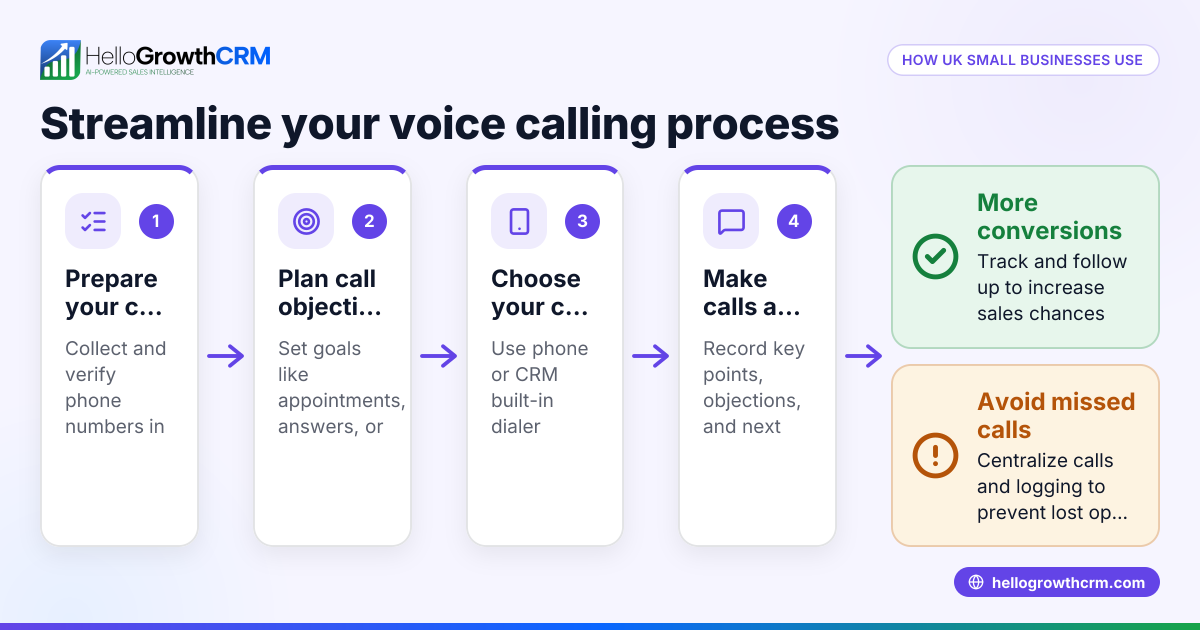
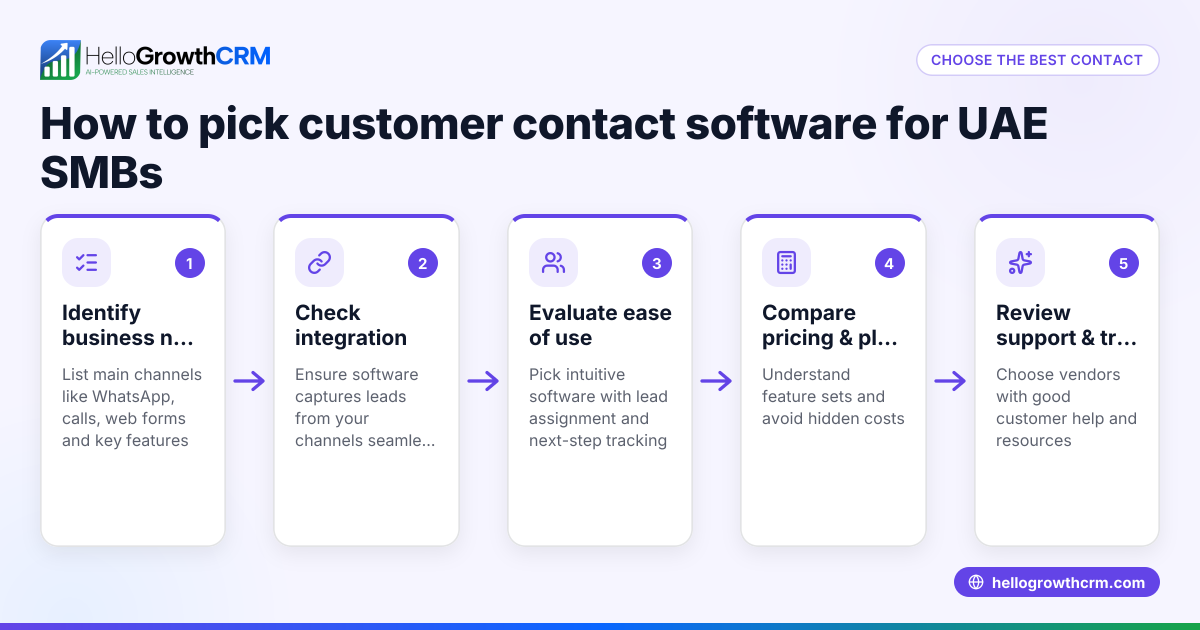
- Identify your calling needs: Determine if you need a local dialer for manual calls or a power dialer for faster calling sequences. Check if the CRM logs call outcomes automatically and keeps call history linked to leads.
- Check integration with messaging channels: If your team uses WhatsApp or SMS, look for CRMs that log these conversations on the lead record and allow you to send follow-up messages directly.
- Assess AI capabilities: Some CRMs offer AI agents to draft follow-up messages or update records after calls, which can save time and reduce errors. Verify if these features are available and whether they are in beta.
- Evaluate user experience and adoption: Choose a CRM that your sales team can easily use daily, with intuitive call lists and outcome logging.
- Compare pricing and plans: Look at the available plans and what calling features they include. Some dialers may only be available on paid tiers.
- Review security and compliance: Ensure the CRM meets your business’s data security requirements.
For a detailed comparison of CRM options, see compare CRMs.
Example (fictional figures)
A Glasgow-based solar panel installer, "GreenSun Solutions," wants to improve lead follow-up. They receive 300 new leads per month and estimate each successful sale brings £2,500 revenue.
- Current conversion rate: 10% (30 sales)
- Average sales rep time spent calling: 15 minutes per lead
They consider a CRM with a built-in dialer that reduces call time by 20% and improves conversion to 12%.
Calculations:
Time saved per lead: 15 minutes × 20% = 3 minutes saved
Total time saved per month: 300 leads × 3 minutes = 900 minutes = 15 hours
Increased sales: 300 leads × 12% = 36 sales
Additional sales: 36 - 30 = 6 sales
Additional revenue: 6 sales × £2,500 = £15,000
By investing in a CRM with built-in calling, GreenSun Solutions saves 15 hours monthly and gains £15,000 extra revenue.
Common mistakes
- Choosing a CRM without integrated calling: This forces reps to switch between apps, causing lost data and slower follow-up. Prevent by confirming the CRM has a built-in dialer, like the built-in CRM dialer.
- Ignoring messaging integration: Many UK customers prefer WhatsApp or SMS. Without integration, conversations are fragmented. Prevent by selecting a CRM that logs WhatsApp and SMS messages.
- Overlooking AI features: Not using AI agents to draft follow-ups can waste time. Prevent by exploring CRMs with AI capabilities, even if in beta.
- Not checking plan limitations: Some CRMs restrict dialer features to higher tiers. Prevent by reviewing pricing and feature availability carefully.
- Neglecting user adoption: Complex CRMs can reduce usage. Prevent by choosing a user-friendly interface and involving your team in the trial phase.
Doing this in HelloGrowthCRM
HelloGrowthCRM offers a built-in dialer that lets telecallers work through call lists inside the CRM, logging each call's outcome directly on the lead record. WhatsApp and SMS conversations are also logged and can be followed up with messages from within the platform. Additionally, AI agents (currently in beta on Growth plans) draft follow-up messages after calls for reps to review and send, saving time and improving consistency. Learn more about the built-in CRM dialer and WhatsApp and SMS features.
Frequently asked questions
What is the best CRM with built-in calling pricing in the United Kingdom? Pricing varies depending on features and plan tiers. Many CRMs offer local dialers on starter plans, with power dialers and AI features on higher tiers. Always check the pricing page for up-to-date UK-specific costs and included features. See CRM pricing in the United Kingdom for details.
Are there good CRM alternatives with built-in calling for UK businesses? Yes, some alternatives focus on local dialers or integrate with third-party calling apps. However, native built-in dialers centralise data better and improve team adoption. Use comparison tools like compare CRMs to weigh pros and cons.
How does built-in calling improve sales team productivity? Built-in calling reduces the need to switch apps, automates call logging, and keeps all communication linked to leads. This saves time, reduces errors, and helps managers track performance more accurately.
Can I use WhatsApp within a CRM for sales calls and follow-ups? Some CRMs, including HelloGrowthCRM, log WhatsApp conversations on lead records and allow follow-ups via WhatsApp messages. This helps maintain consistent communication on channels your customers prefer.
Key takeaways
- A CRM with a built-in dialer centralises calling and call logging, improving lead follow-up.
- Integration with WhatsApp and SMS messaging keeps communications in one place.
- AI agents can draft follow-ups to save time and increase consistency.
- Check plan details carefully to ensure dialer features meet your needs.
- User-friendly design is crucial for team adoption and effective use.
Choosing the right CRM with built-in calling can transform your sales process. For UK businesses interested in HelloGrowthCRM’s capabilities, see HelloGrowthCRM for the United Kingdom and See UK pricing.
Ready to put this into practice?
Set up your pipeline, WhatsApp follow-ups, and AI lead scoring in minutes — free, no credit card.
Try HelloGrowthCRM freeGet CRM tips in your inbox
Join thousands of sales professionals who get weekly insights on CRM strategy, AI automation, and pipeline optimization.

The HelloGrowthCRM team publishes guides on CRM strategy, AI sales tools, and revenue operations for small business sales teams.