HelloGrowthCRM software
Built for real small-business sales teams
HelloGrowthCRM helps reps qualify faster, follow up on time, and close more deals—with practical automation in one place.
- AI lead scoring and pipeline visibility
- Built-in dialer, WhatsApp, and email automation
- Sales forecasting and RevOps-ready reporting
Choosing a CRM that integrates well with your current business systems is essential for saving time and improving lead follow-up. This article covers why business owners search for integrated CRMs, step-by-step guidance on evaluating options, a worked example with realistic New Zealand figures, common mistakes to avoid, and how HelloGrowthCRM supports business integrations.
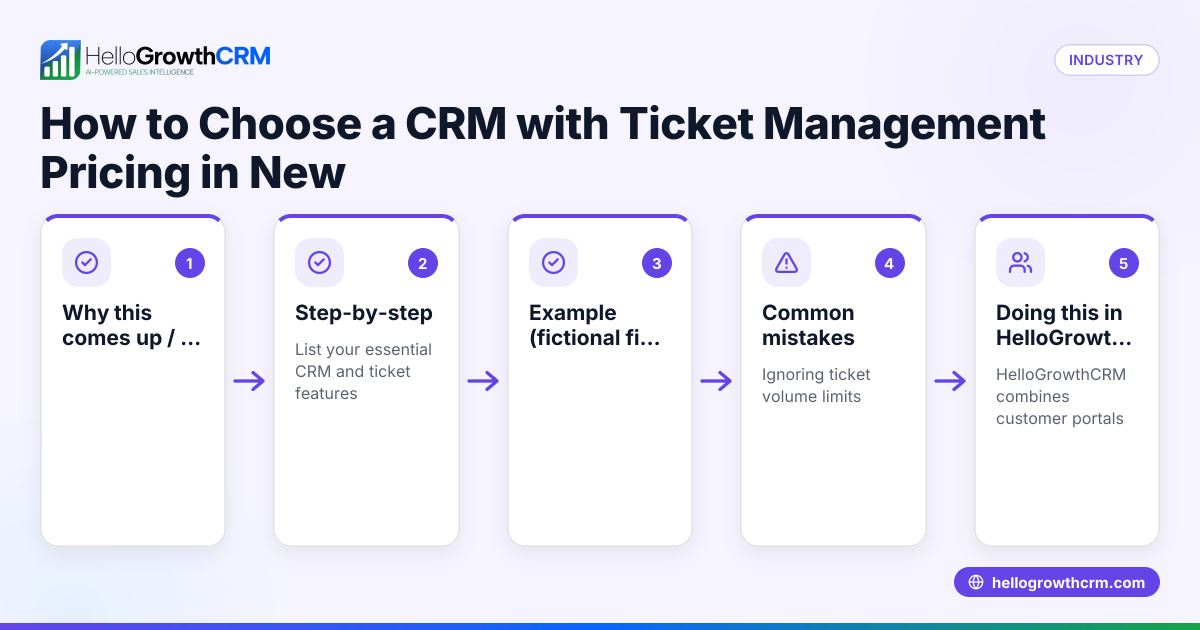
Why this comes up / what goes wrong
Small business owners in New Zealand often start with manual sales processes using text messages, emails, and spreadsheets. This approach can cause lost leads and slow follow-up. When searching for a CRM with business integrations, they want software that connects to their existing tools—like web forms, messaging apps, or enquiry platforms—to capture and manage leads automatically. Without integrations, teams spend extra time copying data or miss timely follow-ups. Finding the best CRM means balancing integration capabilities, ease of use, and cost.
Step-by-step
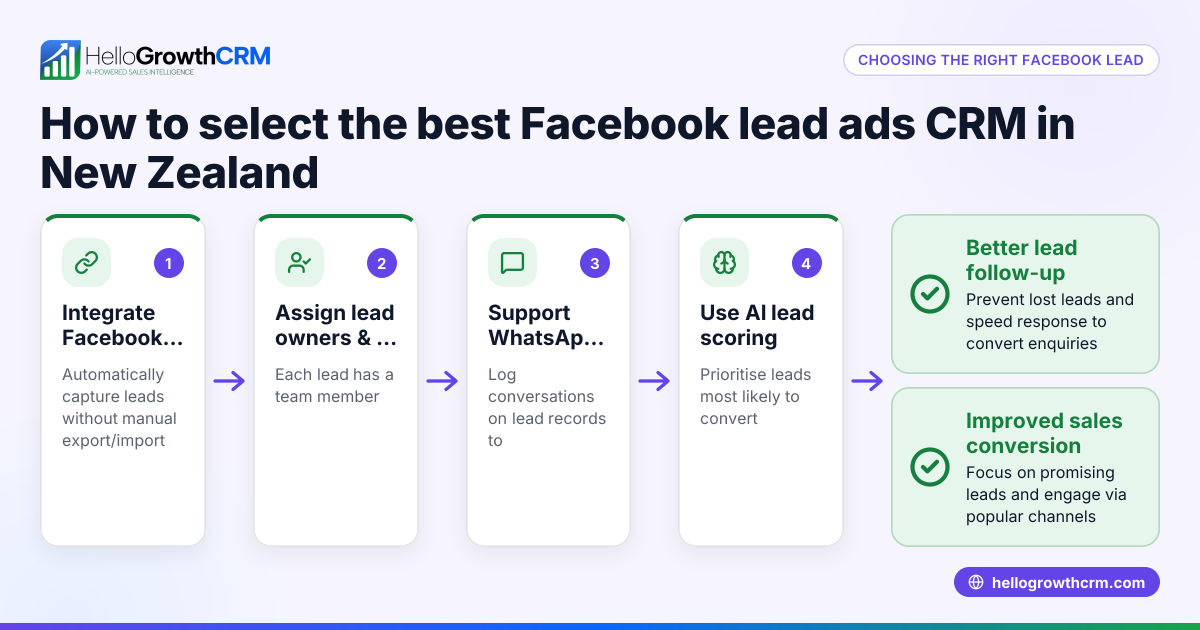
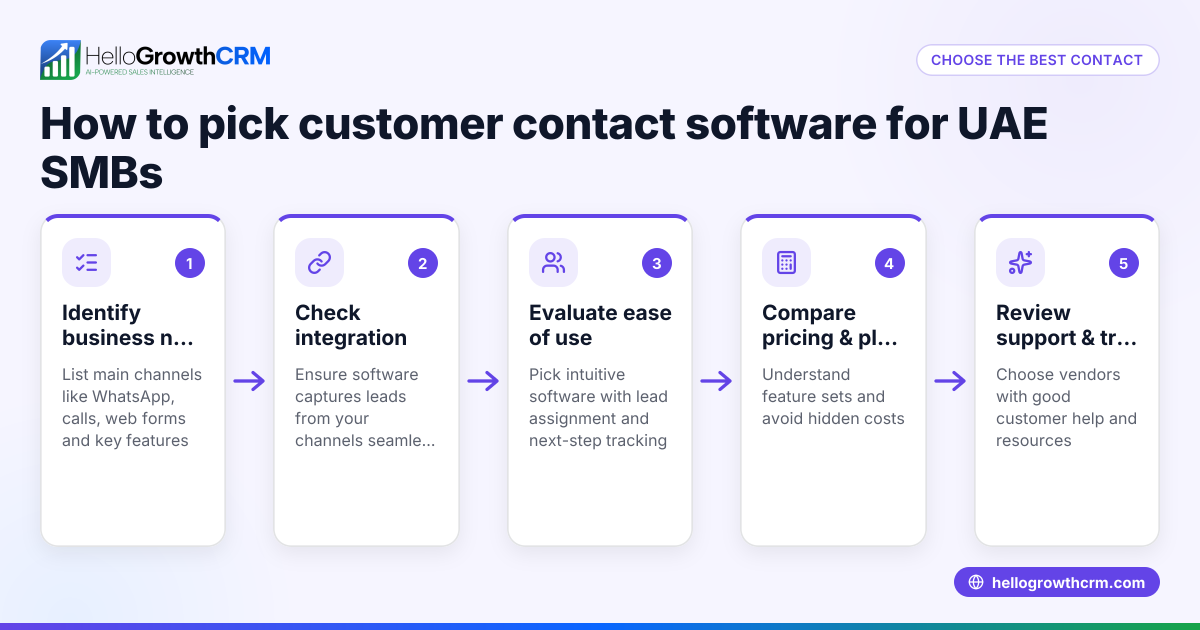
- List your current tools and workflows. Identify where your leads come from (web forms, enquiry platforms, messaging apps) and how your team currently manages follow-ups.
- Check integration options. Look for CRMs that connect to your lead sources and communication channels. Confirm if enquiries from platforms like IndiaMART or JustDial can automatically create leads.
- Evaluate messaging support. Verify if the CRM supports WhatsApp and SMS messaging natively, and whether conversations are logged on lead records for easy tracking.
- Assess AI features. Consider if the CRM offers AI agents that can draft follow-up messages to speed up communication, reducing manual work.
- Compare pricing and plans. Review the pricing structure, especially for integration and messaging features, to ensure it fits your budget.
- Test usability. Trial the CRM to check if your sales team finds it easy to use and if the integrations work smoothly.
- Review reporting and forecasting. Confirm the CRM provides sales pipeline visibility and forecasting tools to help manage your business growth.
- Ask about support and onboarding. Check what customer support and training are available to help your team get started.
For a detailed comparison of CRMs, see compare CRMs.
Example (fictional figures)
A Christchurch-based building company wants a CRM to manage leads from their website and IndiaMART enquiries. They receive about 300 leads monthly.
- Website lead capture cost: NZ$250/month
- IndiaMART integration cost included in CRM plan
- SMS and WhatsApp messaging costs: NZ$100/month
- CRM subscription: NZ$600/month
Monthly cost calculation:
NZ$250 (website lead capture)
- NZ$0 (IndiaMART integration included)
- NZ$100 (messaging)
- NZ$600 (CRM subscription)
= NZ$950 total monthly CRM-related cost
This investment helps the company respond faster, logging WhatsApp conversations on lead records and using AI agents to draft follow-ups after calls, improving conversion rates.
Common mistakes
- Ignoring integration capabilities. Choose a CRM without checking if it connects to your lead sources. Prevent by listing all tools and confirming integrations upfront.
- Overlooking messaging channels. Missing WhatsApp or SMS support means losing leads who prefer these channels. Prevent by testing messaging features during trials.
- Underestimating training needs. A CRM with many features but poor onboarding leads to low adoption. Prevent by asking about training and support.
- Focusing only on price. Cheapest options may lack essential integrations or AI features. Prevent by balancing cost with functionality.
- Not testing AI features. Assuming AI will work perfectly without trial can cause frustration. Prevent by piloting AI agents and reviewing their outputs.
For more on avoiding pitfalls, see HelloGrowthCRM for New Zealand.
Doing this in HelloGrowthCRM
HelloGrowthCRM supports business integrations including IndiaMART and JustDial enquiries arriving directly as leads. Its WhatsApp-native CRM logs conversations on lead records and enables follow-ups via WhatsApp and SMS messages. The Growth plan offers Beta AI agents that draft follow-up messages after calls, so sales reps only review and send them. Learn more about these capabilities at integrations.
Frequently asked questions
What CRMs offer business integrations in New Zealand? Many CRMs offer integrations, but the best ones connect to your specific lead sources and communication tools. Look for CRMs that integrate with enquiry platforms like IndiaMART and JustDial and support WhatsApp and SMS messaging.
How much does a CRM with business integrations cost in New Zealand? Costs vary depending on the number of users, integration options, and messaging features. Review detailed pricing on the CRM provider’s site and consider total costs including messaging and AI features. See CRM pricing in New Zealand.
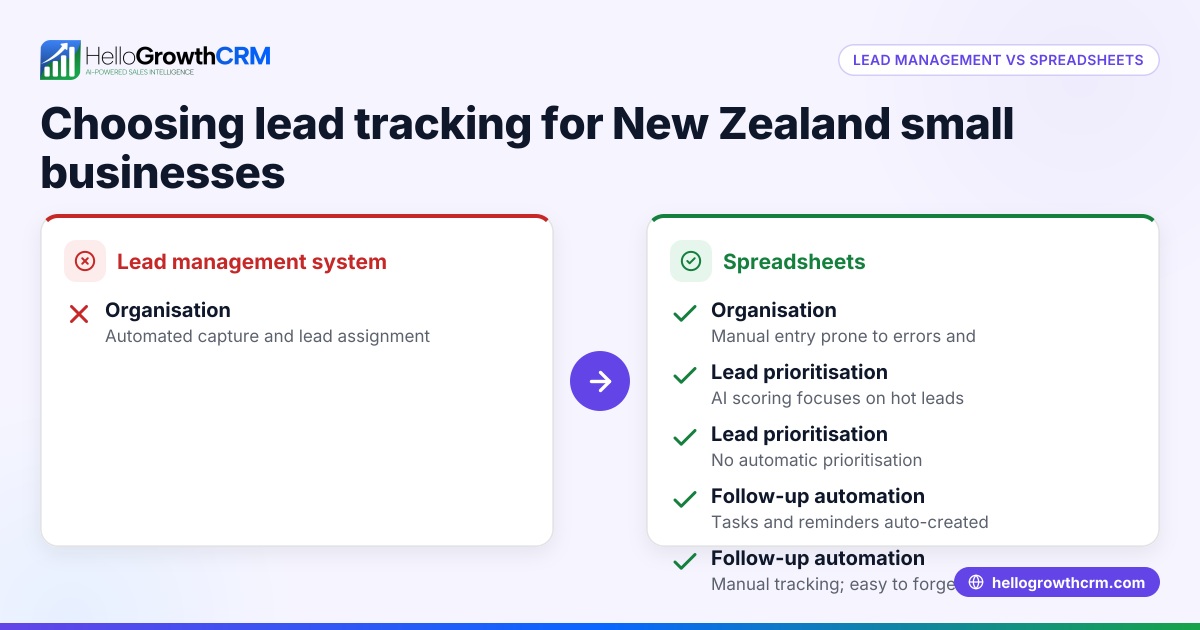
Are there alternatives to CRMs with business integrations? Alternatives include manual tracking with spreadsheets or using separate tools for messaging and lead management. However, these often cause inefficiencies and lost leads. Integrated CRMs centralise data and automate workflows.
How do I compare CRMs with business integrations? Compare features like integration options, messaging support, AI capabilities, usability, and pricing. Use comparison guides like compare CRMs to shortlist options.
Can AI help with lead follow-up in CRMs? Yes, some CRMs offer AI agents that draft follow-up messages and update records, reducing manual work. This feature is usually available on higher-tier plans or in beta.
Key takeaways
- Identify all existing lead sources and communication channels before choosing a CRM.
- Prioritise CRMs that integrate with enquiry platforms like IndiaMART and JustDial.
- Ensure the CRM supports WhatsApp and SMS messaging natively for logged conversations.
- Consider AI agents that draft follow-ups to speed up sales communications.
- Balance cost with features, usability, and support when comparing options.
- Test CRMs thoroughly to confirm integrations and messaging work smoothly.
Choosing the right CRM with business integrations can streamline your sales process and reduce lost leads. For detailed pricing and plans tailored to New Zealand businesses, see New Zealand pricing.
Ready to put this into practice?
Set up your pipeline, WhatsApp follow-ups, and AI lead scoring in minutes — free, no credit card.
Try HelloGrowthCRM freeGet CRM tips in your inbox
Join thousands of sales professionals who get weekly insights on CRM strategy, AI automation, and pipeline optimization.

The HelloGrowthCRM team publishes guides on CRM strategy, AI sales tools, and revenue operations for small business sales teams.