HelloGrowthCRM software
Built for real small-business sales teams
HelloGrowthCRM helps reps qualify faster, follow up on time, and close more deals—with practical automation in one place.
- AI lead scoring and pipeline visibility
- Built-in dialer, WhatsApp, and email automation
- Sales forecasting and RevOps-ready reporting
The best insurance agency CRM in New Zealand is one that fits your agency’s specific needs: managing leads efficiently, tracking client conversations, and automating follow-ups. This article guides you through the steps to select the right CRM, highlights common mistakes to avoid, provides a local example, and explains how HelloGrowthCRM can support your insurance agency.
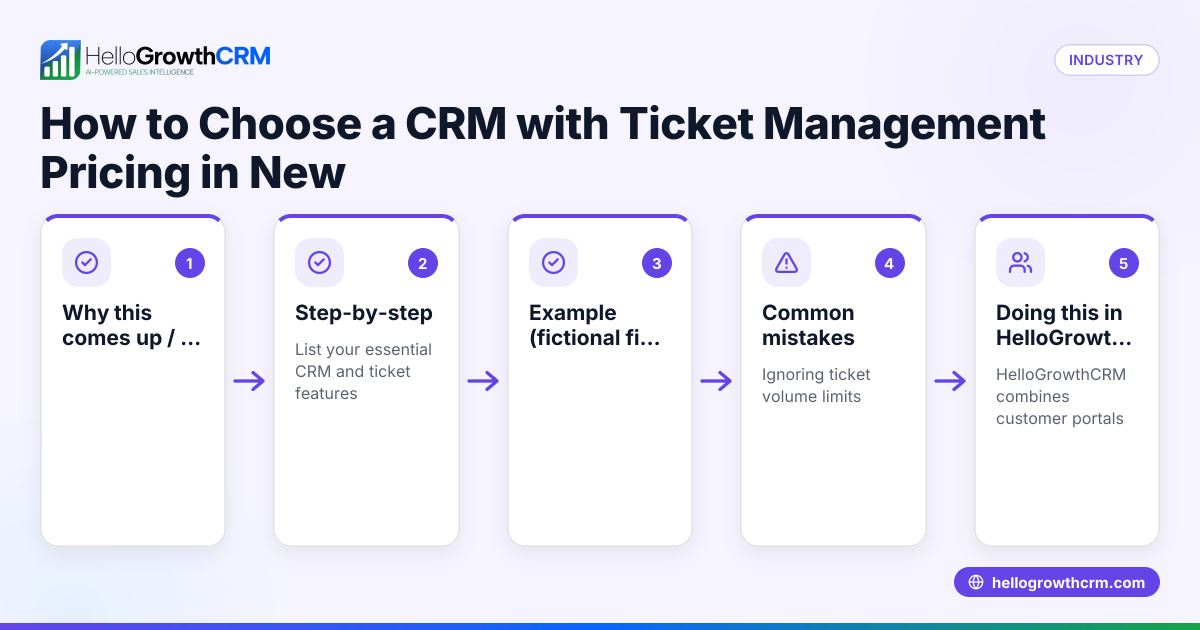
Why this comes up / what goes wrong
Insurance agency owners and accountants in New Zealand often struggle with managing leads and client communications scattered across emails, text messages, and spreadsheets. This results in slow follow-up, lost leads, and missed sales opportunities. Many insurance agencies need a CRM tailored to their workflows, especially one that handles sensitive client conversations and integrates well with messaging channels like WhatsApp and SMS, which are popular in New Zealand business communications.
Choosing the right CRM is critical because generic CRMs may not support insurance-specific workflows or compliance needs, and can be too complex or costly for small to mid-sized teams. Finding a CRM that your team actually uses and that automates repetitive tasks helps improve sales efficiency and client satisfaction.
Step-by-step
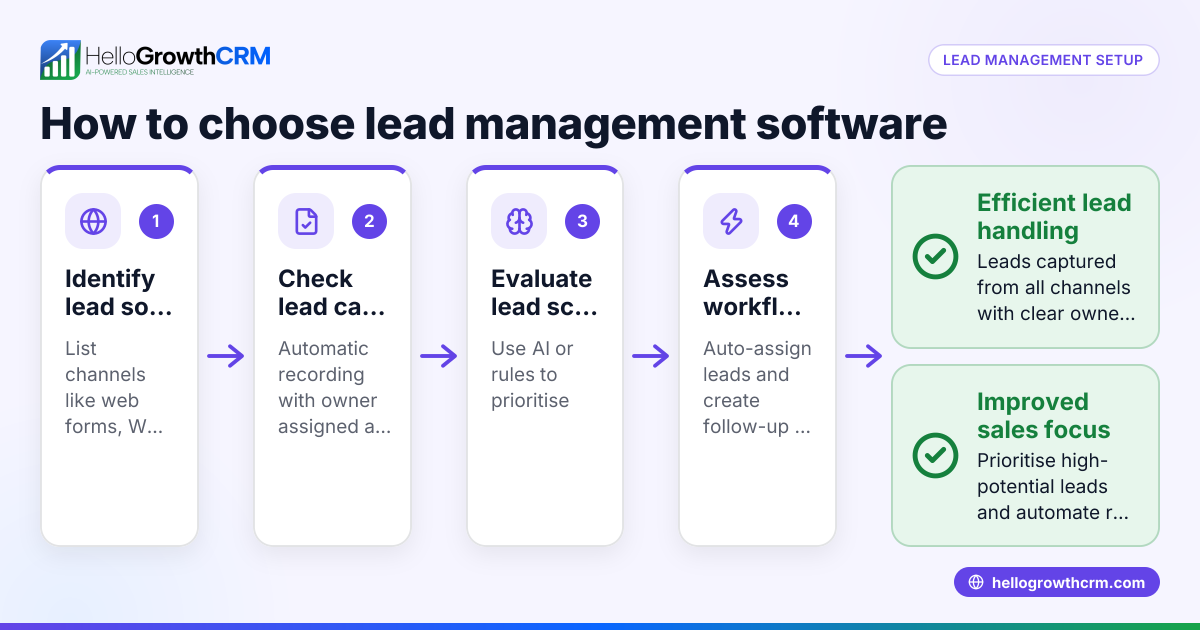
- Identify Your Agency’s Needs
- List key features your insurance agency requires, such as lead capture, pipeline management, messaging integration, and task automation.
- Consider if you need WhatsApp and SMS communication logging, as these are common client contact methods in New Zealand.
- Check Integration and Communication Channels
- Confirm the CRM supports WhatsApp and SMS natively or through reliable integrations.
- Ensure the CRM logs conversations on lead records to maintain clear communication history.
- Evaluate Automation Features
- Look for AI or workflow automation that can draft follow-ups or update records to reduce manual work.
- Determine if the CRM offers task reminders and sales forecasting relevant to insurance sales.
- Assess Usability and Adoption
- Choose a CRM with an intuitive interface to ensure your team will use it consistently.
- Test the CRM with your team or a free trial to evaluate ease of use.
- Compare Pricing and Plans
- Review pricing options for your team size and feature needs.
- Check if there are free or low-cost plans suitable for small teams to start.
- Review Support and Compliance
- Confirm the CRM provider offers local support or resources for New Zealand businesses.
- Verify any compliance features relevant to insurance data handling.
- Make a Decision and Plan Implementation
- Choose the CRM that best matches your checklist.
- Prepare your team with training and data migration plans.
For a detailed side-by-side feature comparison, see our compare CRMs page.
Example (fictional figures)
Consider "SecureCover Insurance," a mid-sized insurance agency based in Hamilton with 15 employees. They want to improve lead follow-up and client communication.
- They currently lose NZ$50,000 in potential commissions annually due to slow follow-up.
- They estimate a CRM can reduce lost commissions by 60% in the first year.
Calculation:
Lost commissions = NZ$50,000 Estimated recovery = NZ$50,000 × 60% = NZ$30,000
SecureCover chooses a CRM with WhatsApp and SMS logging and AI follow-up drafting.
Cost estimate:
CRM monthly cost = NZ$150 Annual cost = NZ$150 × 12 = NZ$1,800
Net benefit:
Recovered commissions - CRM cost = NZ$30,000 - NZ$1,800 = NZ$28,200
This shows the financial benefit of investing in a CRM tailored to their needs.
Common mistakes
- Choosing a CRM without local messaging support
- Prevent by checking if WhatsApp and SMS are supported natively or via integration.
- Ignoring team usability
- Prevent by involving your sales team in demos and trials.
- Overpaying for unnecessary features
- Prevent by listing must-have features and avoiding complex enterprise plans.
- Neglecting data migration planning
- Prevent by preparing data export and import steps before switching.
- Not automating follow-ups
- Prevent by selecting a CRM with AI or workflow automation to draft and schedule follow-ups.
- Failing to check support and compliance
- Prevent by verifying the CRM provider’s support availability in New Zealand and compliance with any insurance regulations. See more on Insurance agents, NBFCs and financial services.
Doing this in HelloGrowthCRM
HelloGrowthCRM offers WhatsApp and SMS messaging workflows where conversations are logged directly on lead records, helping insurance agencies keep track of client communications. Its AI agents (currently in Beta on the Growth plan) draft follow-up messages after calls, so your sales reps only review and send, saving time and improving response speed. For small teams, the Free Forever plan allows up to two users to manage their pipeline at no cost until advanced calling or WhatsApp automation is needed. Learn more about these features at HelloGrowthCRM for New Zealand.
Frequently asked questions
What is the typical pricing for an insurance agency CRM in New Zealand? Pricing varies by features and team size. Some CRMs offer free plans for small teams, while paid plans with messaging and AI automation typically start around NZ$100 to NZ$200 per month. Check detailed pricing options at CRM pricing in New Zealand.
What are good alternatives to insurance-specific CRMs? General CRMs with strong messaging integration and automation can work if customised properly. Consider your team’s workflow and whether the CRM supports WhatsApp and SMS natively. See comparisons on our compare CRMs page.
How does a CRM help insurance agencies specifically? It centralises client information, automates follow-ups, logs all communications including WhatsApp and SMS, and helps forecast sales. This improves lead conversion and client retention.
Can small insurance agencies start with a free CRM? Yes, some CRMs like HelloGrowthCRM offer Free Forever plans for small teams to manage leads and pipelines before scaling up to paid plans with advanced features.
Is WhatsApp integration important for New Zealand insurance agencies? Yes, WhatsApp is widely used in New Zealand business communication. Native integration helps keep all client conversations in one place, improving response times and record accuracy.
Key takeaways
- Choose a CRM that supports WhatsApp and SMS natively for effective communication.
- Evaluate AI and automation features to reduce manual follow-up work.
- Test usability with your team to ensure adoption.
- Start with free or low-cost plans suitable for your team size.
- Avoid overpaying for unnecessary features.
- Plan data migration and verify local support and compliance.
Selecting the right CRM tailored for New Zealand insurance agencies can increase sales efficiency and client satisfaction.
For detailed pricing and plan options, see New Zealand pricing.
Ready to put this into practice?
Set up your pipeline, WhatsApp follow-ups, and AI lead scoring in minutes — free, no credit card.
Try HelloGrowthCRM freeGet CRM tips in your inbox
Join thousands of sales professionals who get weekly insights on CRM strategy, AI automation, and pipeline optimization.

The HelloGrowthCRM team publishes guides on CRM strategy, AI sales tools, and revenue operations for small business sales teams.