HelloGrowthCRM software
Built for real small-business sales teams
HelloGrowthCRM helps reps qualify faster, follow up on time, and close more deals—with practical automation in one place.
- AI lead scoring and pipeline visibility
- Built-in dialer, WhatsApp, and email automation
- Sales forecasting and RevOps-ready reporting
The best quotation management CRM for Singapore small businesses is one that integrates quoting, follow-up, and lead management in a single platform. It should let you create, send, and track quotes easily while managing leads and conversations without losing track. This article covers what to look for, step-by-step evaluation, common pitfalls, a realistic example, and how HelloGrowthCRM supports quotation management.
Why this comes up / what goes wrong
Small business owners in Singapore often manage quotations manually using spreadsheets, email, or WhatsApp. This leads to lost leads, slow follow-up, and inconsistent tracking of quote status. Without a CRM that links quotes to leads and sales tasks, opportunities slip away unnoticed. Business owners searching for the best quotation management CRM want a tool that centralises quotes, proposals, and communications with customers, so their sales team can respond quickly and close more deals.
Step-by-step
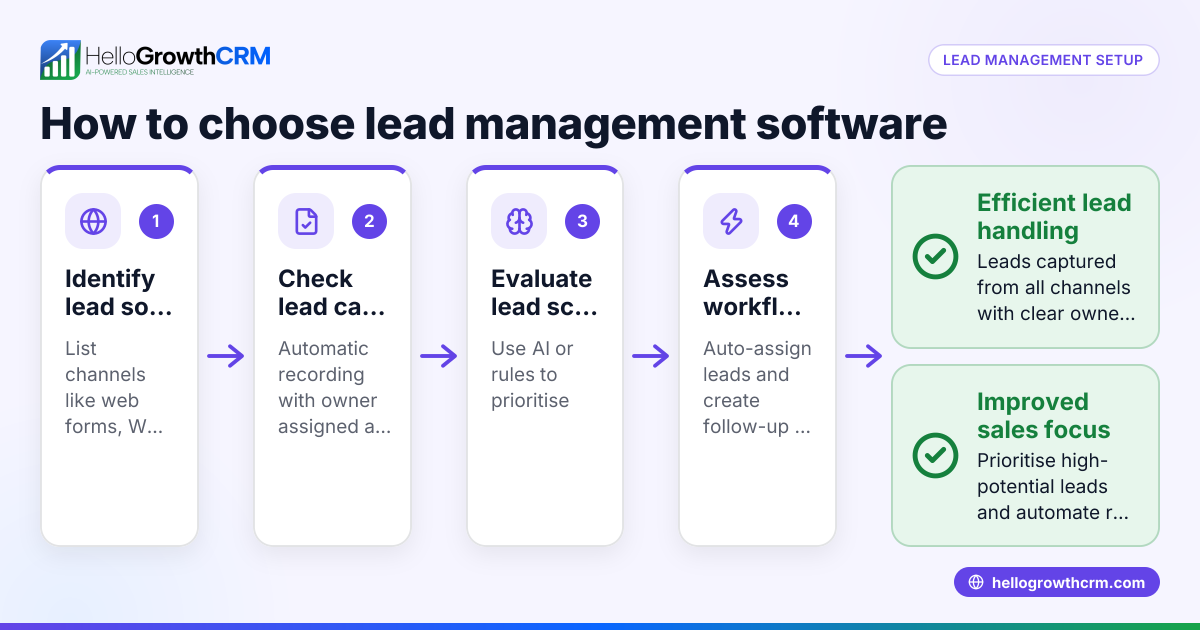
- Identify your quotation needs: Determine the volume of quotes you send monthly and the complexity of your proposals. Check if you need integration with invoicing or payments.
- Check lead and pipeline management: Ensure the CRM captures leads from web forms, calls, or WhatsApp and assigns owners with next steps. This prevents leads from being lost in notebooks or chat apps.
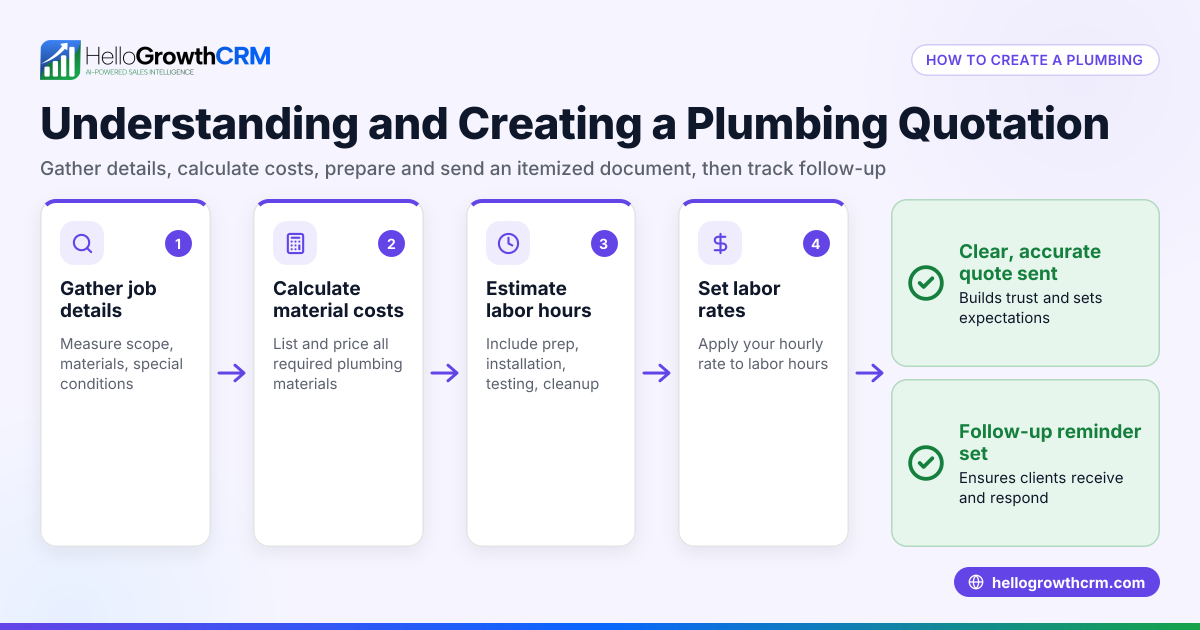
- Evaluate quoting features: Look for a CRM that lets you create, send, and track quotes directly from deal records. The quote status (sent, viewed, accepted) should be visible on the same screen as follow-up tasks.
- Consider communication channels: Verify if the CRM supports WhatsApp and SMS messaging logged on lead records to maintain conversation history and automate follow-ups.
- Review reporting and forecasting: Check if the CRM provides sales pipeline visibility and forecasting based on quotes and deals. NEEDS EXPERT REVIEW
- Compare pricing and plans: Look at CRM pricing in Singapore to ensure the quotation features fit your budget and business size. See CRM pricing in Singapore.
- Test usability: Trial the CRM to see if your team finds it easy to use daily for quoting and follow-up.
- Ask about integrations: Confirm if the CRM integrates with your existing tools like web forms or email.
- Check support and localisation: Ensure the CRM vendor provides support suitable for Singapore businesses.
For a side-by-side feature comparison of CRMs, see compare CRMs.
Example (fictional figures)
An interior design studio in Tanjong Pagar sends 20 quotes monthly. Each quote averages S$15,000. They want to track quote status and follow up promptly.
- Monthly quote value = 20 × S$15,000 = S$300,000
- If they convert 12 quotes that month, total revenue from accepted quotes = 12 × S$15,000 = S$180,000
Using a CRM with quotation management, they can see which quotes are accepted or pending, and prioritise follow-ups.
For example, a quote sent on 01/06/2024 for S$15,000 is marked "sent". After 3 days, the status changes to "viewed". The sales rep calls the client and updates the follow-up task. When the client accepts on 10/06/2024, the deal moves to "won" and an invoice is generated.
Common mistakes
- Using separate tools for quotes and follow-up: Leads to lost information. Prevent by choosing a CRM with integrated quoting and task management.
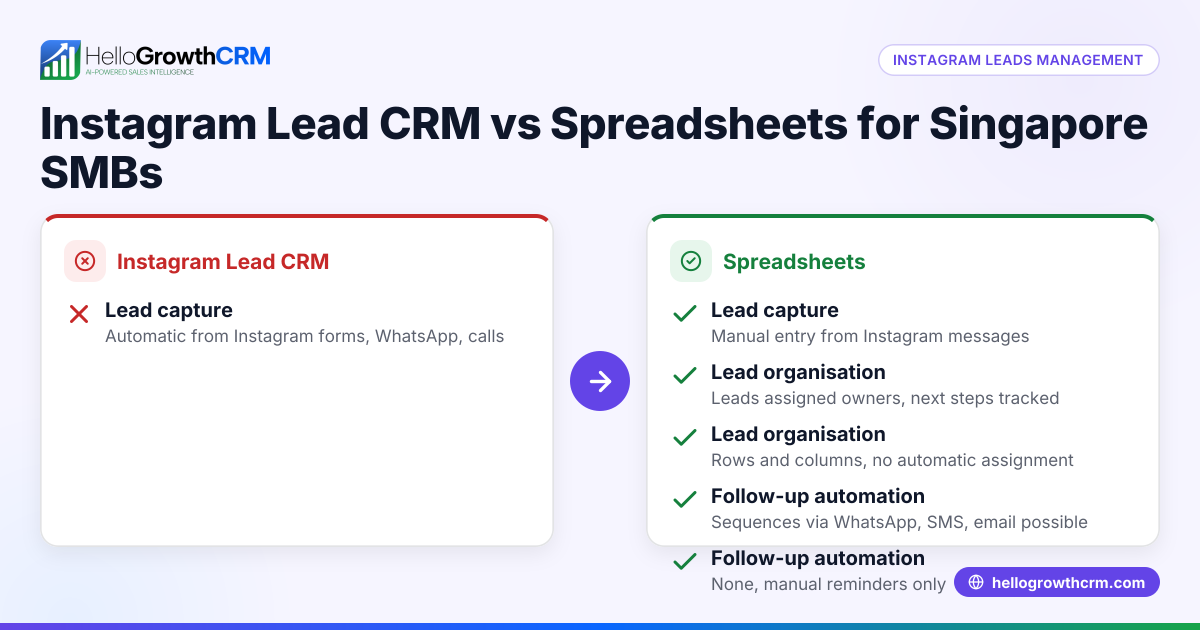
- Ignoring lead capture automation: Manually entering leads wastes time and risks errors. Use a CRM with automatic lead capture from forms and WhatsApp.
- Not tracking quote status: Sending quotes via email or WhatsApp without status updates causes missed opportunities. Use a CRM that shows sent, viewed, and accepted statuses.
- Delaying follow-up tasks: Without reminders linked to quotes, follow-ups get delayed. Prevent by using a CRM that displays follow-up tasks on the same screen as the quote.
- Choosing complex software: Overly complicated CRMs discourage team use. Test usability before committing.
- Overlooking local support and pricing: International CRMs may not fit Singapore business needs or budgets. Check local pricing and support options at CRM pricing in Singapore.
Doing this in HelloGrowthCRM
HelloGrowthCRM offers a built-in quoting and proposal tool that lets you build, send, and track quotes directly from the deal record. The quote status (sent, viewed, accepted) appears alongside follow-up tasks on the same screen, helping you manage leads efficiently. Every enquiry from forms, calls, or WhatsApp lands as a lead with an owner and next step, keeping your pipeline organised. WhatsApp conversations with leads are logged on the lead record, and follow-ups can be sent as WhatsApp or SMS messages, ensuring no opportunity is missed. Learn more about HelloGrowthCRM for Singapore businesses at HelloGrowthCRM for Singapore.
Frequently asked questions
What is the best CRM for quotation management pricing in Singapore? Pricing varies by feature and plan. Look for CRMs that include quoting, lead management, and messaging in plans suited for small to mid-sized businesses. Compare detailed pricing at CRM pricing in Singapore.
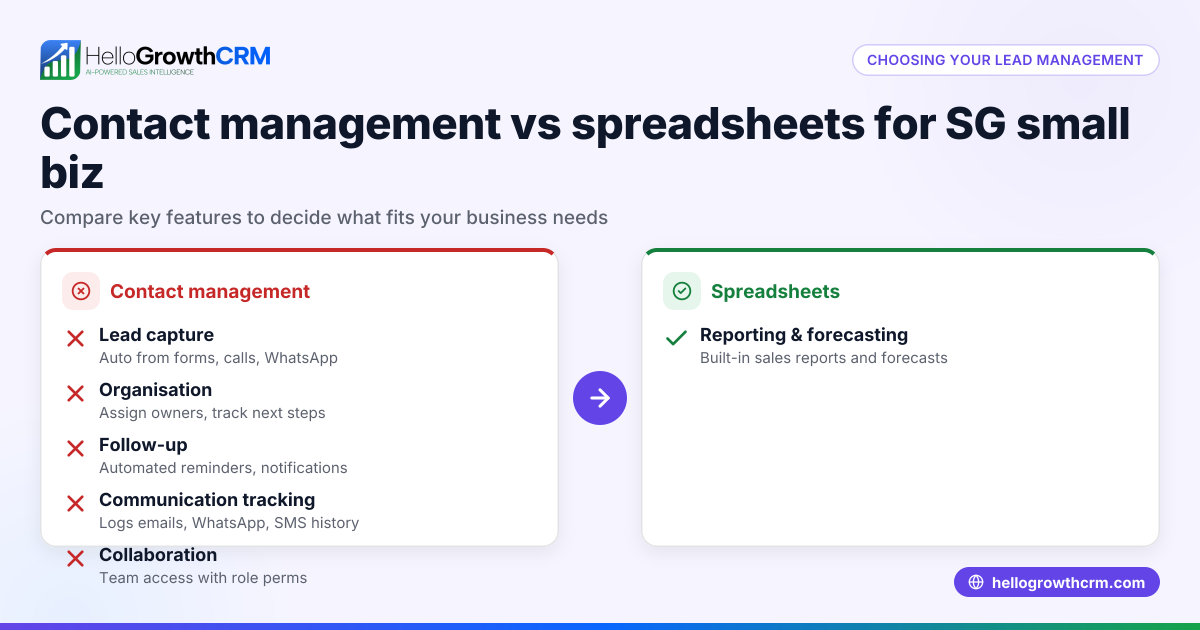
Are there alternatives to quotation management CRMs in Singapore? Yes, alternatives include standalone quoting software or spreadsheets, but these often lack integration with lead and communication management, increasing risk of lost sales. Integrated CRMs provide better workflow.
Which CRM offers ticket management along with quotation features? Some CRMs bundle ticket or support management with sales features. If you need ticket management, check CRM feature lists carefully and compare options at compare CRMs.
Can I manage WhatsApp conversations within a quotation CRM? Yes, some CRMs, including HelloGrowthCRM, log WhatsApp conversations on lead records and allow follow-ups via WhatsApp or SMS, streamlining communication.
How do I ensure my sales team uses the CRM daily? Choose a CRM with an intuitive interface that combines quotes, leads, and follow-ups in one place. Training and clear processes also help adoption.
Key takeaways
- Choose a CRM that integrates quotation creation, sending, and tracking with lead and task management.
- Automate lead capture from forms and WhatsApp to avoid lost opportunities.
- Track quote status (sent, viewed, accepted) on the same screen as follow-up tasks.
- Use messaging features like WhatsApp and SMS within the CRM for seamless communication.
- Evaluate pricing and local support to fit Singapore small business needs.
- Test usability to ensure your team will use the CRM consistently.
To explore pricing and plans suitable for your business, see See Singapore pricing.
Ready to put this into practice?
Set up your pipeline, WhatsApp follow-ups, and AI lead scoring in minutes — free, no credit card.
Try HelloGrowthCRM freeGet CRM tips in your inbox
Join thousands of sales professionals who get weekly insights on CRM strategy, AI automation, and pipeline optimization.

The HelloGrowthCRM team publishes guides on CRM strategy, AI sales tools, and revenue operations for small business sales teams.