HelloGrowthCRM software
Built for real small-business sales teams
HelloGrowthCRM helps reps qualify faster, follow up on time, and close more deals—with practical automation in one place.
- AI lead scoring and pipeline visibility
- Built-in dialer, WhatsApp, and email automation
- Sales forecasting and RevOps-ready reporting
To revise a quotation means updating a previously issued sales quote to reflect changes in price, scope, or terms before the customer accepts it. This process ensures your offer stays accurate and competitive. This article explains why you might need to revise a quotation, the step-by-step process, a worked example with AED figures, common mistakes to avoid, and how to manage quotations efficiently using HelloGrowthCRM.
Why this comes up / what goes wrong
Small business owners in the UAE often issue quotations to potential customers outlining prices and terms for goods or services. However, after sending a quotation, circumstances may change: costs might increase, the customer requests additional items, or errors in the original quote are discovered. Without revising the quotation, you risk losing the sale or facing disputes later. Revising a quotation keeps communication clear and ensures both parties agree on the updated offer before proceeding.
For example, an interior fit-out contractor may find supplier prices have risen or the client wants extra work included. If the original quotation is not updated, the business might lose money or damage its reputation by delivering something different from what was agreed.
Step-by-step
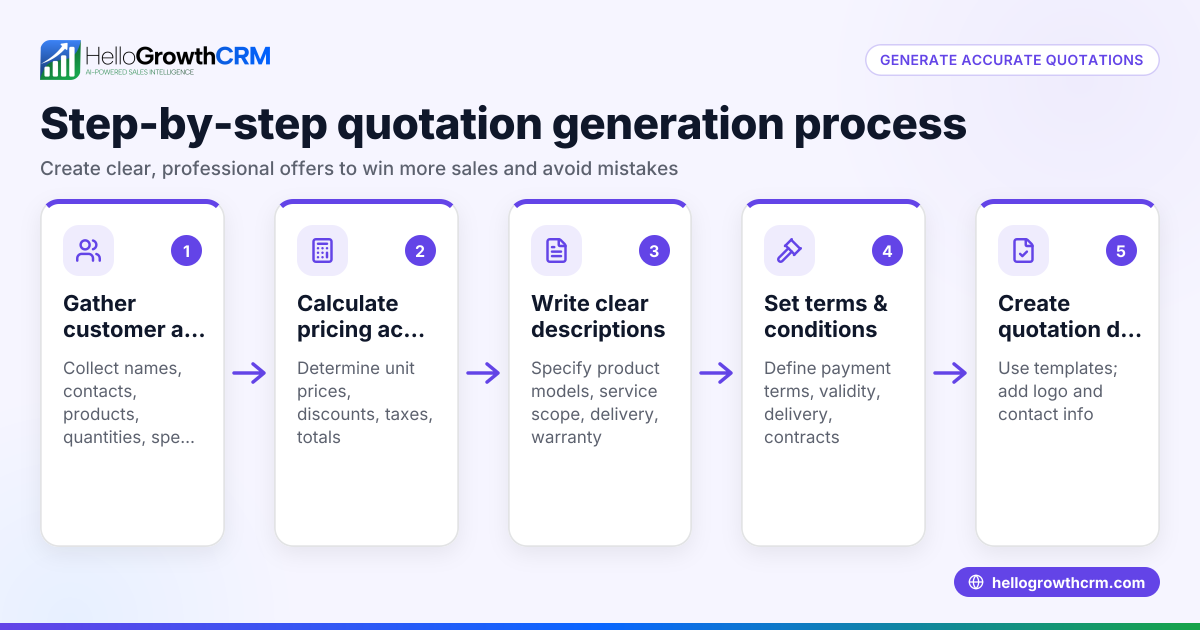
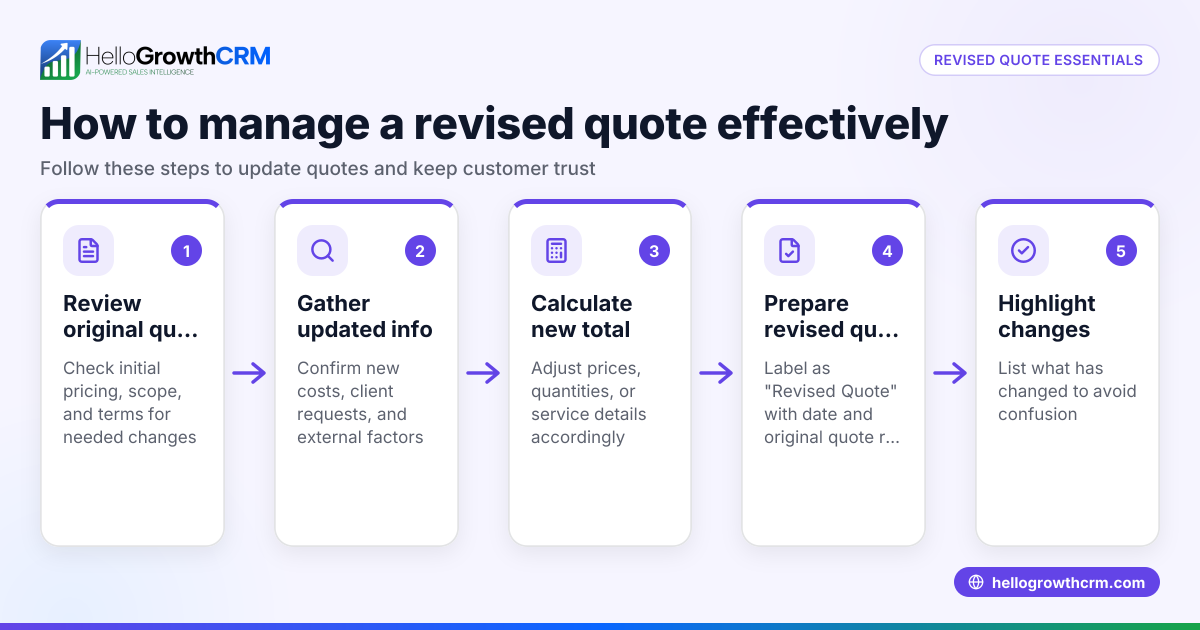
- Review the original quotation: Check the details including prices, quantities, delivery timelines, and terms to understand what needs updating.
- Identify the reason for revision: Determine if the change is due to price updates, scope changes, or correcting errors.
- Calculate the new amounts: Adjust prices or quantities accordingly and recalculate totals clearly.
- Update the quotation document: Make all changes visible, including updating the version number or date to mark it as revised.
- Add notes explaining the revision: Include a brief explanation for why the quotation is revised to avoid confusion.
- Send the revised quotation to the customer: Use a professional channel such as email or WhatsApp and confirm the customer receives it.
- Track the quotation status: Follow up to ensure the customer reviews and accepts the updated terms.
Always double-check calculations and ensure the customer understands the changes before final acceptance. Using tools that integrate communication and quotation management can help with this process.
Example (fictional figures)
An interior fit-out contractor in Sharjah issued a quotation on 15/04/2026 to supply and install office partitions for AED 48,000. After receiving new supplier pricing, the contractor needs to revise the quotation.
Original quotation total: AED 48,000
New supplier cost increase (assumed illustrative rate 9%): AED 48,000 × 9% = AED 4,320
New total: AED 48,000 + AED 4,320 = AED 52,320
The contractor updates the quotation document dated 20/04/2026 with the new total AED 52,320, adds a note explaining the supplier cost increase, and sends it to the client for approval.
Common mistakes
- Not clearly marking the revision: Always update the quotation date or version number to avoid confusion about which offer is current.
- Failing to explain changes: Include a brief note on why the revision was necessary to maintain transparency.
- Sending revisions without confirmation: Confirm the customer has received and understood the new quotation to avoid disputes.
- Ignoring original terms: Ensure the revised quotation complies with your business terms and conditions to prevent misunderstandings.
- Delaying revision: Act quickly to revise and resend quotations to maintain customer trust and avoid lost sales.
- Using inconsistent formats: Keep the quotation format consistent for professionalism and clarity; this also helps when tracking revisions.
Doing this in HelloGrowthCRM
HelloGrowthCRM lets you create, send, and track quotations directly from the deal record. When you revise a quotation, you can update the same document, and its status (sent, viewed, accepted) appears alongside your follow-up tasks. This keeps all your sales activities in one place and helps you follow up promptly. Learn more about managing quotes and invoices with HelloGrowthCRM’s built-in quoting and proposal tools on the built-in CRM dialer page.
Frequently asked questions
Can I revise a quotation after the customer accepts it? Once a quotation is accepted, it usually becomes a binding offer. Revising it after acceptance requires customer agreement and may need a new quotation or contract. Always clarify this with your customer.
How do I communicate a quotation revision to my customer? Send the revised quotation by email or WhatsApp, clearly marking it as a revision. A follow-up call or message can help ensure they have received and understood the update. Using a CRM that supports WhatsApp and SMS communication can streamline this process. See more about WhatsApp and SMS CRM.
What if the customer rejects the revised quotation? Be prepared to negotiate or explain the reasons for the changes. If the customer insists on the original price, you may need to decide whether to proceed at the original terms or withdraw the offer.
Is it necessary to keep all versions of quotations? Yes, keeping records of all quotation versions helps resolve disputes and track changes over time. A CRM system can store all quotations linked to deals for easy access.
Can I automate follow-ups on revised quotations? Yes, task management and automated reminders linked to quotation status help sales teams follow up efficiently. Having quotation status visible alongside follow-up tasks improves organisation.
What if I use WhatsApp or calls for sales? Integrating communication channels including WhatsApp and calls with your CRM means you can manage quotations and follow-ups without switching apps, improving response speed and lead conversion.
Key takeaways
- Revising a quotation means updating the original offer before customer acceptance.
- Always clearly mark and explain quotation revisions.
- Send revisions promptly and confirm customer receipt.
- Use consistent formats and keep records of all versions.
- Manage quotations and follow-ups from a single interface with a CRM.
- Integrate WhatsApp and SMS communication to improve sales efficiency.
Start managing your quotations and revisions more effectively with HelloGrowthCRM. Start on the Free Forever plan (200 leads, no credit card).
Ready to put this into practice?
Set up your pipeline, WhatsApp follow-ups, and AI lead scoring in minutes — free, no credit card.
Try HelloGrowthCRM freeGet CRM tips in your inbox
Join thousands of sales professionals who get weekly insights on CRM strategy, AI automation, and pipeline optimization.

The HelloGrowthCRM team publishes guides on CRM strategy, AI sales tools, and revenue operations for small business sales teams.