HelloGrowthCRM software
Built for real small-business sales teams
HelloGrowthCRM helps reps qualify faster, follow up on time, and close more deals—with practical automation in one place.
- AI lead scoring and pipeline visibility
- Built-in dialer, WhatsApp, and email automation
- Sales forecasting and RevOps-ready reporting
A business email subject is the short line that appears in the recipient's inbox before they open the message. It clearly communicates the email’s topic and encourages the recipient to open it promptly. Writing a good subject line is crucial for small-business owners who use email to connect with prospects, customers, and partners. This article covers why subject lines matter, how to write them step-by-step, a realistic example with numbers, common pitfalls to avoid, and how email tools can help manage follow-ups.
Why this comes up / what goes wrong
Small-business owners often send emails for sales, quotes, appointments, and customer service. Without a clear and relevant subject line, emails may be ignored, delayed, or lost in crowded inboxes. For example, a residential real-estate team in Phoenix might email a property quote but use a vague subject like "Hello" or "Important info." Recipients may overlook these emails, causing slow responses and lost leads. Owners also struggle with inconsistent subject lines across their team, making tracking and follow-up harder.
Step-by-step
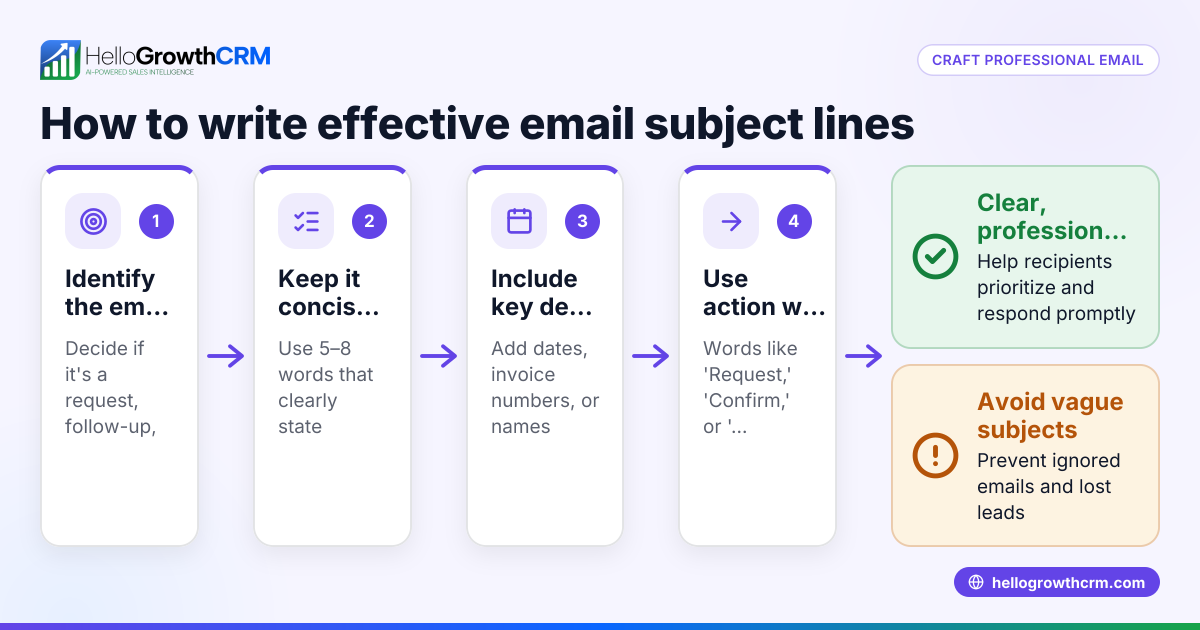
- Identify the email’s main purpose. Decide if the email is a quote, meeting request, follow-up, or update. Make this clear in the subject.
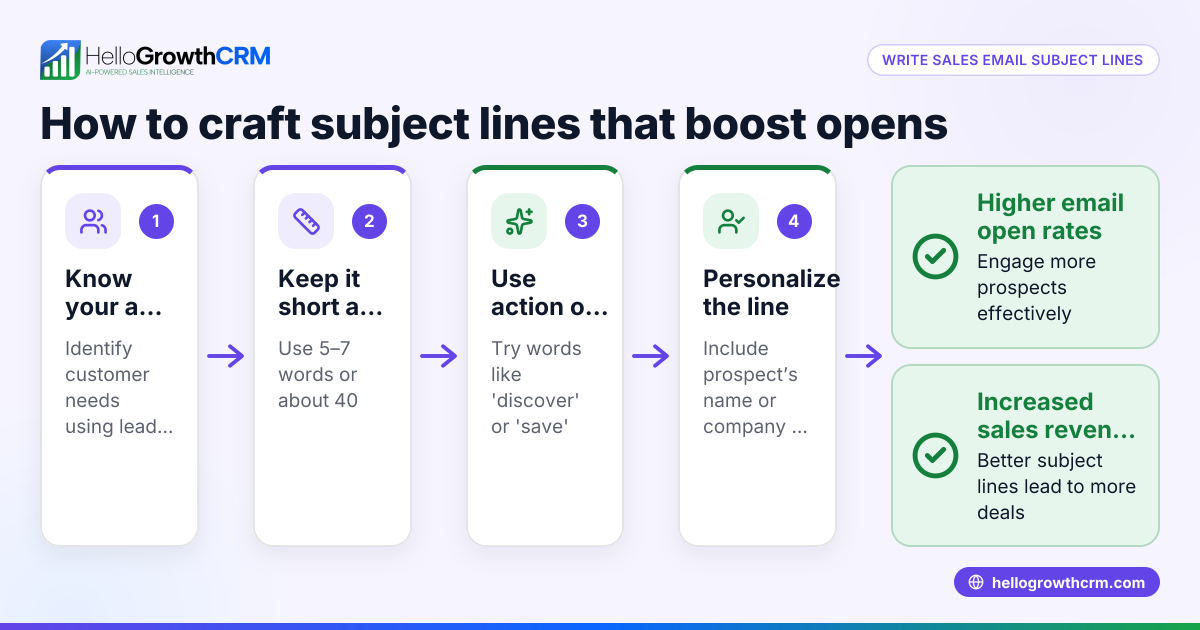
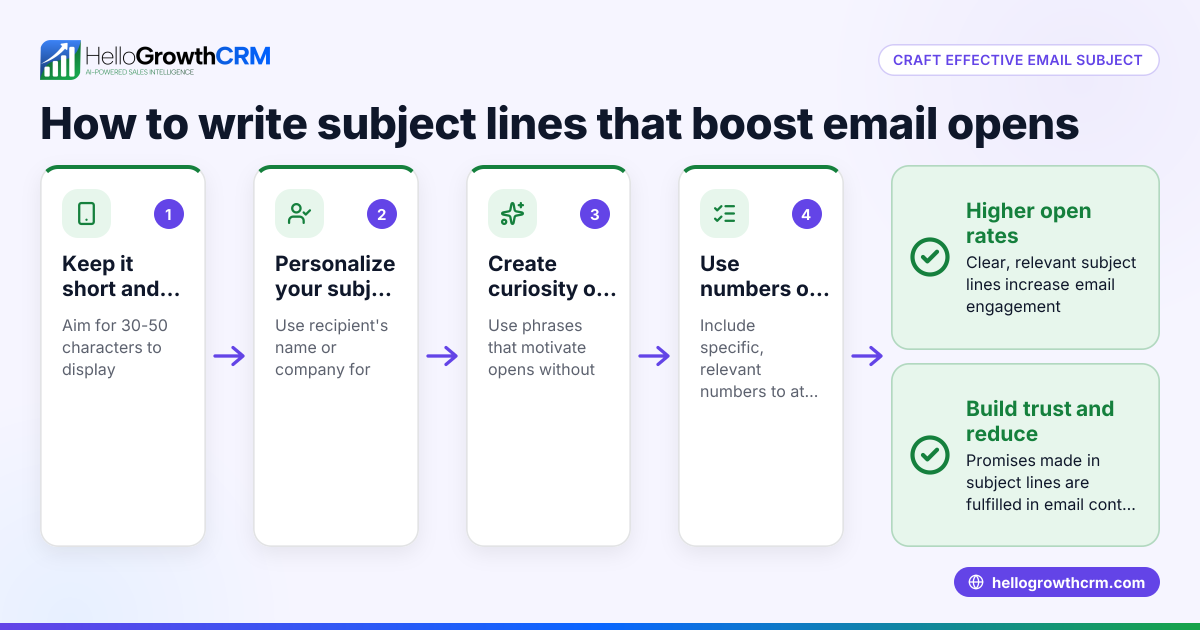
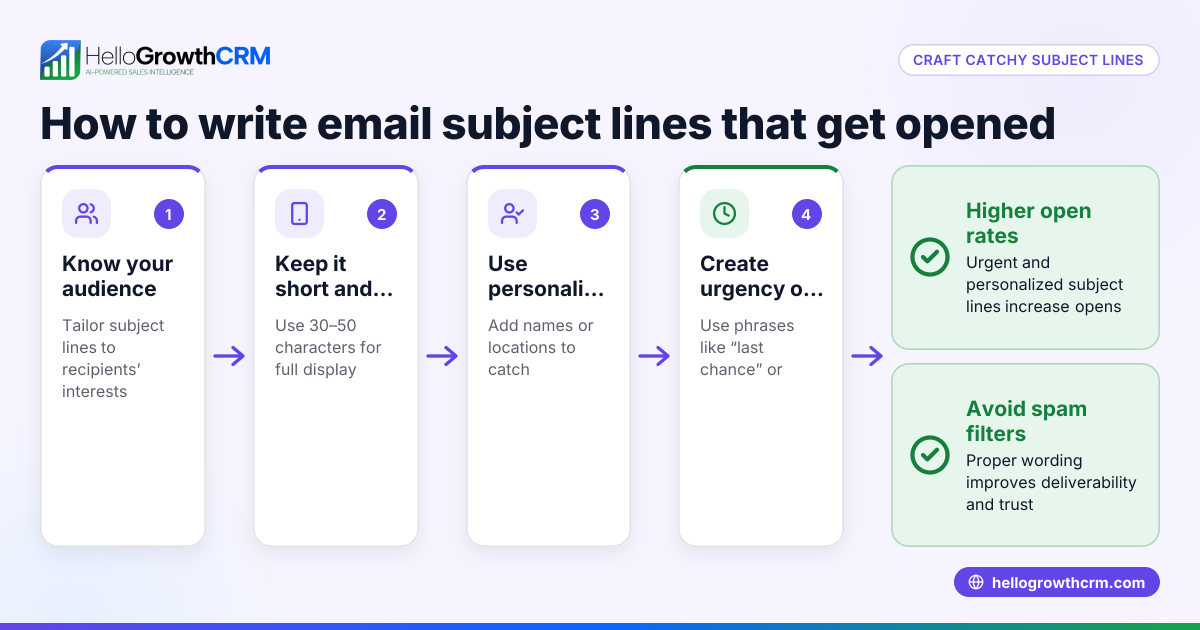
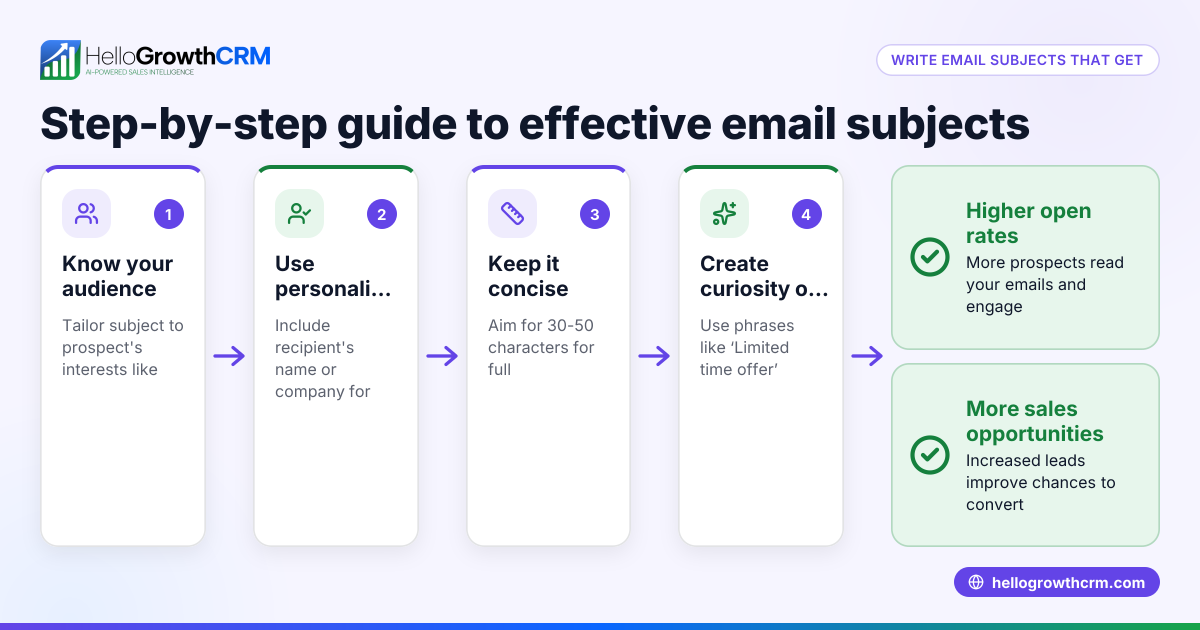
- Keep it concise and specific. Aim for a brief length to ensure it’s visible on most devices.
- Include key details. Mention the client’s name, project, or date if relevant.
- Use action words. Words like "Review," "Confirm," "Invitation," or "Update" help set expectations.
- Avoid spammy words and excessive punctuation. No all caps, multiple exclamation points, or words like "Free" that trigger filters.
- Personalize when possible. Adding the recipient’s name or company can increase open rates.
- Test subject lines if you send many emails. Use A/B testing in email sequences to find what works best.
- Check spelling and grammar. Errors reduce professionalism and trust.
- Ensure the subject matches the email content. Don’t mislead recipients.
- Maintain team consistency. Use templates or guidelines so everyone uses clear, uniform subjects.
Using tools like HelloGrowthCRM’s email automation and sequences helps manage follow-ups with consistent subject lines automatically.
Example (fictional figures)
A Phoenix residential real-estate team sends a property quote email on 08/15/2025.
Subject line: "Property Quote: 123 Maple St, Phoenix - Review by 08/20"
This subject clearly states:
- The email is a quote
- The property address
- A call to action with a review deadline
This clarity helps the client prioritize the email.
The quote details:
- Property price: $350,000
- Estimated closing costs: $15,000
- Total cost = Property price + Closing costs
Calculations: $350,000 + $15,000 = $365,000
This total is the amount the client should consider. Including these figures in the email body supports the subject’s clarity and urgency.
Common mistakes
- Vague subjects: Avoid "Hello" or "Update" without context. Prevent by always including the email’s purpose.
- Too long: Subjects cut off on mobile devices. Keep under 40 characters.
- Misleading subjects: Don’t promise attachments or info not in the email.
- No personalization: Generic subjects get ignored. Add names or specifics.
- Inconsistent team use: Leads to confusion and lost emails. Use team guidelines or tools like HelloGrowthCRM’s shared inbox.
- Ignoring follow-up: Without sequences, emails get forgotten. Use automated follow-ups to stay on prospects’ radar.
Doing this in HelloGrowthCRM
HelloGrowthCRM offers a HelloMail shared inbox that lets your team see all replies to quotation emails on the same deal, preventing missed responses. Its sequences and campaigns feature automates a five-step follow-up over two weeks, stopping as soon as the prospect replies. This keeps your subject lines consistent and your follow-up timely without manual effort.
Frequently asked questions
What makes a good business email subject line? A good subject line is clear, concise, and relevant to the email’s content. It should indicate the purpose, include key details, and invite action without being too long or spammy.
How long should a business email subject be? Aim for 6-10 words or about 40 characters, so the entire subject is visible on most devices, especially mobile phones.
Can I reuse subject lines for similar emails? Yes, but personalize them with names or dates to avoid seeming generic. Consistency helps your team stay organized.
How can I improve email open rates with subject lines? Use personalization, clear calls to action, and avoid spam triggers. Testing different subject lines in sequences can reveal what resonates best.
What are common subject line mistakes to avoid? Avoid vagueness, excessive length, misleading info, and lack of personalization. Also, ensure your team follows consistent guidelines.
How do email tools help manage subject lines and follow-ups? Tools like HelloGrowthCRM’s shared inbox show all replies on deals to your team, and its sequences automate follow-ups with consistent subject lines until prospects respond. For more on managing multi-channel outreach, see our WhatsApp and SMS CRM.
Key takeaways
- A business email subject summarizes the email’s purpose clearly and concisely.
- Use specific details and action words to encourage opens.
- Keep subject lines short (under 40 characters) and avoid spam triggers.
- Personalize subjects and maintain team consistency.
- Use automated sequences and shared inbox features for better follow-up.
Start writing clear, effective subject lines today to improve your email response rates. To manage your emails and follow-ups efficiently, start on the Free Forever plan (200 leads, no credit card).
Ready to put this into practice?
Set up your pipeline, WhatsApp follow-ups, and AI lead scoring in minutes — free, no credit card.
Try HelloGrowthCRM freeGet CRM tips in your inbox
Join thousands of sales professionals who get weekly insights on CRM strategy, AI automation, and pipeline optimization.

The HelloGrowthCRM team publishes guides on CRM strategy, AI sales tools, and revenue operations for small business sales teams.