HelloGrowthCRM software
Built for real small-business sales teams
HelloGrowthCRM helps reps qualify faster, follow up on time, and close more deals—with practical automation in one place.
- AI lead scoring and pipeline visibility
- Built-in dialer, WhatsApp, and email automation
- Sales forecasting and RevOps-ready reporting
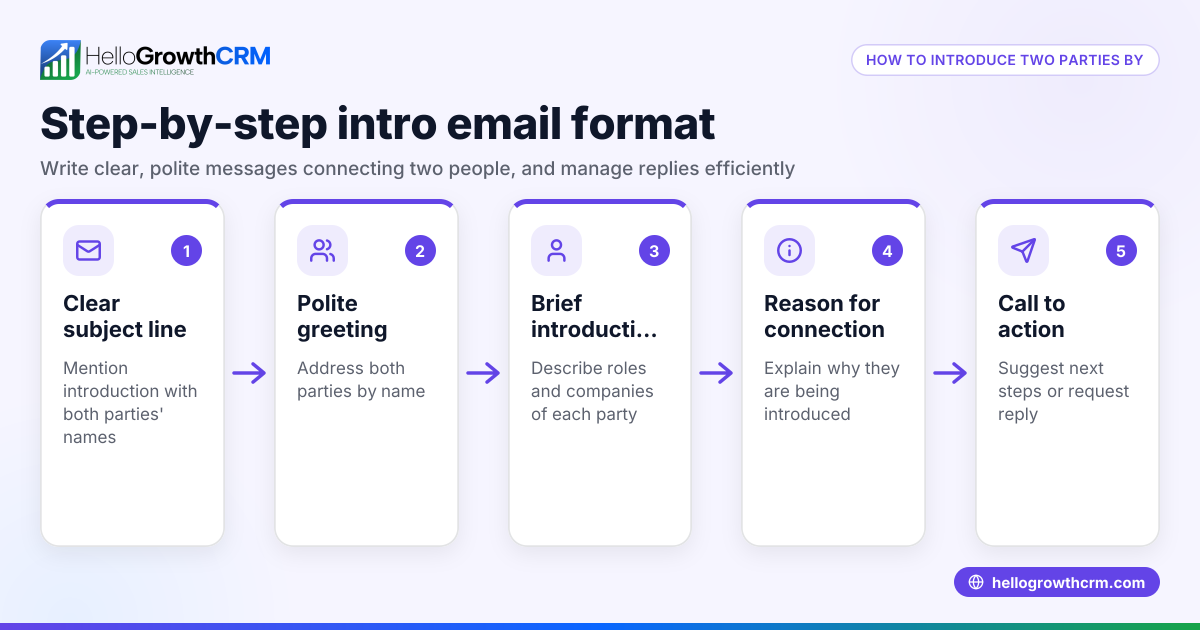
A business introduction email is a straightforward message you send to a potential client, partner, or lead to introduce your business and what you offer. Its purpose is to open a line of communication that can lead to further discussions or sales. Writing a clear, professional, and engaging introduction email helps you stand out and increases your chances of a reply.
Why this comes up / what goes wrong
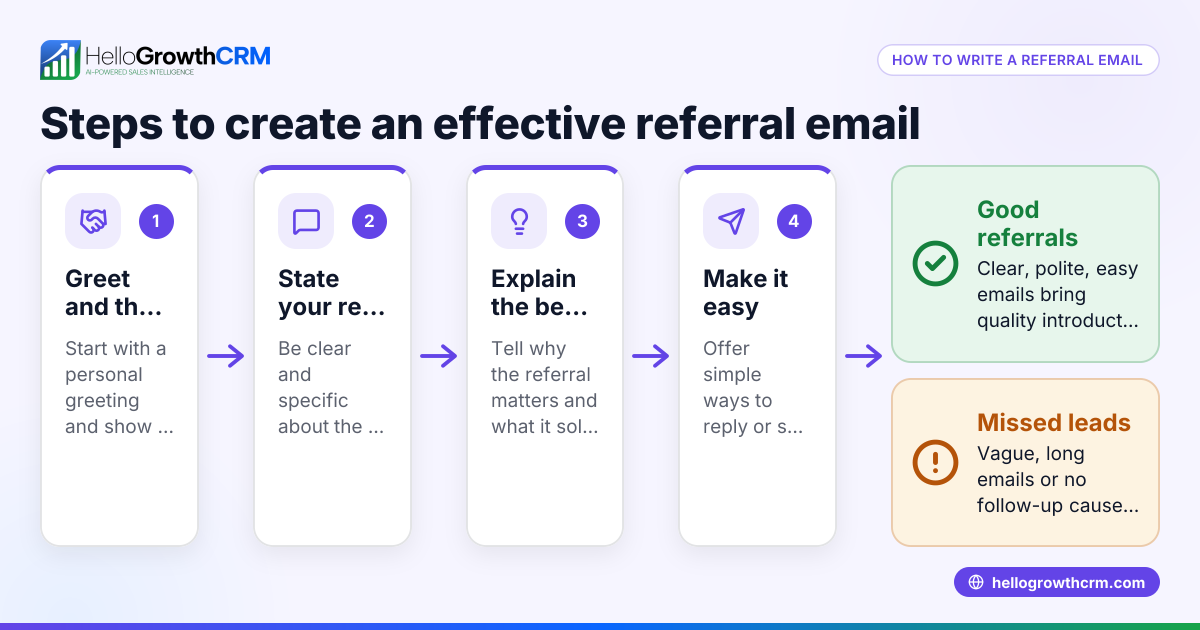
Small business owners often need to reach out to new prospects but struggle with how to start the conversation professionally and effectively. They may lose leads because their introduction emails are too vague, too long, or lack a clear call to action. Others might send generic emails that don’t connect with the recipient’s needs, resulting in low response rates. Without a proper system, follow-up emails are often missed or delayed, causing lost opportunities.
Step-by-step
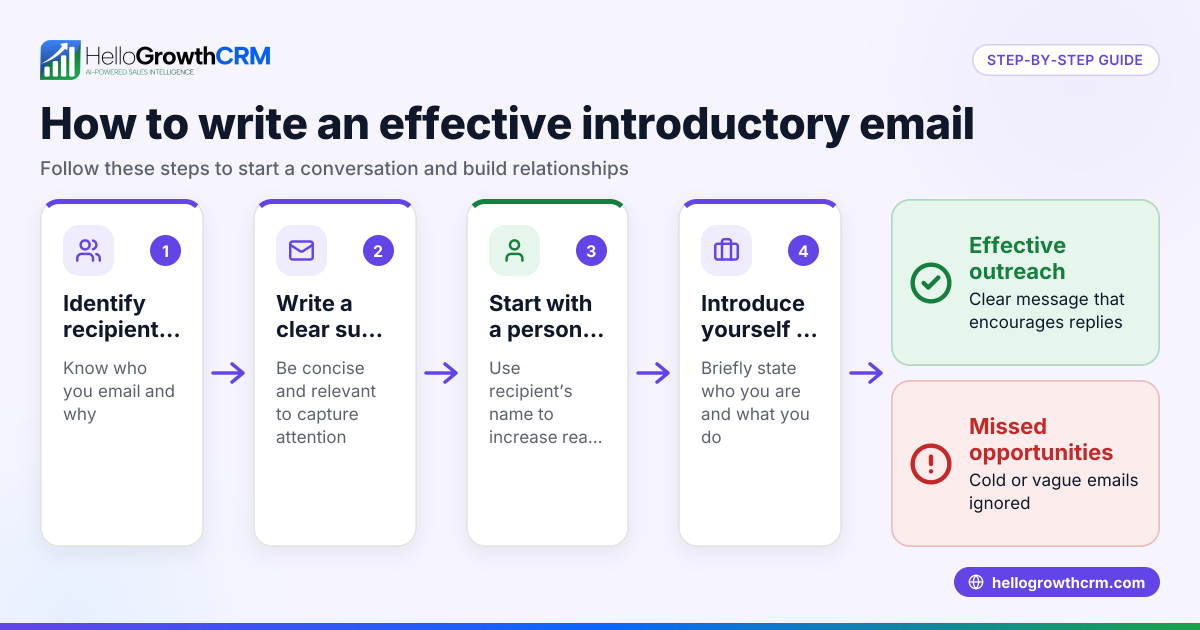
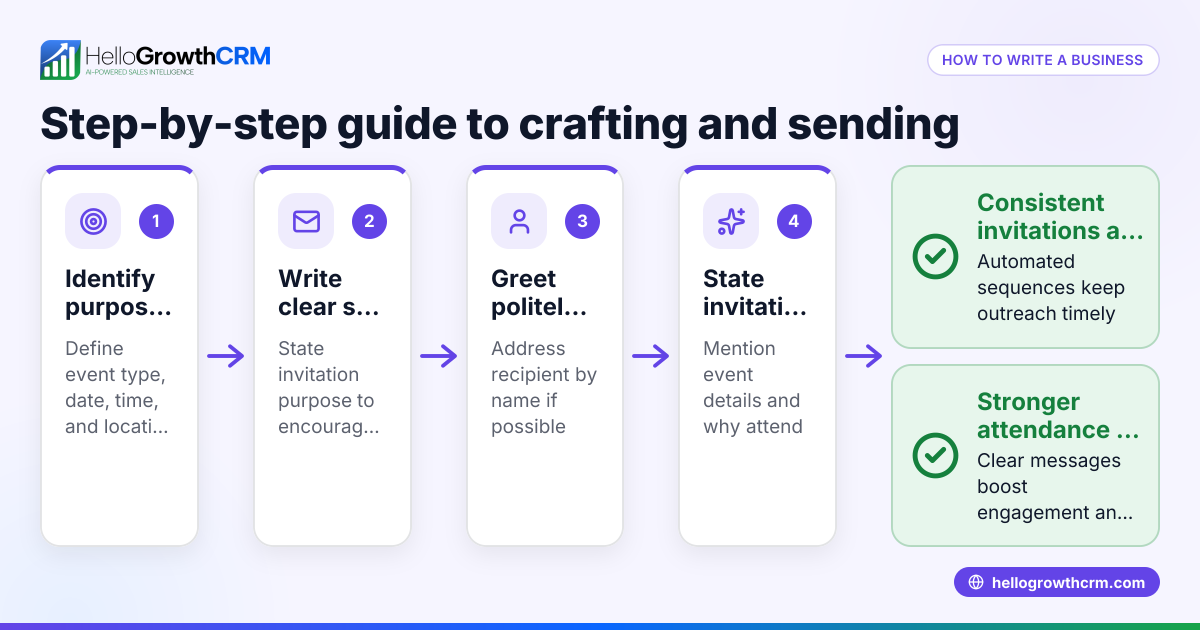
- Research your recipient: Know who you are emailing. Understand their business and pain points. Check their role and company background.
- Write a clear subject line: Make it specific and relevant, e.g., "Helping [Recipient's Company] improve sales follow-up."
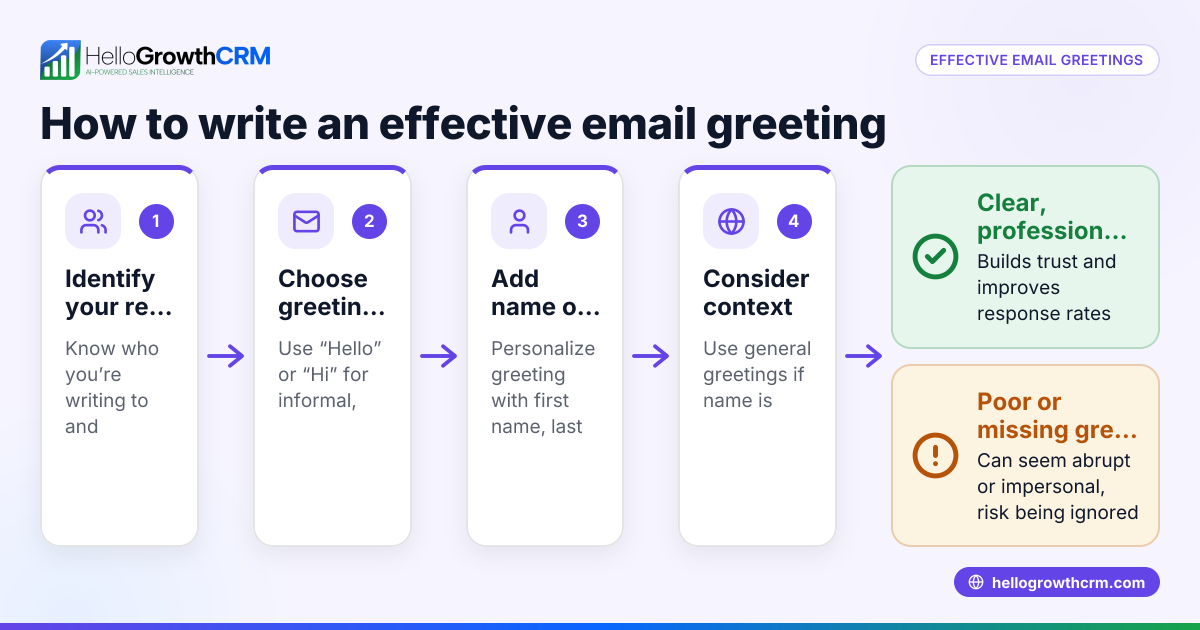
- Open with a personal greeting: Use the recipient’s name and a brief mention of why you’re reaching out.
- Introduce your business briefly: State your company name and what you do in one or two sentences.
- Explain the benefit or value: Focus on how your product or service can help solve a problem or improve their business.
- Include a call to action: Suggest a next step, such as scheduling a call or a demo.
- Keep it concise and professional: Avoid jargon and unnecessary details.
- Close politely: Thank them for their time and include your contact information.
- Proofread: Check for grammar, spelling, and tone.
- Plan follow-ups: Use a system to send timely follow-up emails if you don’t get a response. See how sequences and campaigns can help email automation and sequences.
Example (fictional figures)
Imagine you run a B2B software reseller in Denver, Colorado. You want to introduce your new CRM solution to a potential client, a mid-sized marketing agency.
Subject: Helping BrightWave Marketing improve client follow-up
Email body:
"Hi Sarah,
I’m John from Denver Software Solutions. We help marketing agencies like BrightWave streamline their client follow-up process to close more deals faster.
Our CRM integrates WhatsApp and email, automating outreach and tracking responses, saving your team hours each week.
Could we schedule a 15-minute call next week to discuss how this might help BrightWave?
Thanks for your time, John john@denversoftware.com 555-123-4567"
This email is short, personalized, and clearly states the value and next step.
Common mistakes
- Sending generic emails: Avoid one-size-fits-all messages. Personalize based on research.
- Being too salesy upfront: Focus on the recipient’s needs, not just your product.
- Writing long emails: Keep it short and to the point.
- Missing a clear call to action: Always suggest a next step.
- Neglecting follow-up: Plan multiple touchpoints with sequences that stop when the prospect replies. Learn more about email automation and sequences.
- Ignoring team visibility: Use a shared inbox so all team members see replies and can act promptly. See HelloGrowthCRM for the United States for how this works.
Doing this in HelloGrowthCRM
HelloGrowthCRM offers a shared inbox called HelloMail where replies to your introduction or quotation emails are visible to your whole sales team on the deal. This prevents missed responses and improves collaboration. You can also set up sequences and campaigns that automate a five-step follow-up over two weeks, stopping automatically when the prospect replies. This ensures timely, consistent outreach without manual effort. Learn more about these features and how they help with business introduction emails in email automation and sequences and WhatsApp and SMS CRM.
Frequently asked questions
What is the ideal length for a business introduction email? Aim for a concise length that is short enough to read quickly but long enough to introduce your business and state the value clearly.
How soon should I follow up after sending an introduction email? A good rule is to wait 3-5 business days before the first follow-up. Subsequent follow-ups can be spaced a few days apart. Automated sequences help manage this timing.
Should I include pricing information in the introduction email? Not usually. The introduction email should focus on value and next steps. Pricing can be discussed once interest is confirmed.
How can I make my introduction email stand out? Personalize it with the recipient’s name and company details. Mention a specific benefit or problem you can solve for them.
Is it better to send introduction emails via email or WhatsApp? Email is standard for formal introductions, but WhatsApp can be effective for quick, informal outreach especially in certain industries. HelloGrowthCRM supports both channels.
Key takeaways
- A business introduction email starts a professional relationship by clearly stating who you are and how you can help.
- Personalize each email with research on the recipient.
- Keep the email concise, focused on value, and include a clear call to action.
- Avoid common mistakes like generic messages and missing follow-up.
- Use tools like HelloGrowthCRM’s shared inbox and automated sequences to manage replies and follow-ups efficiently.
Start your outreach with confidence and keep leads engaged using the right process and tools.
Get started with HelloGrowthCRM on the Free Forever plan (200 leads, no credit card).
Ready to put this into practice?
Set up your pipeline, WhatsApp follow-ups, and AI lead scoring in minutes — free, no credit card.
Try HelloGrowthCRM freeGet CRM tips in your inbox
Join thousands of sales professionals who get weekly insights on CRM strategy, AI automation, and pipeline optimization.

The HelloGrowthCRM team publishes guides on CRM strategy, AI sales tools, and revenue operations for small business sales teams.