HelloGrowthCRM software
Built for real small-business sales teams
HelloGrowthCRM helps reps qualify faster, follow up on time, and close more deals—with practical automation in one place.
- AI lead scoring and pipeline visibility
- Built-in dialer, WhatsApp, and email automation
- Sales forecasting and RevOps-ready reporting
Call campaign software is designed to help businesses organise, automate, and track outbound calling efforts to prospects and customers. It typically includes features like dialing from a list, logging call outcomes, and automating follow-ups. This makes it easier for sales teams to manage leads and improve conversion rates without relying on manual spreadsheets or WhatsApp.
Why this comes up / what goes wrong
Small business owners in India often rely on manual calling processes using mobile phones, WhatsApp, and Excel sheets. This leads to slow follow-up, lost leads, and no clear visibility of sales activity. When telecalling teams grow beyond a few people, managing call lists and tracking conversations becomes chaotic. Without software, it’s hard to prioritise leads, measure sales performance, or automate follow-ups, causing inefficiency and missed revenue.
Step-by-step
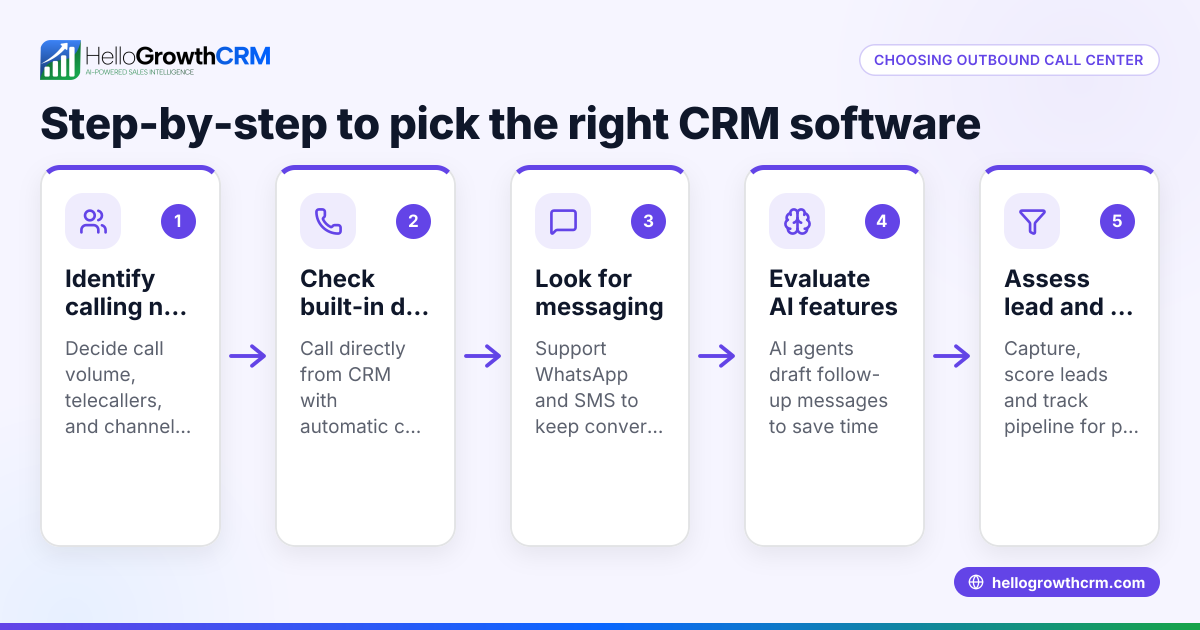
- Identify your business needs: Decide the size of your calling team, the volume of calls, and whether you need automated follow-ups or just a dialer.
- Check dialing features: Look for software with a built-in dialer that lets your team call directly from the system and logs call outcomes automatically.
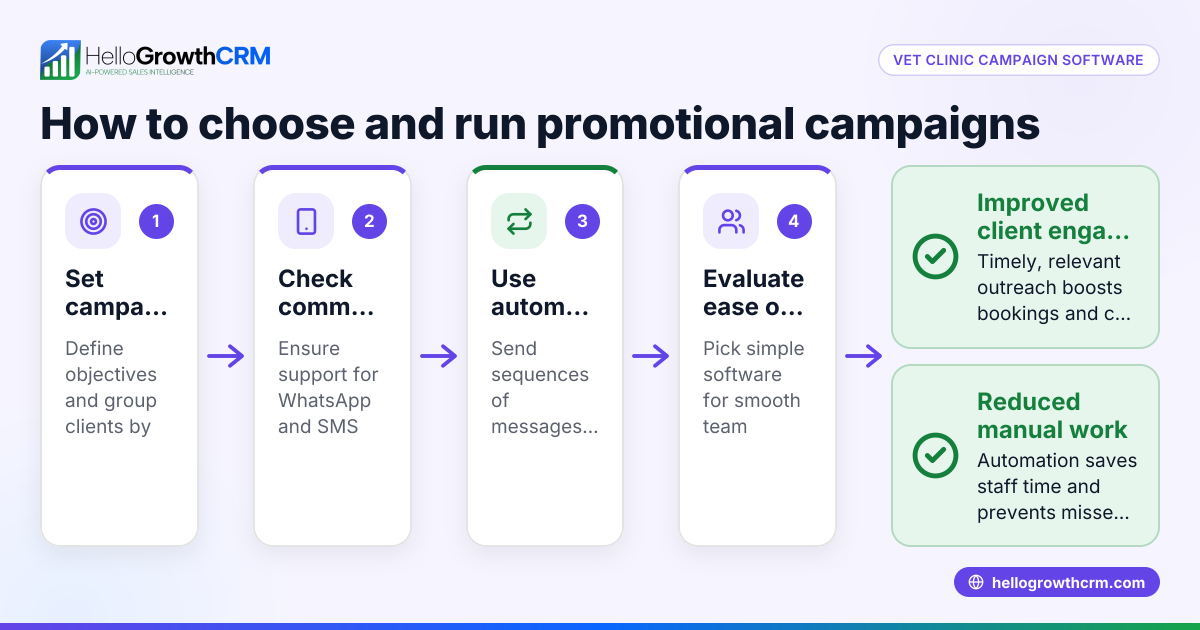
- Evaluate automation capabilities: See if the software supports sequences or campaigns that send follow-up messages via SMS, email, or WhatsApp until the prospect responds.
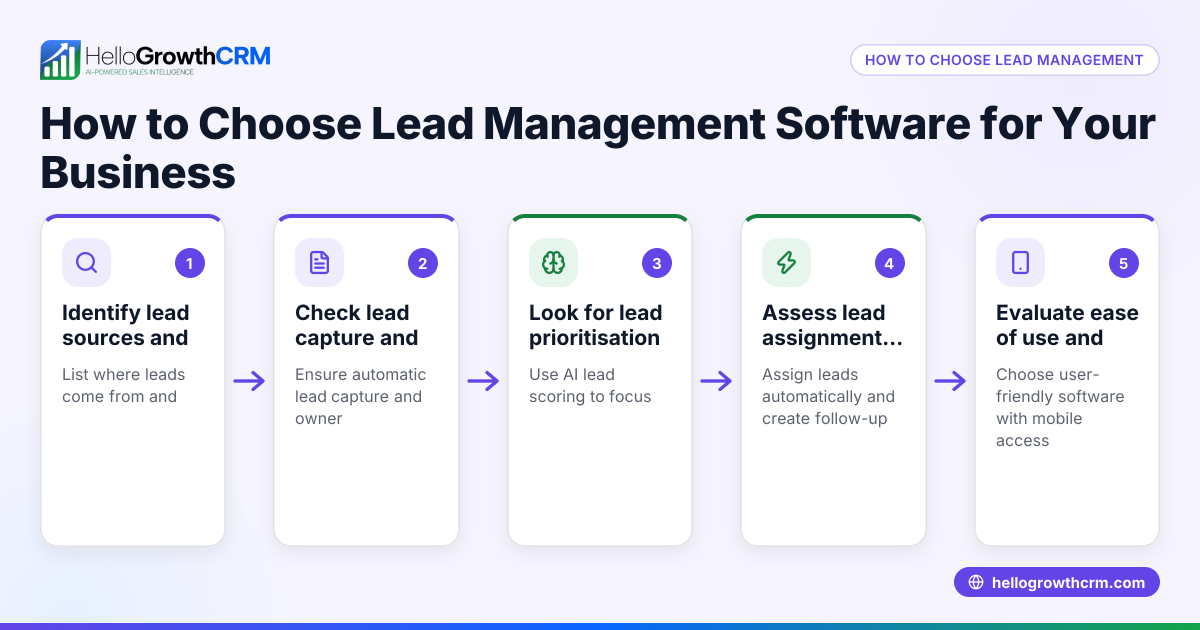
- Assess integration with lead sources: Confirm if the software can import leads from your sources like IndiaMART, JustDial, or web forms.
- Review reporting and tracking: Ensure you can track call history, call outcomes, and campaign performance to measure results.
- Consider ease of use and adoption: The software should be easy for your telecalling team to use daily without needing complex training.
- Check cost and plans: Compare pricing and features, especially if you want to start with a free or low-cost plan.
Example (fictional figures)
An Indian SME called "Sharma Textiles" wants to run a call campaign to follow up 1,000 leads collected from IndiaMART by 01/07/2024. They estimate each telecaller can make 80 calls per day and want to complete the campaign in 10 working days.
- Total calls needed = 1,000
- Calls per telecaller per day = 80
- Working days = 10
Calls completed by one telecaller in 10 days = 80 × 10 = 800
Number of telecallers needed = Total calls / Calls per telecaller = 1,000 / 800 = 1.25 → 2 telecallers
If each telecaller costs ₹20,000 per month, for 10 days the cost per telecaller is:
₹20,000 × (10/30) = ₹6,667
Total telecalling cost = 2 × ₹6,667 = ₹13,334
Using call campaign software with a built-in dialer and automated follow-ups can help Sharma Textiles reduce manual errors, track call outcomes, and increase response rates efficiently.
Common mistakes
- Using manual spreadsheets to track calls: Leads to lost or duplicated entries. Use software that logs calls automatically.
- Not automating follow-ups: Manual follow-ups are slow and inconsistent. Choose software with sequences and campaigns for multi-step outreach.
- Ignoring call outcome logging: Without logging, you can’t measure success or prioritise leads. Ensure your dialer logs every call outcome.
- Choosing software without local support or Indian lead source integration: This causes delays and data import issues. Verify integration with IndiaMART, JustDial, and web forms.
- Overcomplicating software choice: Avoid tools with unnecessary features that your team won’t use. Focus on ease of use and adoption.
- Neglecting cost vs. benefit: Don’t pick software just because it’s cheap. Compare features and how they improve your sales process.
Doing this in HelloGrowthCRM
HelloGrowthCRM offers a built-in dialer that lets your telecalling team work a list from inside the CRM, logging the outcome of each call directly on the lead. It also supports sequences and campaigns where a five-step follow-up over two weeks runs automatically and stops as soon as the prospect replies. This helps teams maintain consistent outreach without manual tracking. Learn more about the built-in CRM dialer and WhatsApp and SMS CRM features tailored for Indian SMBs. For details on how HelloGrowthCRM fits Indian businesses, see HelloGrowthCRM for India.
Frequently asked questions
What is call campaign software used for? Call campaign software is used to manage outbound calling efforts by automating dialing, tracking call results, and following up with prospects efficiently. It helps sales teams convert leads faster and reduces manual work.
Can call campaign software integrate with WhatsApp? Some call campaign software, like HelloGrowthCRM, integrates WhatsApp and SMS sequences to automate multi-channel follow-ups alongside calls, improving engagement.
Is a built-in dialer necessary for small businesses? A built-in dialer simplifies calling by letting reps dial directly from the CRM and logging call outcomes automatically. This reduces manual errors and improves productivity.
How do automated sequences help in call campaigns? Automated sequences send timed follow-up messages across channels like email, SMS, and WhatsApp until a prospect responds, ensuring consistent outreach without manual effort.
What should I check before choosing call campaign software? Check for dialing features, automation capabilities, integration with your lead sources, ease of use, reporting tools, and pricing plans that fit your team size.
Key takeaways
- Call campaign software automates dialing, call logging, and follow-ups to improve sales efficiency.
- Evaluate software based on dialing features, automation, lead integration, and reporting.
- Avoid manual tracking and inconsistent follow-ups to reduce lost leads.
- HelloGrowthCRM offers a built-in dialer and automated multi-step sequences tailored for Indian SMBs.
- Choose software that your telecalling team can easily adopt and use daily.
Start your call campaigns with a tool designed for Indian SMBs. Start on the Free Forever plan (200 leads, no credit card) and see how HelloGrowthCRM can help your team stay organised and responsive.
Ready to put this into practice?
Set up your pipeline, WhatsApp follow-ups, and AI lead scoring in minutes — free, no credit card.
Try HelloGrowthCRM freeGet CRM tips in your inbox
Join thousands of sales professionals who get weekly insights on CRM strategy, AI automation, and pipeline optimization.

The HelloGrowthCRM team publishes guides on CRM strategy, AI sales tools, and revenue operations for small business sales teams.