HelloGrowthCRM software
Built for real small-business sales teams
HelloGrowthCRM helps reps qualify faster, follow up on time, and close more deals—with practical automation in one place.
- AI lead scoring and pipeline visibility
- Built-in dialer, WhatsApp, and email automation
- Sales forecasting and RevOps-ready reporting
A call center script is a structured outline that guides agents on what to say during phone calls with customers or prospects. It helps maintain professionalism, ensures key points are covered, and improves the chances of achieving the call’s goal, whether that’s setting an appointment, closing a sale, or resolving an issue. This article covers why small business owners need call center scripts, how to write one step-by-step, common pitfalls to avoid, a practical example, and how HelloGrowthCRM can assist.
Why this comes up / what goes wrong
Small business owners often rely on phone calls to generate sales or provide customer service. However, without a call center script, calls can become inconsistent, off-topic, or miss important information. This leads to lost leads, frustrated customers, and inefficient use of time. Many small teams also run their sales on text messages, email, and spreadsheets, which makes tracking call outcomes difficult. A clear call center script helps standardize conversations, reduce agent hesitation, and improve follow-up.
Step-by-step
- Define the call goal: Decide what you want to achieve with the call (e.g., schedule a demo, close a sale, gather information). Check that this goal aligns with your sales or service objectives.
- Identify your audience: Know who you are calling and their potential needs or objections. Check your customer data or lead profile to personalize the script.
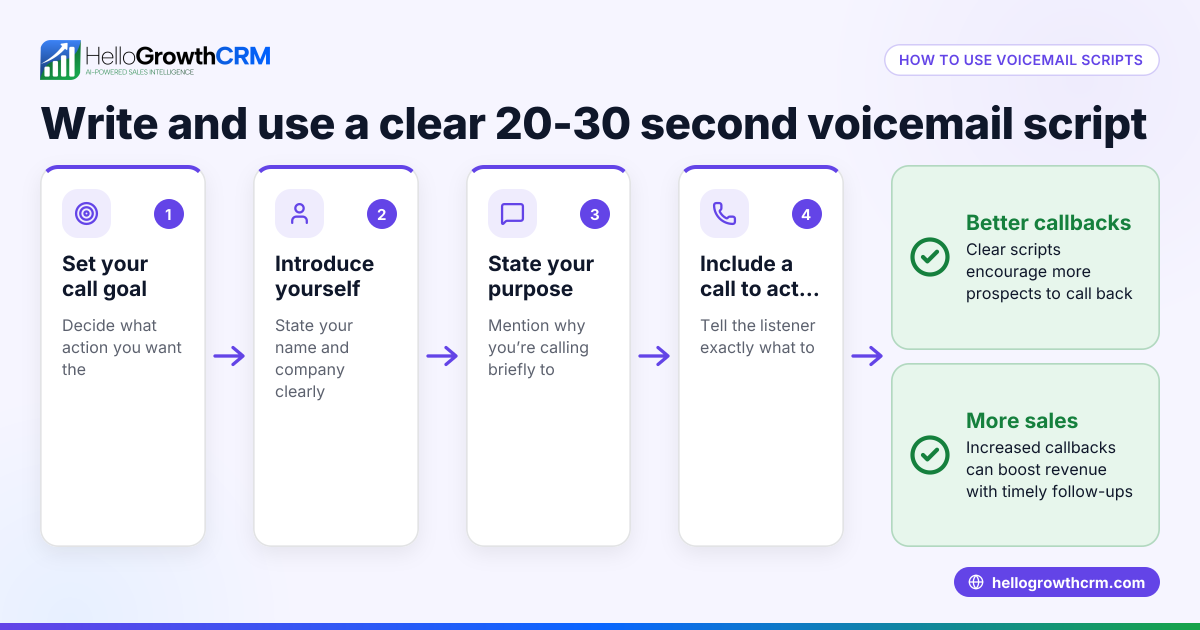
- Write an opening: Create a friendly introduction that states who you are and why you’re calling. Check that it sounds natural and inviting.
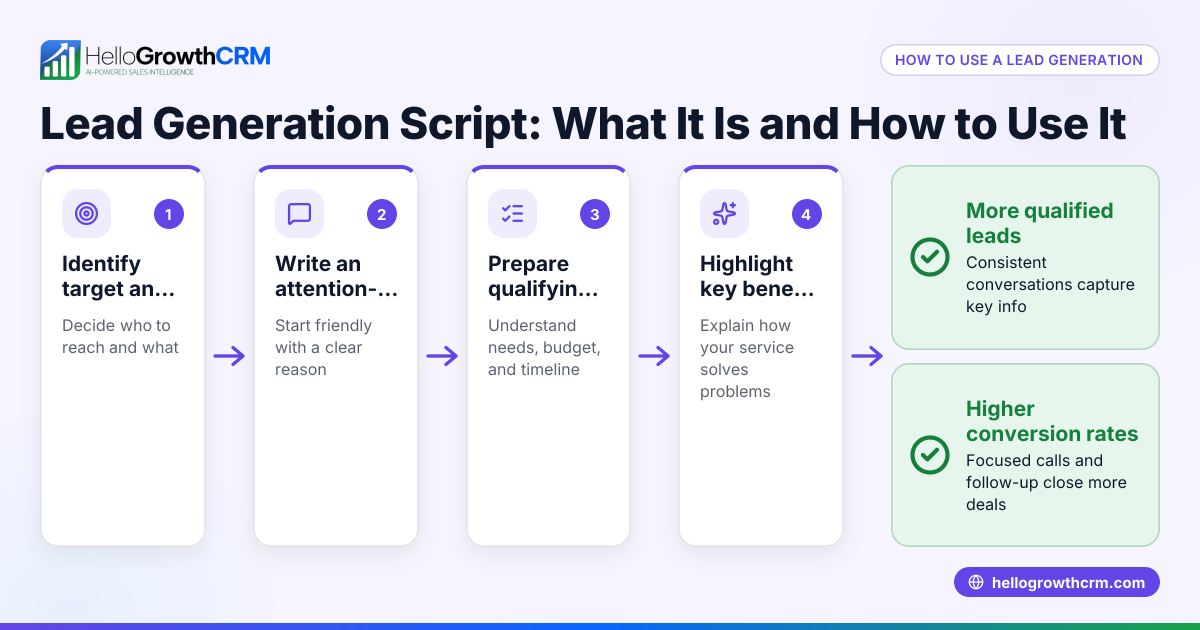
- Prepare key questions and responses: List questions to qualify the lead or understand the customer’s needs. Include answers to common objections. Check that these cover typical scenarios.
- Include a clear call to action: End with a specific next step, such as booking a meeting or sending information. Check that it is easy for the caller to state and for the customer to agree to.
- Add closing remarks: Thank the customer and confirm any follow-up. Check the tone is polite and professional.
- Test and revise: Have your team role-play calls using the script, then revise based on feedback. Check for flow, clarity, and effectiveness.
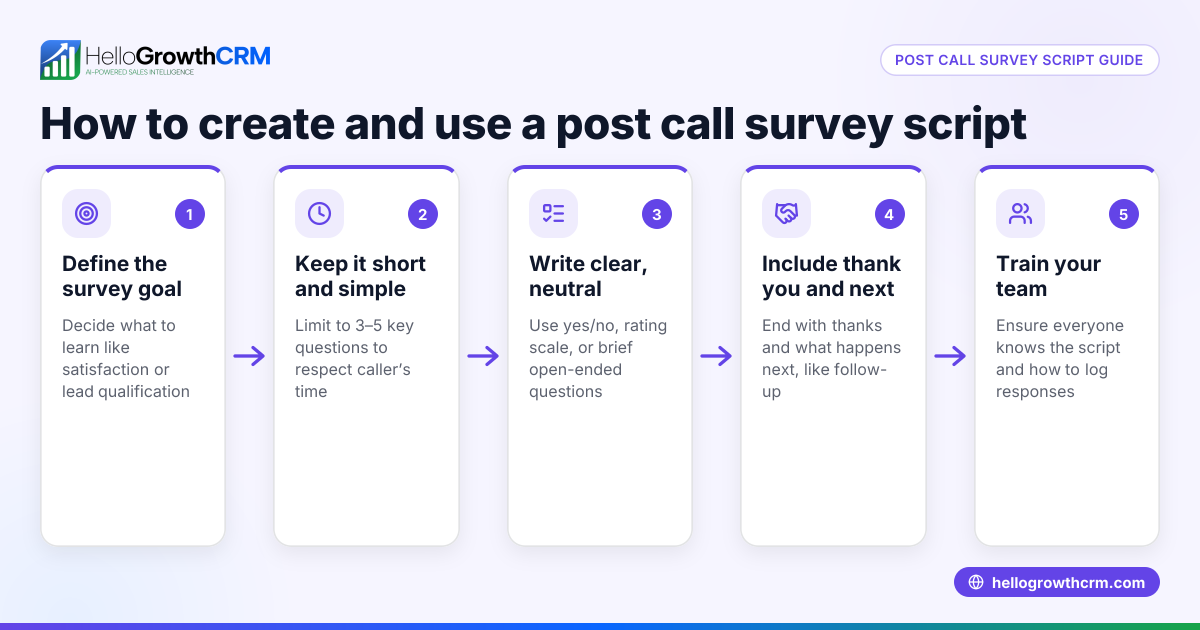
- Train your team: Make sure everyone understands how to use the script and when to adapt it.
- Track and improve: Monitor call outcomes and update the script regularly based on what works.
Using a built-in CRM dialer can help your team follow this script consistently and log call outcomes efficiently. You can also download free sales templates to help structure your pipeline and follow-up cadence without signing up.
Example (fictional figures)
GreenLeaf Landscaping in Charlotte, NC wants to create a call center script to schedule spring lawn care consultations.
- Goal: Book appointments for $200 lawn care service.
- Target: Homeowners in Charlotte.
Script snippet:
"Hi, this is Jamie from GreenLeaf Landscaping. We’re offering spring lawn care consultations to help your yard look its best. Are you interested in scheduling a free consultation this week?"
If yes: "Great! I have openings on 04/15/2026 and 04/17/2026. Which day works better for you?"
If no: "No problem. Can I send you some information by email to keep in touch?"
Calculations for sales forecast:
- Average appointment value = $200
- Expected appointments booked per week = 10
- Weekly revenue forecast = $200 × 10 = $2,000
This script helps GreenLeaf focus calls on booking appointments and provides clear next steps.
Common mistakes
- Reading the script word-for-word: Makes calls sound robotic. Prevent by training agents to use the script as a guide, not a script to memorize.
- Ignoring customer responses: Leads to frustration. Prevent by including flexible responses and encouraging active listening.
- Overloading the script with jargon or too much detail: Confuses customers. Prevent by keeping language simple and concise.
- Not updating the script regularly: Leads to outdated information. Prevent by scheduling regular reviews based on call feedback.
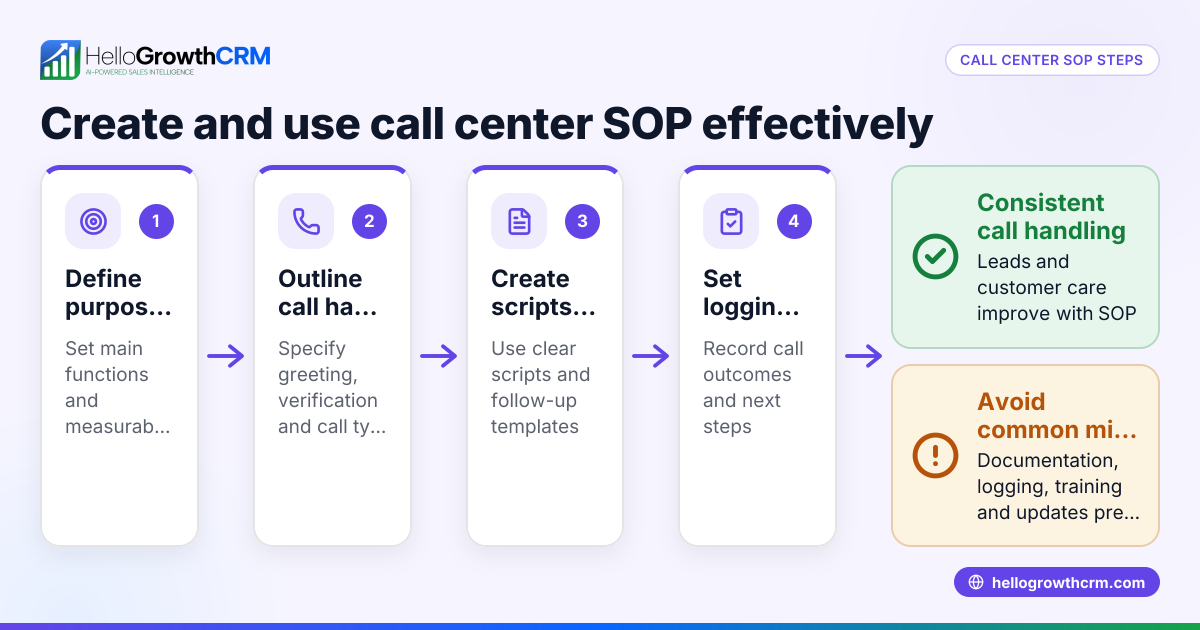
- Failing to track call outcomes: Misses chances to improve. Prevent by logging call results in a CRM or call tracking tool.
- Skipping training on the script: Causes inconsistent use. Prevent by holding regular training sessions.
Using a built-in CRM dialer helps automatically log call outcomes linked to each lead, so you can track which script parts work best and when to adjust.
Doing this in HelloGrowthCRM
HelloGrowthCRM offers a built-in dialer that lets your reps work a list directly inside the CRM. Each call’s outcome is logged on the lead record, making it easy to track follow-up and measure script effectiveness. Additionally, you can download free sales tools, including follow-up cadence and pipeline templates, without needing an account. These resources help you organize your calling process and improve results. Learn more about the built-in CRM dialer and explore sales templates to get started.
Frequently asked questions
What is a call center script? A call center script is a prepared guide for agents to follow during phone calls. It ensures consistent messaging, covers important points, and helps agents handle objections effectively.
How do I write a de-escalation script for a call center? Focus on calming language, acknowledge the caller’s feelings, avoid blame, and offer clear next steps or solutions. Keep the tone empathetic and professional to defuse tension.
Can small businesses benefit from call center scripts? Yes, scripts help small teams stay organized, improve professionalism, and increase conversion rates by guiding conversations toward clear goals.
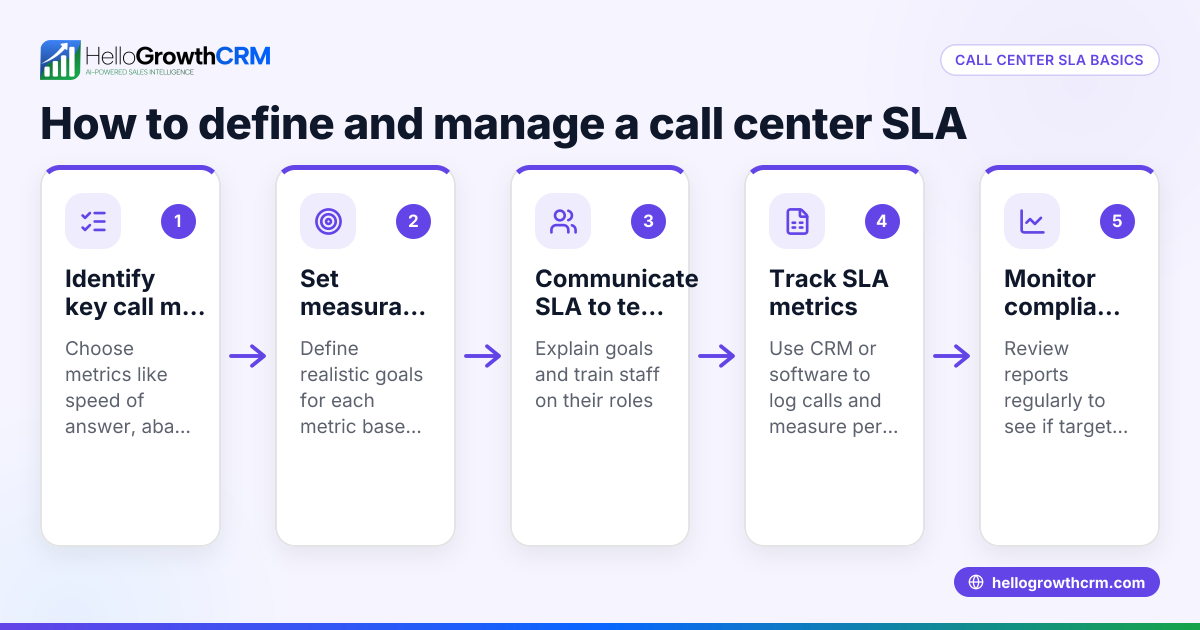
How can I track if my call center script is working? Use a CRM with a built-in dialer to log call outcomes and follow-up actions. Analyze this data regularly to see which parts of the script lead to positive results.
Where can I find templates to create my call center script? HelloGrowthCRM provides free sales templates and tools you can download without an account. These include follow-up cadences and pipeline templates to structure your calls and sales process.
Key takeaways
- A call center script guides agents to have consistent, goal-focused conversations.
- Define call goals, audience, key questions, and clear next steps when creating your script.
- Avoid sounding robotic; train your team to use the script flexibly.
- Track call outcomes with a CRM dialer to improve your script over time.
- Use free sales templates and tools to support your calling process.
Start improving your sales calls today by using HelloGrowthCRM’s built-in dialer and free sales templates. Start on the Free Forever plan (200 leads, no credit card).
Ready to put this into practice?
Set up your pipeline, WhatsApp follow-ups, and AI lead scoring in minutes — free, no credit card.
Try HelloGrowthCRM freeGet CRM tips in your inbox
Join thousands of sales professionals who get weekly insights on CRM strategy, AI automation, and pipeline optimization.

The HelloGrowthCRM team publishes guides on CRM strategy, AI sales tools, and revenue operations for small business sales teams.