HelloGrowthCRM software
Built for real small-business sales teams
HelloGrowthCRM helps reps qualify faster, follow up on time, and close more deals—with practical automation in one place.
- AI lead scoring and pipeline visibility
- Built-in dialer, WhatsApp, and email automation
- Sales forecasting and RevOps-ready reporting
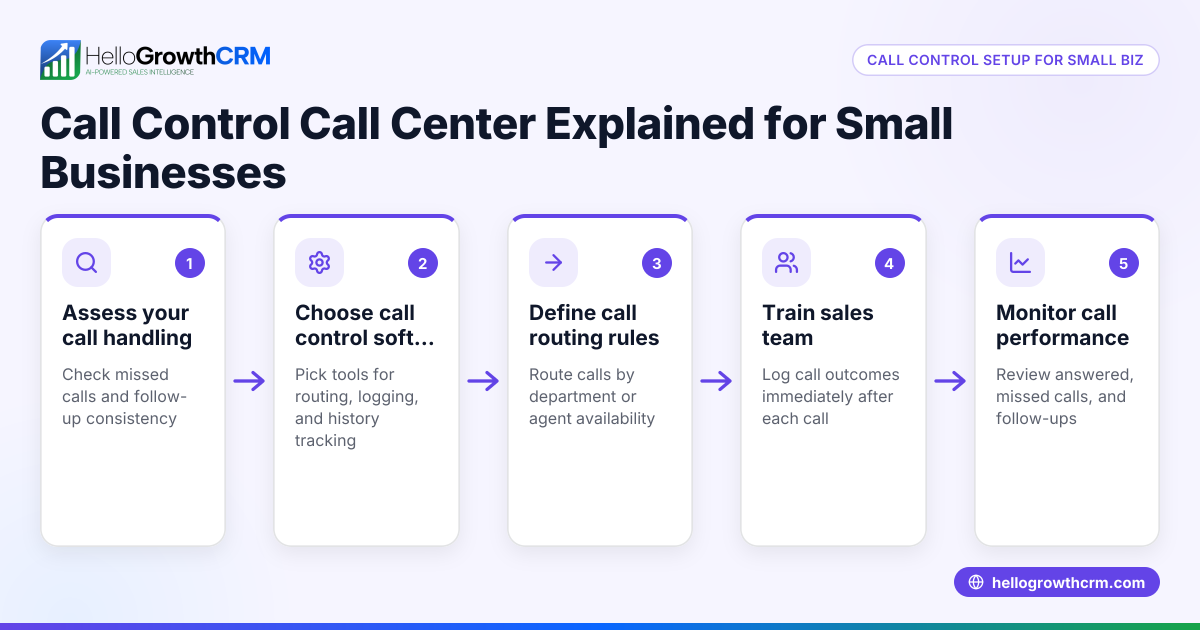
Call control techniques are essential for small business owners and sales teams who want to manage their sales calls efficiently. These techniques help keep conversations on track, reduce wasted time, and improve the chances of moving leads through the sales pipeline. This article covers why call control comes up, detailed steps to apply it, a realistic example, common pitfalls to avoid, how HelloGrowthCRM’s built-in dialer helps, and frequently asked questions.
Why this comes up / what goes wrong
Small business owners often struggle with sales calls that drag on without clear outcomes, lose leads due to slow or ineffective follow-up, or get sidetracked by unrelated topics. When sales reps or founders run calls without control, it wastes time and lowers conversion rates. Calls may also suffer from inconsistent messaging or failure to address key objections, making it harder to close deals. Many small businesses rely on manual tools like spreadsheets or texting apps, which do not support call management or tracking, causing lost opportunities.
Step-by-step
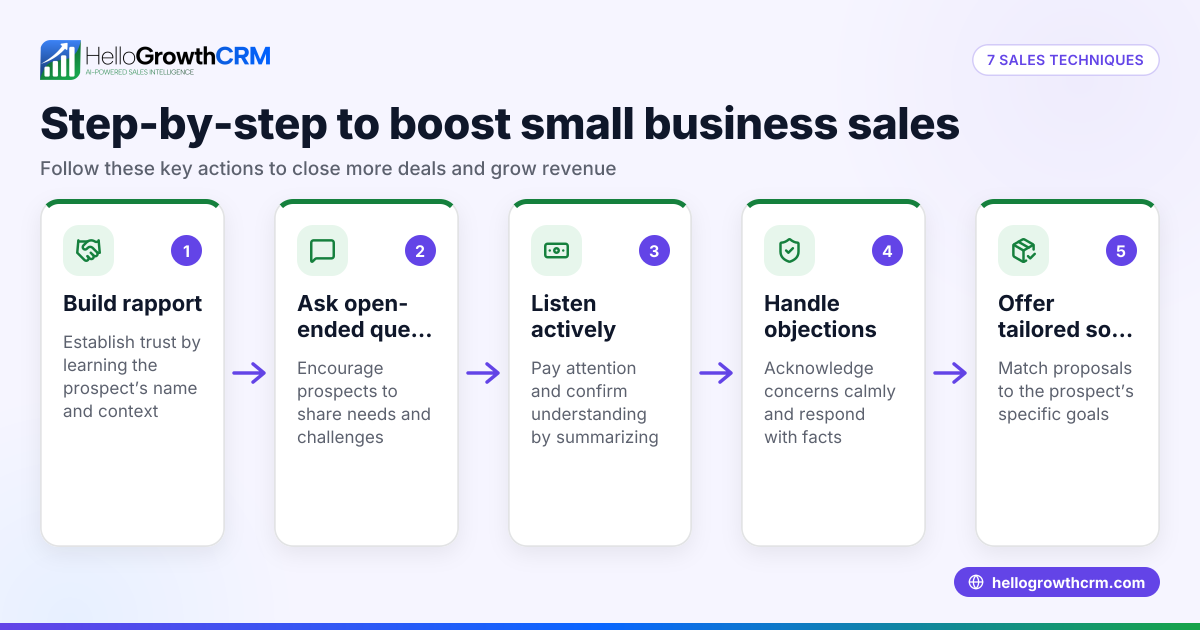
- Prepare a clear call objective. Decide the main goal of the call (e.g., qualify the lead, book a demo, close a sale) before dialing. Check that your script or talking points align with this goal.
- Open the call with a strong introduction. Identify yourself and your company quickly, then state the purpose of the call. Check that the prospect is available to talk.
- Ask qualifying questions early. Use targeted questions to understand the prospect’s needs and budget. Check their responses to decide if the lead is worth pursuing.
- Control the conversation flow. Politely steer the discussion back to relevant topics if the prospect digresses. Check frequently if the prospect agrees or has concerns.
- Handle objections calmly and confidently. Prepare responses for common objections. Check that you address concerns without getting defensive.
- Summarize key points and next steps. Before ending, recap what was discussed and confirm follow-up actions. Check that the prospect agrees to the next step.
- Log the call outcome immediately. Record notes and next steps in your CRM or tracking tool. Check that all information is accurate for future reference.
Example (fictional figures)
A two-location dental practice in Columbus, Ohio, wants to improve how its receptionist handles new patient calls. The goal is to book appointments efficiently while qualifying insurance coverage.
- The receptionist sets a call objective: "Book a new patient appointment and confirm insurance type."
- They open: "Hello, this is Sarah from SmileBright Dental. I’m calling to help you schedule your first visit. Is now a good time?"
- Sarah asks: "Do you have dental insurance? Which provider?"
- If the prospect says yes, Sarah confirms: "Great, we accept that insurance. What day works best for you?"
- If the prospect hesitates, Sarah addresses objections: "We also offer flexible payment plans if you need them."
- Sarah summarizes: "So, your appointment is set for 03/15/2026 at 2 PM, and we’ll bill your insurance directly. I’ll send a reminder text too."
- After the call, Sarah logs the outcome in the appointment system.
This approach saves time, qualifies patients quickly, and reduces no-shows.
Common mistakes
- Not setting a clear call objective. Prevent by writing down the goal before each call.
- Letting the prospect dominate the conversation. Prevent by politely steering back to important points.
- Failing to handle objections. Prevent by preparing responses to common concerns.
- Not logging call outcomes immediately. Prevent by using a CRM or call management tool to record details right after calls.
- Ignoring follow-up steps. Prevent by confirming next actions before ending the call.
Using a tool like HelloGrowthCRM’s built-in dialer helps prevent many of these mistakes by letting reps work from a lead list inside the CRM and logging call outcomes directly on each lead. Learn more about the built-in CRM dialer.
Doing this in HelloGrowthCRM
HelloGrowthCRM includes a built-in dialer that lets your sales reps or reps call leads directly from inside the CRM. Each call’s outcome is logged on the lead record automatically, keeping your sales data organized and up to date. This helps your team maintain call control by tracking call objectives, outcomes, and next steps without switching apps or losing information. To see how this works in a US small business context, visit HelloGrowthCRM for the United States. For teams running sales on messages, HelloGrowthCRM also offers WhatsApp and SMS CRM features to keep conversations efficient and recorded.
Frequently asked questions
What are the most effective call control techniques for sales calls? The most effective techniques include setting a clear objective, controlling the flow of conversation, asking qualifying questions early, handling objections calmly, and summarizing next steps. These help keep calls focused and productive.
How can I train my sales team to use call control techniques? Provide scripts or talking points that emphasize call objectives and common objections. Role-play calls to practice steering conversations and logging outcomes. Use CRM tools with built-in dialers to help reps track calls efficiently.
Why is logging call outcomes important for call control? Logging outcomes immediately ensures accurate records of what was discussed, agreed upon, and what follow-up is needed. This prevents leads from slipping through the cracks and keeps the sales pipeline moving.
Can call control techniques reduce call time without losing sales? Yes. By focusing on key points and handling objections efficiently, calls become shorter but more effective, improving conversion rates and saving time.
What CRM features support call control? Features like built-in dialers, call outcome logging, and task boards help reps manage calls better. HelloGrowthCRM’s built-in dialer lets reps call from inside the CRM and logs each call outcome on the lead automatically.
Key takeaways
- Call control techniques keep sales calls focused, efficient, and goal-oriented.
- Set a clear objective and prepare qualifying questions before calling.
- Control the conversation flow and handle objections calmly.
- Log call outcomes immediately to maintain accurate sales records.
- Use CRM tools with built-in dialers to support call control and follow-up.
Start managing your sales calls better with HelloGrowthCRM. Start on the Free Forever plan (200 leads, no credit card).
Ready to put this into practice?
Set up your pipeline, WhatsApp follow-ups, and AI lead scoring in minutes — free, no credit card.
Try HelloGrowthCRM freeGet CRM tips in your inbox
Join thousands of sales professionals who get weekly insights on CRM strategy, AI automation, and pipeline optimization.

The HelloGrowthCRM team publishes guides on CRM strategy, AI sales tools, and revenue operations for small business sales teams.