HelloGrowthCRM software
Built for real small-business sales teams
HelloGrowthCRM helps reps qualify faster, follow up on time, and close more deals—with practical automation in one place.
- AI lead scoring and pipeline visibility
- Built-in dialer, WhatsApp, and email automation
- Sales forecasting and RevOps-ready reporting
Call monitoring software helps small businesses track and manage phone calls made to and from their sales or support teams. It enables you to monitor call outcomes, analyze call data, and improve follow-up processes. This guide covers why small businesses seek call monitoring, how to evaluate software step-by-step, common pitfalls to avoid, a realistic example, and how HelloGrowthCRM’s built-in dialer can support your call management.
Why this comes up / what goes wrong
Small businesses often lose leads or fail to close deals because they can’t track or analyze phone calls efficiently. Calls might be made on mobile phones or personal lines, with no record linking them to customers or sales opportunities. Without call monitoring software, it’s hard to know which calls resulted in sales, which need follow-up, or how well your team performs. This leads to missed revenue, poor customer experience, and wasted time.
Step-by-step
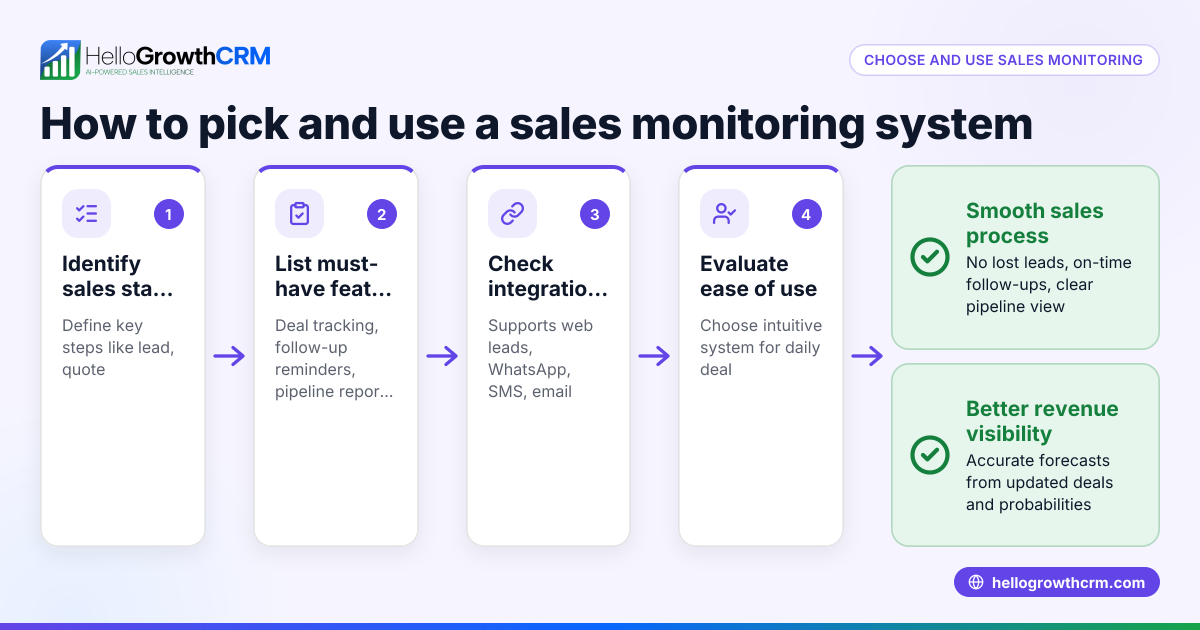
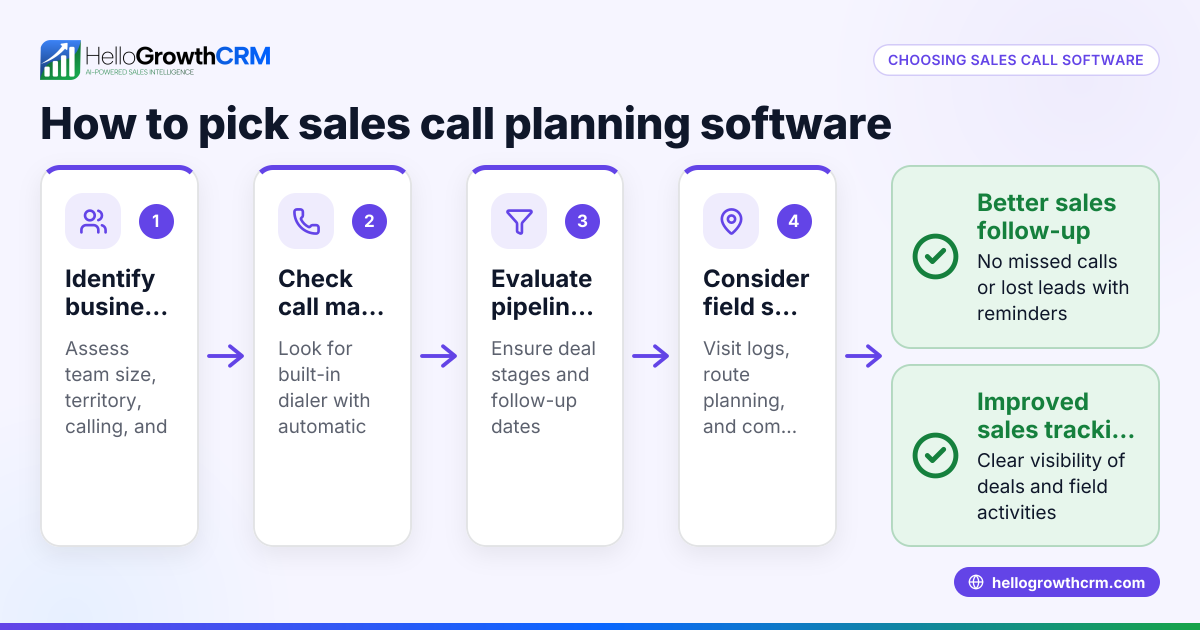
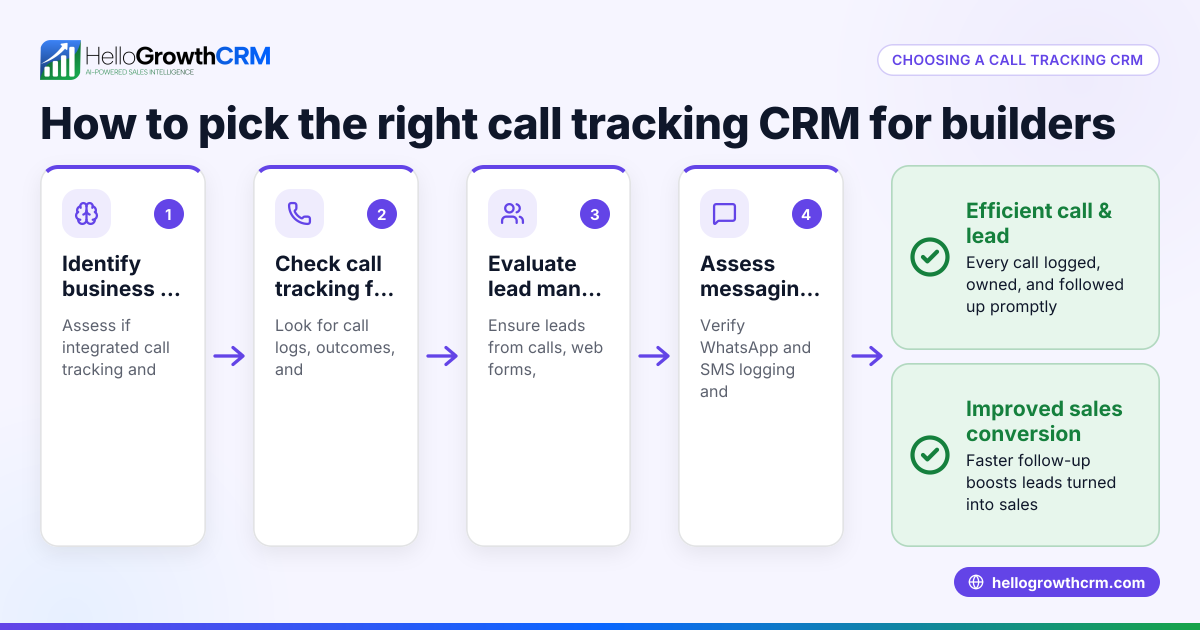
- Identify your business needs: Decide if you want to monitor inbound, outbound, or both types of calls, and whether you need features like call logging, call outcome tracking, or call analytics.
- Check integration capabilities: Confirm the software integrates with your existing tools like CRM, email, or messaging apps. Integration ensures call data is linked to customer records.
- Evaluate ease of use: Look for software with a user-friendly interface that your sales or support team can adopt quickly.
- Assess call logging and outcome tracking: The software should record every call’s details and let users log call results (e.g., sale made, follow-up needed).
- Review reporting and analytics: Choose software that provides clear reports on call volume, outcomes, and team performance.
- Consider compliance and privacy: Verify the software complies with relevant call monitoring laws and protects customer data.
- Test with a trial or demo: Use free trials or demos to see how the software fits your workflow.
- Compare pricing and plans: Ensure the cost matches your budget and includes the features you need.
Example (fictional figures)
A B2B software reseller in Denver, Colorado, wants to improve sales follow-up. They estimate 1,000 calls monthly, losing 200 leads due to no call tracking.
- Current lost leads: 200 leads
- Average sale value: $1,500
- Potential revenue lost: 200 × $1,500 = $300,000
They choose call monitoring software costing $500/month ($6,000/year) that logs calls and outcomes.
- Expected lead recovery: 100 leads
- Additional revenue: 100 × $1,500 = $150,000
- Net gain after software cost: $150,000 - $6,000 = $144,000
This example shows how investing in call monitoring software can help recover lost leads and increase revenue.
Common mistakes
- Ignoring integration needs: Choose software that doesn’t connect to your CRM or sales tools, making call data isolated. Prevent this by verifying integrations early.
- Overlooking user adoption: Buying complex software without team buy-in leads to poor use. Prevent this by involving users in trials and training.
- Neglecting call outcome logging: Without logging call results, you can’t track follow-ups. Prevent this by selecting software with easy call outcome features.
- Skipping compliance checks: Not ensuring legal compliance can risk fines. Prevent this by confirming software meets call monitoring regulations.
- Choosing based on price alone: Cheapest options may lack key features or support. Prevent this by balancing cost with capabilities.
- Not testing before buying: Committing without a trial risks mismatched software. Prevent this by always testing demos or free versions.
Doing this in HelloGrowthCRM
HelloGrowthCRM includes a built-in dialer that lets your telecaller work a list from inside the CRM. Each call’s outcome is logged on the lead, keeping a full call history tied to contact and deal records. This helps your team track calls effectively without switching apps. Learn more about the built-in CRM dialer and how HelloGrowthCRM supports US businesses on HelloGrowthCRM for the United States. For sales teams using messaging, see WhatsApp and SMS CRM.
Frequently asked questions
What is call monitoring software used for? Call monitoring software tracks and analyzes phone calls to improve sales, customer service, and team productivity. It helps businesses log calls, monitor outcomes, and generate reports.
Do I need call recording to monitor calls? Call recording is one feature, but not all call monitoring software includes it. Many small businesses benefit from call logging and outcome tracking without recording calls.
How does call monitoring software integrate with CRM? Integration links call data directly to customer records, making follow-up easier and providing a full view of interactions. Check for software that connects with your CRM or has a built-in dialer.
Is call monitoring software legal? Laws vary by state and country. Generally, you must notify parties if calls are recorded or monitored. Verify compliance with local regulations.
Can call monitoring software improve sales? Yes, by tracking calls and outcomes, you can identify successful strategies, improve follow-up, and reduce lost leads.
Key takeaways
- Call monitoring software tracks and logs phone calls to boost sales and service.
- Integration with CRM is essential for linking call data to customer records.
- Choose software that is easy to use and supports call outcome logging.
- Test software with trials to ensure it fits your business needs.
- Avoid common mistakes like ignoring compliance and user adoption.
- HelloGrowthCRM offers a built-in dialer that logs calls and outcomes inside the CRM.
Start improving your call tracking today with HelloGrowthCRM. Start on the Free Forever plan (200 leads, no credit card).
Ready to put this into practice?
Set up your pipeline, WhatsApp follow-ups, and AI lead scoring in minutes — free, no credit card.
Try HelloGrowthCRM freeGet CRM tips in your inbox
Join thousands of sales professionals who get weekly insights on CRM strategy, AI automation, and pipeline optimization.

The HelloGrowthCRM team publishes guides on CRM strategy, AI sales tools, and revenue operations for small business sales teams.