HelloGrowthCRM software
Built for real small-business sales teams
HelloGrowthCRM helps reps qualify faster, follow up on time, and close more deals—with practical automation in one place.
- AI lead scoring and pipeline visibility
- Built-in dialer, WhatsApp, and email automation
- Sales forecasting and RevOps-ready reporting
A campaign generator is a tool or format that helps you create a structured multi-step outreach plan to engage leads and prospects effectively. This article explains how to build and use a campaign generator, provides a step-by-step guide, highlights common mistakes to avoid, and shows how HelloGrowthCRM automates follow-ups with sequences and campaigns.
Why this comes up / what goes wrong
Small-business owners often struggle to keep leads engaged because they lack a ready-to-use campaign format or tool. They may rely on manual outreach by text, email, or calls, which can be inconsistent and slow. Without a clear campaign generator, follow-ups get missed or happen too late, causing lost sales opportunities. Owners want a repeatable, easy-to-execute plan that runs automatically and adapts when prospects reply.
Step-by-step
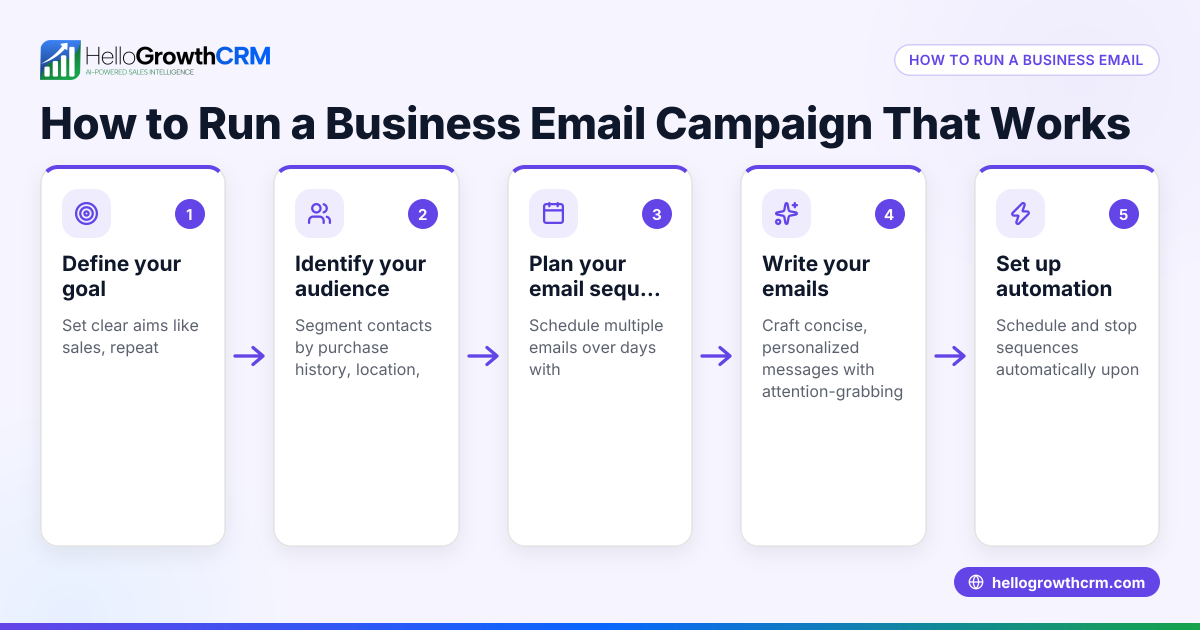
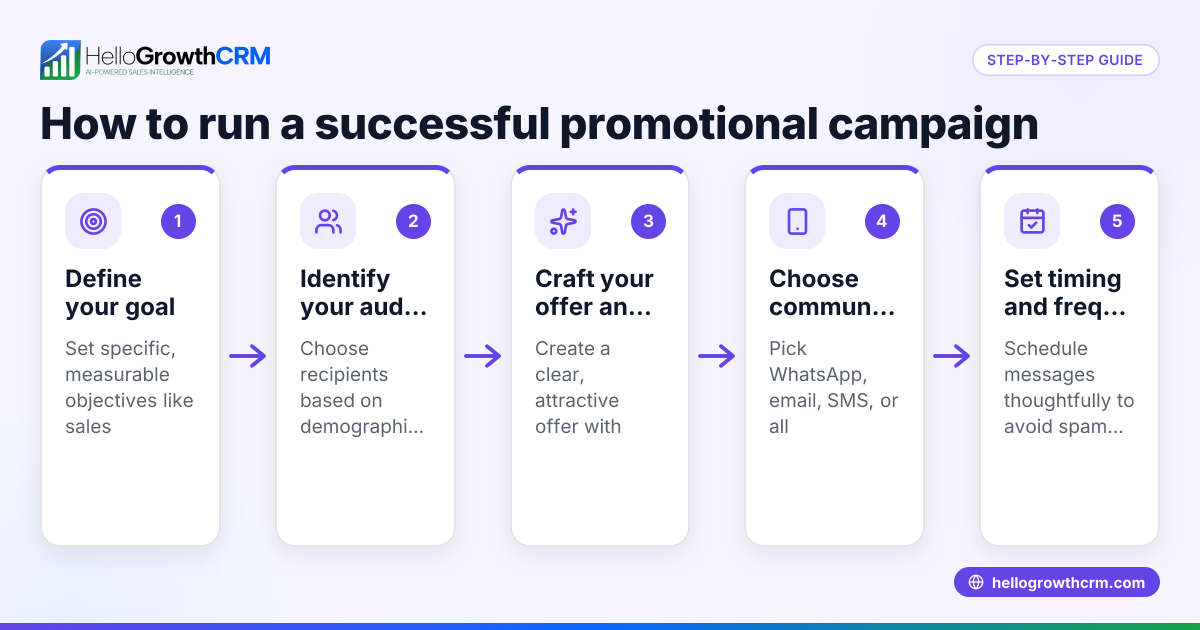
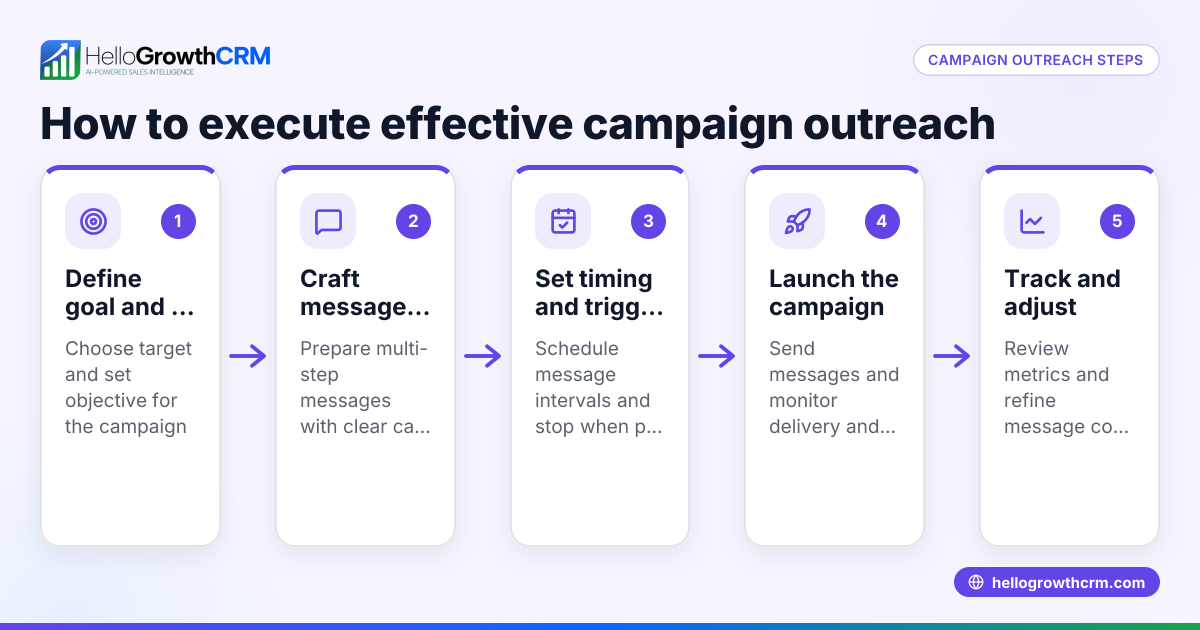
- Define your campaign goal: Decide what you want to achieve—book appointments, promote a product, or re-engage cold leads. Check that your goal is specific and measurable.
- Identify your target audience: Segment your leads by relevant criteria like location, industry, or previous engagement. Check your list for accuracy and duplicates.
- Create the message sequence: Write a series of 4-5 messages spaced over 1-2 weeks. Each message should have a clear call to action and build on the previous contact. Check for clarity and tone consistency.
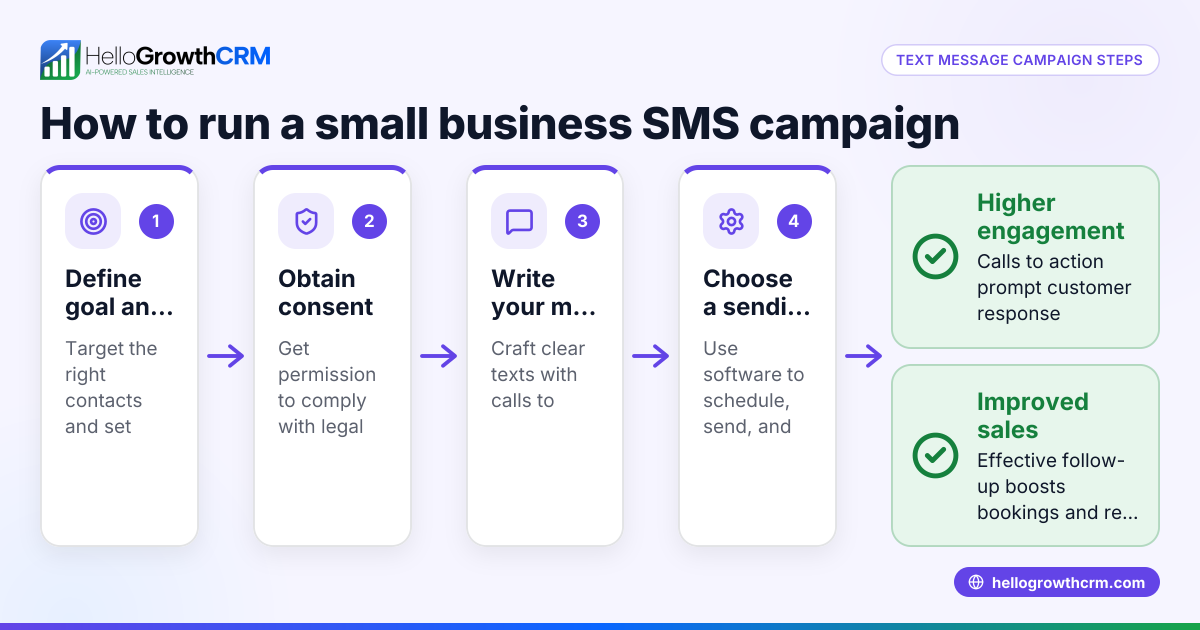
- Choose communication channels: Decide whether to use email, SMS, WhatsApp, or phone calls. Check that your messages fit the channel's format and compliance rules.
- Set timing and triggers: Schedule message intervals and set the campaign to stop automatically when the prospect replies. Check that timing avoids weekends or holidays if needed.
- Test the campaign: Run the sequence on a small segment or your own contacts to ensure messages send correctly and triggers work.
- Launch and monitor: Start the campaign for your full list. Track open rates, replies, and conversions. Adjust messages or timing based on results.
For more on managing messages across channels, see WhatsApp and SMS CRM.
Example (fictional figures)
A residential real-estate team in Phoenix, Arizona wants to run a campaign to book home tours for new leads captured online.
- Goal: Book 20 home tours in 30 days.
- List size: 100 qualified leads.
- Message sequence: 5 messages over 14 days.
Projected conversion rate: 20% (20 tours from 100 leads)
Step 1: Estimate leads needed
100 leads × 20% conversion rate = 20 tours
Step 2: Schedule messages
Day 1: Intro and offer to book Day 4: Reminder Day 7: Share a testimonial Day 10: Highlight limited availability Day 14: Final call to book
Step 3: Monitor results
If after 14 days 10 tours booked, adjust messages or add more leads.
Step 4: Calculate cost per booked tour
Assume total campaign cost is $2,000.
$2,000 ÷ 20 tours = $100 per booked tour
Step 5: Forecast revenue
Assuming average commission per sale is $15,000 and 50% of tours convert to sales:
20 tours × 50% = 10 sales
10 sales × $15,000 = $150,000 total revenue
This example shows how a campaign generator helps plan outreach, budget, and revenue expectations.
Common mistakes
- Sending too many messages too quickly: This can annoy prospects. Prevent by spacing messages at least 2-3 days apart.
- Using inconsistent messaging across channels: Confuses recipients. Prevent by aligning tone and content.
- Ignoring replies and continuing the campaign: Wastes effort and damages reputation. Prevent by setting campaigns to stop immediately upon reply.
- Failing to segment leads: Results in irrelevant messages. Prevent by cleaning and segmenting your list before launching.
- Not testing the campaign: Leads to technical errors or message mistakes. Prevent by trial runs.
Learn how to stop follow-ups upon reply with the built-in CRM dialer.
Doing this in HelloGrowthCRM
HelloGrowthCRM offers Sequences and campaigns, allowing you to set up a five-step follow-up over two weeks that runs automatically and stops the moment the prospect replies. This helps small businesses keep leads engaged without manual effort. Learn more about WhatsApp and SMS CRM and how the built-in CRM dialer complements your outreach.
Frequently asked questions
What is a campaign generator? A campaign generator is a tool or format that helps you plan and automate multi-step outreach sequences to engage leads effectively. It ensures consistent follow-up and timely messaging.
How often should I send messages in a campaign? A good rule is to space messages 2-4 days apart over one to two weeks. This timing balances persistence with respectfulness and avoids overwhelming prospects.
Can I use multiple channels in one campaign? Yes, combining email, SMS, and WhatsApp can improve engagement. Make sure your messages are consistent and appropriate for each channel.
How do I stop a campaign when a prospect replies? Campaign tools like HelloGrowthCRM’s sequences automatically stop sending further messages to a prospect as soon as they respond, preventing over-contact.
Do I need to segment my leads before launching a campaign? Yes, segmentation ensures your messages are relevant and increases conversion chances. Segment by factors like location, past behavior, or lead source.
Key takeaways
- A campaign generator structures your outreach with timed, multi-step messages.
- Define clear goals and segment your leads before starting.
- Space messages 2-4 days apart and use consistent messaging across channels.
- Test campaigns on small groups before full launch.
- Use automation tools like HelloGrowthCRM sequences to save time and stop follow-ups upon reply.
Start your campaign generator today and keep your leads engaged efficiently. You can Start on the Free Forever plan (200 leads, no credit card) to try automated sequences and campaigns.
Ready to put this into practice?
Set up your pipeline, WhatsApp follow-ups, and AI lead scoring in minutes — free, no credit card.
Try HelloGrowthCRM freeGet CRM tips in your inbox
Join thousands of sales professionals who get weekly insights on CRM strategy, AI automation, and pipeline optimization.

The HelloGrowthCRM team publishes guides on CRM strategy, AI sales tools, and revenue operations for small business sales teams.