HelloGrowthCRM software
Built for real small-business sales teams
HelloGrowthCRM helps reps qualify faster, follow up on time, and close more deals—with practical automation in one place.
- AI lead scoring and pipeline visibility
- Built-in dialer, WhatsApp, and email automation
- Sales forecasting and RevOps-ready reporting
Construction workflow automation involves using digital tools to handle repetitive and manual tasks automatically, such as assigning leads, scheduling follow-ups, and updating project statuses. For construction businesses in Australia, this means faster response times, fewer missed leads, and smoother project management.
Why this comes up / what goes wrong
Construction businesses often juggle multiple projects, subcontractors, suppliers, and client communications. Without automation, they rely on spreadsheets, emails, or text messages to track leads, assign tasks, and follow up. This leads to slow responses, lost opportunities, and errors in project updates. Accountants and owners face difficulties reconciling sales progress with invoicing and cash flow because of inconsistent data.
For example, a small Brisbane-based solar installer might receive enquiries through various channels but struggle to assign them promptly to sales reps or follow up consistently. This delays project starts and frustrates clients. Workflow automation addresses these problems by streamlining lead routing, task creation, and communication.
Step-by-step
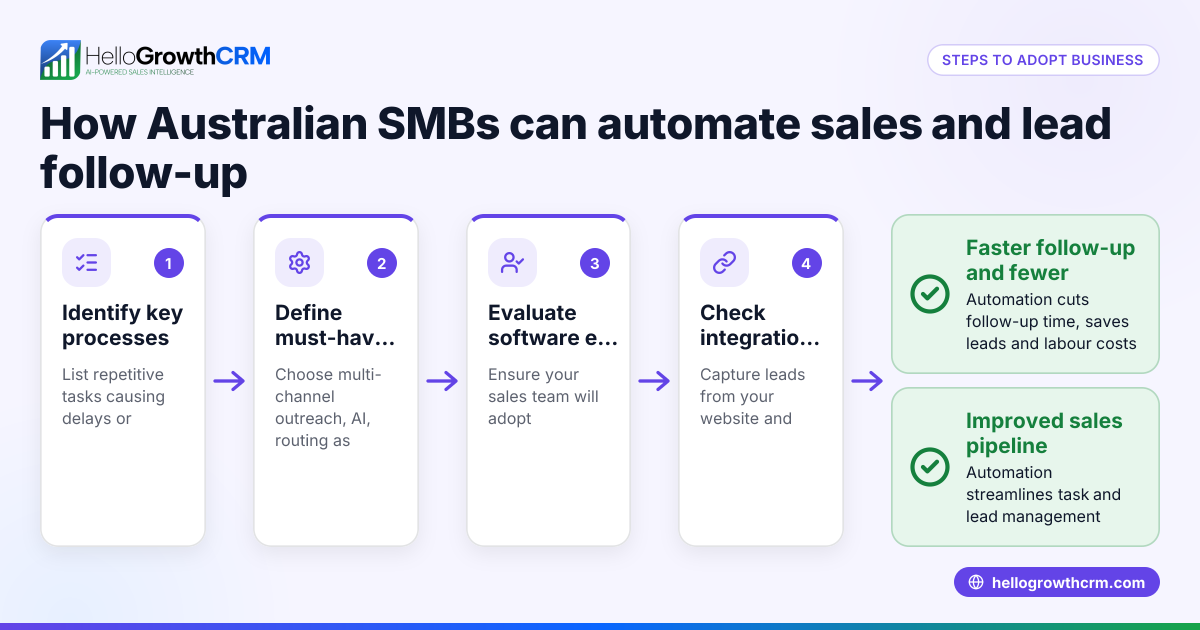
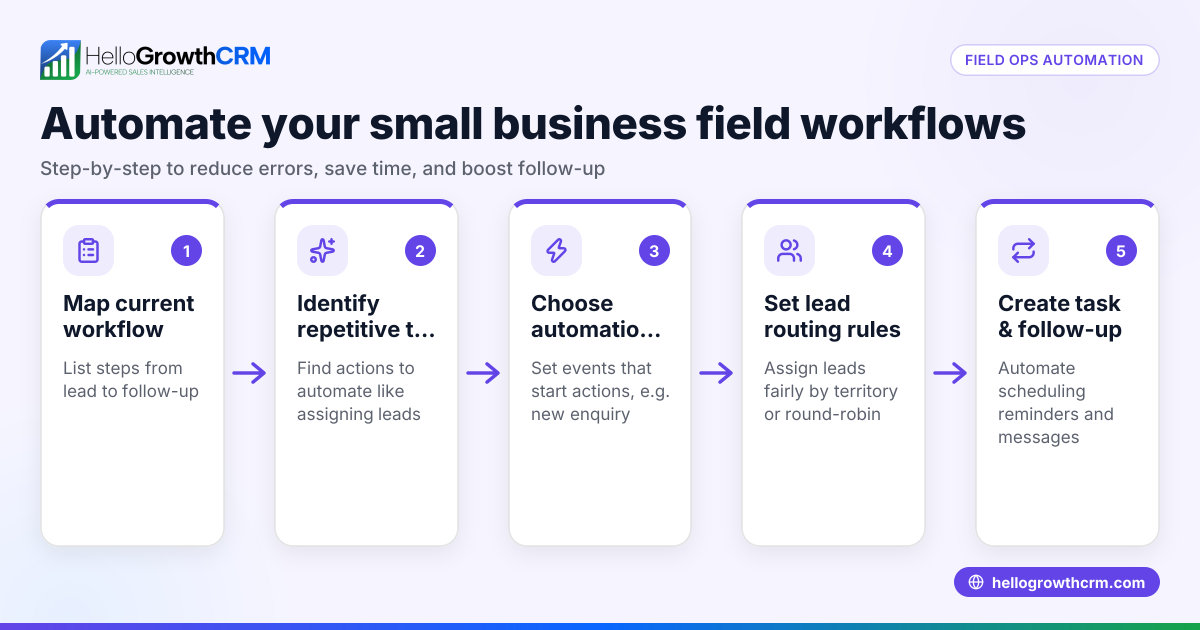
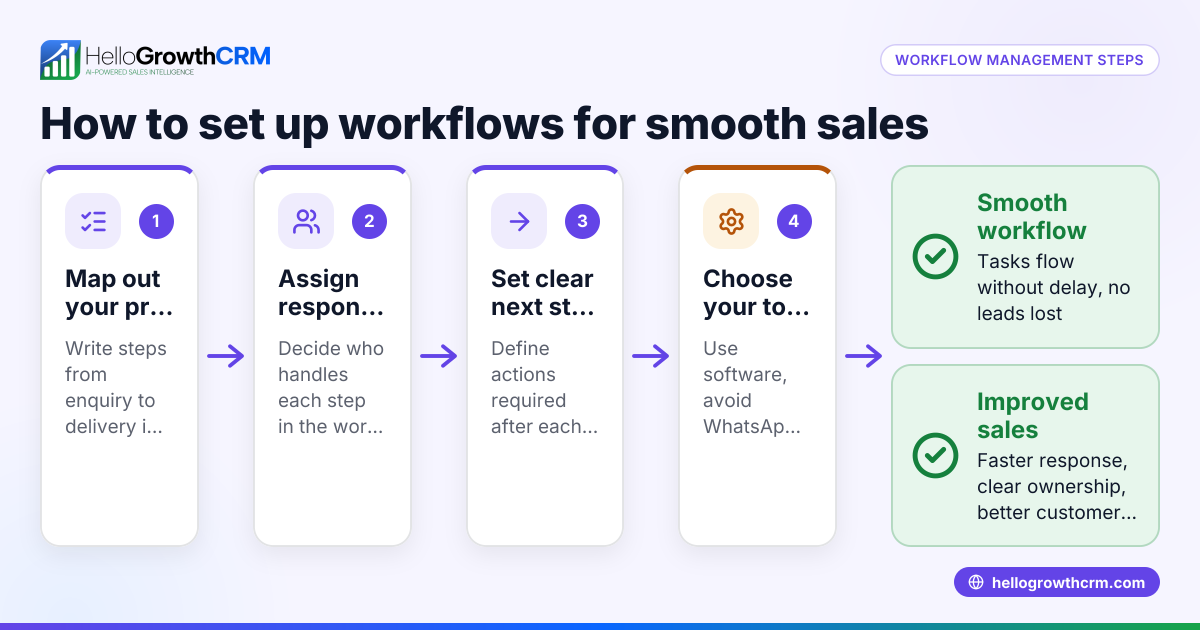
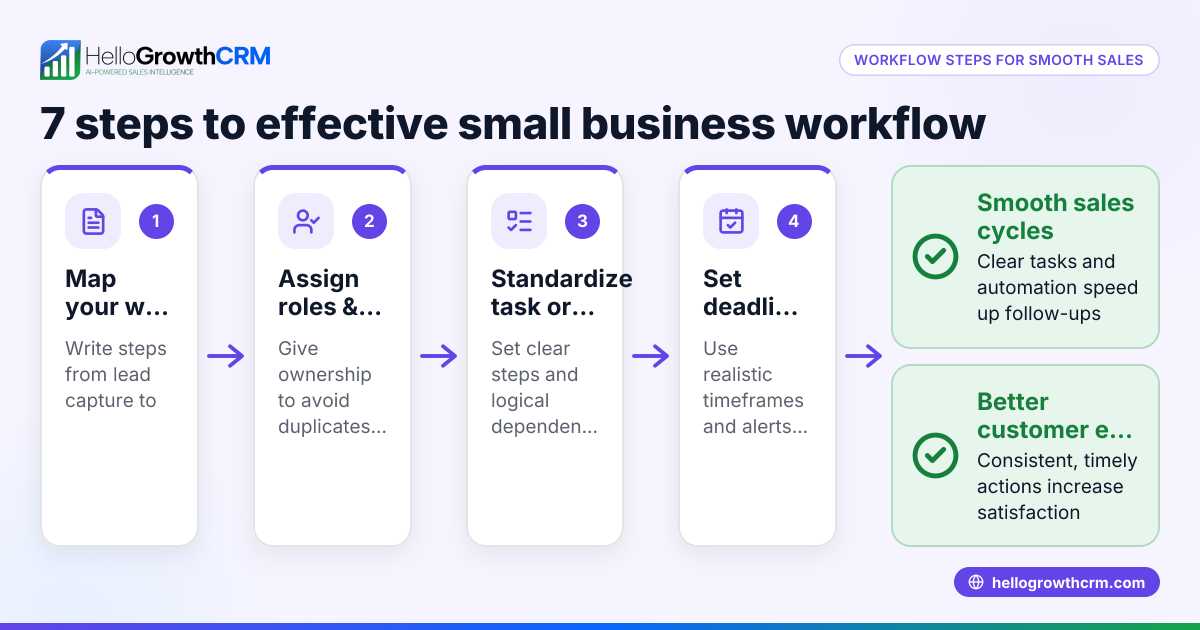
- Map your current workflows: List every step from lead capture to project completion, including who does what and when. Check for bottlenecks or repetitive manual tasks.
- Choose automation points: Identify tasks suitable for automation, such as lead assignment, follow-up reminders, or status updates.
- Select software that fits construction needs: Ensure it supports multi-channel communication (email, SMS, WhatsApp), task boards, and lead scoring.
- Set up lead routing rules: Automate assigning leads by territory, project type, or round-robin to balance workload and speed responses.
- Create follow-up sequences: Design multi-step outreach that runs automatically until the prospect replies, ensuring no lead is forgotten.
- Implement AI assistance where possible: Use AI agents to draft follow-up messages after calls, reducing admin time for sales reps.
- Test workflows with your team: Run pilot projects to check automation accuracy and user adoption.
- Monitor and adjust: Use reporting to spot delays or errors and refine workflows regularly.
- Train staff: Ensure everyone knows how to use the system and understands the benefits.
- Integrate with other tools: Connect your CRM with web forms and accounting software where possible to avoid double entry.
For more on software suited to your industry, see Contractors and construction.
Example (fictional figures)
Solar Solutions Brisbane, a 12-person installer, wants to automate lead follow-up to reduce lost sales.
- They receive 50 leads monthly from web forms and phone calls.
- Average sale value is A$12,000.
They implement automation with these steps:
- Assign leads round-robin to 3 sales reps:
50 leads ÷ 3 reps = 16.67 leads per rep
- Set up a five-step follow-up sequence over 14 days that stops when the prospect replies.
- Use AI agents to draft follow-up messages after calls, saving 15 minutes per call.
Assuming automation improves follow-up speed and reduces lost leads, they estimate saving 5 leads monthly.
- Additional sales = 5 leads × A$12,000 = A$60,000
- Time saved per call (assume 20 calls/month): 20 calls × 15 minutes = 300 minutes = 5 hours
This example shows how automation can increase revenue and free up sales time for more calls.
Common mistakes
- Automating without mapping workflows first: Leads to automating inefficient processes. Prevent by documenting your current steps clearly.
- Overcomplicating automation rules: Complex rules can cause errors or delays. Start simple and expand gradually.
- Ignoring team training: Automation fails if users don’t adopt it. Provide clear training and support.
- Not monitoring automation results: Without tracking, you won’t know if automation improves outcomes. Use reporting tools regularly.
- Choosing software without industry focus: Generic tools may lack features for construction communication and lead management. Look for software tailored to contractors, like HelloGrowthCRM.
For tips on managing sales teams and workflows, check HelloGrowthCRM for Australia.
Doing this in HelloGrowthCRM
HelloGrowthCRM offers workflows, lead routing, and validation rules that automatically assign new enquiries round-robin and create first-call tasks. Its sequences and campaigns feature runs multi-step follow-ups over two weeks and stops immediately when a prospect replies. AI agents draft follow-up messages after calls so sales reps only review and send, reducing admin time. These features help construction businesses automate lead management and follow-ups efficiently. Learn more about these capabilities in the AI CRM section.
Frequently asked questions
What is the main benefit of construction workflow automation? Automation reduces delays and errors by handling repetitive tasks like lead assignment and follow-ups automatically. This leads to faster responses, more closed sales, and better project management.
How do I choose the right automation software for my construction business? Look for software that supports multi-channel communication (email, SMS, WhatsApp), task and pipeline boards, and lead routing tailored to construction workflows. Industry-specific features and ease of use are important.
Can automation replace my sales team? No, automation supports your sales team by handling routine tasks and reminders, allowing them to focus on building relationships and closing deals.
How do I measure if automation is working? Track lead response times, conversion rates, and sales cycle length before and after automation. Use reporting tools to identify bottlenecks and improvements.
Is AI safe to use for follow-up messages? AI agents draft messages for review, ensuring reps control communication quality. This reduces admin time without losing personal touch.
Can I integrate construction workflow automation with my existing tools? Many CRM systems, including HelloGrowthCRM, offer integrations with web forms and other software to centralise data and avoid manual entry.
Key takeaways
- Construction workflow automation streamlines lead assignment, task creation, and follow-ups.
- Mapping current workflows before automating prevents inefficiencies.
- Start with simple automation rules and scale as you learn.
- Training and monitoring are essential for success.
- Industry-specific CRM tools like HelloGrowthCRM support multi-channel communication and AI-assisted follow-ups.
Construction workflow automation can help your Australian construction business respond faster to leads, reduce errors, and increase sales. To get started, explore the features of HelloGrowthCRM and see how it fits your team’s needs.
Start on the Free Forever plan (200 leads, no credit card) today to try automation at no cost.
Ready to put this into practice?
Set up your pipeline, WhatsApp follow-ups, and AI lead scoring in minutes — free, no credit card.
Try HelloGrowthCRM freeGet CRM tips in your inbox
Join thousands of sales professionals who get weekly insights on CRM strategy, AI automation, and pipeline optimization.

The HelloGrowthCRM team publishes guides on CRM strategy, AI sales tools, and revenue operations for small business sales teams.