HelloGrowthCRM software
Built for real small-business sales teams
HelloGrowthCRM helps reps qualify faster, follow up on time, and close more deals—with practical automation in one place.
- AI lead scoring and pipeline visibility
- Built-in dialer, WhatsApp, and email automation
- Sales forecasting and RevOps-ready reporting
Workflow management is the process of organising and automating tasks and activities in a business to ensure work moves smoothly and efficiently from start to finish. It involves defining steps, assigning responsibilities, and tracking progress. This article explains why workflow management matters for small businesses, how to set it up step-by-step, common pitfalls, and how HelloGrowthCRM supports workflow automation.
Why this comes up / what goes wrong
Small business owners often face disorganisation in daily operations. Tasks can be missed or delayed when sales and customer enquiries are handled across WhatsApp, email, spreadsheets or notebooks. Without clear workflows, leads may not be followed up promptly, causing lost sales and frustrated customers. Sales teams can struggle to know their next steps or who owns each lead. This confusion slows growth and wastes time.
Workflow management helps by creating a clear path for work to flow from one step to the next, assigning tasks automatically, and tracking progress. It ensures leads and tasks don’t fall through the cracks and everyone knows what to do and when.
Step-by-step
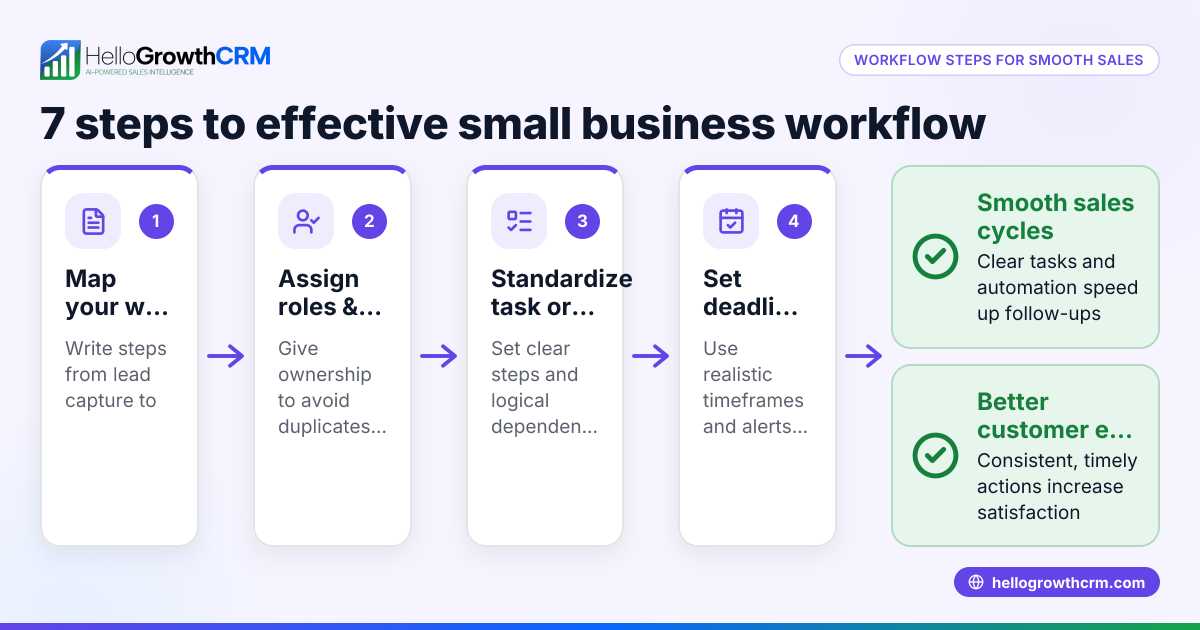
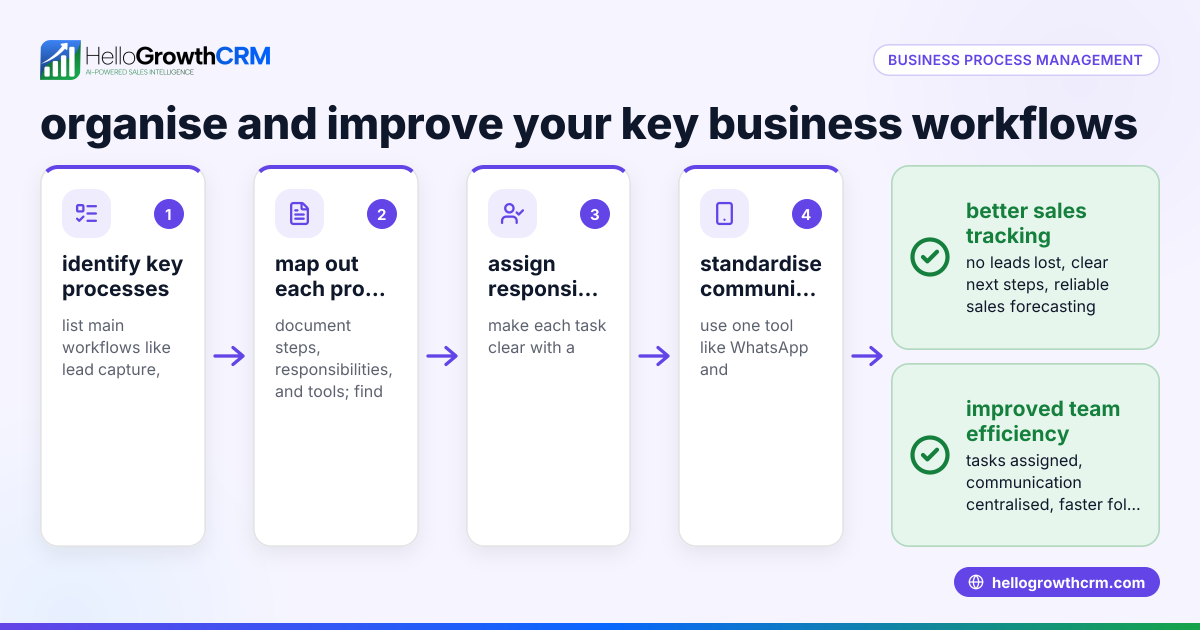
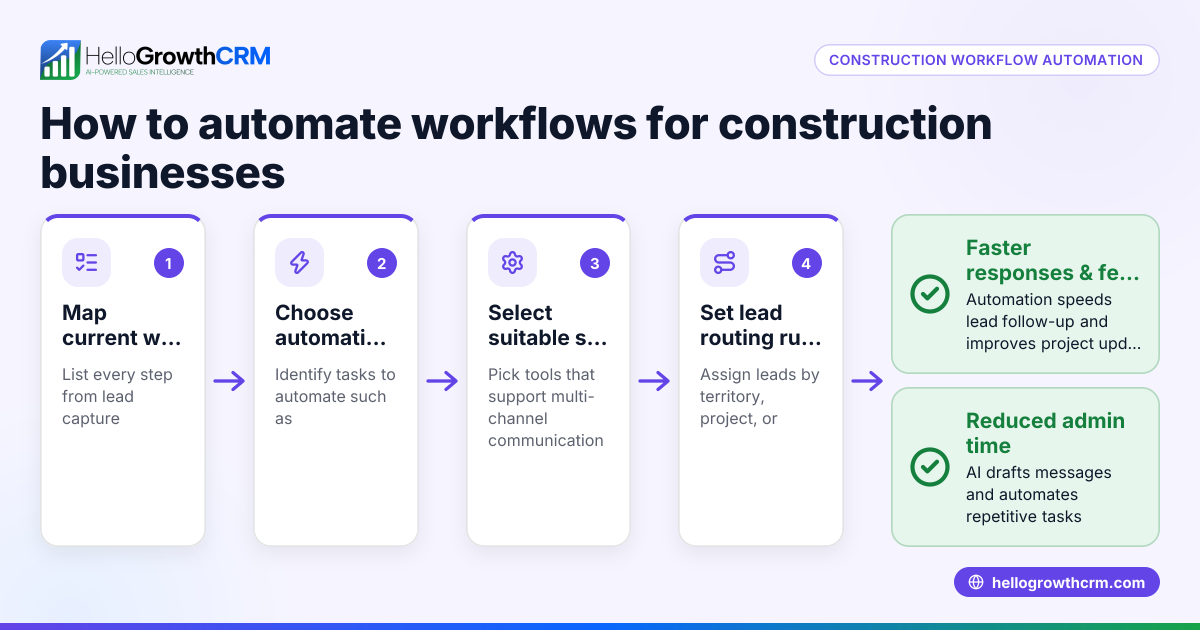
- Map out your process: Write down each step involved in handling a lead or completing a task, from initial enquiry to closing a sale or delivery. Include all stages and decision points.
- Assign responsibilities: Decide who on your team handles each step. For example, who answers initial enquiries, who makes follow-up calls, and who closes deals.
- Set clear next steps: Define what action must happen after each stage. This could be a phone call, sending a quote, or scheduling a site visit.
- Choose your tools: Use software or systems to capture leads and track tasks. Avoid relying on WhatsApp, email, or spreadsheets alone as these can cause delays and lost information.
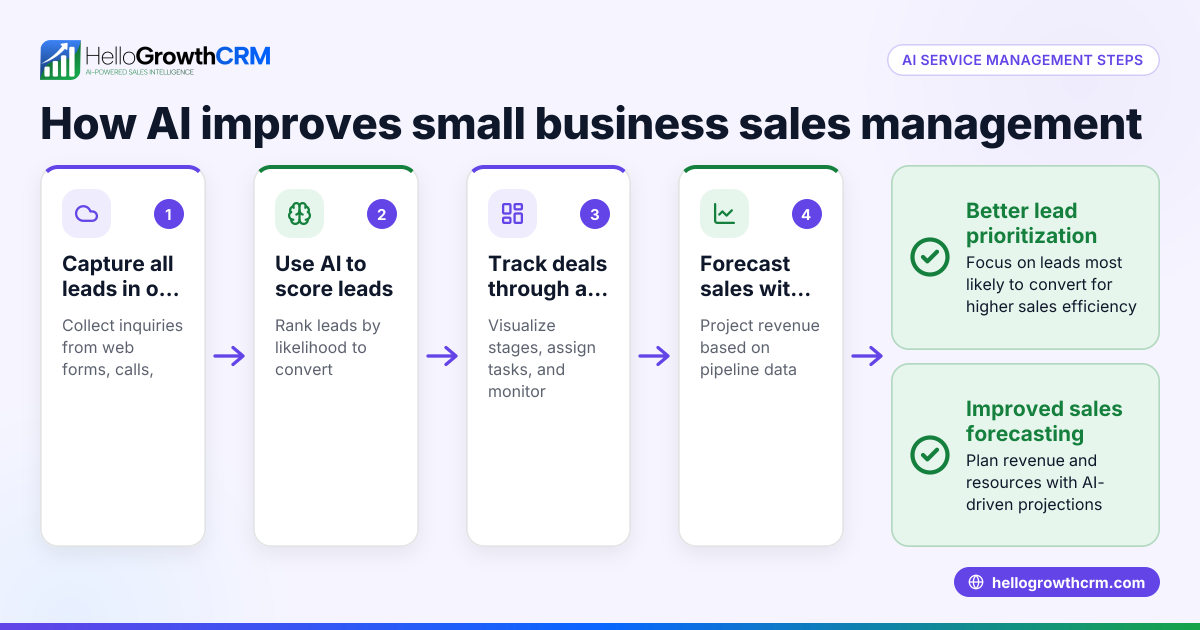
- Automate where possible: Use workflow automation to assign leads, create follow-up tasks, and send reminders automatically. This reduces manual work and speeds up response times.
- Monitor progress: Regularly check your pipeline and task boards to see where leads stand and if any tasks are overdue.
- Review and improve: Periodically update your workflow based on what’s working or causing delays. Adjust responsibilities or steps as needed.
Example (fictional figures)
A solar-panel installer in Glasgow receives a new enquiry on 01/05/2026 for a domestic installation valued at £12,000.
Step 1: Lead capture
- Enquiry received via website form and logged as a lead.
Step 2: Lead assignment
- Lead assigned round-robin to the sales rep on duty.
Step 3: First call task created automatically
- Task to call customer within 24 hours.
Step 4: Follow-up quote
- Sales rep sends a quote for £12,000.
Step 5: Customer accepts
- Sales rep schedules installation.
Step 6: Installation completed
- Project manager confirms completion.
Step 7: Invoice sent
- Finance team issues invoice for £12,000.
This workflow ensures no step is missed, and the lead moves smoothly from enquiry to sale.
Common mistakes
- Not documenting the workflow: Prevent by writing down each step clearly to avoid confusion.
- Relying on manual task assignment: Prevent by using workflow automation to assign leads and tasks automatically.
- Using multiple unconnected tools: Prevent by centralising leads and tasks in one system rather than WhatsApp, email, and spreadsheets.
- Ignoring overdue tasks: Prevent by monitoring task boards regularly and setting reminders.
- Not updating workflows: Prevent by reviewing processes regularly and adapting to changes in the business.
- Failing to assign ownership: Prevent by clearly assigning each lead and task to a specific team member.
Doing this in HelloGrowthCRM
HelloGrowthCRM helps small UK businesses manage workflows with features like automated workflows, lead routing, and validation rules. For example, a new web-form enquiry can be assigned round-robin to sales reps, and a first-call task is created automatically. Every enquiry from forms, calls, or WhatsApp lands as a lead with an owner and a next step, so nothing is lost in notebooks or chat threads. This centralises your leads and tasks, speeding up follow-up and improving sales efficiency. Learn more about HelloGrowthCRM for the United Kingdom and its WhatsApp and SMS CRM capabilities.
Frequently asked questions
What is the difference between workflow and process management? Workflow management focuses on the sequence of tasks and their automation, while process management covers the broader design and optimisation of business operations. Workflow is a part of overall process management.
How can small businesses start with workflow management? Start by mapping out your key tasks and sales stages, then assign responsibilities and use simple tools to track progress. Consider automation tools like HelloGrowthCRM to reduce manual work.
What are the benefits of automating workflows? Automation reduces errors, speeds up response times, ensures consistent follow-up, and frees your team from repetitive tasks, allowing focus on closing sales.
Can workflow management improve customer experience? Yes. By ensuring timely follow-up and clear communication, customers feel valued and are less likely to be lost due to delays or missed tasks.
Is workflow management only for sales teams? No. While sales benefit greatly, workflow management applies to any repeatable business tasks, including customer service, project delivery, and finance.
How does HelloGrowthCRM support workflow management? HelloGrowthCRM offers workflows, lead routing, and validation rules to automate task creation and lead assignment. It captures leads from multiple channels into one system with owners and next steps, improving organisation and follow-up.
Key takeaways
- Workflow management organises tasks and automates their flow to improve efficiency.
- Map your processes clearly and assign responsibilities to avoid confusion.
- Use automation to assign leads and create follow-up tasks automatically.
- Monitor progress regularly and update workflows as your business changes.
- Avoid relying on disconnected tools like WhatsApp, email, and spreadsheets.
- HelloGrowthCRM offers workflow automation and lead management features suited for UK small businesses.
Start organising your workflows today with HelloGrowthCRM. Start on the Free Forever plan (200 leads, no credit card).
Ready to put this into practice?
Set up your pipeline, WhatsApp follow-ups, and AI lead scoring in minutes — free, no credit card.
Try HelloGrowthCRM freeGet CRM tips in your inbox
Join thousands of sales professionals who get weekly insights on CRM strategy, AI automation, and pipeline optimization.

The HelloGrowthCRM team publishes guides on CRM strategy, AI sales tools, and revenue operations for small business sales teams.