HelloGrowthCRM software
Built for real small-business sales teams
HelloGrowthCRM helps reps qualify faster, follow up on time, and close more deals—with practical automation in one place.
- AI lead scoring and pipeline visibility
- Built-in dialer, WhatsApp, and email automation
- Sales forecasting and RevOps-ready reporting
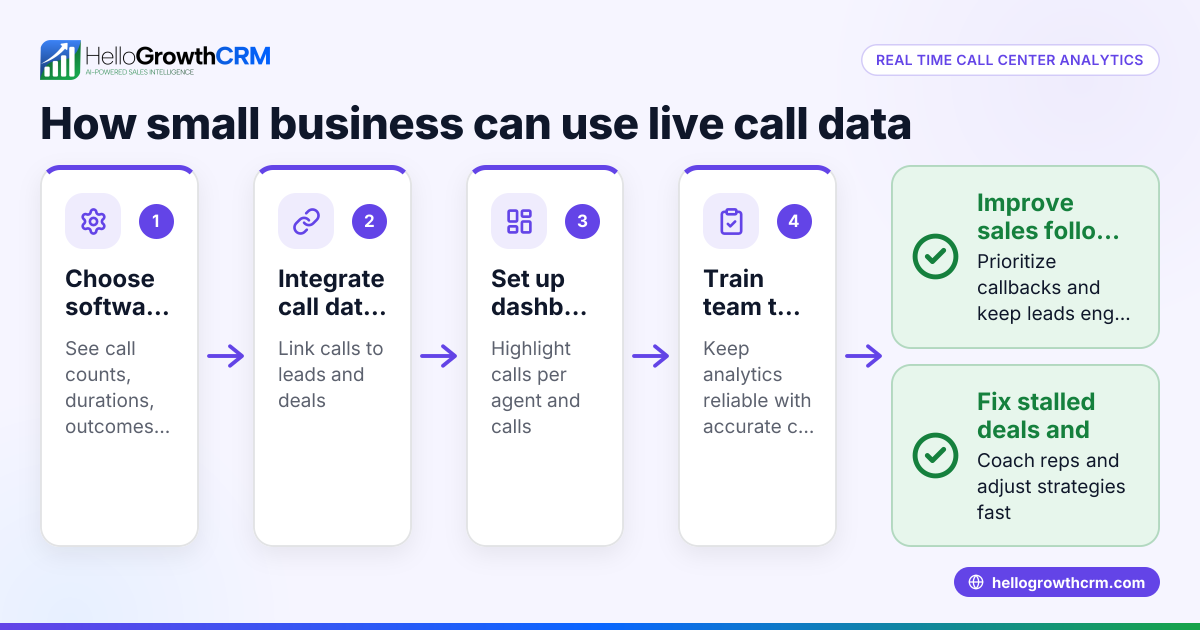
Contact center analytics means using data from your customer communication channels—calls, texts, emails, and chats—to understand and improve your contact center's effectiveness. It helps you track metrics like call volume, response times, customer satisfaction, and sales pipeline progress.
Why this comes up / what goes wrong
Small business owners often run sales and customer support on multiple channels like phone, WhatsApp, SMS, and email without a unified system. This leads to slow follow-ups, lost leads, and unclear visibility into sales progress. Without analytics, it’s hard to know which team members perform best or where customers drop off, causing missed revenue opportunities and inefficient resource use.
Step-by-step
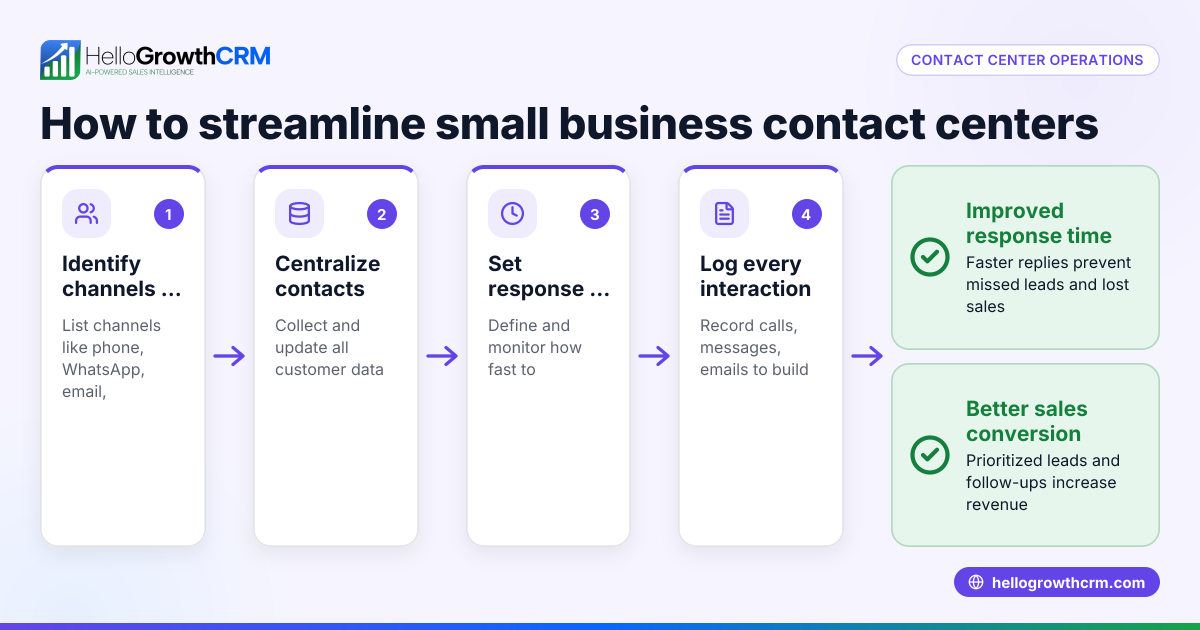
- Collect interaction data consistently: Use tools or software that capture all customer contacts across channels such as calls, WhatsApp messages, SMS, and emails. Check that data includes timestamps, agent IDs, customer info, and outcomes.
- Define key metrics to track: Decide what matters most—call handle time, first response time, lead conversion rates, or customer satisfaction scores. Verify these metrics align with your business goals.
- Analyze pipeline stages: Review how leads move through your sales pipeline. Identify stages where deals stall or drop off. Check for patterns by agent or customer segment.
- Use AI insights if available: Apply AI tools to forecast revenue based on current pipeline data and historical conversion trends. Check for alerts on stalled deals or underperforming reps.
- Regularly review and act on reports: Schedule weekly or monthly reviews of analytics reports. Check that insights lead to concrete actions like coaching agents, adjusting scripts, or improving follow-up sequences.
- Integrate analytics with your CRM: Ensure your analytics feed into a CRM that supports communication channels your team uses daily, such as WhatsApp and SMS, to keep data up to date and actionable.
Example (fictional figures)
GreenLeaf Landscaping in Charlotte, North Carolina, uses contact center analytics to improve sales follow-up. In March 2026, they had 250 leads entering their sales pipeline.
- Total leads: 250
- Leads lost at initial contact stage: 50
- Leads stalled at proposal stage: 40
- Average deal size: $4,000
They calculate lost potential revenue from stalled deals:
40 stalled leads × $4,000 = $160,000 potential revenue stalled
By improving follow-up at the proposal stage, GreenLeaf aims to reduce stalled deals and increase closed sales, boosting revenue without increasing lead volume.
Common mistakes
- Ignoring multi-channel data: Failing to collect data from all communication channels leads to incomplete insights. Prevent this by using a CRM that integrates WhatsApp, SMS, and email data.
- Tracking too many metrics: Overloading with irrelevant KPIs can confuse your team. Focus on a few critical metrics aligned with your sales goals.
- Not acting on insights: Gathering data without follow-up actions wastes effort. Set clear processes for reviewing reports and implementing changes.
- Relying on spreadsheets alone: Manual tracking in Excel is error-prone and slow. Use CRM tools that provide automated pipeline forecast and AI insights to spot trends faster.
- Neglecting agent performance analysis: Not identifying which reps need coaching can lower overall team effectiveness. Use analytics to highlight training needs.
Doing this in HelloGrowthCRM
HelloGrowthCRM offers pipeline forecast and AI insights that help small businesses see which sales stages deals stall in without building spreadsheets. Its AI-assisted revenue forecasting projects expected close amounts based on current pipeline stage, velocity, and historical conversion patterns. This lets you quickly identify bottlenecks and underperforming reps. Learn more about HelloGrowthCRM’s pipeline forecast and AI insights and how it integrates WhatsApp and SMS in your sales workflow from WhatsApp and SMS CRM. The built-in dialer also streamlines calls directly from the CRM interface, improving contact center efficiency and data capture built-in CRM dialer.
Frequently asked questions
What is contact center analytics used for? Contact center analytics is used to measure and improve customer interactions, agent productivity, and sales outcomes by analyzing data from calls, messages, and emails. It helps identify bottlenecks, improve customer experience, and increase revenue.
How can small businesses start with contact center analytics? Begin by collecting consistent data from all communication channels, defining key performance indicators, and using tools or CRM software to analyze pipeline stages and agent performance. Regularly review insights and take action to improve follow-up and conversion.
What metrics are most important in contact center analytics? Common key metrics include first response time, call handle time, lead conversion rate, customer satisfaction scores, and pipeline stage velocity. Choose metrics that directly impact your business goals.
Can AI help with contact center analytics? Yes, AI can forecast revenue, identify stalled deals, and analyze rep performance by learning from historical data and current pipeline activity. This helps prioritize efforts and improve sales forecasting accuracy.
Is a CRM necessary for contact center analytics? While possible with spreadsheets, a CRM that integrates communication channels and provides built-in analytics is much more efficient and accurate. It centralizes data and automates reporting, making insights easier to act on.
Key takeaways
- Contact center analytics tracks customer interactions to improve sales and service.
- Collect data from all communication channels your team uses, including WhatsApp and SMS.
- Focus on key metrics like pipeline stages, response times, and conversion rates.
- Use AI-assisted forecasting to identify stalled deals and underperforming reps.
- Avoid relying solely on spreadsheets; use CRM tools with built-in analytics.
- Regularly review analytics reports and implement improvements.
Start improving your contact center analytics today with HelloGrowthCRM. Start on the Free Forever plan (200 leads, no credit card) to see how pipeline forecast and AI insights can help your small business grow.
Ready to put this into practice?
Set up your pipeline, WhatsApp follow-ups, and AI lead scoring in minutes — free, no credit card.
Try HelloGrowthCRM freeGet CRM tips in your inbox
Join thousands of sales professionals who get weekly insights on CRM strategy, AI automation, and pipeline optimization.

The HelloGrowthCRM team publishes guides on CRM strategy, AI sales tools, and revenue operations for small business sales teams.