HelloGrowthCRM software
Built for real small-business sales teams
HelloGrowthCRM helps reps qualify faster, follow up on time, and close more deals—with practical automation in one place.
- AI lead scoring and pipeline visibility
- Built-in dialer, WhatsApp, and email automation
- Sales forecasting and RevOps-ready reporting
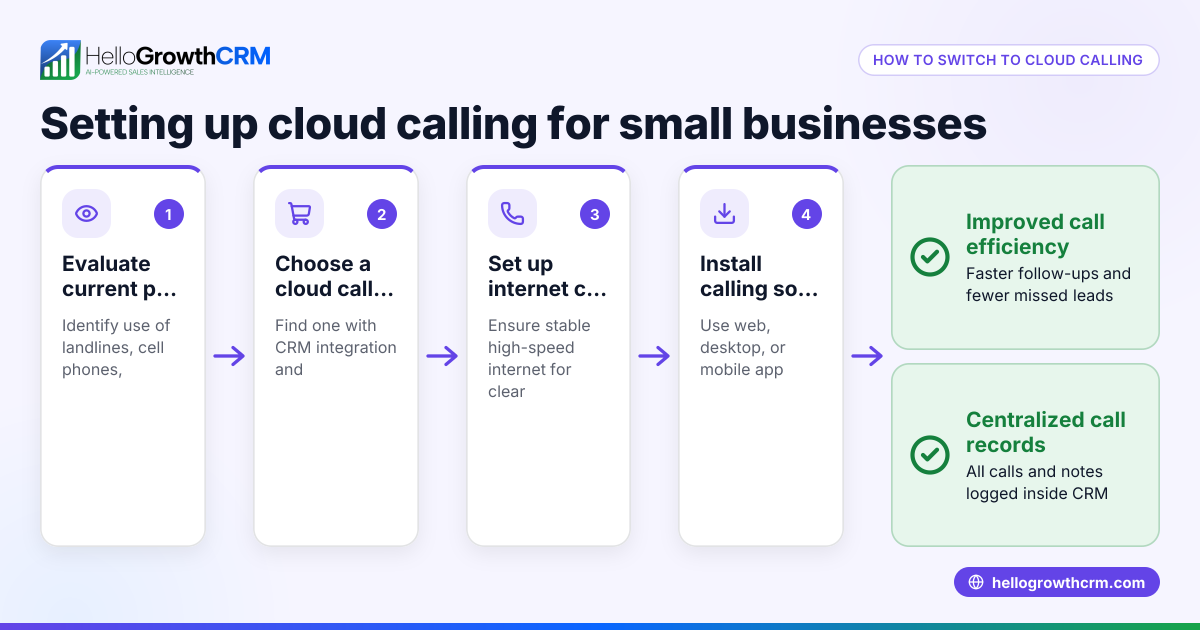
A cloud contact center is a customer service system hosted online instead of on local servers. It lets small businesses handle calls, emails, SMS, WhatsApp messages, and chats from one platform without buying expensive phone equipment. The main benefits include lower costs, flexibility, better customer management, and support for remote work.
Why this comes up / what goes wrong
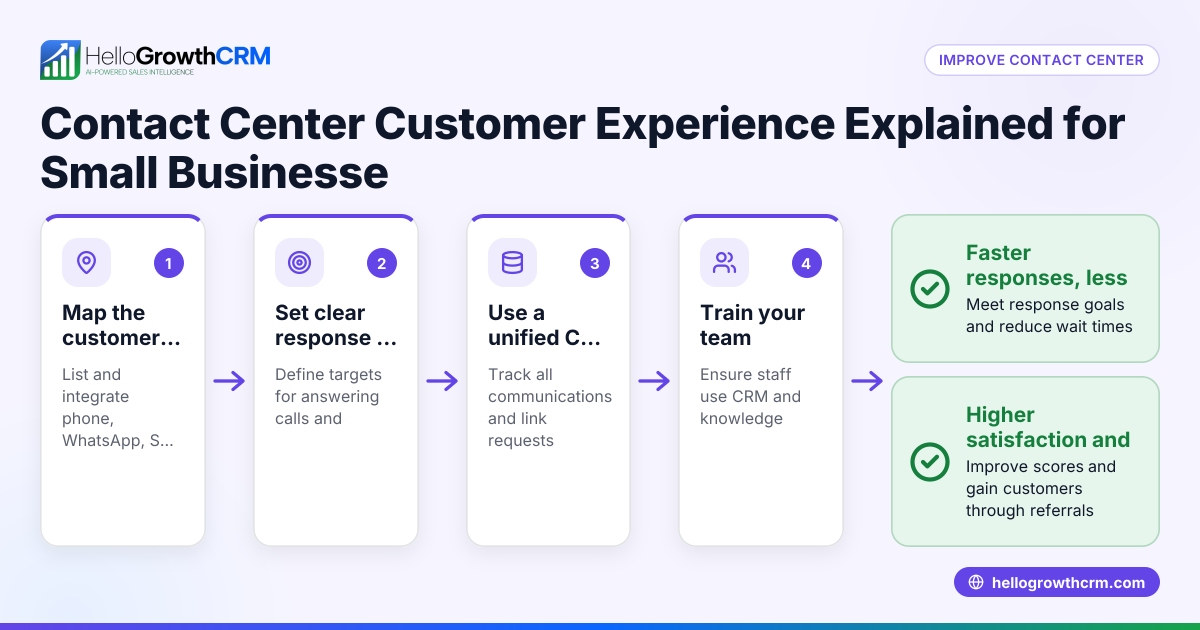
Small business owners often struggle with traditional phone systems and managing customer contacts across different channels. They face high upfront costs for hardware and monthly fees for phone lines. Scaling up during busy times is difficult because adding new lines or equipment takes time and money. Agents working remotely may have trouble connecting securely or accessing all customer information. Also, managing customer interactions spread over phone, email, text, and WhatsApp without a unified system can lead to missed leads, slow follow-up, and lost sales.
Switching to a cloud contact center solves these issues by consolidating communication channels, reducing upfront investment, and allowing quick scaling. It enables agents to work securely from anywhere and integrates with CRM and sales tools to improve workflows.
Step-by-step
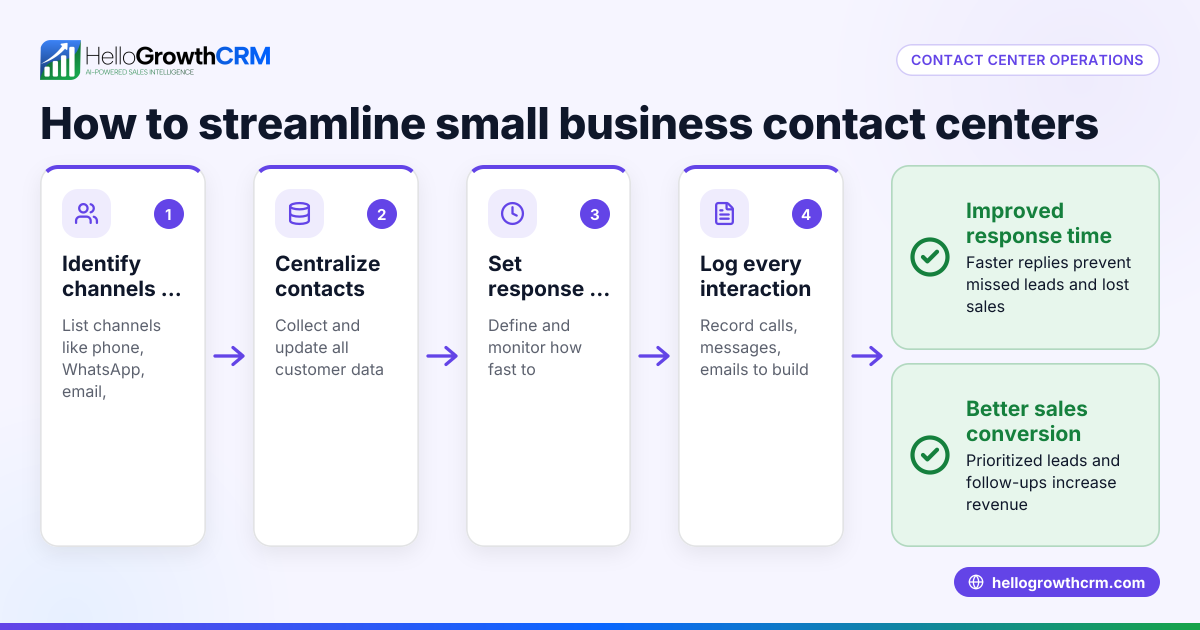
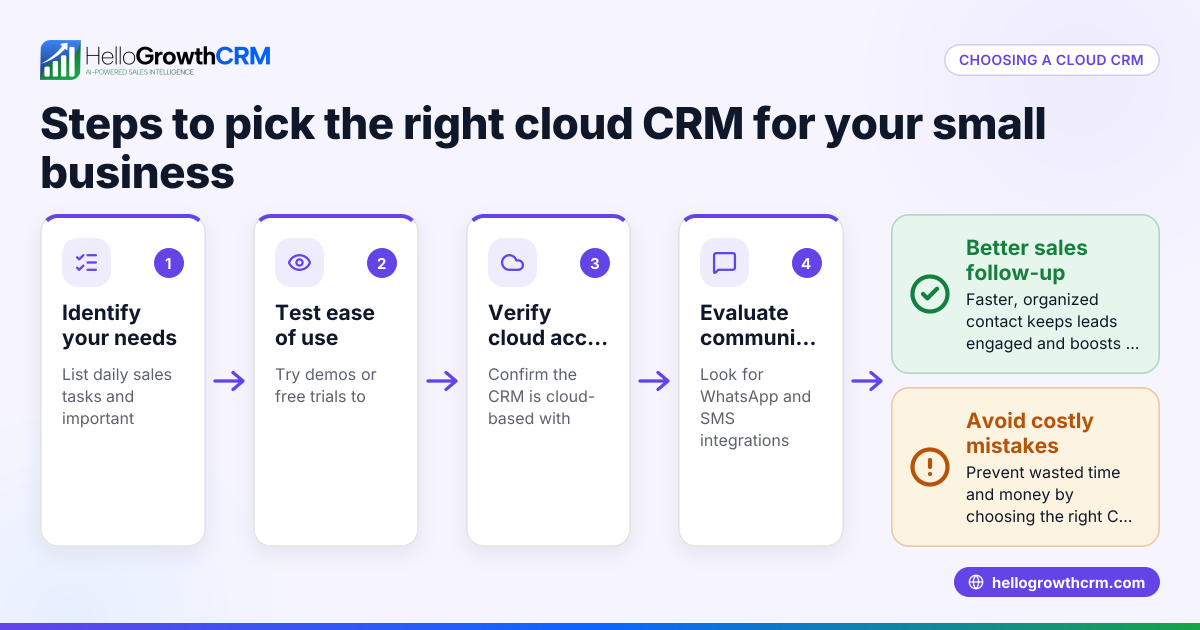
- List your customer communication channels: Identify all the ways your customers contact you, such as phone calls, emails, SMS, WhatsApp, and chat. Confirm that the cloud contact center supports these channels to keep communications unified.
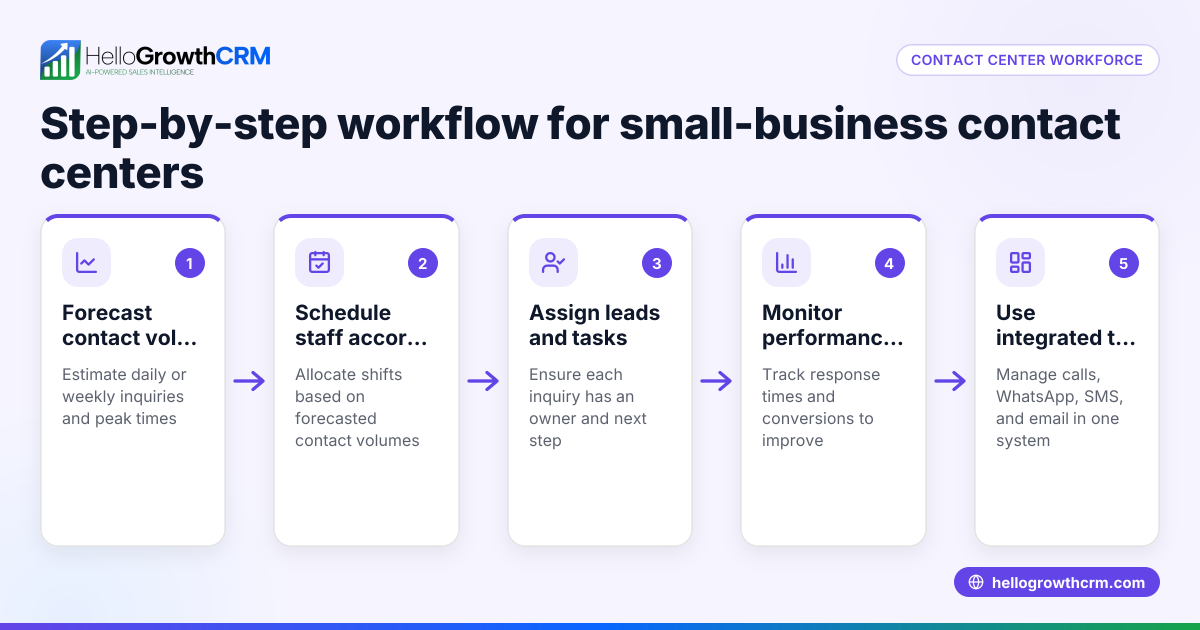
- Determine your current and future agent count: Know how many customer service agents you have now and how many you expect in 1-2 years. Choose a cloud contact center that lets you easily add or remove agents without buying new hardware.
- Check integration options: Find out if the cloud contact center can connect with your existing CRM, email marketing, or sales software. Integration reduces manual data entry and helps your team work more efficiently.
- Compare costs: Review monthly subscription fees and any additional charges for features like AI routing or analytics. Compare these to your current expenses for phone lines, equipment, and maintenance.
- Test remote agent support: Ensure the platform allows agents to log in securely from home or other locations with reliable call quality and connection.
- Evaluate reporting and analytics: Look for real-time dashboards and reports to monitor agent performance, call volume, and customer satisfaction.
- Request a trial or demo: Use a free trial or demo period to test the system’s usability, agent experience, and customer response times before committing.
Example (fictional figures)
Consider a B2B software reseller in Denver, Colorado, with 10 customer service agents. They currently use a traditional phone system with $1,200 monthly fees plus $5,000 upfront equipment costs.
Current annual cost: $5,000 (equipment) + ($1,200 × 12 months) = $5,000 + $14,400 = $19,400
They switch to a cloud contact center charging $500 monthly with no upfront fees.
Cloud contact center annual cost: $500 × 12 months = $6,000
Savings in the first year: $19,400 - $6,000 = $13,400
They plan to add 5 more agents at $50 each per month: $50 × 5 agents × 12 months = $3,000
Total cloud contact center cost with expansion: $6,000 + $3,000 = $9,000
Still saving $10,400 annually while gaining flexibility and better features.
Common mistakes
- Ignoring channel support: Choosing a cloud contact center that doesn’t support all your customer communication channels can fragment service. Prevent this by listing all channels upfront and confirming support.
- Underestimating scalability: Picking a plan that can’t grow with your team leads to costly migrations later. Verify scalability options carefully.
- Overlooking integration: Not integrating with your CRM or sales tools means extra manual work and missed opportunities. Ensure the cloud contact center connects with your existing software.
- Skipping trials: Not testing the system before purchasing risks poor user experience or technical problems. Always request a demo or free trial.
- Neglecting agent training: Failing to train agents on the new system reduces productivity. Schedule training sessions during onboarding.
- Ignoring reporting features: Without good analytics, you can’t improve performance or customer satisfaction. Confirm the platform offers robust reporting.
Frequently asked questions
What is a cloud contact center? A cloud contact center is an online customer support platform that manages multiple communication channels like phone calls, emails, SMS, WhatsApp, and chats without local hardware.
How does a cloud contact center save money? It eliminates upfront hardware costs, reduces maintenance expenses, and offers flexible subscription pricing, avoiding expensive traditional phone systems.
Can my agents work remotely with a cloud contact center? Yes, cloud contact centers support remote agents who log in securely from anywhere with internet access, enabling flexible work arrangements.
Does a cloud contact center integrate with CRM systems? Many cloud contact centers integrate with CRM and sales tools to keep customer data unified and improve workflows. Check compatibility with your existing software.
Is switching to a cloud contact center complicated? Switching usually involves setup and training but can be straightforward with vendor support. Using a trial helps identify challenges early.
Will a cloud contact center improve customer satisfaction? By consolidating communication channels, speeding up response times, and improving agent management, cloud contact centers enhance customer experience.
Key takeaways
- Cloud contact centers reduce upfront costs and support pay-as-you-grow pricing.
- They unify multiple communication channels, including WhatsApp and SMS, for better customer management.
- Scalability and remote agent support help small businesses adapt quickly.
- Integration with CRM and sales tools streamlines workflows.
- Testing via trials and agent training are essential for success.
- Reporting features enable monitoring and improving service quality.
Start on the Free Forever plan (200 leads, no credit card) at HelloGrowthCRM to organize your sales and customer communications efficiently. Learn more about HelloGrowthCRM for the United States, its WhatsApp and SMS CRM, and the built-in CRM dialer to improve your customer contact management today.
Ready to put this into practice?
Set up your pipeline, WhatsApp follow-ups, and AI lead scoring in minutes — free, no credit card.
Try HelloGrowthCRM freeGet CRM tips in your inbox
Join thousands of sales professionals who get weekly insights on CRM strategy, AI automation, and pipeline optimization.

The HelloGrowthCRM team publishes guides on CRM strategy, AI sales tools, and revenue operations for small business sales teams.