HelloGrowthCRM software
Built for real small-business sales teams
HelloGrowthCRM helps reps qualify faster, follow up on time, and close more deals—with practical automation in one place.
- AI lead scoring and pipeline visibility
- Built-in dialer, WhatsApp, and email automation
- Sales forecasting and RevOps-ready reporting
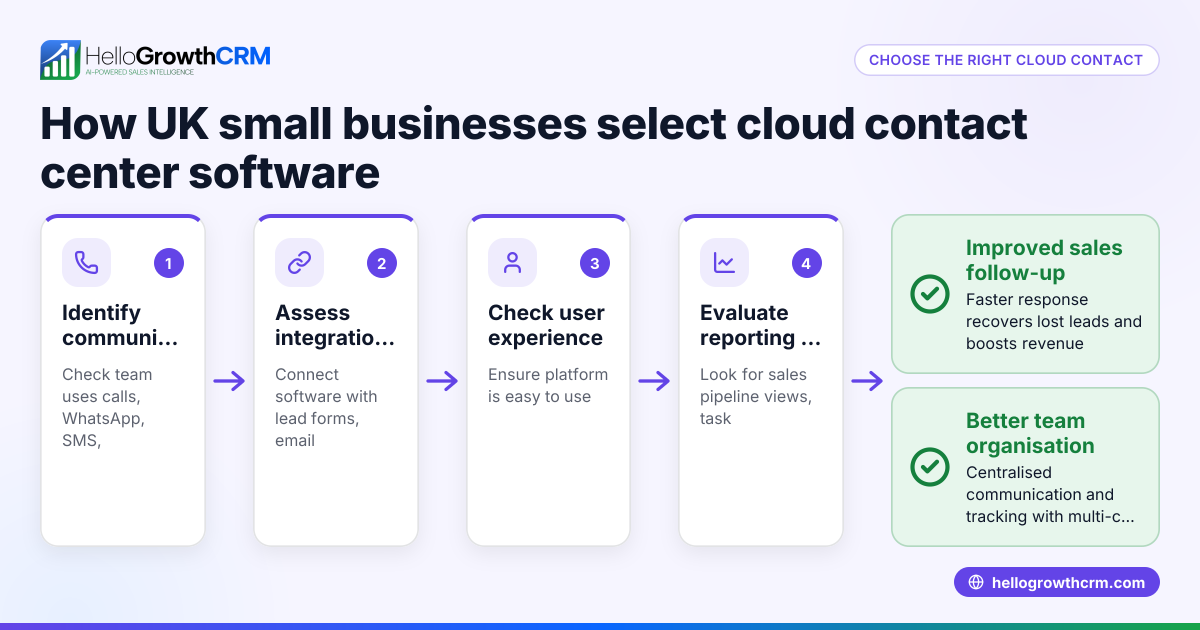
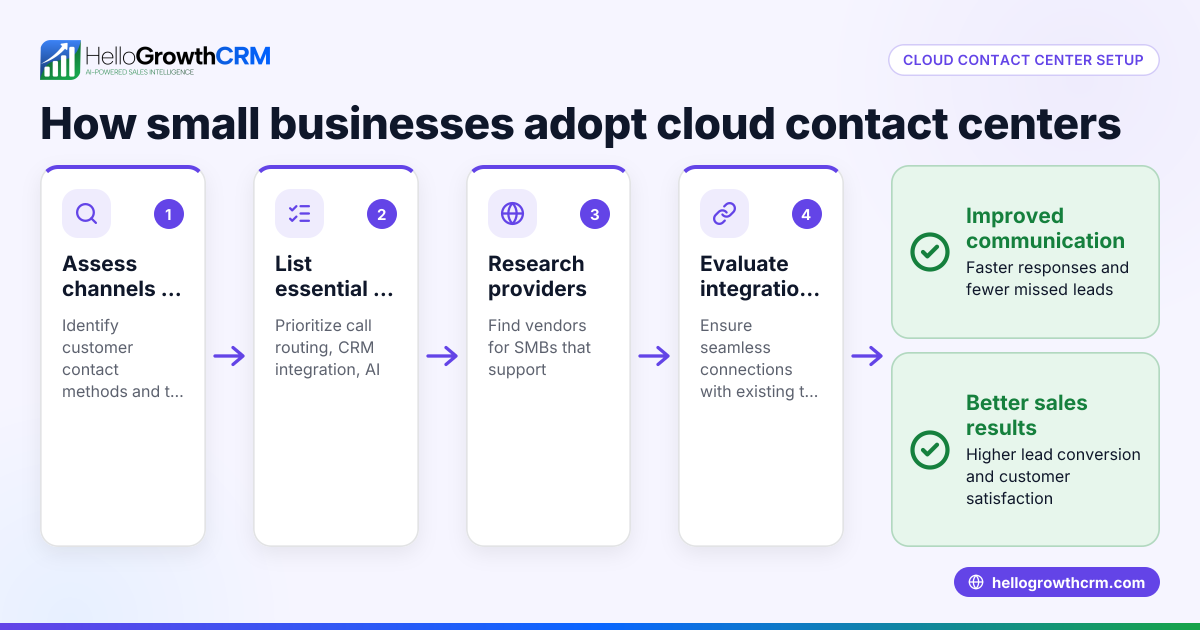
Contact center automation is the use of technology to automate repetitive tasks in customer support and sales communications. It typically involves AI, automated workflows, and multi-channel messaging to improve efficiency and speed up responses. This helps small businesses handle leads and customer inquiries faster while reducing manual work. This article covers why small businesses look for contact center automation, how to implement it step-by-step, a practical example with figures, common mistakes to avoid, and how HelloGrowthCRM can assist.
Why this comes up / what goes wrong
Small business owners often struggle with managing customer contacts and leads efficiently. Their teams may rely on manual follow-ups through text messages, emails, or spreadsheets, which slows down response times and causes leads to slip through the cracks. This leads to lost sales opportunities and frustrated customers. Without automation, sales reps spend too much time on routine tasks like sending follow-up messages or assigning leads, leaving less time for closing deals. Business owners search for contact center automation to streamline these processes, improve team productivity, and ensure consistent, timely communication.
Step-by-step
- Assess your current contact management process: Identify where delays or manual work happen, such as slow lead follow-up, scattered communication channels, or missed tasks.
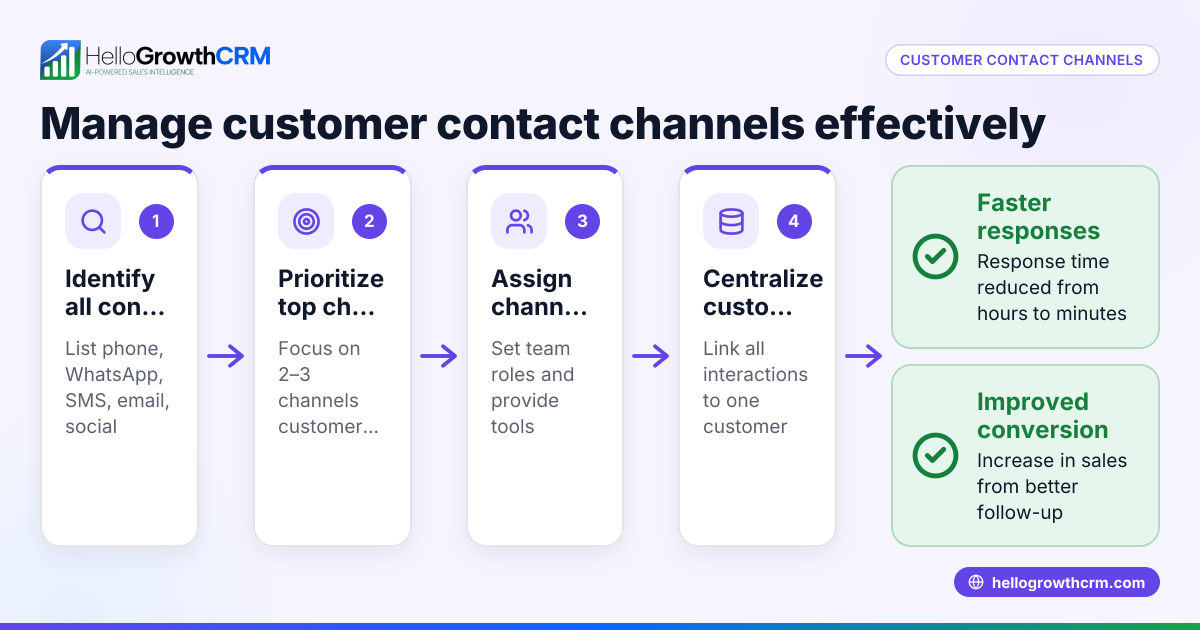
- Select automation tools that fit your business needs: Choose CRM solutions that support automated workflows and multi-channel messaging, including email, SMS, and WhatsApp, to centralize customer conversations. HelloGrowthCRM offers these capabilities with sequences and campaigns and AI agents (/product/whatsapp-sms-crm).
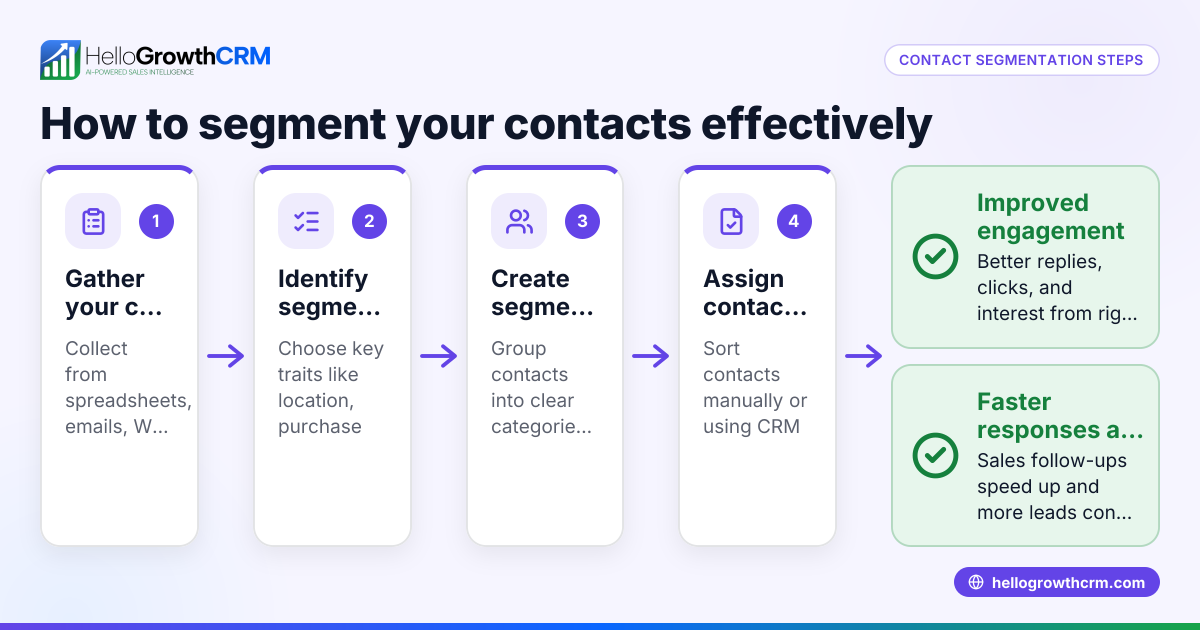
- Set up automated lead capture and routing: Implement rules like round-robin or territory-based assignment to automatically distribute new leads to the right sales reps, ensuring quick follow-up and task creation (/product/ai-crm).
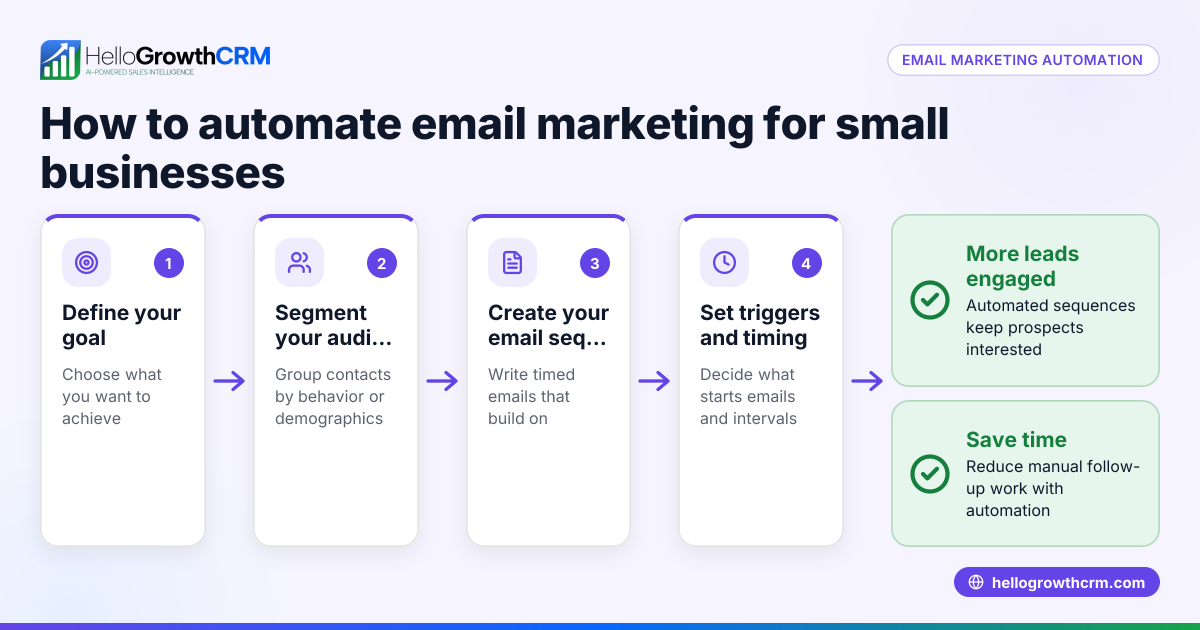
- Create multi-step follow-up sequences: Design workflows that send a series of timed messages across channels until the prospect replies. This reduces manual reminders and keeps leads engaged (/product/email-automation).
- Use AI agents to draft follow-up messages after calls: Save time by letting reps review and send AI-drafted messages rather than writing from scratch, speeding up communication (/product/ai-crm).
- Monitor and analyze automation performance: Track metrics like response times, conversion rates, and revenue impact. Refine workflows and messaging based on what works best.
- Train your team on automation tools: Ensure everyone understands how to use sequences, workflows, and AI drafts to keep the process smooth and effective.
Example (fictional figures)
GreenLeaf Landscaping in Charlotte, North Carolina, wants to automate its contact center to improve lead follow-up.
- Current monthly leads: 500
- Average conversion rate without automation: 10%
- Average revenue per converted lead: $1,200
GreenLeaf implements an automated five-step follow-up sequence over two weeks and AI-assisted message drafting.
They estimate a 20% increase in conversions due to faster and more consistent follow-up.
Calculation:
Current monthly revenue = 500 leads × 10% conversion × $1,200 = $60,000
Expected new conversion rate = 10% + (10% × 20%) = 12%
New monthly revenue = 500 leads × 12% conversion × $1,200 = $72,000
Revenue increase = $72,000 - $60,000 = $12,000
This example shows how automation can boost revenue by improving lead management efficiency.
Common mistakes
- Ignoring team training: Prevent by scheduling training sessions so reps know how to use automation tools and workflows effectively.
- Over-automating without personalization: Prevent by customizing automated messages and allowing reps to review AI drafts to keep communication natural and relevant.
- Not monitoring automation performance: Prevent by regularly reviewing reports and adjusting workflows to improve results.
- Using automation that doesn’t integrate with your communication channels: Prevent by choosing CRM solutions supporting WhatsApp, SMS, and email integration like HelloGrowthCRM (/product/whatsapp-sms-crm).
- Failing to set clear lead routing rules: Prevent by defining lead assignment criteria such as round-robin or territory to avoid delays in follow-up (/product/ai-crm).
Doing this in HelloGrowthCRM
HelloGrowthCRM offers sequences and campaigns that automate a five-step follow-up over two weeks, stopping as soon as a prospect replies. Its AI agents draft follow-up messages after calls, letting reps quickly review and send without writing from scratch. Workflows, lead routing, and validation rules automate lead assignment and task creation, such as assigning new inquiries round-robin and creating first-call tasks automatically. Learn more about HelloGrowthCRM for the United States (/usa).
Frequently asked questions
What is contact center automation? Contact center automation uses software to automate repetitive customer communication tasks like follow-ups, lead routing, and message sending. It helps small businesses respond faster and reduce manual work.
How does automation improve customer follow-up? Automation sends timed, multi-channel messages until a prospect replies, ensuring no lead is forgotten. AI can draft messages after calls, speeding up rep responses.
Can small businesses use contact center automation without large IT teams? Yes. Many solutions, including HelloGrowthCRM, offer user-friendly tools like sequences and workflows designed for small to mid-sized teams without complex setup.
What communication channels does contact center automation support? Common channels include email, SMS, and WhatsApp. Integrating these channels into one CRM simplifies managing all customer interactions (/product/whatsapp-sms-crm).
How do I measure the success of contact center automation? Track metrics like lead response time, conversion rates, and revenue changes. Regularly review and adjust automation workflows based on these insights.
Key takeaways
- Contact center automation reduces manual tasks and speeds up lead follow-up.
- Automated sequences and AI drafting improve response consistency and efficiency.
- Proper lead routing and workflows prevent delays and lost leads.
- Avoid over-automation by maintaining message personalization and team training.
- Choose CRM tools that integrate WhatsApp, SMS, and email channels.
Start improving your contact center efficiency today. Start on the Free Forever plan (200 leads, no credit card).
Ready to put this into practice?
Set up your pipeline, WhatsApp follow-ups, and AI lead scoring in minutes — free, no credit card.
Try HelloGrowthCRM freeGet CRM tips in your inbox
Join thousands of sales professionals who get weekly insights on CRM strategy, AI automation, and pipeline optimization.

The HelloGrowthCRM team publishes guides on CRM strategy, AI sales tools, and revenue operations for small business sales teams.